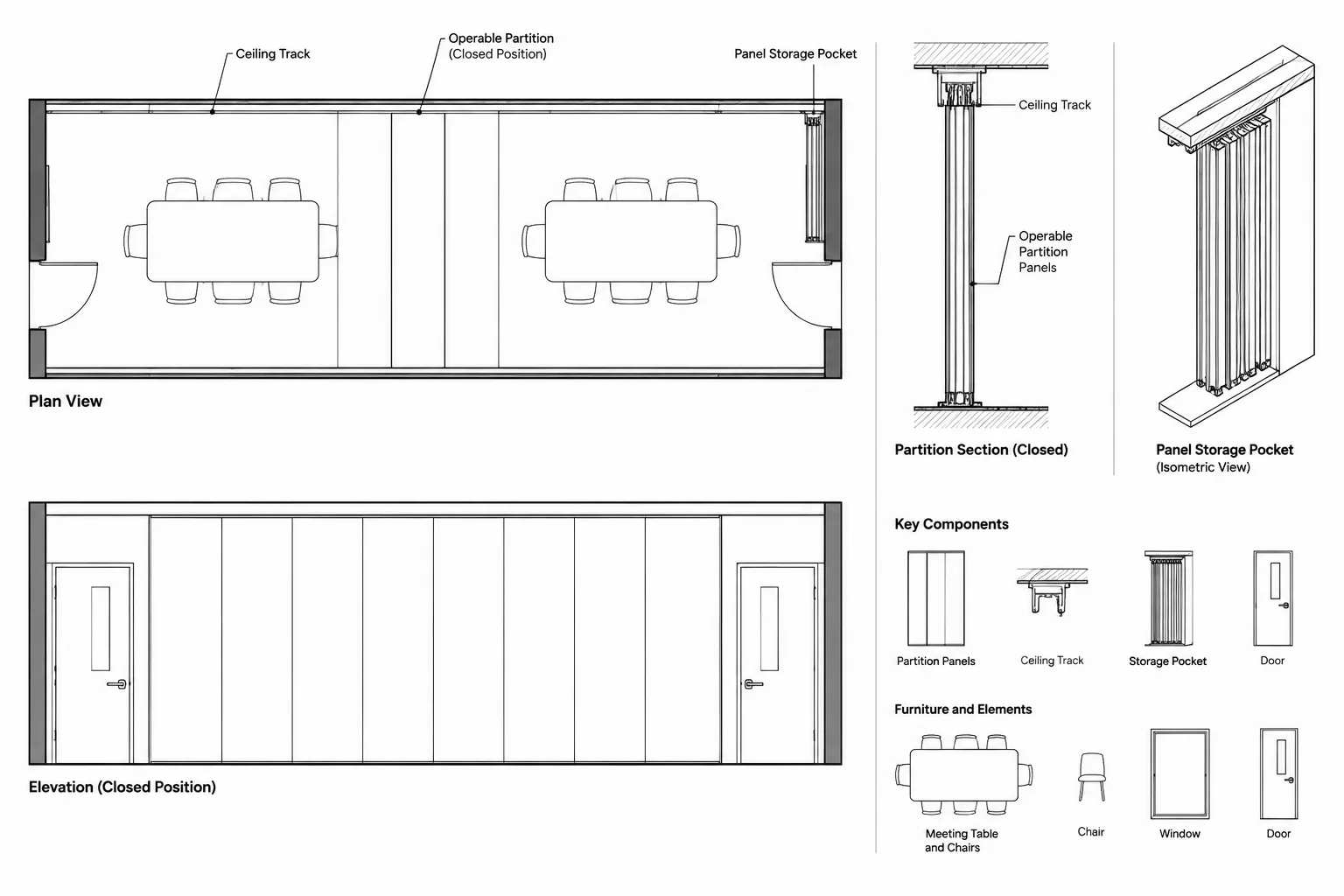
Operable partition CAD drafting requires more than drawing a movable line between rooms. The architectural documentation must explain where the assembly closes, how it travels, where it stacks, and how its track relates to ceilings, structure, finishes, and building services.
The following workflow helps CAD users coordinate these conditions across multiple views while keeping unverified product information out of the drawing set. It is intended as a drafting and quality-control framework; project-specific geometry, support, operation, and performance criteria still require confirmation from the appropriate project sources.
Operable partitions allow a room to be divided or opened as space needs change. Although they may look like simple movable wall panels in a floor plan, their coordination can involve ceiling tracks, storage pockets, adjacent construction, floor conditions, controls, finishes, and building systems. A clear operable partition CAD drafting workflow must therefore connect several drawing types rather than treating the partition as an isolated plan symbol.
This guide explains how to represent an operable partition consistently across architectural plans, reflected ceiling plans, elevations, sections, and details. It focuses on drawing organization and coordination rather than manufacturer-specific dimensions or performance requirements, which must be verified for each project.
Begin with the Required Partition Information
Before drafting, determine what is known and what remains to be confirmed. Early design documents may show only the intended division between rooms. Later drawings typically need enough information to coordinate the partition with the selected system and surrounding construction.
Useful starting information includes:
- The limits of the opening when the partition is closed
- The intended stacking or storage location
- Whether panels move along a straight, curved, or branched track
- The relationship between the track and the ceiling
- The required head, jamb, and floor conditions
- The location of access doors, controls, or locking components
- Finish requirements on each face
- Available structure or support above
- Nearby lights, diffusers, sprinklers, detectors, signage, and other ceiling devices
Do not infer proprietary clearances, panel thicknesses, loads, or support requirements from a generic CAD block. Use verified product and consultant information when the project reaches that level of development.
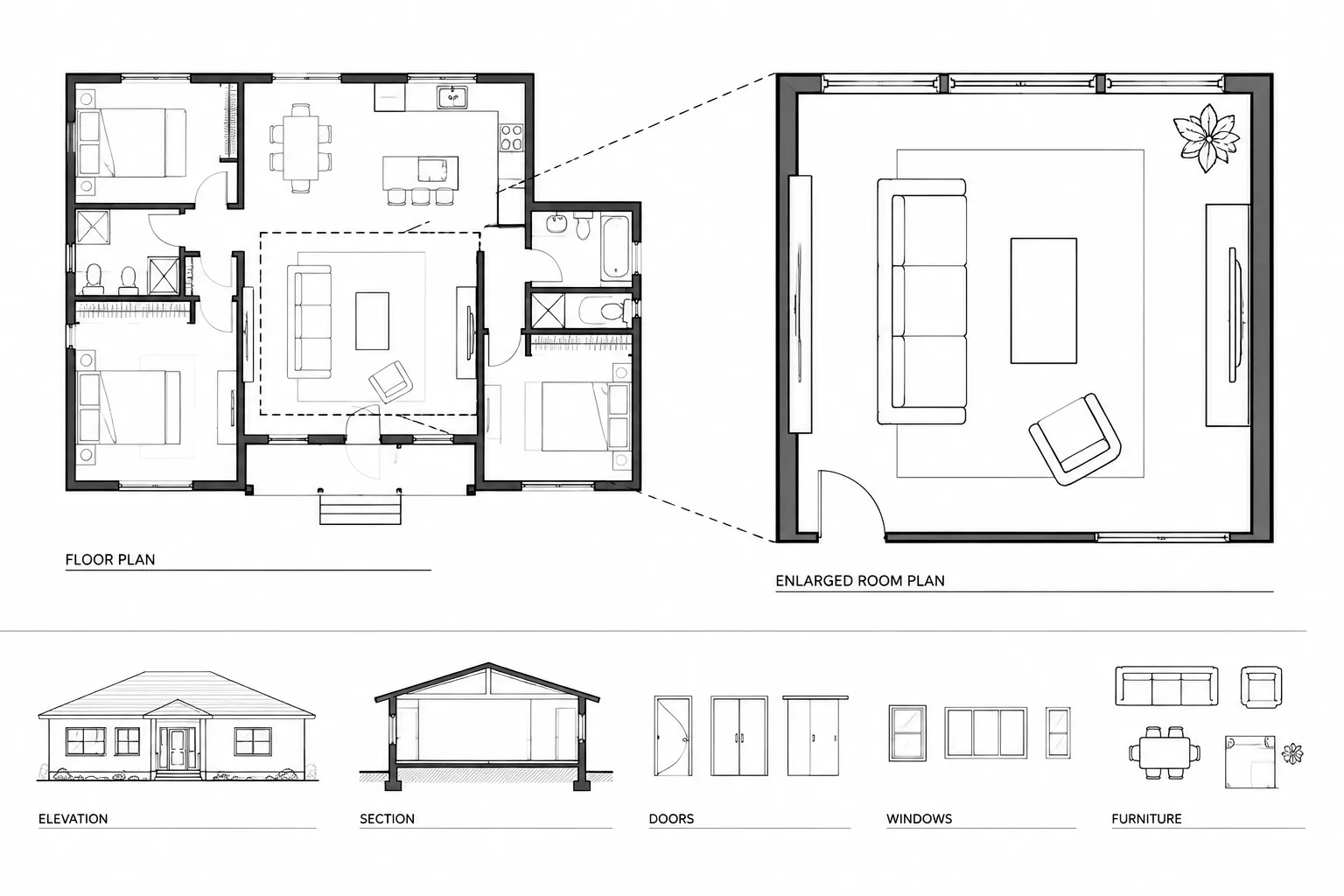
Represent the Partition in the Floor Plan
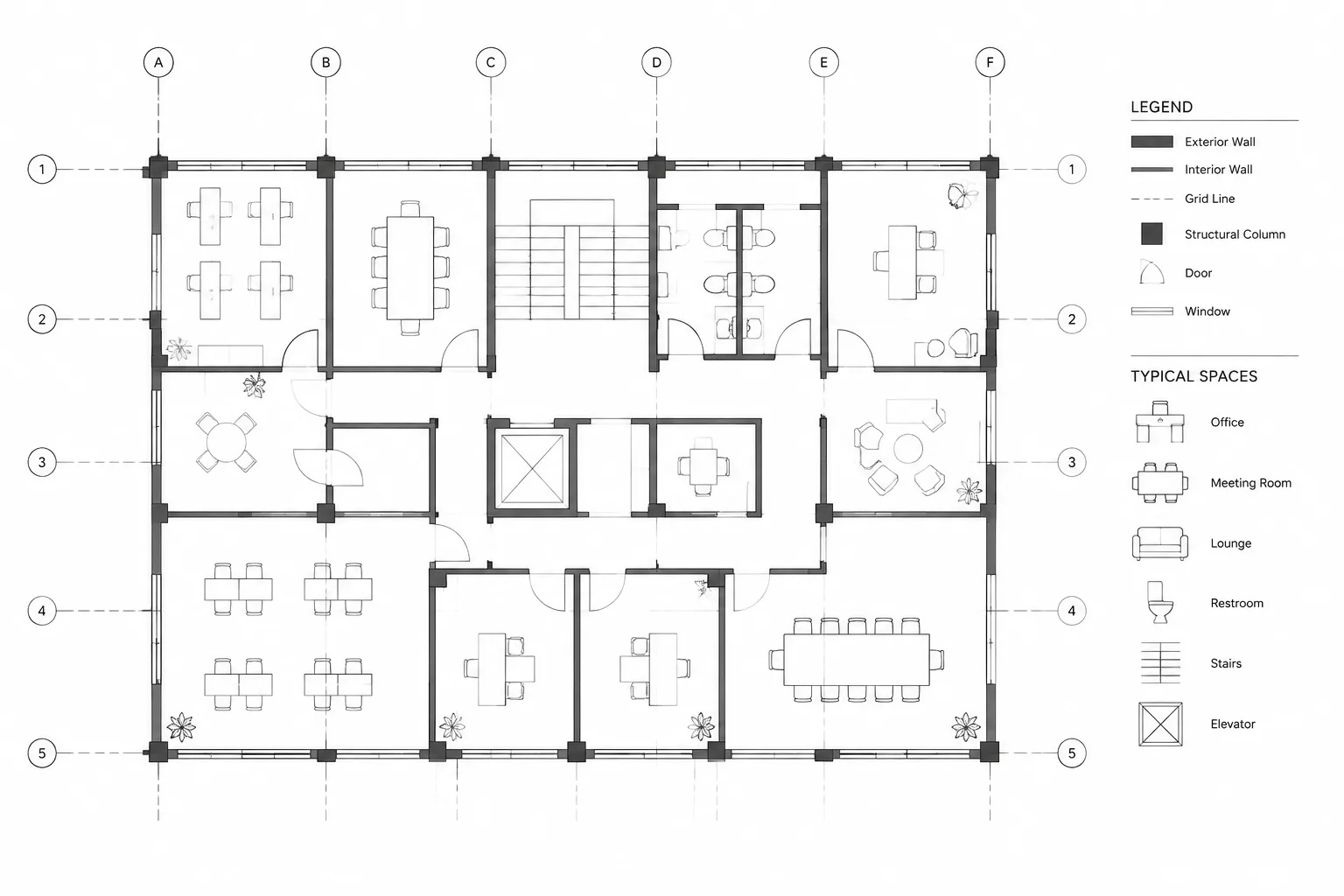
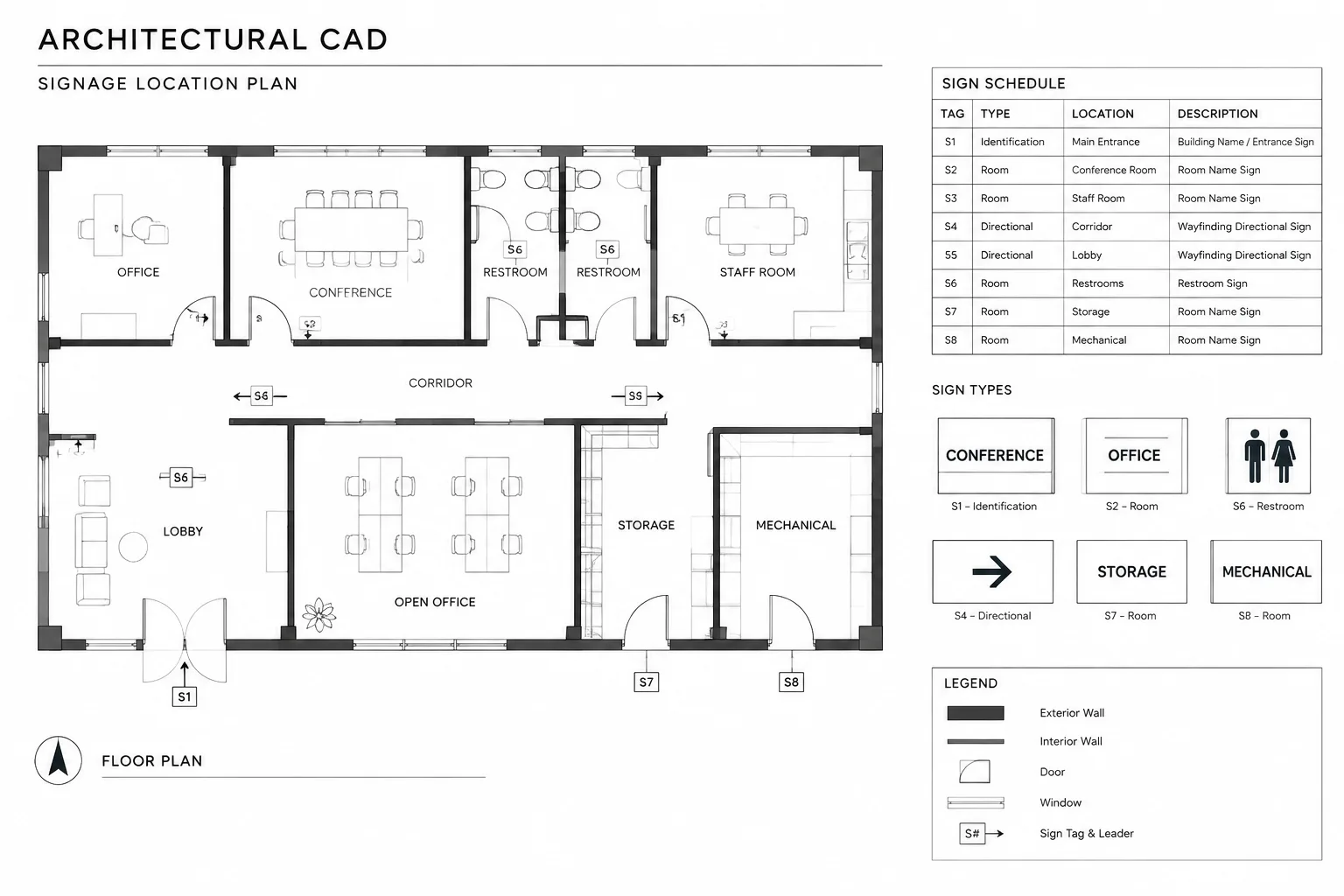
The floor plan should make the partition’s basic operation understandable without becoming overloaded. Show its closed position, opening limits, storage condition, and relationship to adjacent walls and circulation.
Closed position
Represent the closed partition with a consistent line convention that distinguishes it from permanent construction. Depending on the office standard and drawing scale, the partition may be shown as parallel lines, a simplified panel assembly, or a symbolic line with an identifying tag. The graphics should remain legible when plotted at the intended sheet scale.
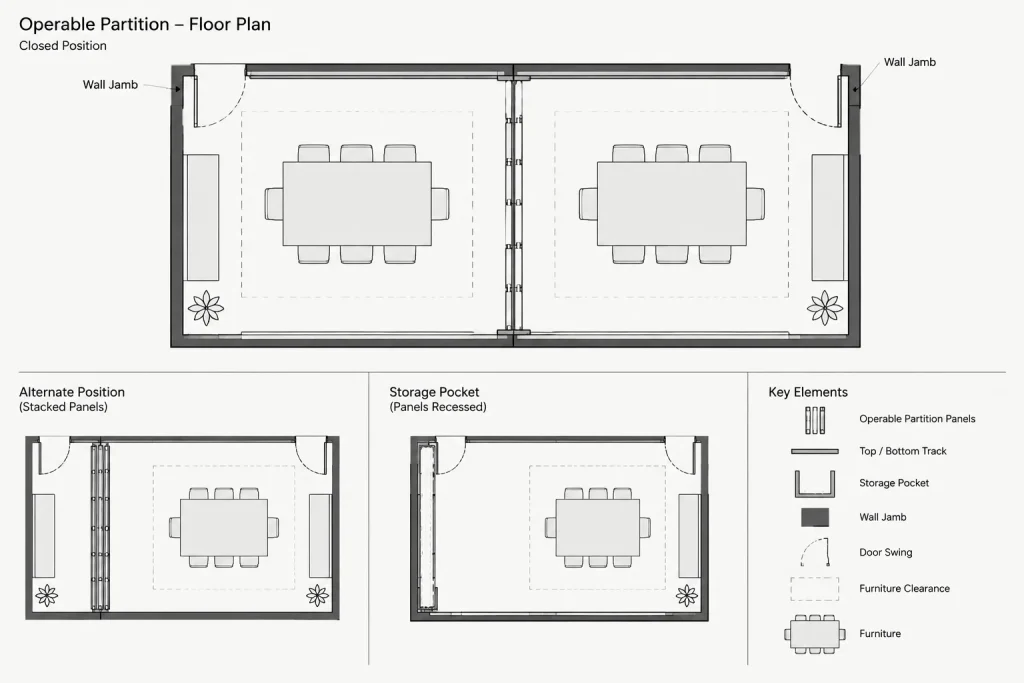
Where individual panels are shown, avoid drawing panel divisions that have not been confirmed. An unverified panel layout may be mistaken for approved fabrication information. A simplified assembly is often more appropriate during design development.
Stacking and storage position
Show where the panels collect when the opening is fully open. This may be a visible stack at one end, paired stacks, or a concealed storage pocket. Use dashed or secondary-weight graphics if that is consistent with the drawing’s convention for alternate positions.
The stacked condition should be checked against:
- Door swings and required access routes
- Furniture and equipment clearances
- Wall-mounted devices and room controls
- Casework, base, trim, and finish transitions
- The usable width of the adjoining space
- Access needed to move, secure, or service the panels
A common drafting mistake is to show the closed partition correctly while omitting the physical space occupied by the stored panels.
Jambs and termination points
Clearly identify both ends of the operating path. The receiving jamb, fixed jamb, pocket entrance, or closure condition may affect wall thickness and nearby finishes. If the exact construction is unresolved, use a coordinated placeholder and add a review note rather than drawing a speculative detail.
Coordinate the Reflected Ceiling Plan
The reflected ceiling plan is often the most important coordination view for an operable partition because the track must share space with ceiling materials and building services.
Show the track continuously along the intended panel path, including any route into a storage pocket. The RCP should clarify whether the track is exposed, recessed, or integrated with a ceiling feature, but only after that condition has been verified.
Review the track against:
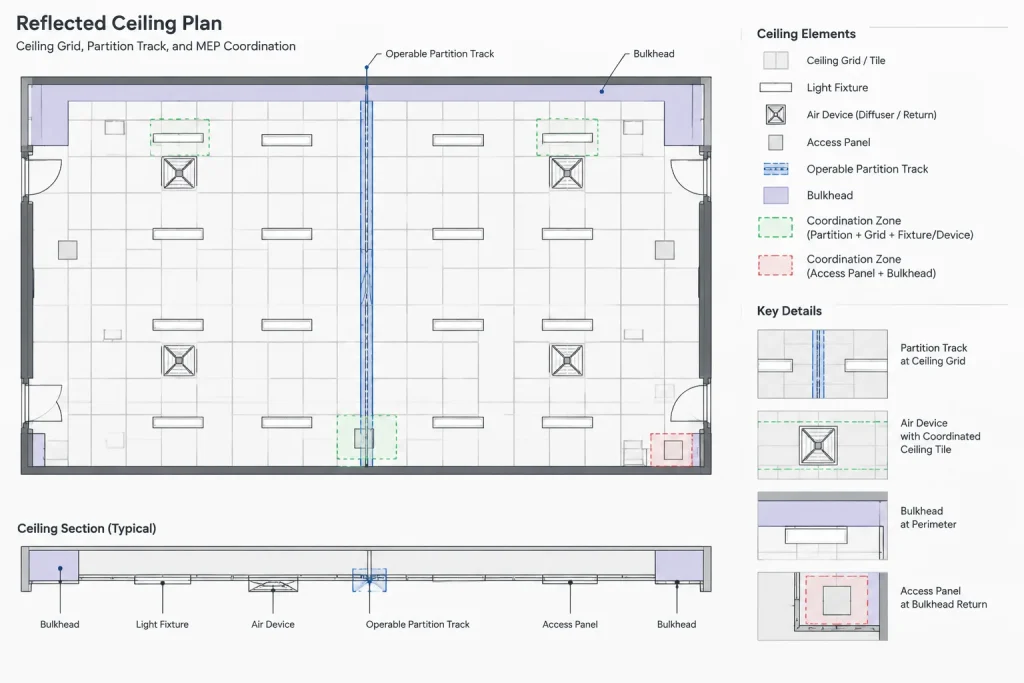
- Ceiling grids, panels, clouds, and bulkheads
- Light fixtures and lighting control devices
- Air devices and access panels
- Fire protection and detection layouts
- Speakers, sensors, cameras, and other equipment
- Changes in ceiling height or material
- Structural framing and support zones shown by consultants
Avoid shifting ceiling devices only to improve the architectural drawing’s appearance. Conflicts should be communicated to the responsible disciplines and resolved using coordinated project information.
Develop Elevations That Explain Operation
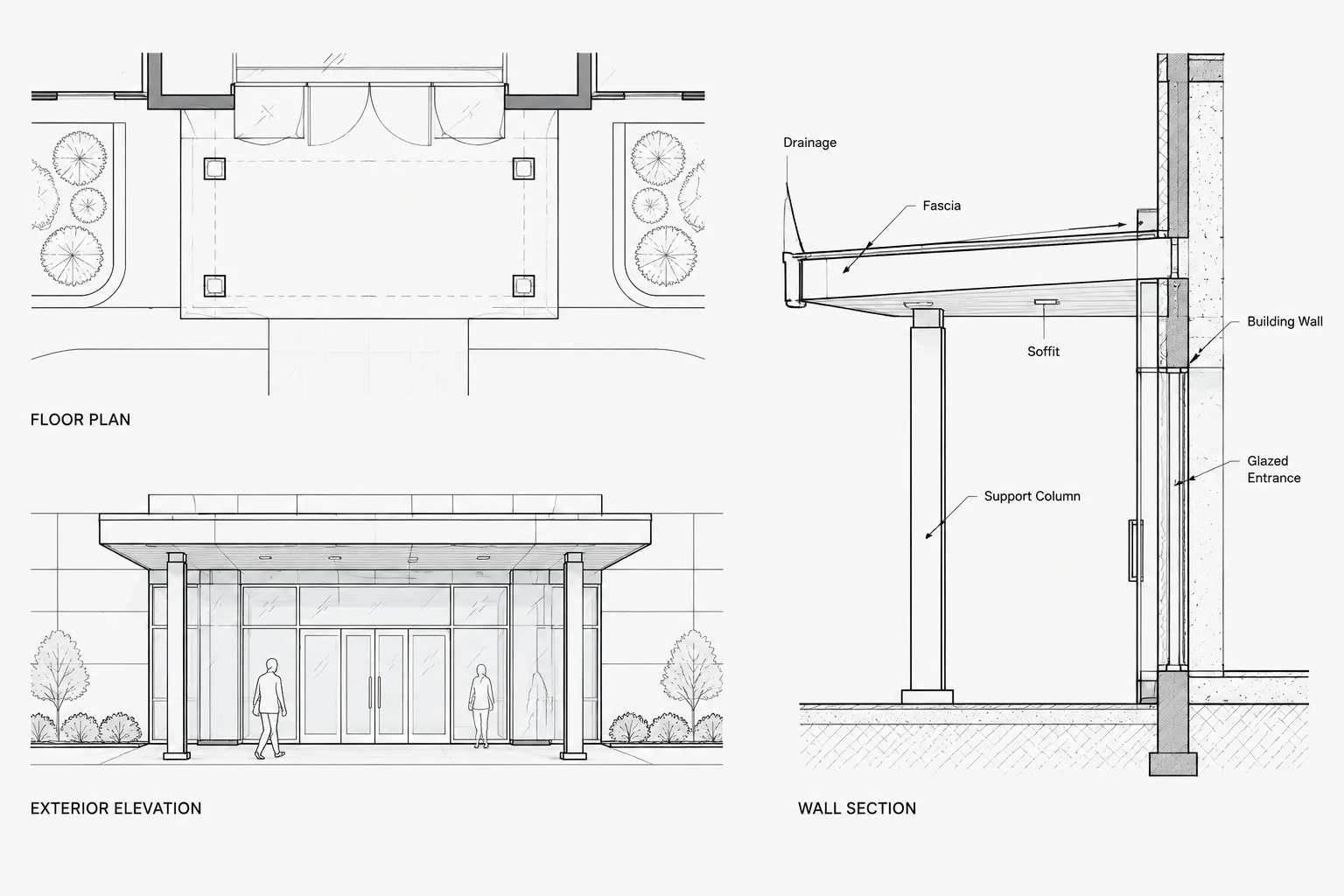
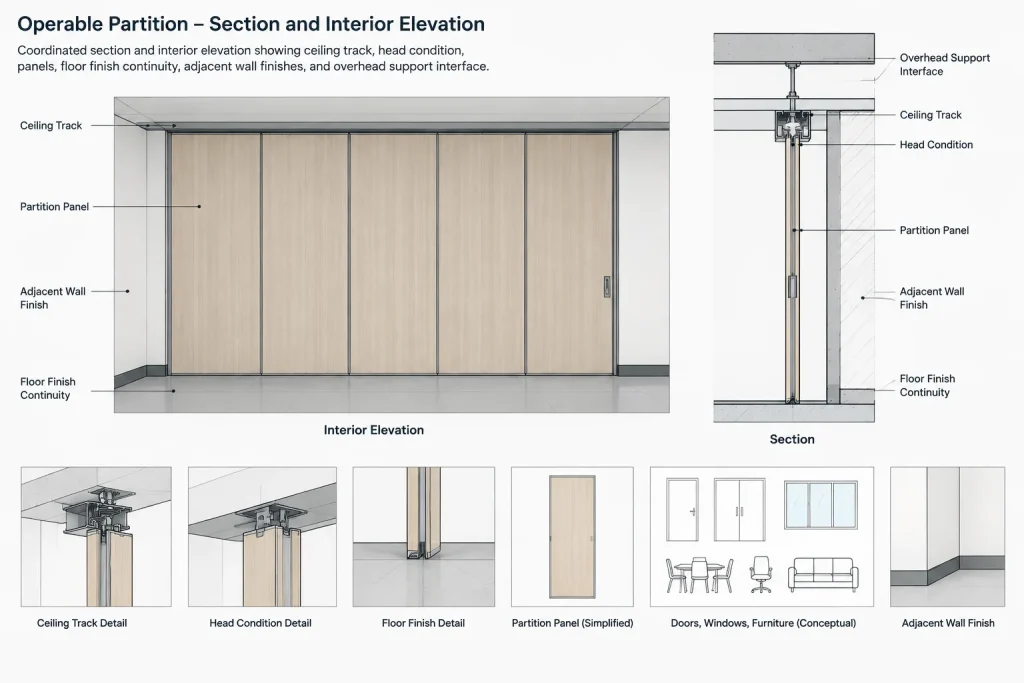
An interior elevation can communicate information that is difficult to read in plan. It can show the partition height, panel rhythm, finish extent, adjacent wall treatment, base condition, and relationship to ceilings or bulkheads.
Useful elevation content may include:
- Overall partition limits
- Head and floor lines
- Verified panel joints or a simplified panel pattern
- Pass doors or access components, if part of the selected assembly
- Controls, key switches, or operating hardware locations
- Wall finishes continuing behind or beside the stack
- Base and trim termination
- References to relevant sections and details
If the two faces receive different finishes, coordinate the room-side information carefully. A finish note attached to the wrong face can create conflicts between elevations, finish schedules, and specifications.
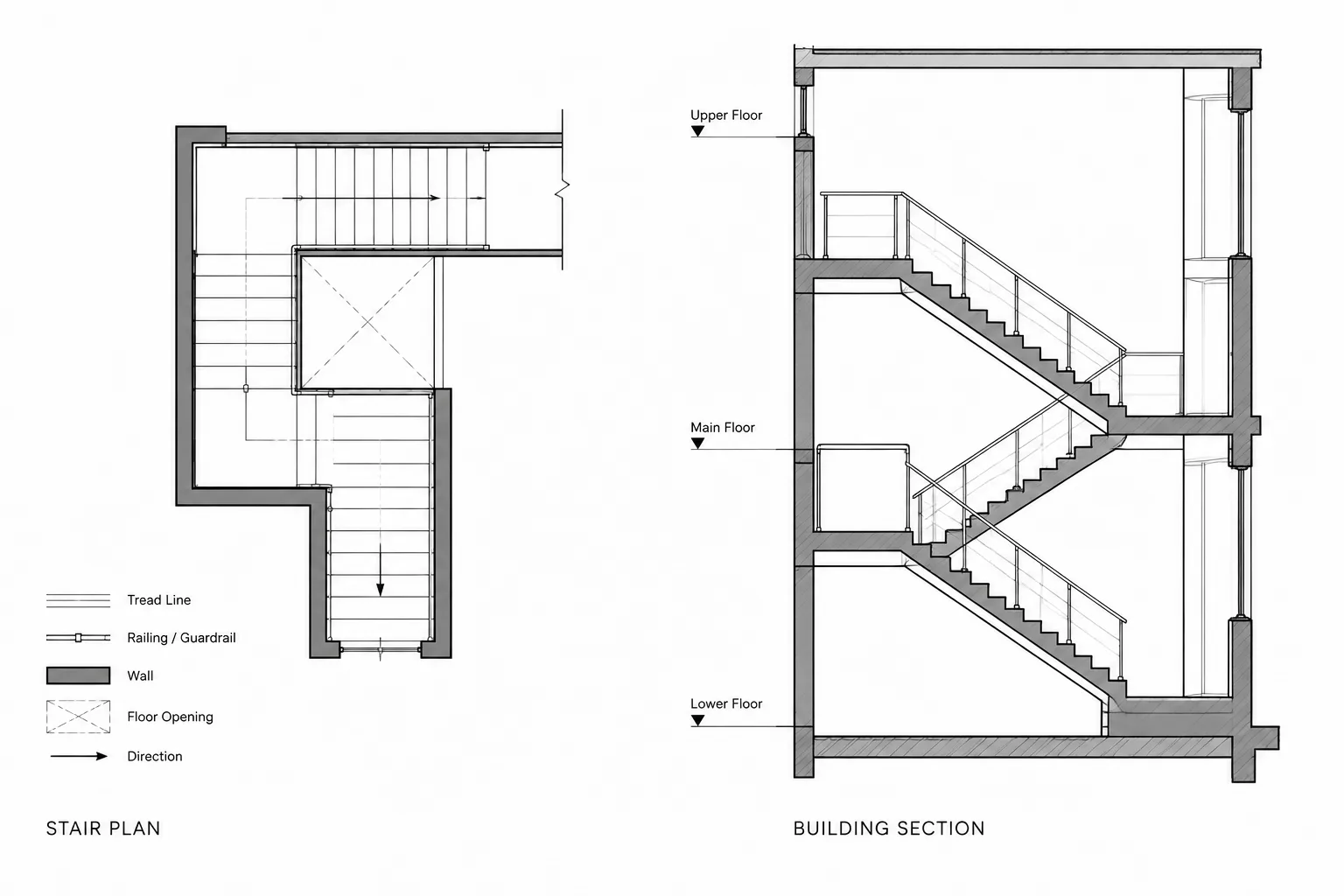
Use Sections to Resolve Vertical Relationships
A building section or enlarged wall section should explain how the operable partition relates to the ceiling, structure, and floor. The section does not need to imitate a proprietary shop drawing. Its purpose is to define architectural intent and identify interfaces requiring further engineering or manufacturer coordination.
Typical section questions include:
- Where is the track located relative to the finished ceiling?
- Is a bulkhead, recess, or trim condition required?
- What construction closes the space above the partition?
- How does the track connect to supporting construction?
- Does the floor remain continuous below the partition?
- How do floor finishes meet beneath the closed assembly?
- Is access needed above the ceiling for adjustment or maintenance?
Structural support should not be invented in the architectural DWG. Show the intended interface and coordinate the actual support with the structural engineer and partition supplier.
Organize the CAD Geometry
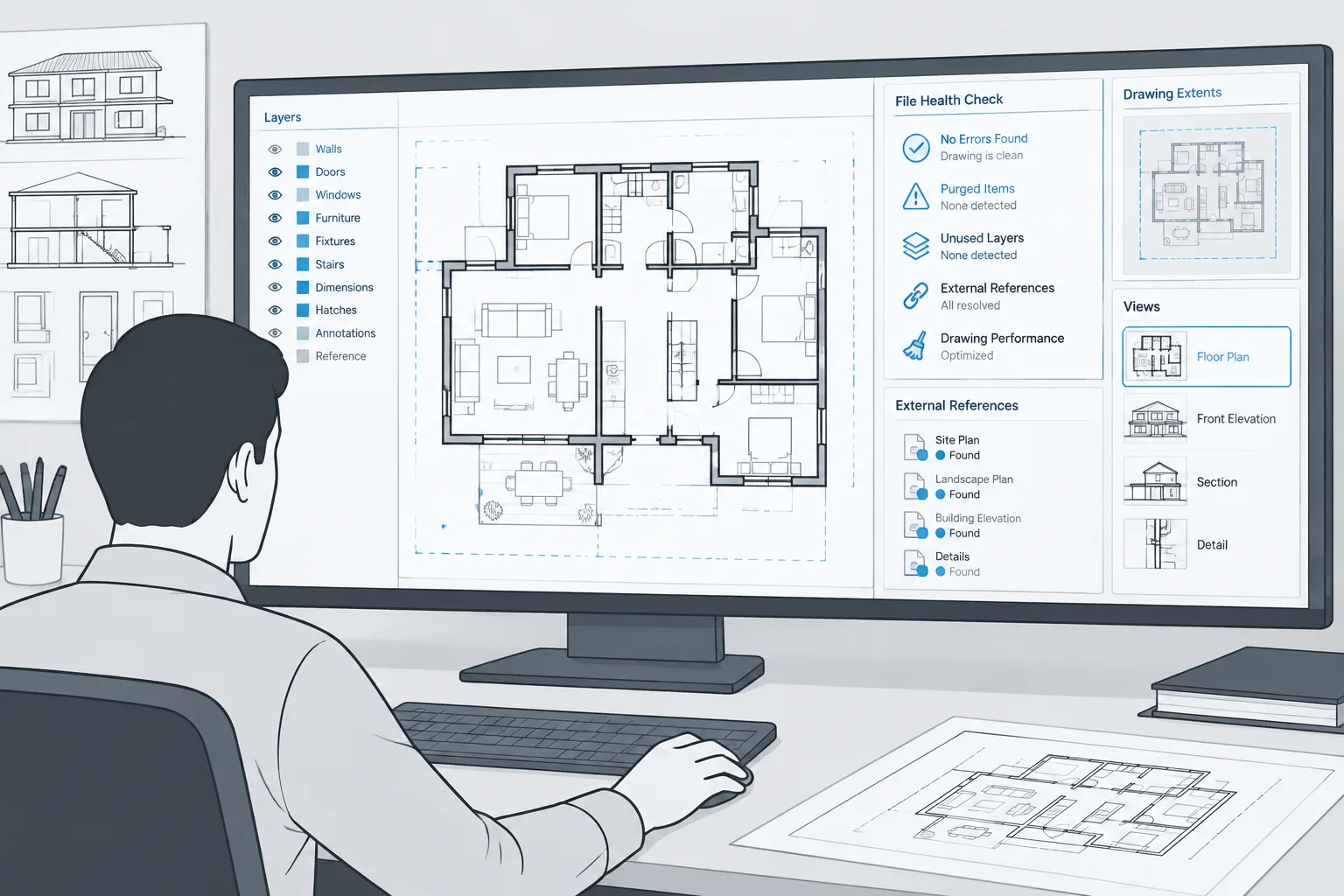
Keep operable partition graphics separated by purpose. A single all-purpose block can become difficult to control when the closed position, stored position, track, annotation, and overhead support need different visibility.
| Drawing content | Recommended CAD treatment | Coordination purpose |
|---|---|---|
| Closed partition | Primary plan geometry on an appropriate architectural layer | Defines the room division and opening limits |
| Stored panel position | Separate layer or visibility state with secondary graphics | Reserves stacking and operating space |
| Ceiling track | Dedicated overhead or RCP geometry | Coordinates the operating path with ceiling systems |
| Tags and notes | Annotation layers suited to the view and sheet scale | Connects views, schedules, and specifications |
| Clearance or coordination zones | Nonplot construction layer when appropriate | Supports internal checking without cluttering issued drawings |
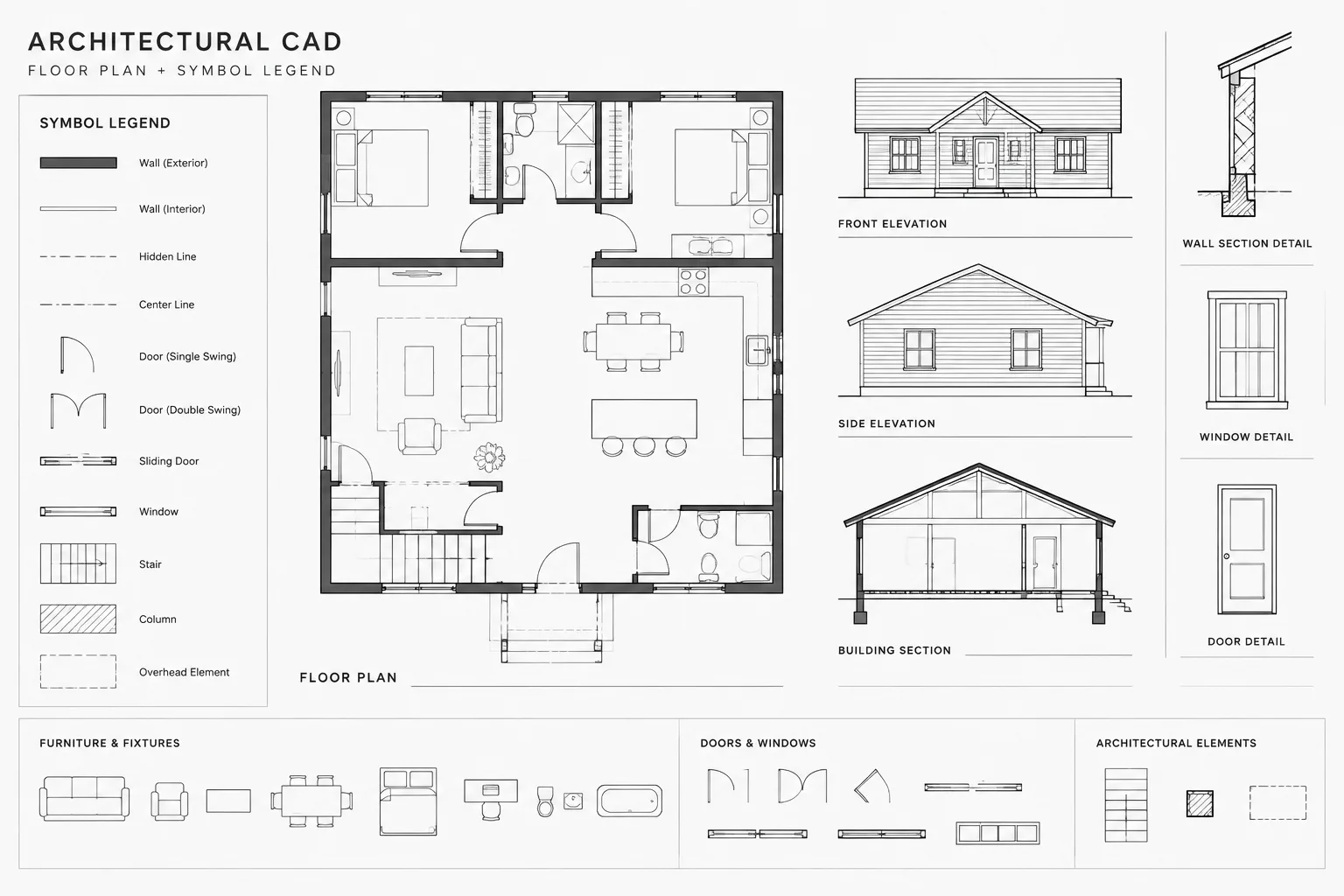
If a reusable block is created, choose an insertion point tied to a stable coordination location, such as an opening endpoint or track centerline. Do not use an arbitrary point distant from the object. Confirm that mirrored or rotated instances preserve readable text and the correct stacking direction.
Coordinate Tags, Notes, and Schedules
Use a consistent identifier wherever the partition appears. The plan tag, elevation title, detail references, finish information, and specification terminology should describe the same assembly. Avoid switching casually between labels such as movable wall, folding wall, sliding partition, and operable partition when those terms could refer to different systems.
Notes should communicate project intent without duplicating extensive product information. They may identify the partition type, finish designation, storage arrangement, or requirement for delegated coordination. Keep frequently changing product data out of multiple notes where it can become inconsistent.
Perform a Multi-View Quality-Control Check
Review the assembly as a connected set of drawings rather than checking each view separately.
- Confirm that the plan opening matches the elevation limits.
- Trace the track from the operating opening to the full storage position.
- Check that the RCP track aligns with the partition shown in plan.
- Verify that ceiling heights agree with elevations and sections.
- Review the panel stack against doors, furniture, equipment, and circulation.
- Confirm that pockets and jambs fit within the surrounding wall construction.
- Compare finish notes on both partition faces with the room finish information.
- Check references, tags, and detail callouts after view or sheet changes.
- Plot the relevant sheets to confirm that alternate-position and overhead graphics are distinguishable.
Treat the Partition as a Moving Building Element
The most reliable drafting approach is to treat an operable partition as both an architectural enclosure and a moving system. Its closed position defines rooms, its open position affects circulation, its stack consumes space, and its overhead track interacts with ceilings, structure, and building services.
Generic CAD blocks can provide a useful starting symbol, but they do not replace project-specific coordination. Verify dimensions, operating arrangements, support conditions, finishes, hardware, and performance criteria against current project documents before issuing drawings for construction.
Manage the Partition as Coordinated CAD Information
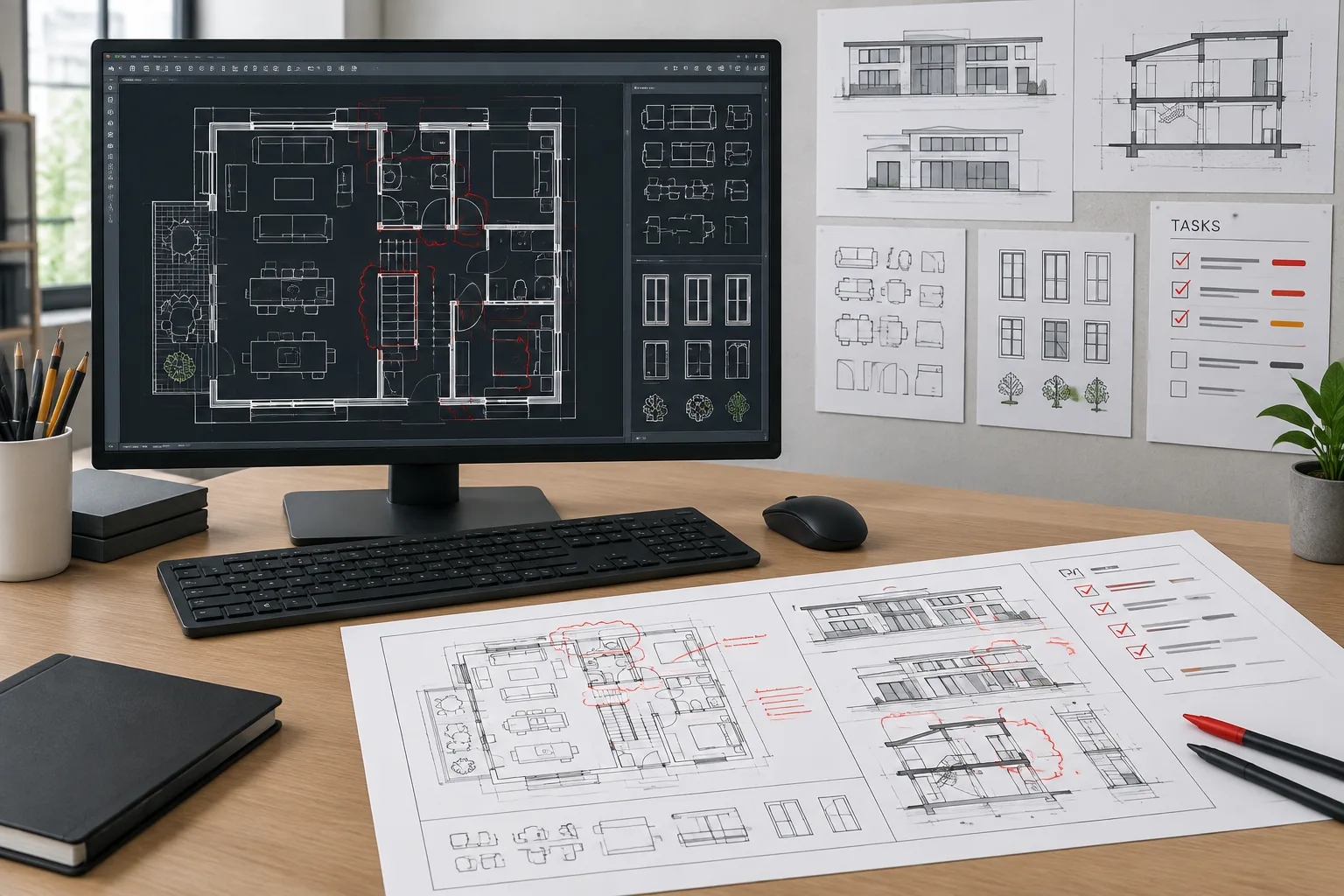
A useful operable partition drawing is not simply detailed; it is consistent. The plan, reflected ceiling plan, elevation, section, schedules, and notes should describe the same operating path and termination conditions. When information changes, every affected view should be identified and reviewed rather than corrected in isolation.
Separate confirmed information from design assumptions
Show confirmed geometry with the office’s normal drawing conventions. Treat unresolved panel divisions, pocket construction, track integration, controls, and support conditions as coordination items rather than presenting them as finished details. This distinction helps prevent schematic graphics from being interpreted as approved product or fabrication information.
Use view-specific graphics
The closed partition, stored panels, overhead track, and internal clearance zones serve different purposes. Separating them by layer, block visibility, or drawing view allows each sheet to display only the information needed for coordination. It also makes revisions easier when the stacking direction or storage arrangement changes.
Record coordination decisions
When a conflict is resolved, update the relevant CAD views and associated notes together. A simple internal review record can identify the affected opening, the drawing views checked, unresolved consultant input, and the source used to confirm the latest arrangement. This is especially helpful when architectural, ceiling, structural, and building-system drawings are revised on different schedules.
Final Drawing Handoff Considerations
Before issuing the drawing set, remove obsolete alternate layouts and review nonplot coordination geometry so that it does not conceal unresolved conflicts. Confirm that external references, blocks, linework, tags, and notes remain readable and aligned in the plotted sheets.
The architectural drawings should communicate the intended spatial and finish relationships without attempting to replace supplier information or engineering. Clearly coordinated interfaces give the project team a reliable basis for subsequent product selection, consultant review, and detailed submittal coordination.
Frequently Asked Questions
Should an operable partition be drawn like a permanent wall?
No. Its closed position may define a room boundary, but the graphics should also communicate that the assembly moves. The drawing convention should distinguish it from fixed construction and identify its operating and storage conditions.
Where should the stored panels appear in the CAD drawings?
Show the stored condition in the floor plan and continue the related track path in the reflected ceiling plan. Elevations or enlarged views may also be needed when a visible stack, concealed pocket, or adjacent finish condition requires clarification.
Can a generic operable partition CAD block be used for construction documents?
A generic block can establish design intent or support early layout studies, but it should not be treated as verified product geometry. Panel configuration, pocket requirements, track conditions, support, hardware, and clearances must be checked against current project information.
How should alternate open and closed positions be organized?
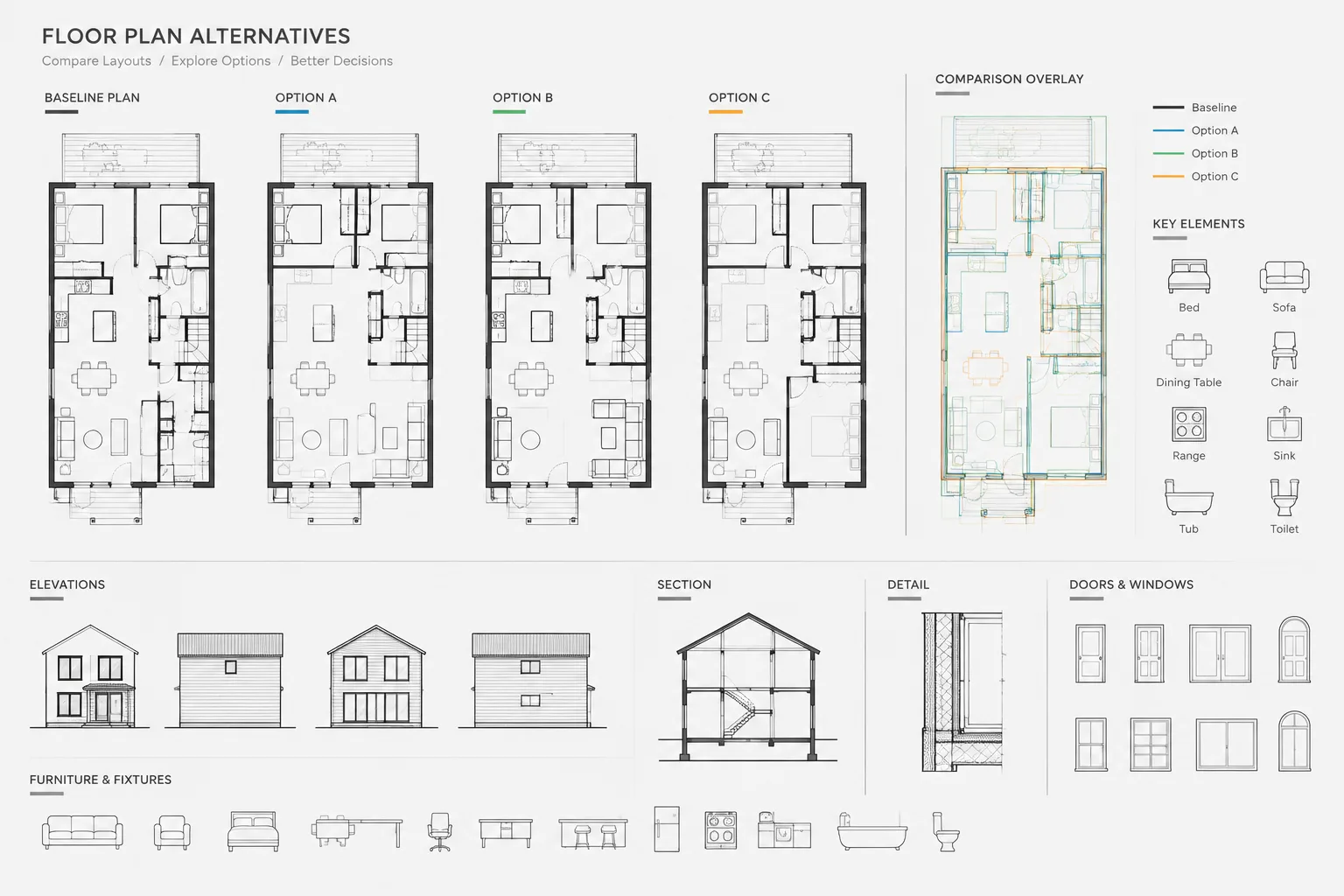
Keep alternate positions on separate, controllable CAD layers or visibility states. Use a consistent graphic hierarchy so the primary condition remains clear and the stored or alternate position can be displayed only where it supports coordination.
Which drawing should control the operable partition track location?
The plan and reflected ceiling plan should agree on the operating path. Neither view should be revised independently when the track affects openings, storage, ceiling construction, structure, or building services. Resolve discrepancies through coordinated project information.
What should be checked when the partition storage location changes?
Recheck the full track route, wall or pocket construction, doors, circulation, furniture, equipment, ceiling devices, finishes, controls, and references in related elevations and sections. Remove obsolete geometry so the previous arrangement cannot be mistaken for current intent.