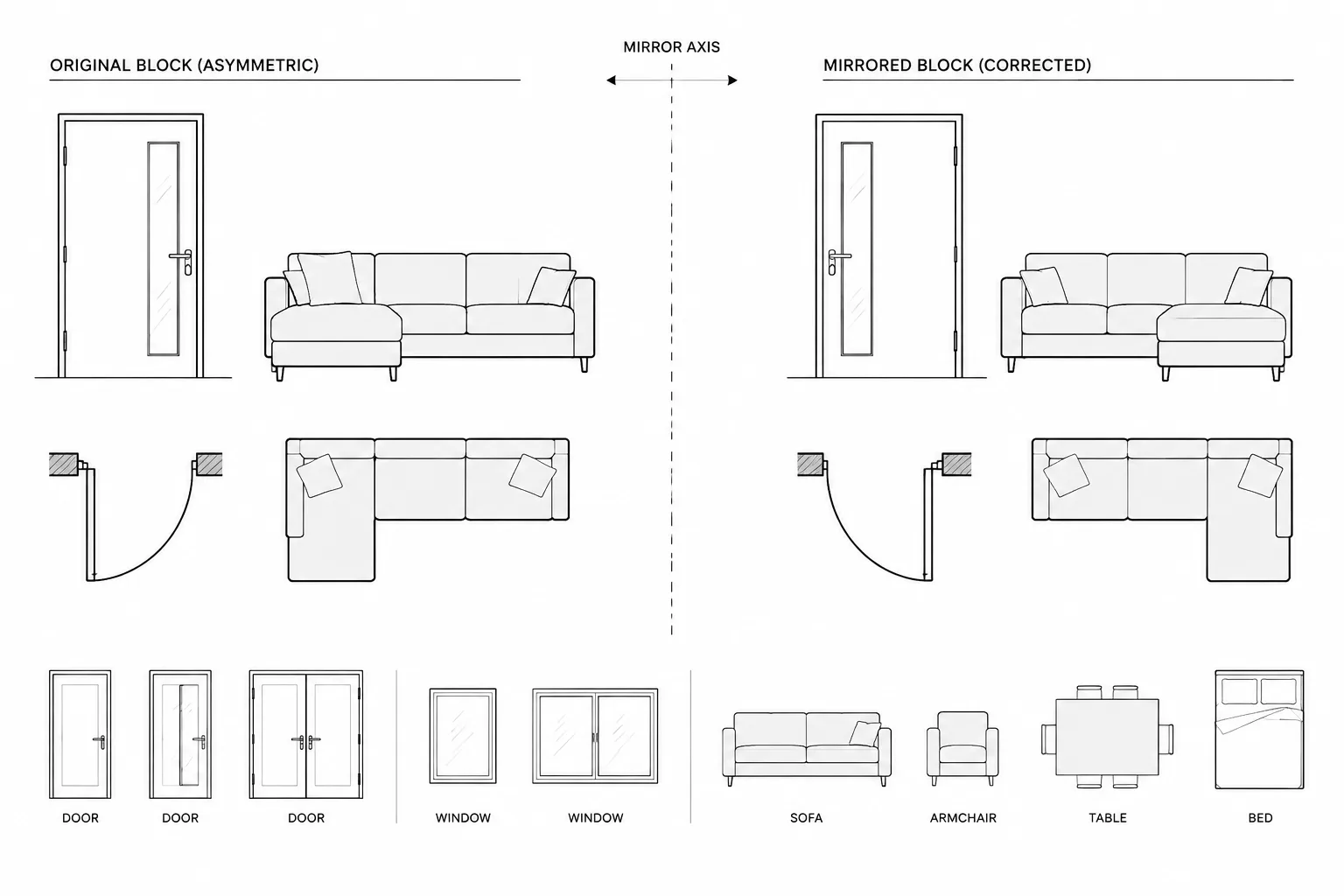
Mirroring architectural CAD blocks can save drafting time, but reflection is not interchangeable with rotation. It can reverse functional relationships, alter handedness, affect annotation, and create block references that behave unexpectedly in schedules or exchanged files.
This guide presents a quality-control approach for deciding when a block may be mirrored, when an internal flip state is preferable, and when separate handed definitions provide the clearest result. Apply the workflow before repeating an unfamiliar block throughout a drawing set.
Mirroring is one of the fastest ways to place repeated architectural components, but a visually correct result is not always a technically correct result. A mirrored door may represent the wrong handing, a furniture block may contain backward text, and a fixture symbol may carry attributes that no longer match its orientation. Mirrored block references can also behave differently in schedules, data-extraction workflows, or downstream software.
A reliable workflow starts by deciding whether the object is genuinely reversible. The drafter should then verify geometry, annotation, block data, and coordination with related views. This is especially important when working with downloaded DWG content whose internal construction is not yet known.
Why mirroring a block requires more than a visual check
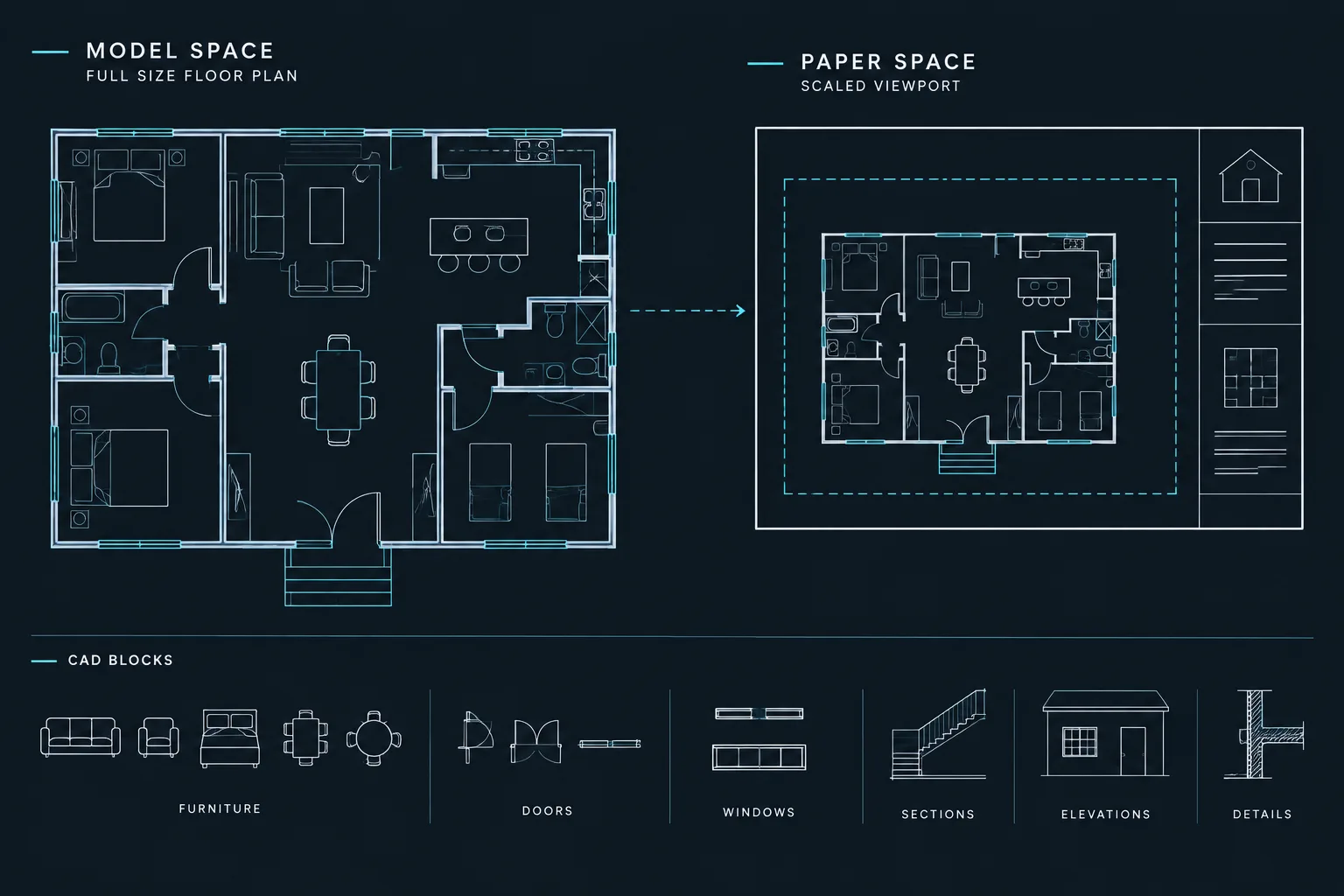
The MIRROR command reflects selected objects across an axis. For simple linework, the result is usually easy to predict. Blocks are more complicated because a block reference may contain nested blocks, attributes, text, hatches, wipeouts, dimensions, and dynamic behavior.
Mirroring may also create a block reference with a negative scale value along one axis. The object can look normal on the plan while still being technically different from a conventionally inserted and rotated reference. That distinction may matter when blocks are counted, exported, replaced, edited, or read by another application.
Classify the component before mirroring it
Not every architectural object should be handled the same way. Before mirroring a block, place it into one of three practical categories.
| Block category | Typical examples | Recommended approach |
|---|---|---|
| Symmetrical | Simple tables, centered light symbols, generic planting symbols | Mirroring is often acceptable after checking annotation and block data. |
| Directional | North arrows, slope indicators, directional equipment, circulation arrows | Confirm that reflection does not change the intended meaning. |
| Handed | Doors, corner casework, certain fixtures, asymmetric furniture or equipment | Use an intentionally created opposite-hand state or block when available. |
Symmetry should be judged by function, not only by outline. An equipment block may have a symmetrical rectangular body but an access side, control side, connection point, or service zone that makes it directional.
Understand rotation, mirroring, and handedness
Rotation preserves the relationship among all parts of an object. Mirroring reverses that relationship. A rotated right-hand component remains right-handed, while a mirrored copy may become left-handed.
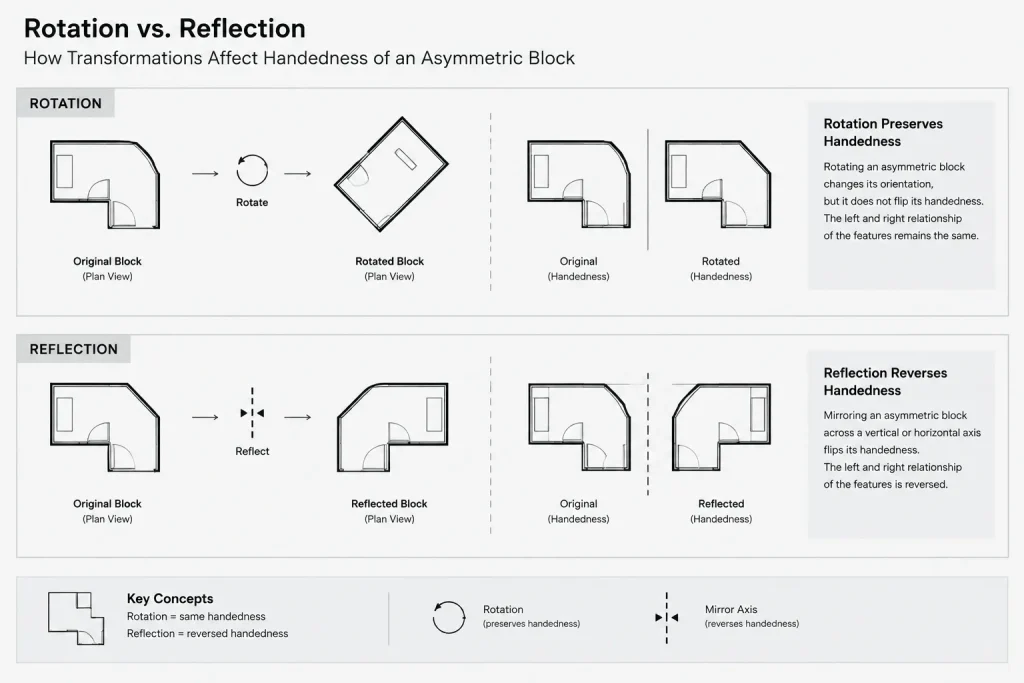
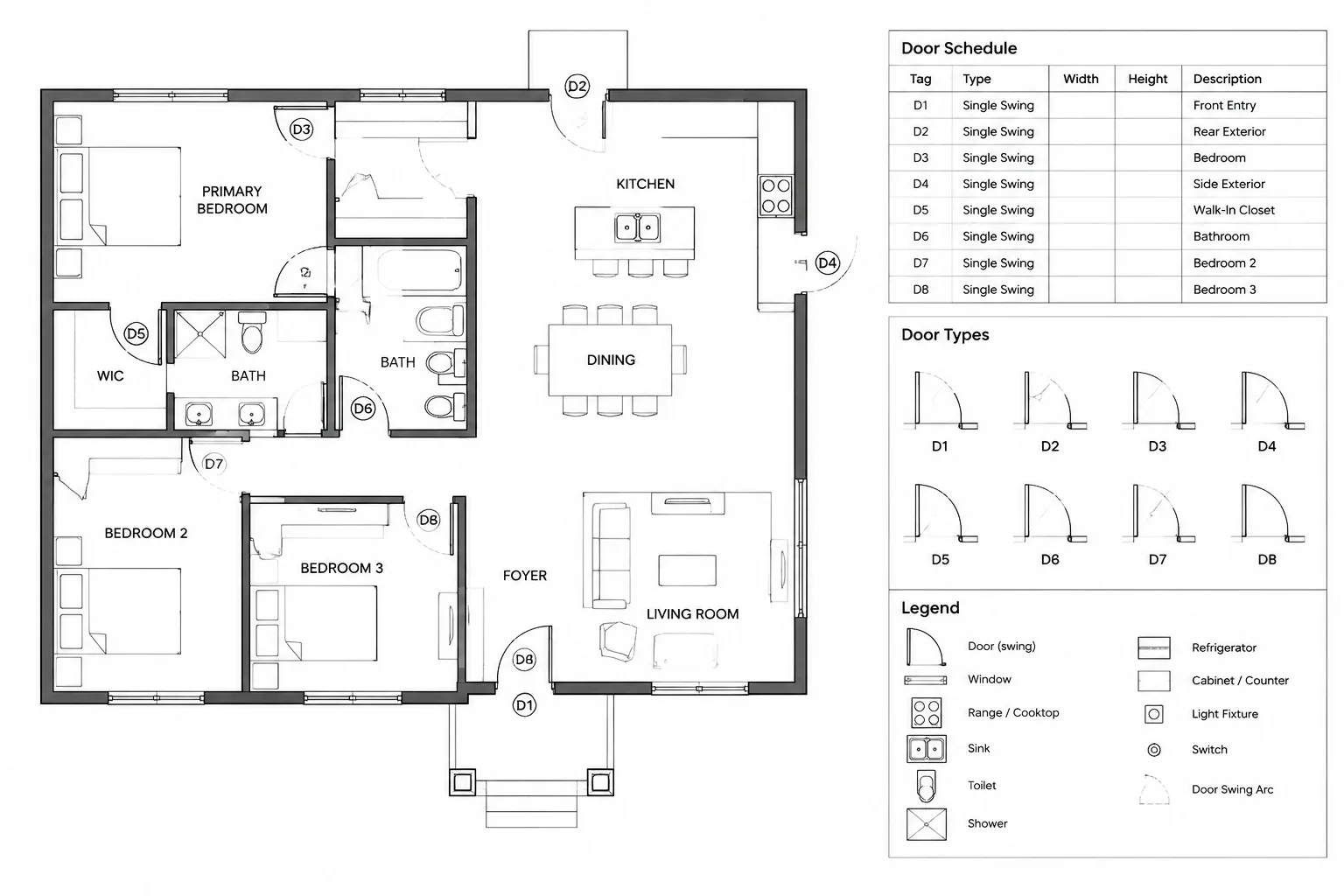
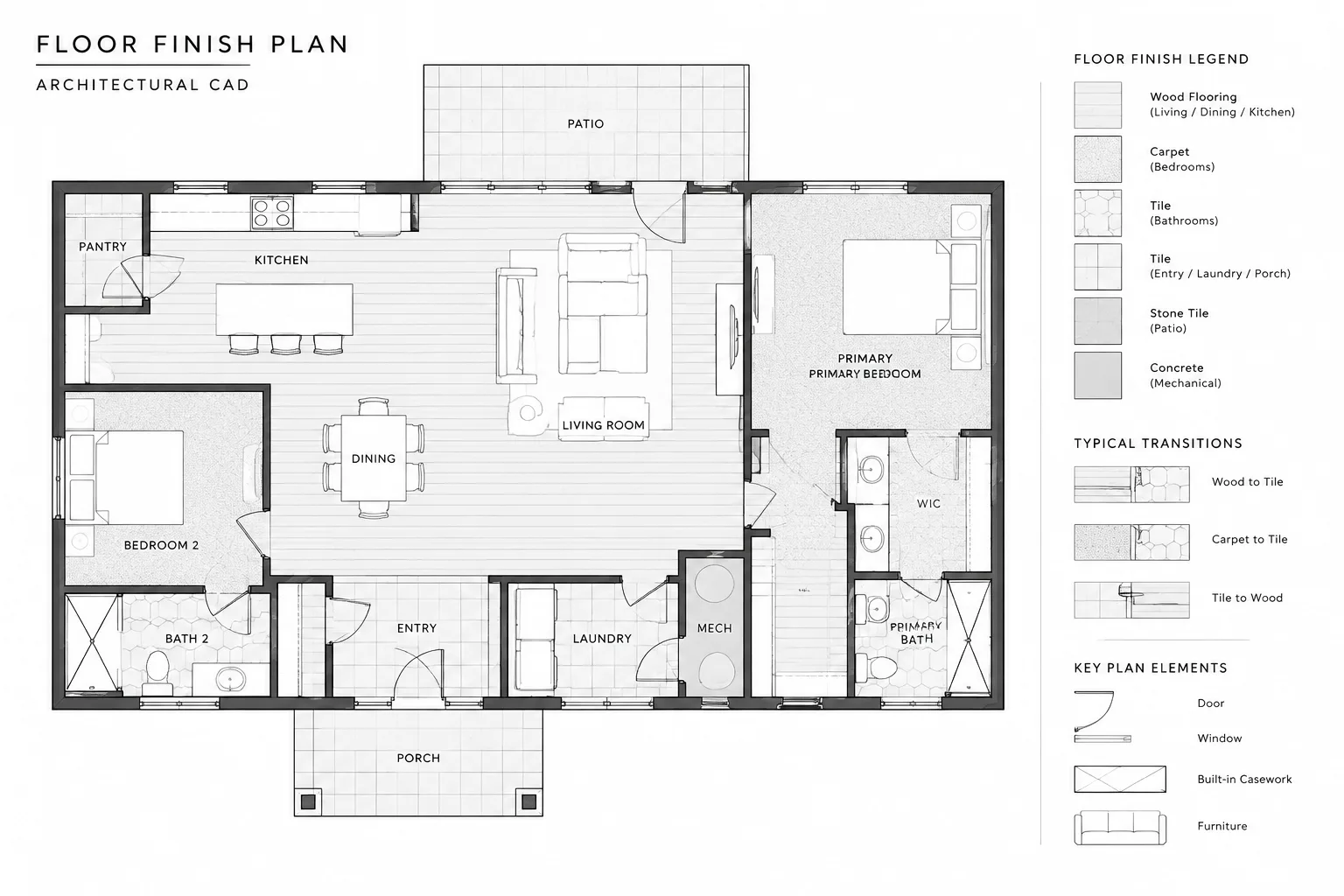
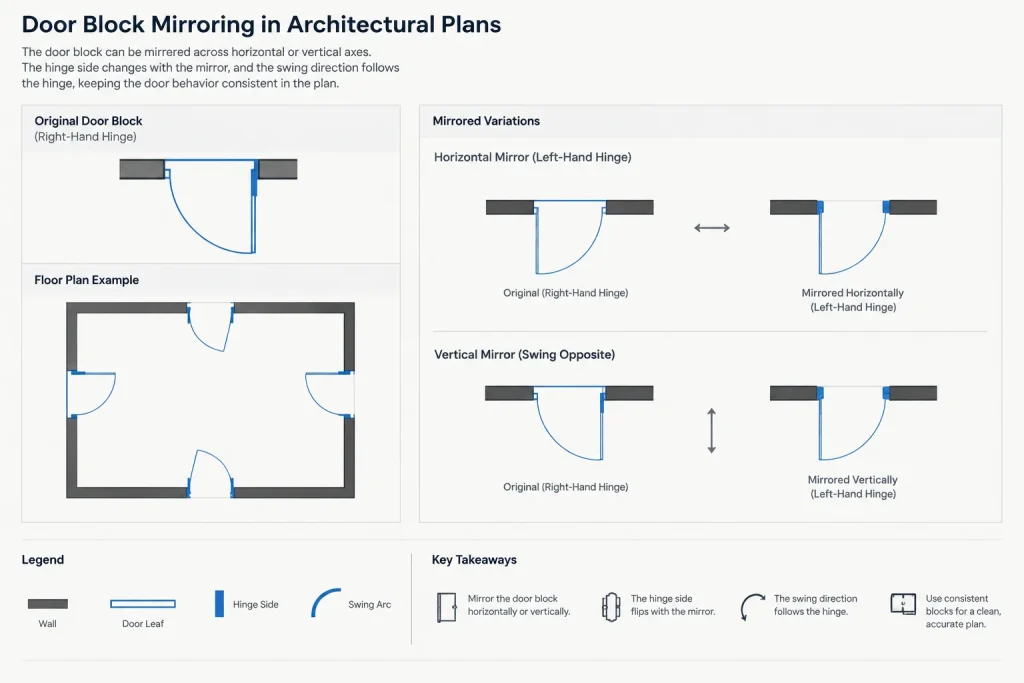
This distinction is especially important for door symbols. Reflecting a door across one axis may change the hinge side, swing direction, or both, depending on the axis and the original geometry. Office terminology for door handing can vary, so the plan symbol should be checked against the project team’s door convention and schedule rather than identified from appearance alone.
Similar issues occur with corner cabinets, sectional furniture, reception desks, plumbing fixtures with offset controls, and equipment requiring access from a particular side. A reflected outline does not prove that the opposite-hand configuration exists as a real product or is appropriate for the project.
Use a controlled mirroring workflow
1. Inspect the source block
Open or edit the block definition before using it extensively. Look for text, attribute definitions, nested blocks, dimensions, hatches, masks, and geometry located far from the main object. Confirm that the insertion point has a meaningful relationship to a wall face, centerline, corner, or connection point.
2. Copy before testing
Keep an unchanged source instance nearby or in a controlled library file. Test mirroring on a copy so the original orientation remains available for comparison. This is particularly useful with unfamiliar manufacturer-style or downloaded content.
3. Choose the mirror axis deliberately
Use known geometry, construction lines, wall centerlines, or object snap points to define the axis. Avoid selecting approximate points by eye. A slightly skewed mirror axis can create an object that appears aligned at a broad view but fails close inspection.
4. Review the mirrored reference in Properties
Check the block name, rotation, layer, and scale values. A negative scale component is not automatically an error, but it should be recognized. If the office workflow, schedule process, or export requirement does not handle negatively scaled references reliably, use a dedicated opposite-hand block or an approved dynamic state instead.
5. Verify the architectural meaning
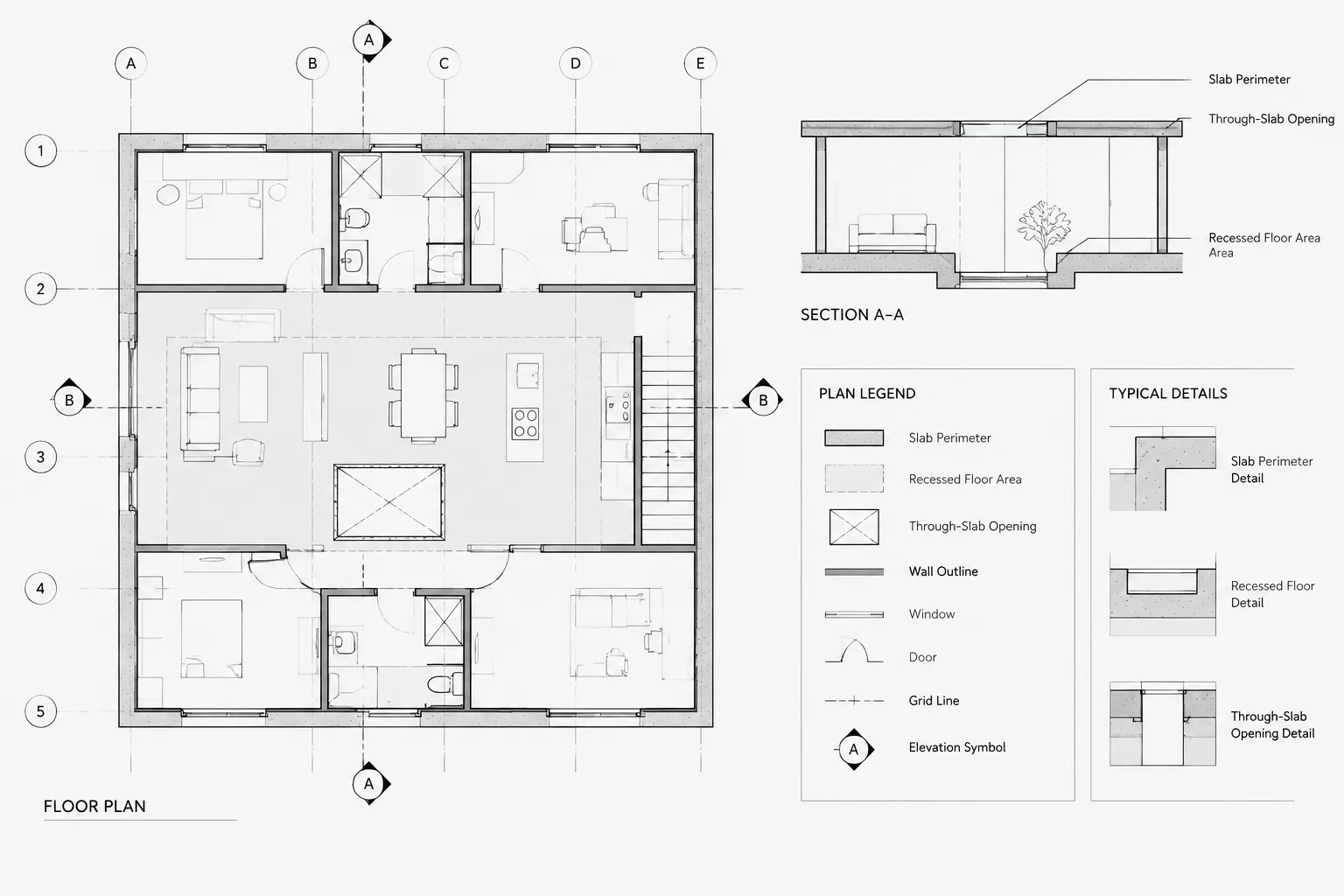
Check the mirrored component against walls, clearances, openings, adjacent furniture, equipment connections, and access zones. If the symbol is linked to an elevation, section, schedule, or detail, compare those views as well.
Prevent reversed text and annotation
AutoCAD includes the MIRRTEXT system variable, which controls whether text is reversed by the mirror operation. Its current setting should be checked rather than assumed, particularly when working in files received from others.
Readable text after mirroring does not guarantee a clean result. Text alignment, attribute placement, leader direction, and spacing may still require review. Annotation embedded inside a reusable architectural block can also become difficult to manage at different view orientations.
Where practical, separate view-specific notes from model-like block geometry. For example, keep a generic equipment symbol in the block and place its identification tag as coordinated annotation. This allows the symbol to rotate or reflect without forcing the note to follow every geometric transformation.
Check attributes and extracted data
Attributes may hold room references, type marks, equipment identifiers, finish codes, or other project information. After mirroring an attributed block:
- Confirm that every attribute remains visible and readable.
- Check that the attribute value still describes the resulting orientation or type.
- Verify text justification and placement at the intended plotting scale.
- Test any block-count or data-extraction process used by the project.
- Confirm that duplicate identifiers were not created by copying the source instance.
A block name alone may not distinguish two handed configurations. If handedness affects procurement, scheduling, or installation, it should be represented through an intentional project data field, separate block definition, or documented block state rather than inferred only from negative scale.
Be cautious with dynamic and nested blocks
Dynamic blocks may provide flip, rotation, visibility, or stretch controls intended to create alternate configurations. When those controls exist, use the author-defined method instead of applying an additional external mirror unless testing confirms the result.
External mirroring combined with an internal flip can make orientation difficult to understand. The block may look correct while grips, parameters, or extracted properties reflect a less obvious state. Establish a simple office rule, such as using internal flip controls for handedness and ordinary rotation for orientation.
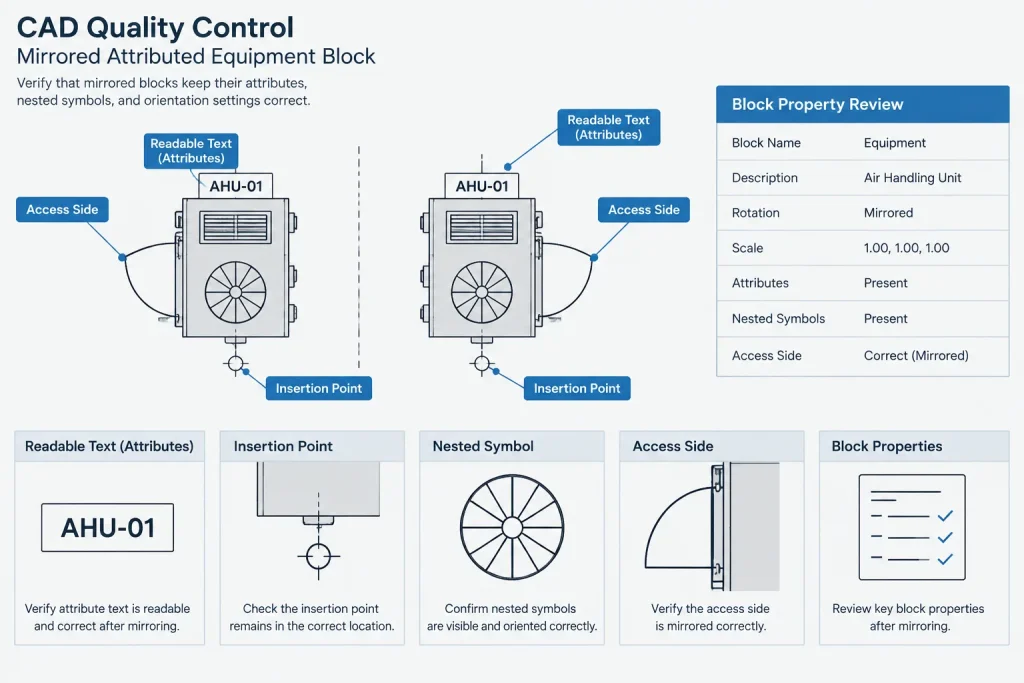
Nested blocks deserve similar attention. Text or symbols inside a nested definition may not behave as expected when the parent reference is reflected. Inspect the result at a close zoom and make a test plot before approving a block for repeated use.
When to create separate left- and right-hand blocks
Separate definitions can be clearer when opposite-hand components have different identifiers, annotations, connection locations, details, or schedule entries. They can also avoid uncertainty when files are exchanged with consultants or exported to other systems.
However, unnecessary duplicate definitions make libraries harder to maintain. Separate blocks are usually not needed for genuinely symmetrical objects or for components whose tested dynamic block states provide clear, controlled alternatives.
Whichever method is selected, use consistent naming and document the convention in the block library. Names should indicate functional differences without relying on vague labels such as “new” or “flipped.”
Quality-control checklist for mirrored blocks
- Confirm that reflection is functionally valid for the component.
- Check hinge, control, access, service, and connection sides where relevant.
- Inspect scale values and identify negatively scaled references.
- Review text, attributes, leaders, masks, hatches, and nested content.
- Compare the plan symbol with related elevations, sections, details, and schedules.
- Test block counts or extracted data used by the project.
- Plot a sample at the intended sheet scale.
- Replace uncertain reflected blocks with verified block states or separate definitions.
A practical library rule
Architectural block libraries are more reliable when each family has a stated orientation method. A library note can identify whether a block may be mirrored, should use a flip parameter, requires separate handed definitions, or must remain in its original orientation.
Mirroring should be treated as a transformation that may alter meaning, not merely as a faster form of copying. A short verification at placement time helps prevent reversed annotation, incorrect handing, misleading schedules, and difficult cleanup later in the drawing process.
Make orientation part of block approval
A block should not be considered library-ready merely because its linework displays correctly. Approval should also address how the component may be transformed and how its orientation will be communicated to other users.
For each reusable block family, record the accepted placement method. The note might state that the block is symmetrical, uses an internal flip control, requires a separate handed definition, or should not be reflected. This removes guesswork and helps different drafters produce consistent references.
Review mirrored content during drawing handoff
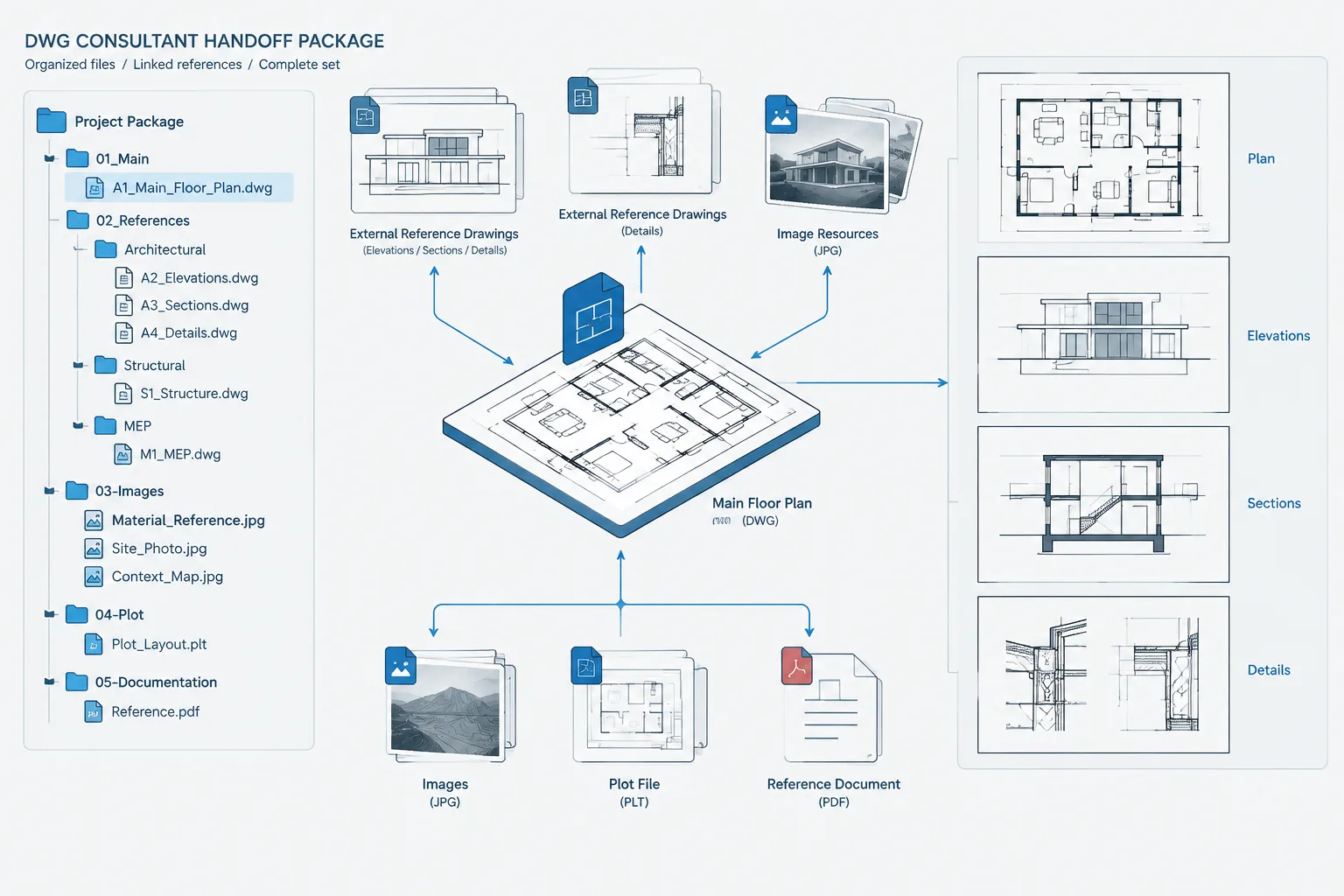
Mirrored references deserve attention when a drawing moves between team members, consultants, or downstream applications. A recipient may see the intended outline without recognizing that the reference has a negative scale component or that its displayed orientation carries functional meaning.
- Identify the controlling convention: Make clear whether handedness comes from the block definition, an internal state, an attribute, or the reference transformation.
- Check coordinated information: Confirm that tags, schedules, elevations, sections, and details describe the same configuration.
- Retain an understandable source: Avoid leaving unexplained test blocks or ambiguously named reflected copies in the working library.
- Test the actual deliverable: Review the plotted or exchanged result rather than relying only on the editing view.
Resolve uncertainty before repetition
If the block’s behavior or real-world configuration cannot be verified, pause before arraying, copying, or scheduling it. Replace the uncertain reference with approved project content, rebuild it using a documented convention, or request clarification from the responsible project professional. Correcting the orientation method early is usually clearer than interpreting many reflected instances later.
Frequently asked questions
Is mirroring the same as rotating a CAD block?
No. Rotation preserves the relationships among the parts of an object, while mirroring reverses those relationships across an axis. That reversal can change handedness or directional meaning.
Does readable text mean the mirrored block is correct?
No. Text may remain readable while its alignment, justification, leader direction, attribute value, or relationship to the geometry is incorrect. Annotation and data require a separate review.
Is a negative scale value always an error?
No. It can be a normal result of mirroring a block reference. However, it should be recognized and tested because scheduling, extraction, replacement, export, or downstream workflows may interpret the reference differently.
Should a dynamic block be mirrored externally?
Use the block’s intended flip or orientation controls when they are available and verified. Combining an internal flip with an external mirror can make the resulting state harder to understand and maintain.
When are separate handed blocks preferable?
Separate definitions are useful when opposite-hand components have different identifiers, annotations, connection points, details, or schedule treatment. They may also improve clarity during file exchange.
How should a downloaded DWG block be tested?
Inspect its definition, nested content, annotation, attributes, insertion point, and available controls. Mirror a copy, review its properties and architectural meaning, compare coordinated views, and test the output before approving repeated use.