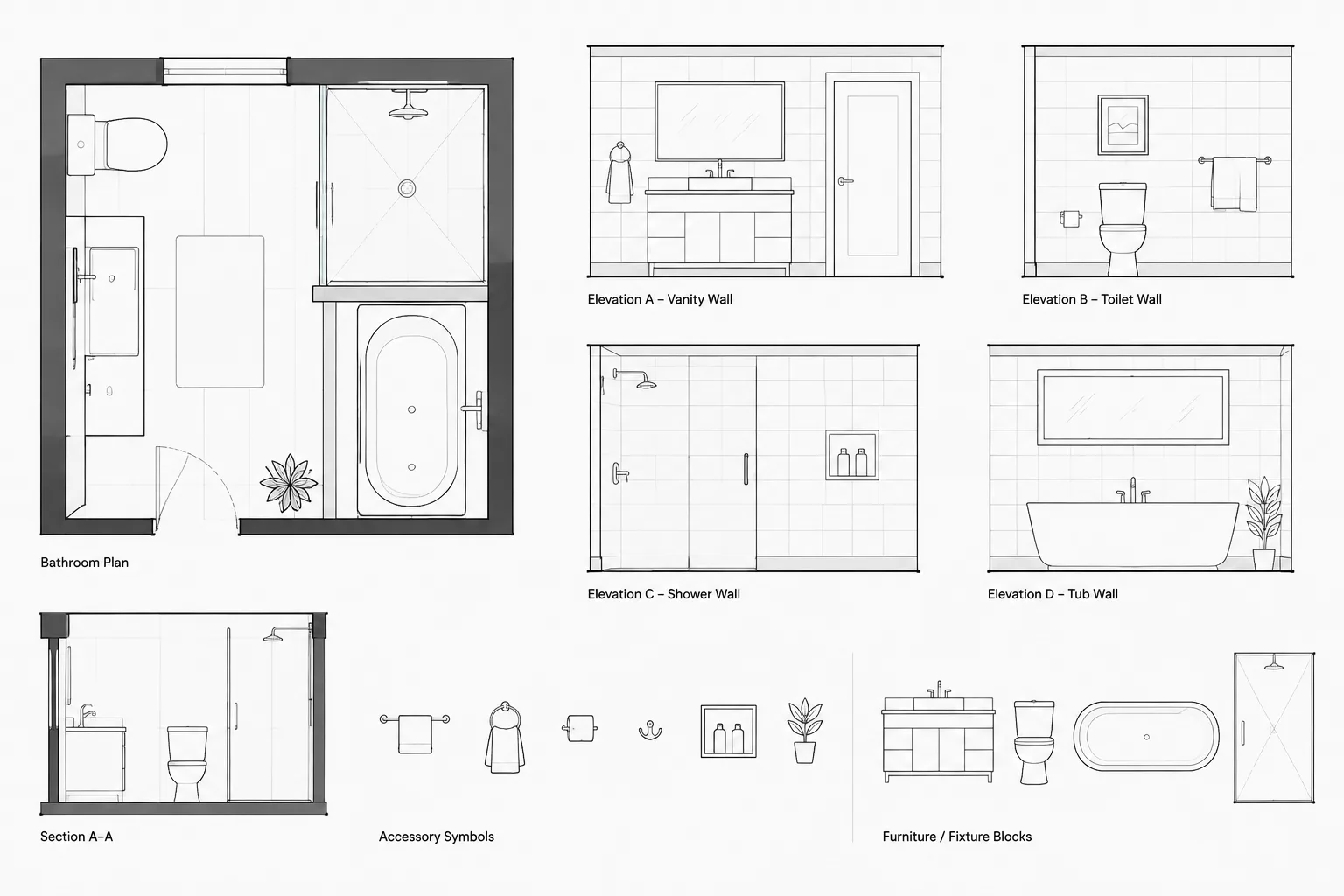
Tag: CAD Blocks
-
Architectural CAD Legends and Symbol Keys: A Practical Coordination Workflow
Learn how to coordinate architectural CAD legends, symbol keys, blocks, labels, plotting, and revisions for clearer, more consistent drawing sets.
Written by
-
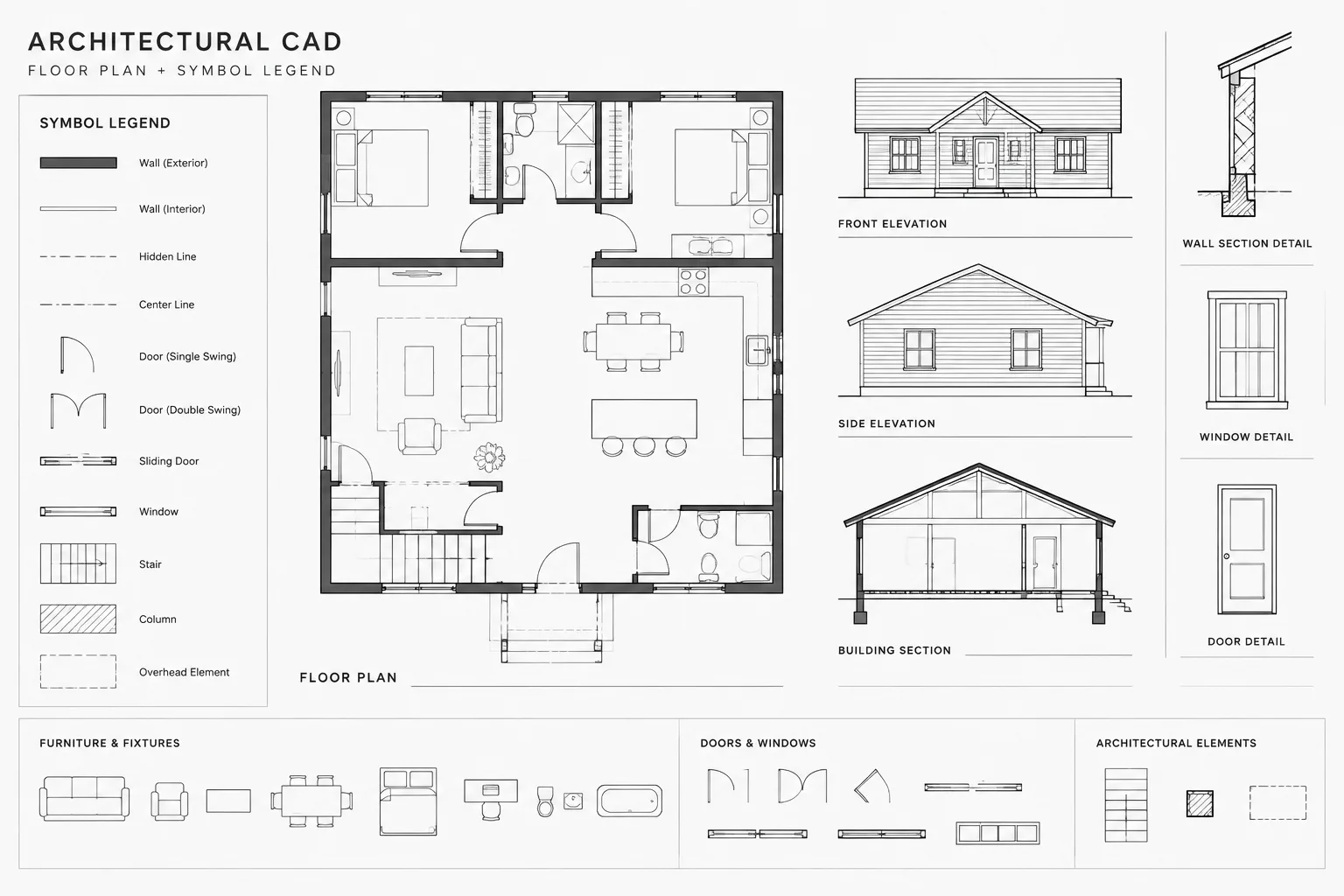
How to Draft and Coordinate Wall Type Tags in Architectural CAD
Learn how to draft wall type tags in architectural CAD, coordinate legends, sections, and details, manage transitions, and check plans before issue.
Written by
-
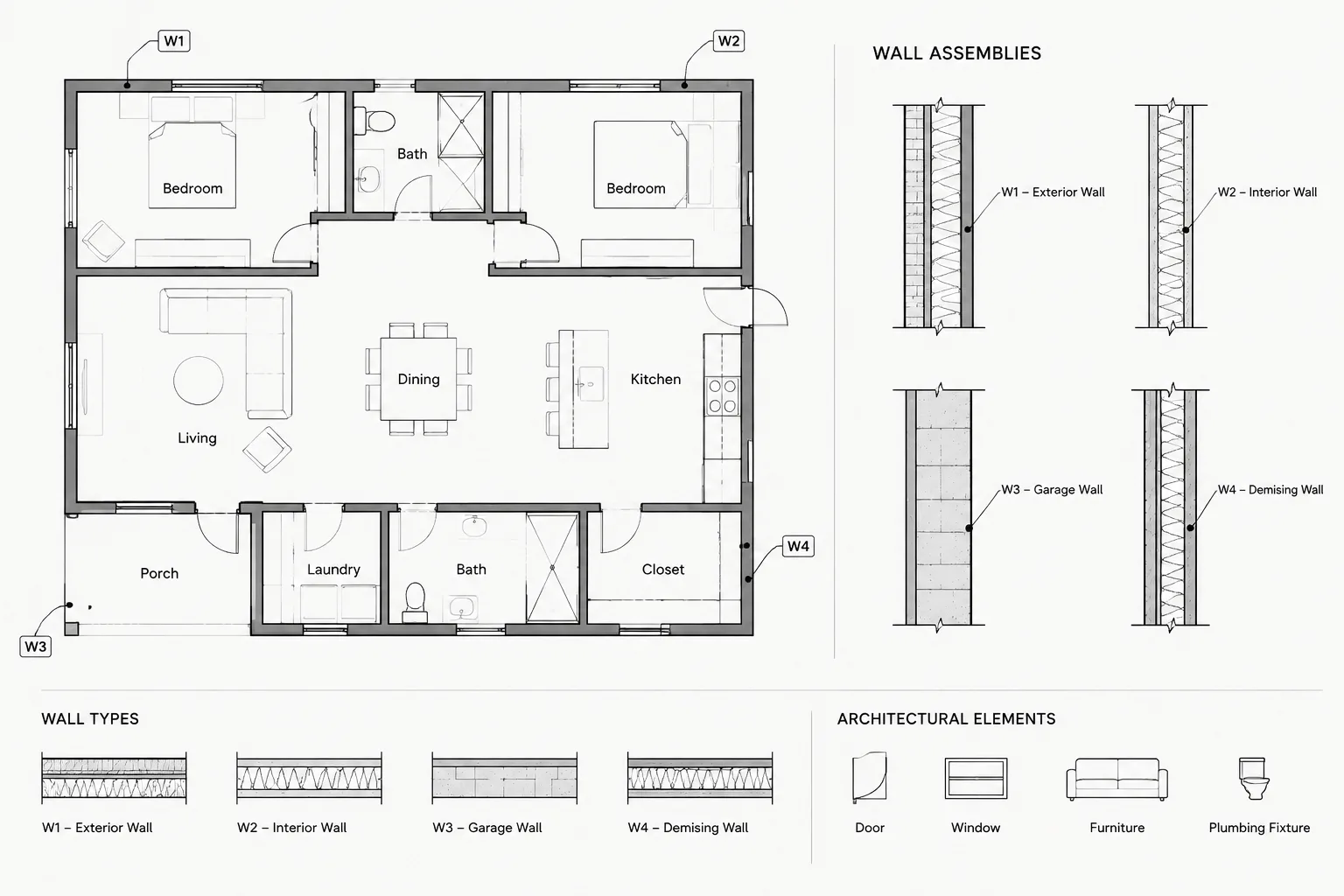
Door Swings in Architectural Floor Plans: A Practical CAD Coordination Guide
Learn how to draw, check, and coordinate door swings in architectural floor plans, including handing, CAD blocks, layers, tags, and clash review.
Written by
-
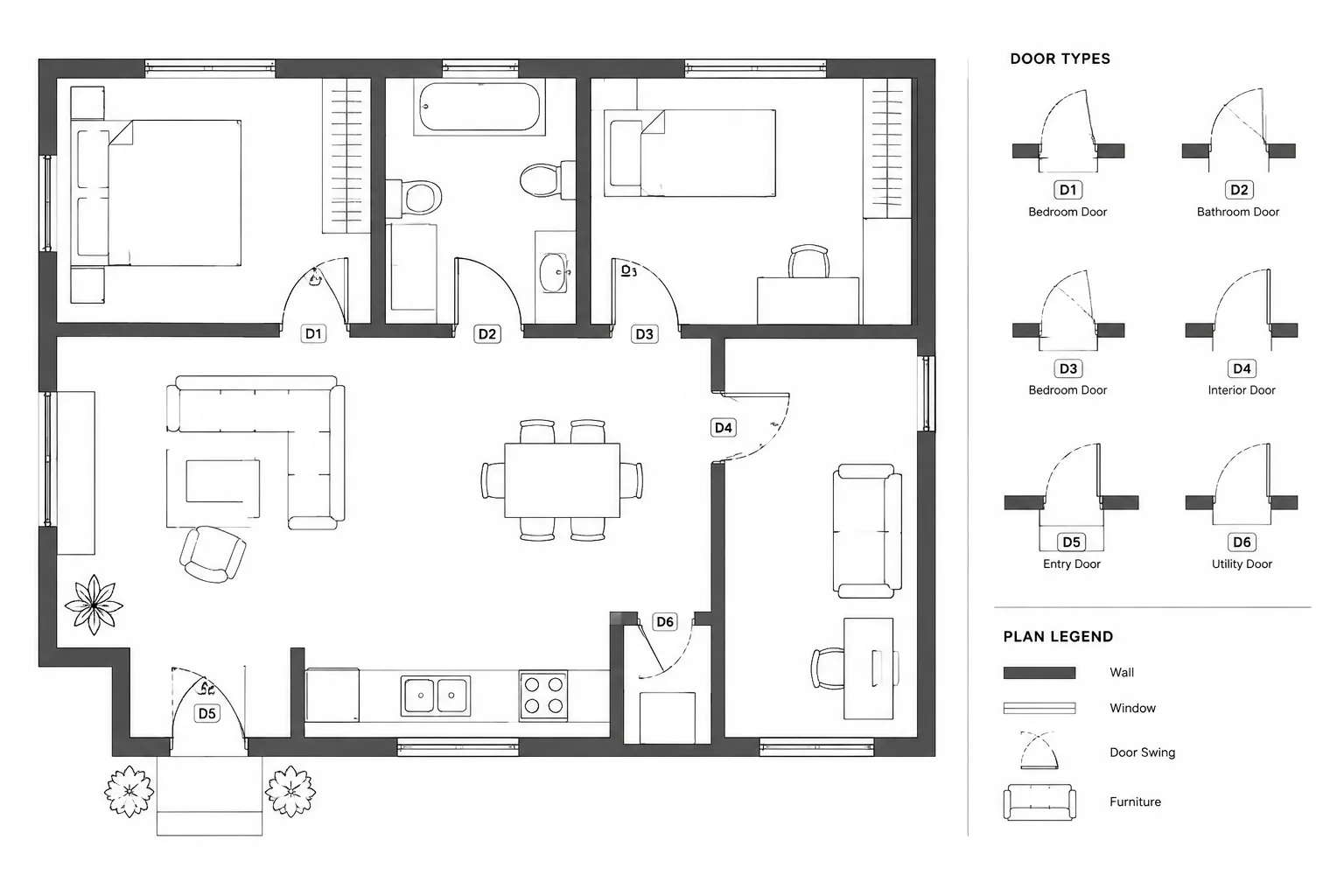
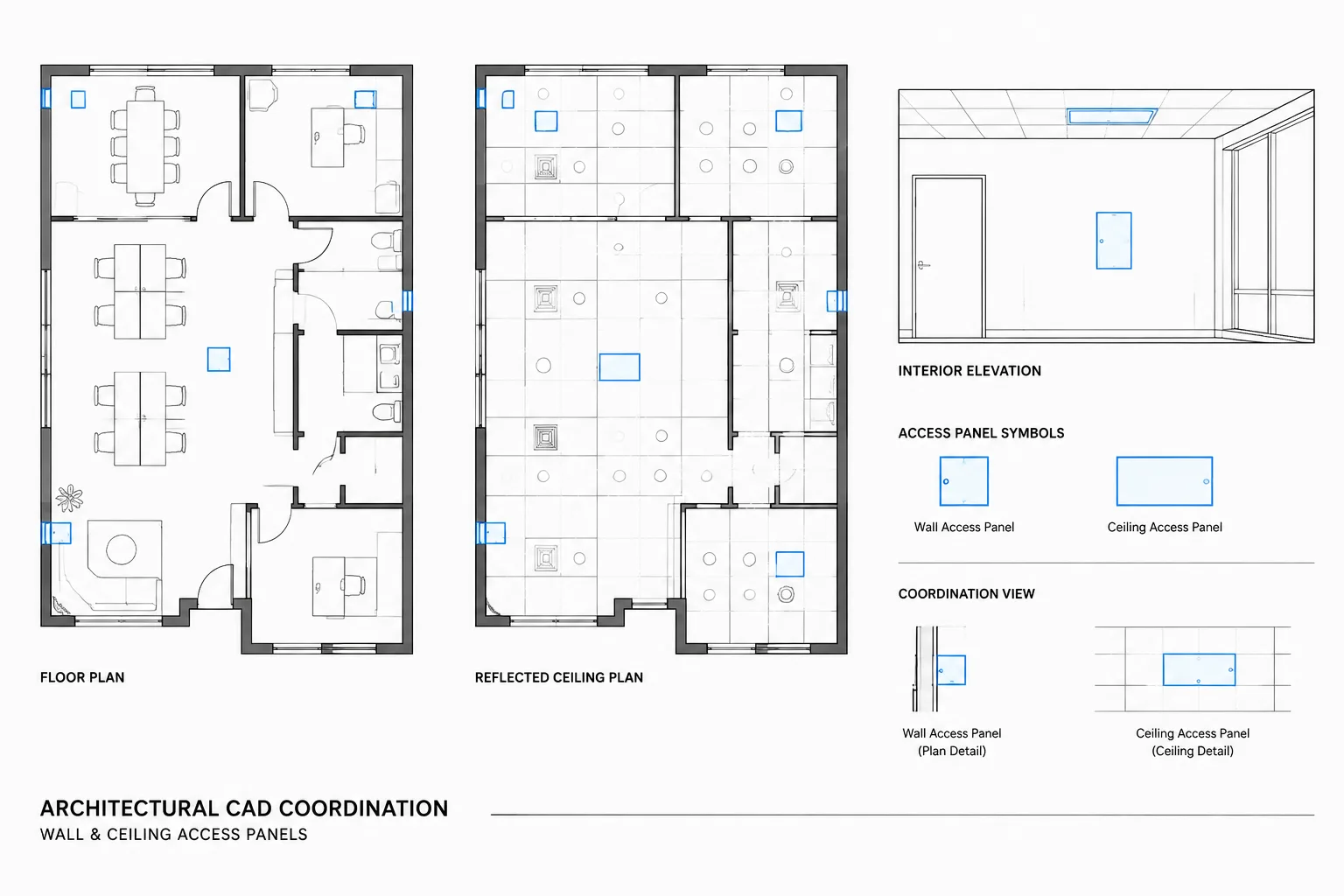
How to Draft and Coordinate Access Panels in Architectural CAD
Learn how to draft, tag, place, and coordinate wall and ceiling access panels across plans, elevations, details, schedules, and consultant files.
Written by
-
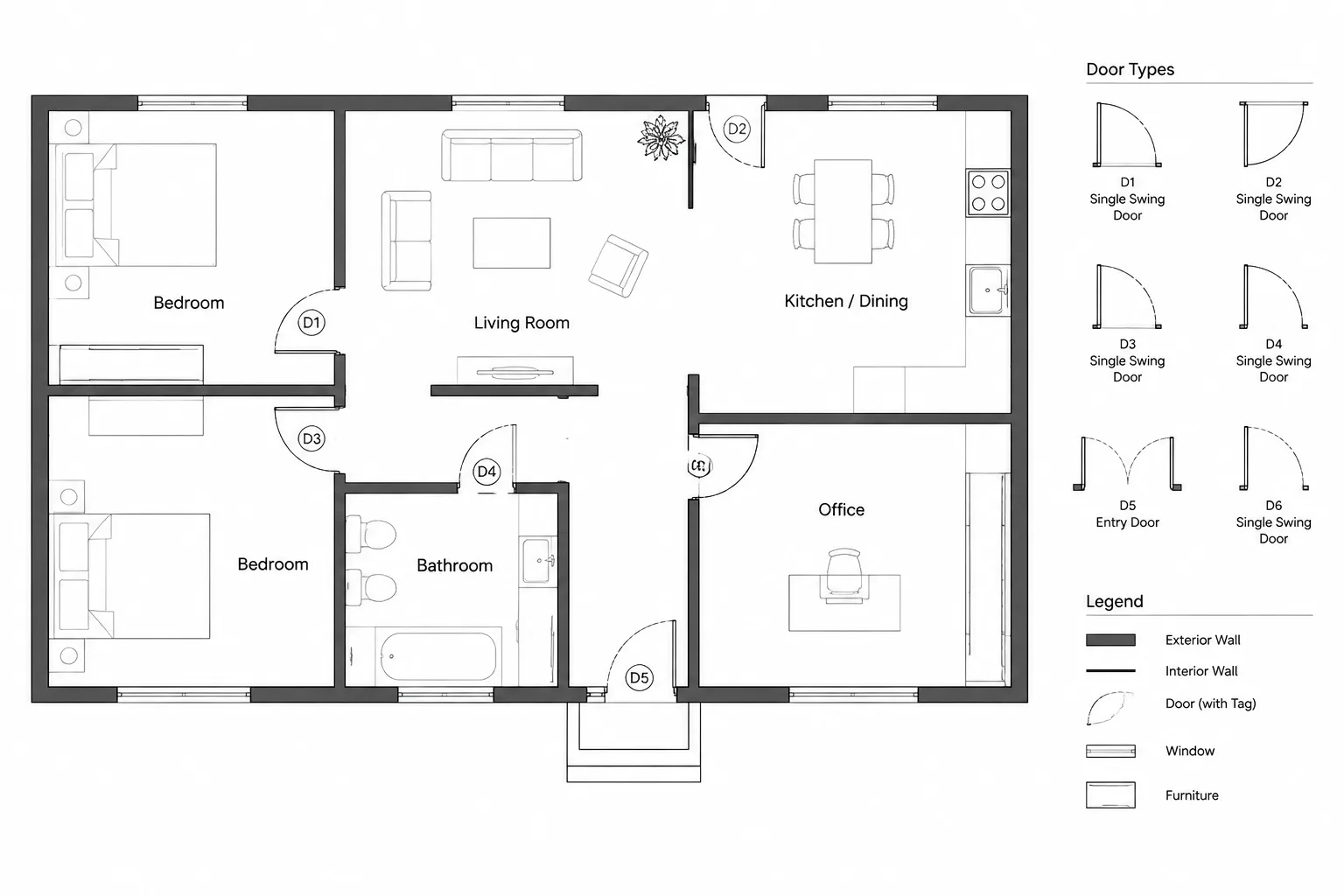
Door Numbering in Architectural CAD: A Reliable Plan and Schedule Workflow
Learn a reliable door numbering workflow for architectural CAD, including tag blocks, schedule coordination, repeated plans, revisions, and QA checks.
Written by
-
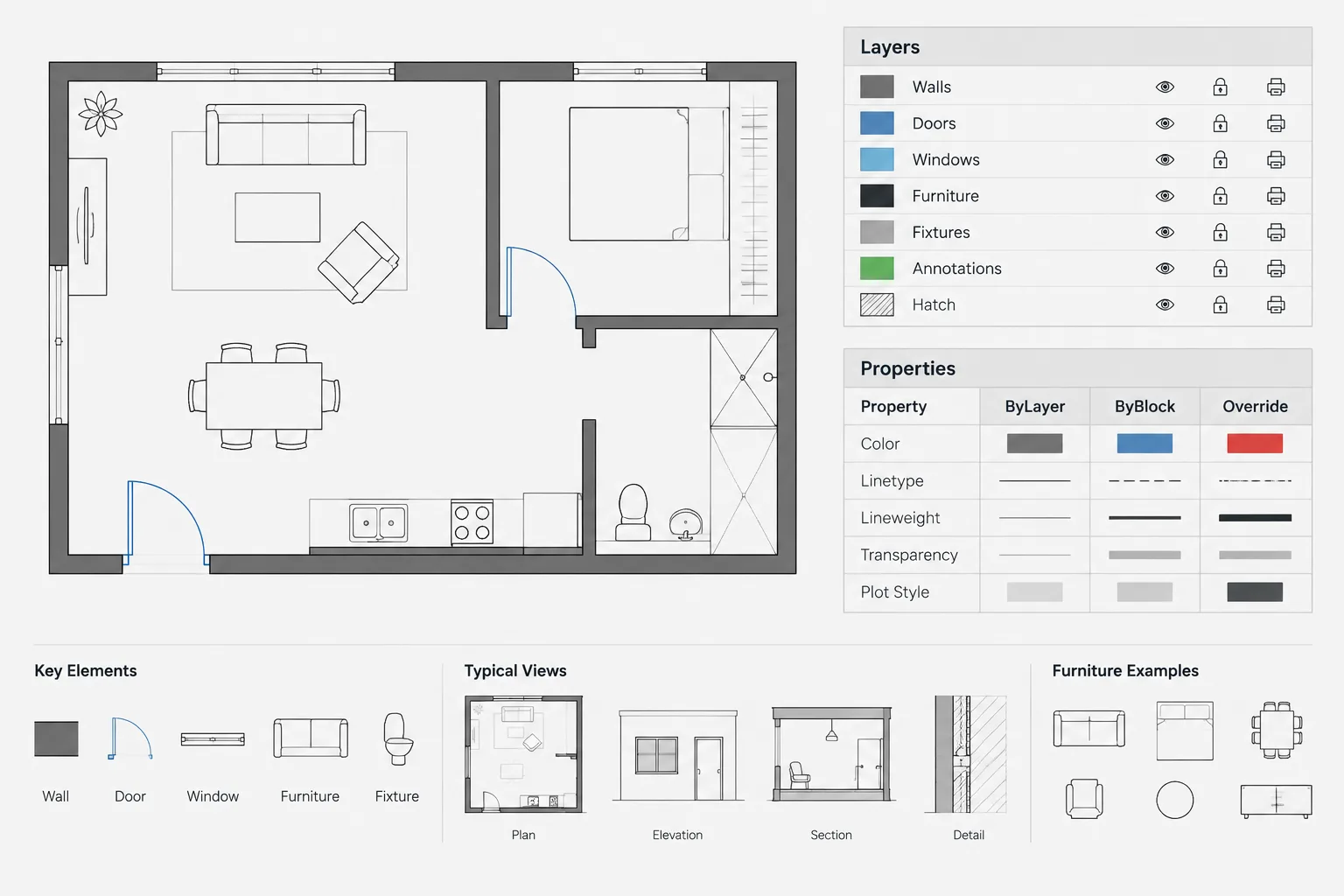
ByLayer, ByBlock, and Object Overrides in Architectural CAD: A Practical Property Workflow
Learn when to use ByLayer, ByBlock, and object overrides in architectural CAD for cleaner DWG files, predictable blocks, and consistent plotting.
Written by
-
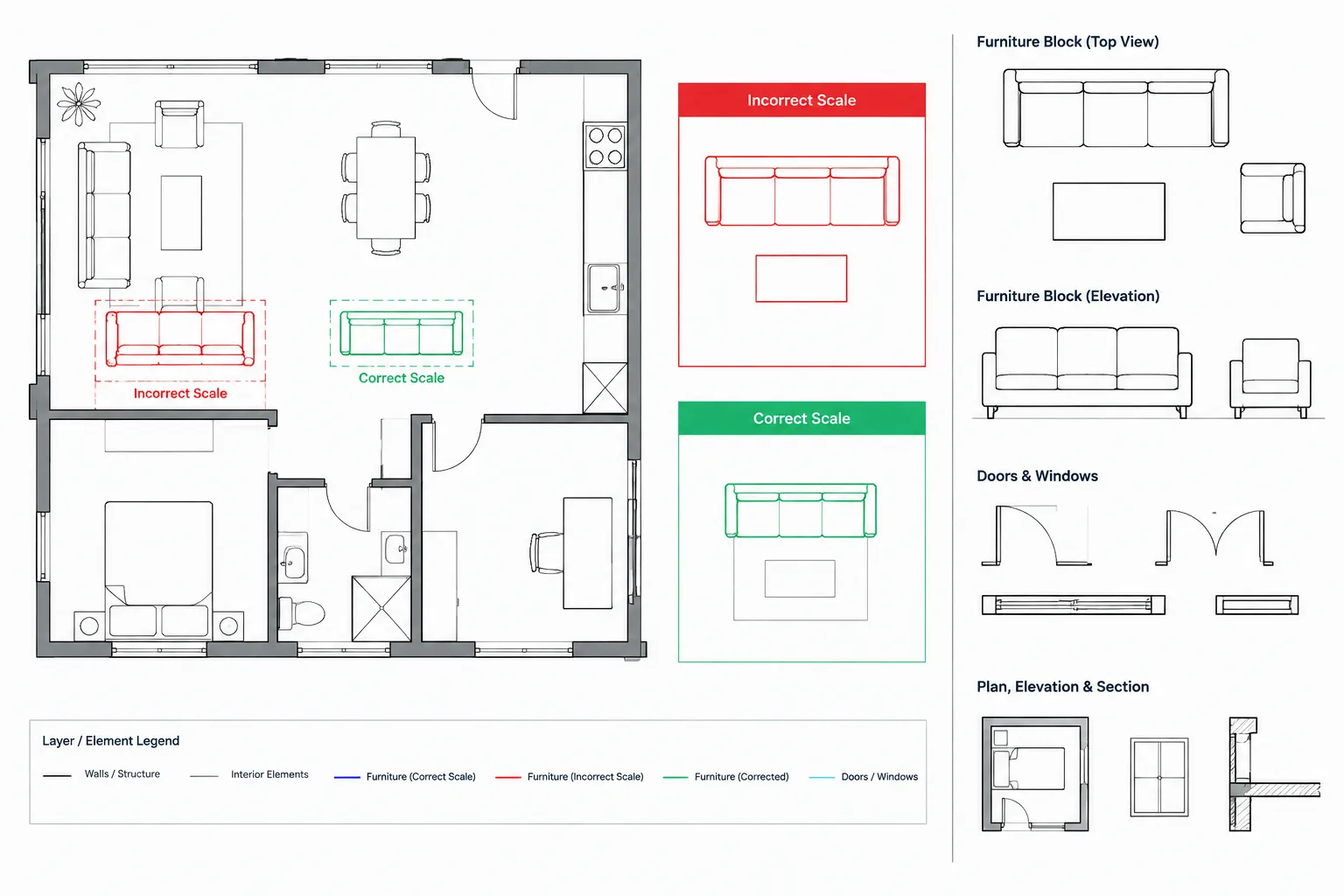
How to Diagnose and Fix Incorrectly Scaled CAD Blocks in Architectural Drawings
Learn how to diagnose incorrectly scaled CAD blocks by checking drawing units, source geometry, nested blocks, name conflicts, and annotation behavior.
Written by
-
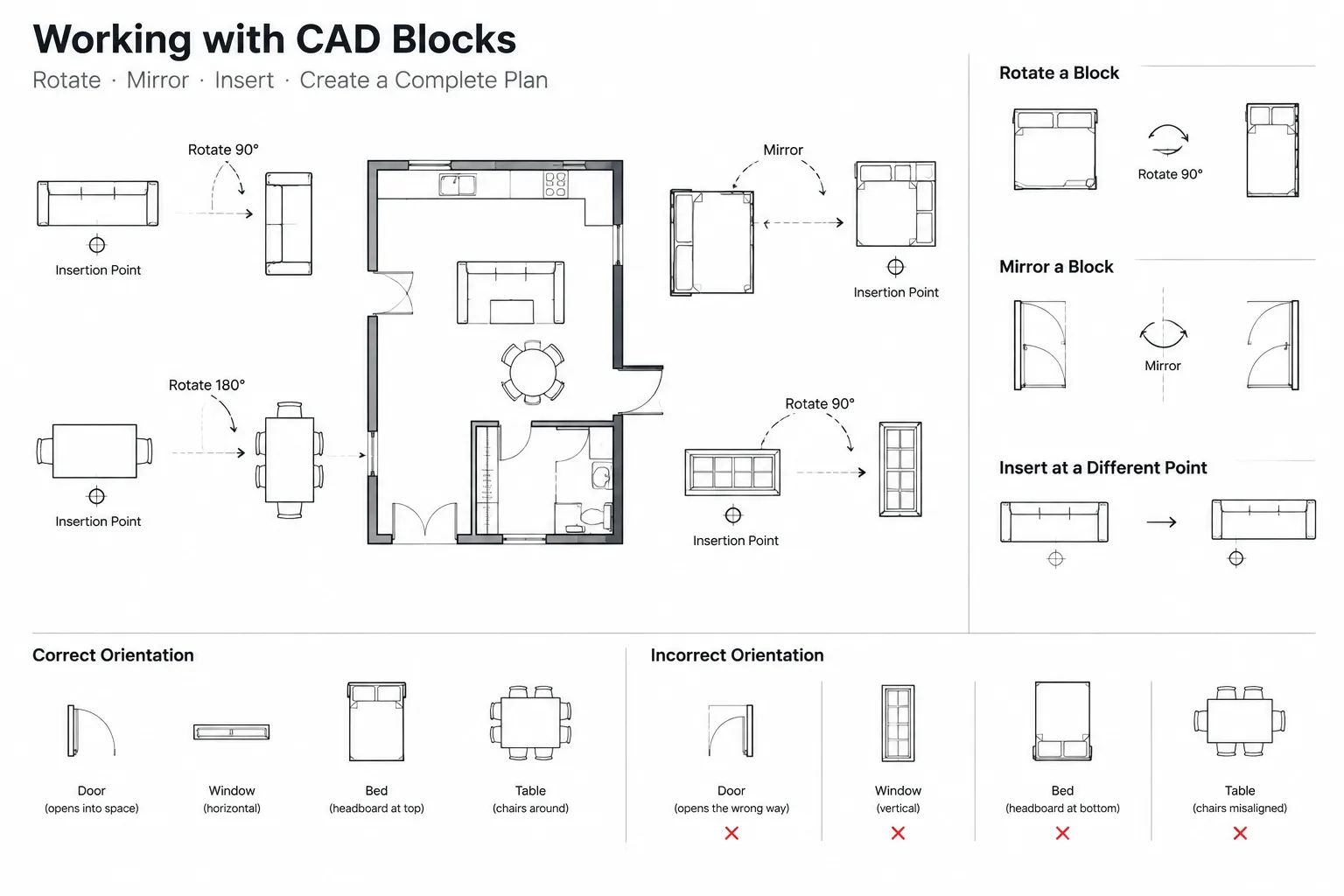
CAD Block Rotation and Mirroring: How to Prevent Orientation and Text Errors
Learn how to rotate and mirror CAD blocks without reversing text, changing handing, or creating misleading architectural symbols in DWG files.
Written by
-
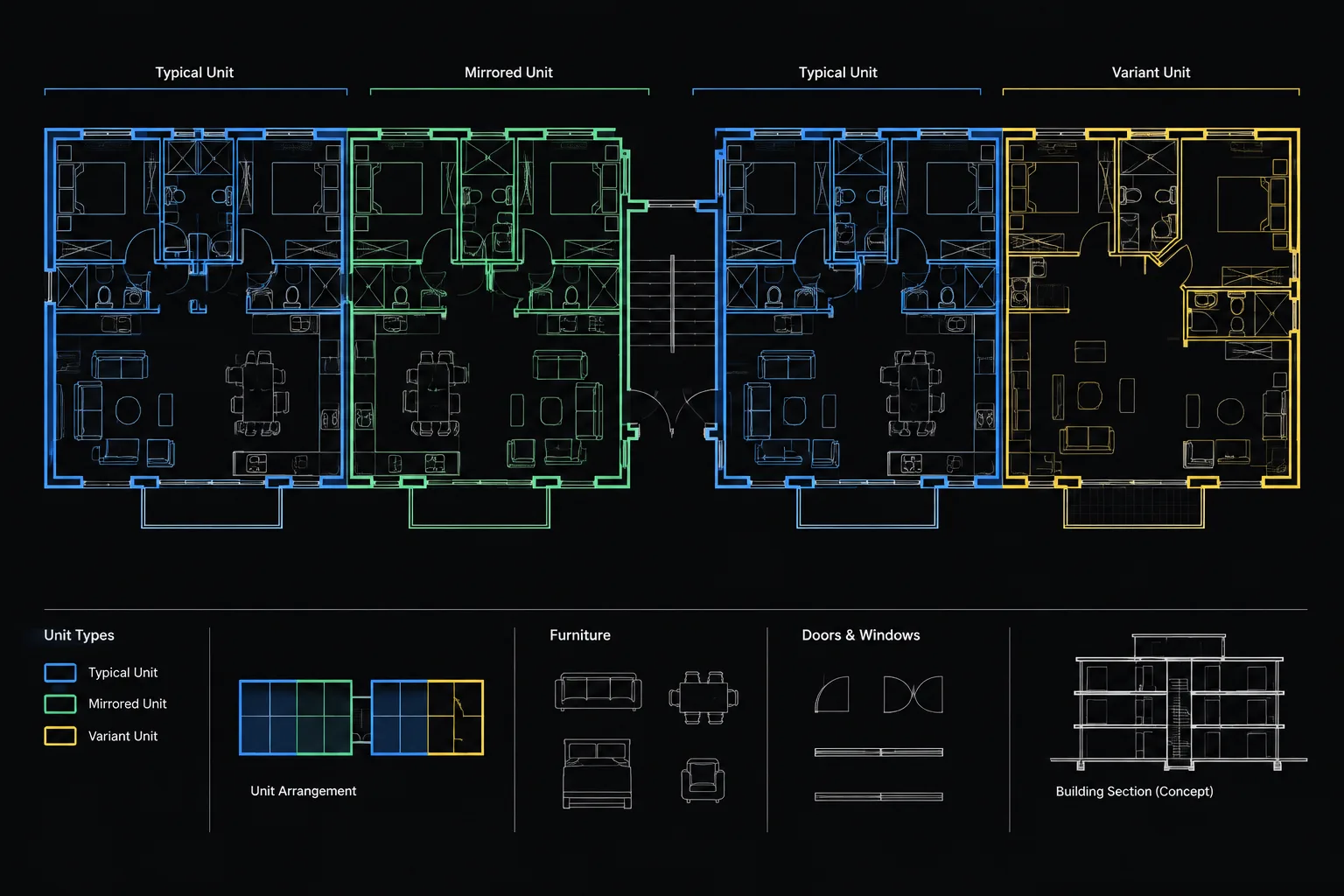
How to Manage Repeated Apartment and Hotel Room Plans in Architectural CAD
Learn how to manage repeated apartment and hotel room plans in CAD using prototypes, blocks, references, controlled variants, and clear QA.
Written by
-
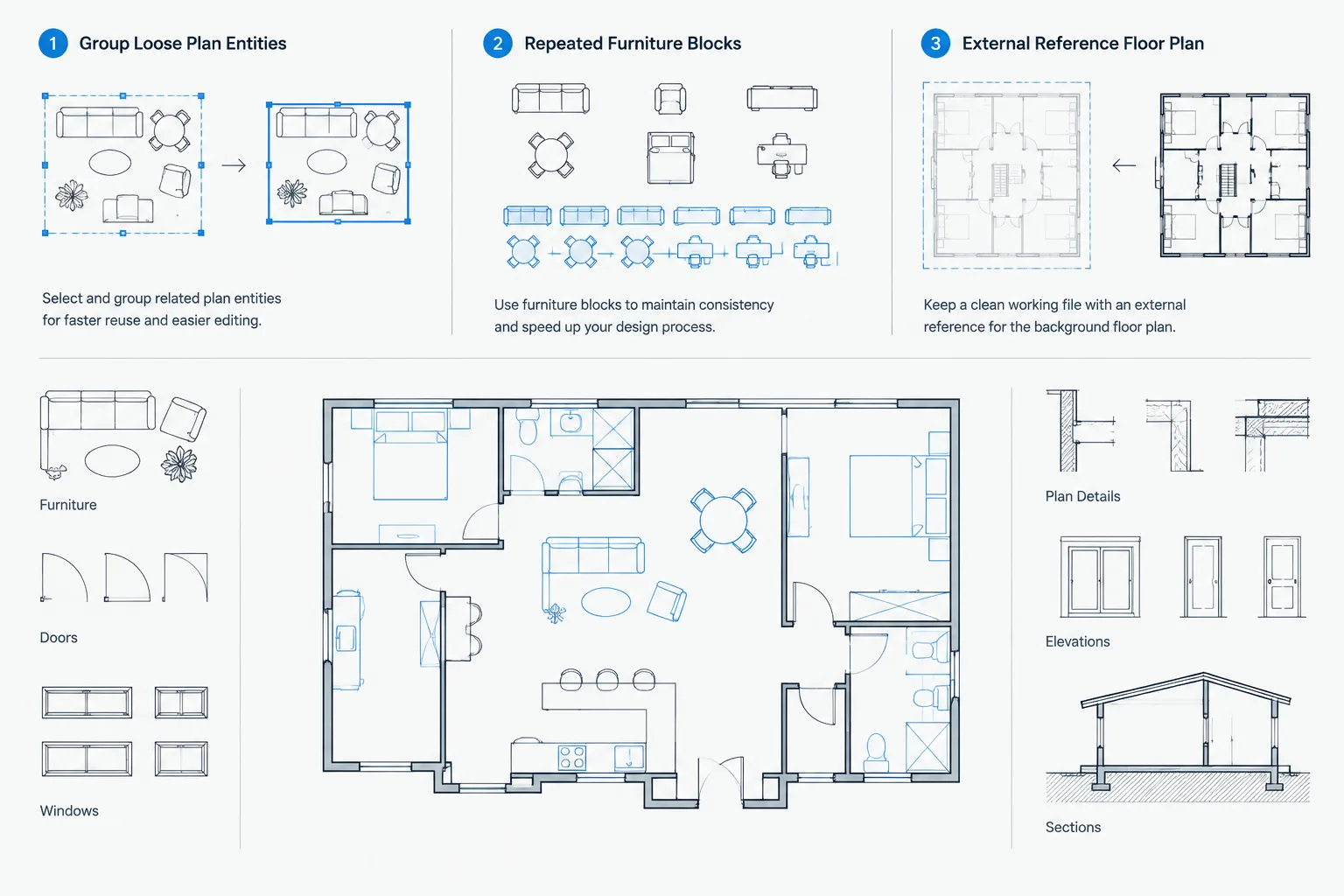
Blocks, Groups, and Xrefs in Architectural CAD: Choosing the Right Reuse Method
Compare blocks, groups, and xrefs in architectural CAD with a practical workflow for choosing reusable objects, selection sets, or linked files.
Written by
-
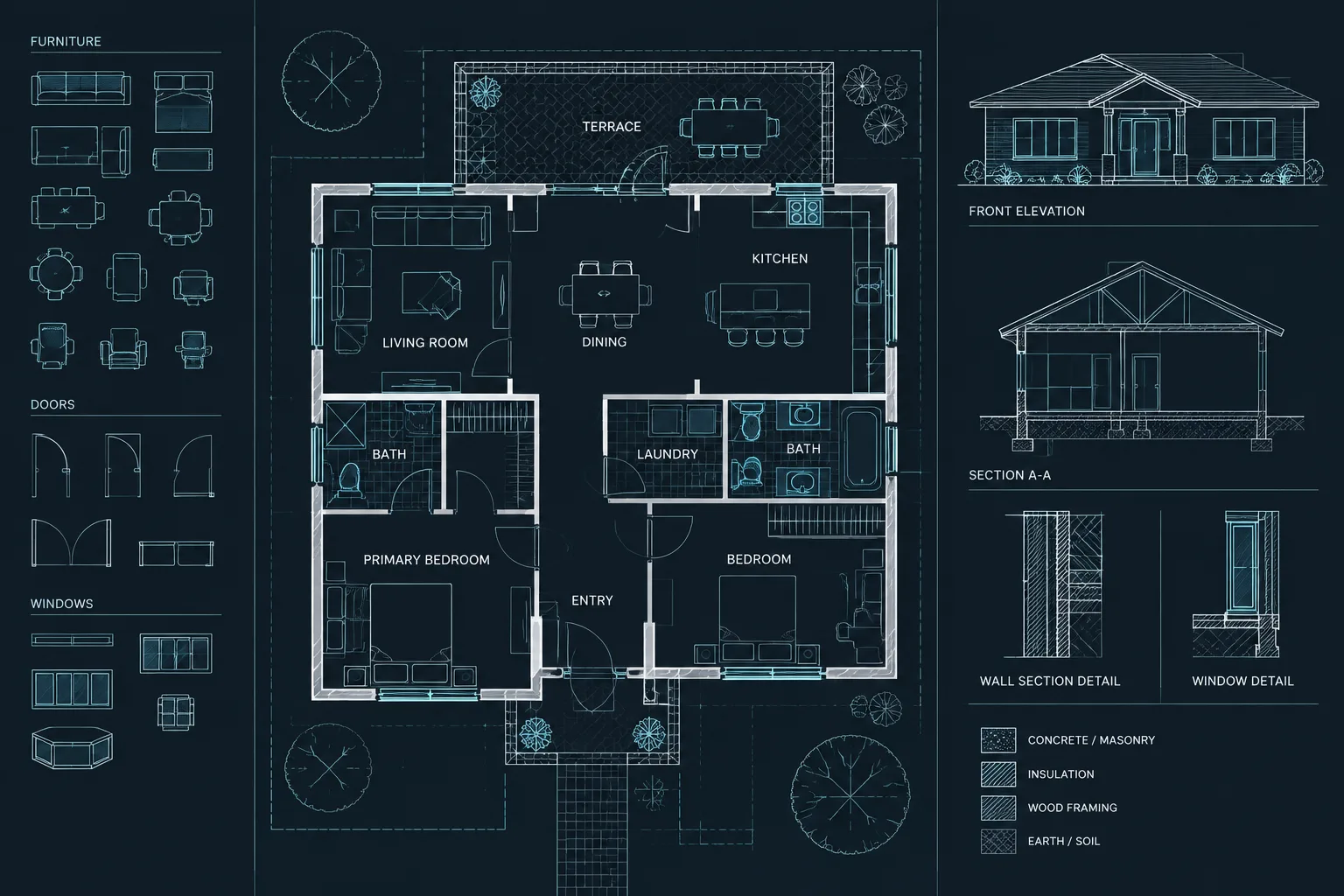
Wipeouts, Background Masks, and Draw Order in Architectural CAD
Learn when to use wipeouts, text background masks, and draw order in architectural CAD while avoiding hidden geometry and plotting problems.
Written by
-
How to Draft and Coordinate Bathroom Accessories in Architectural CAD
Learn a practical bathroom accessories CAD workflow for blocks, layers, plans, elevations, wall coordination, tagging, and drawing review.
Written by