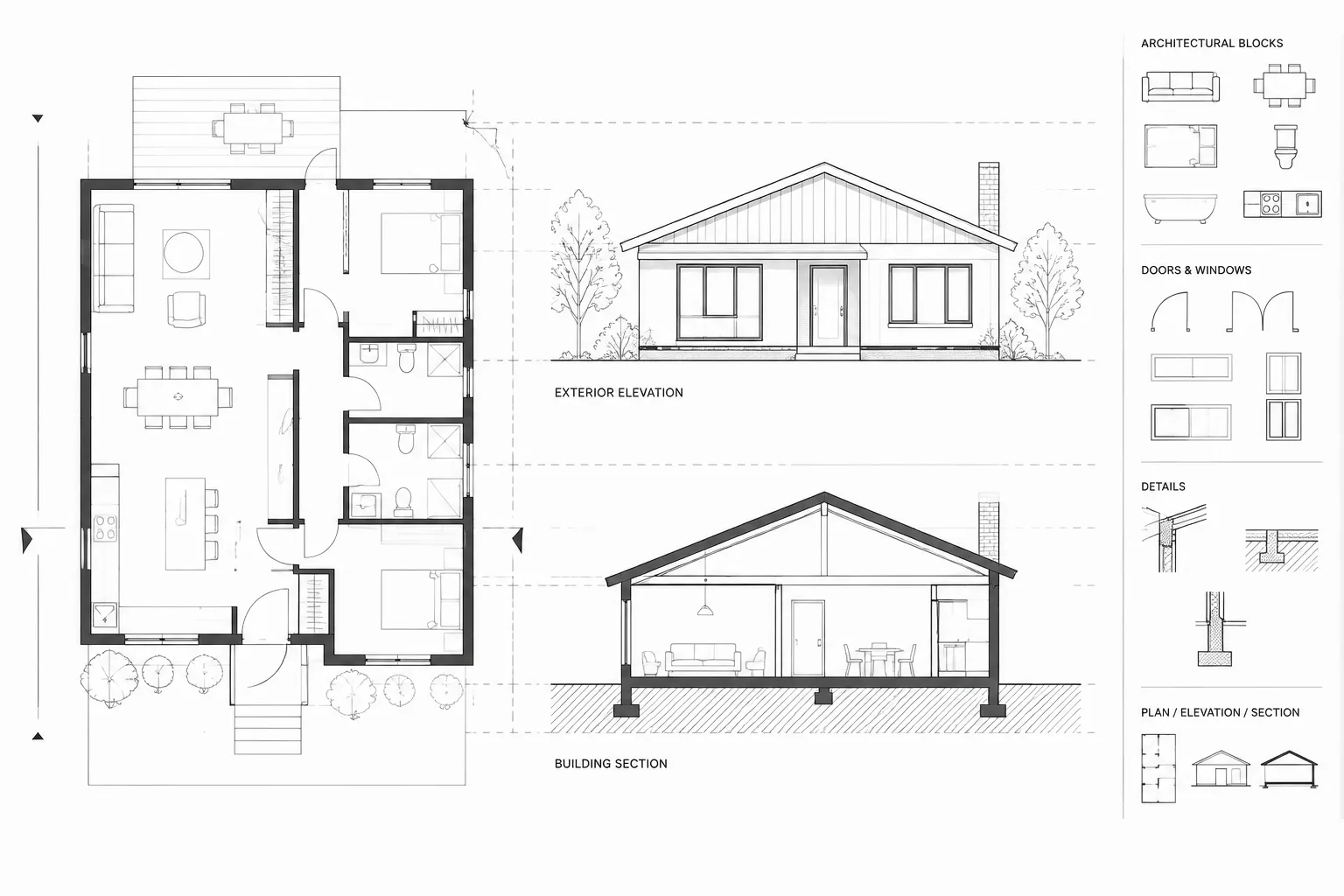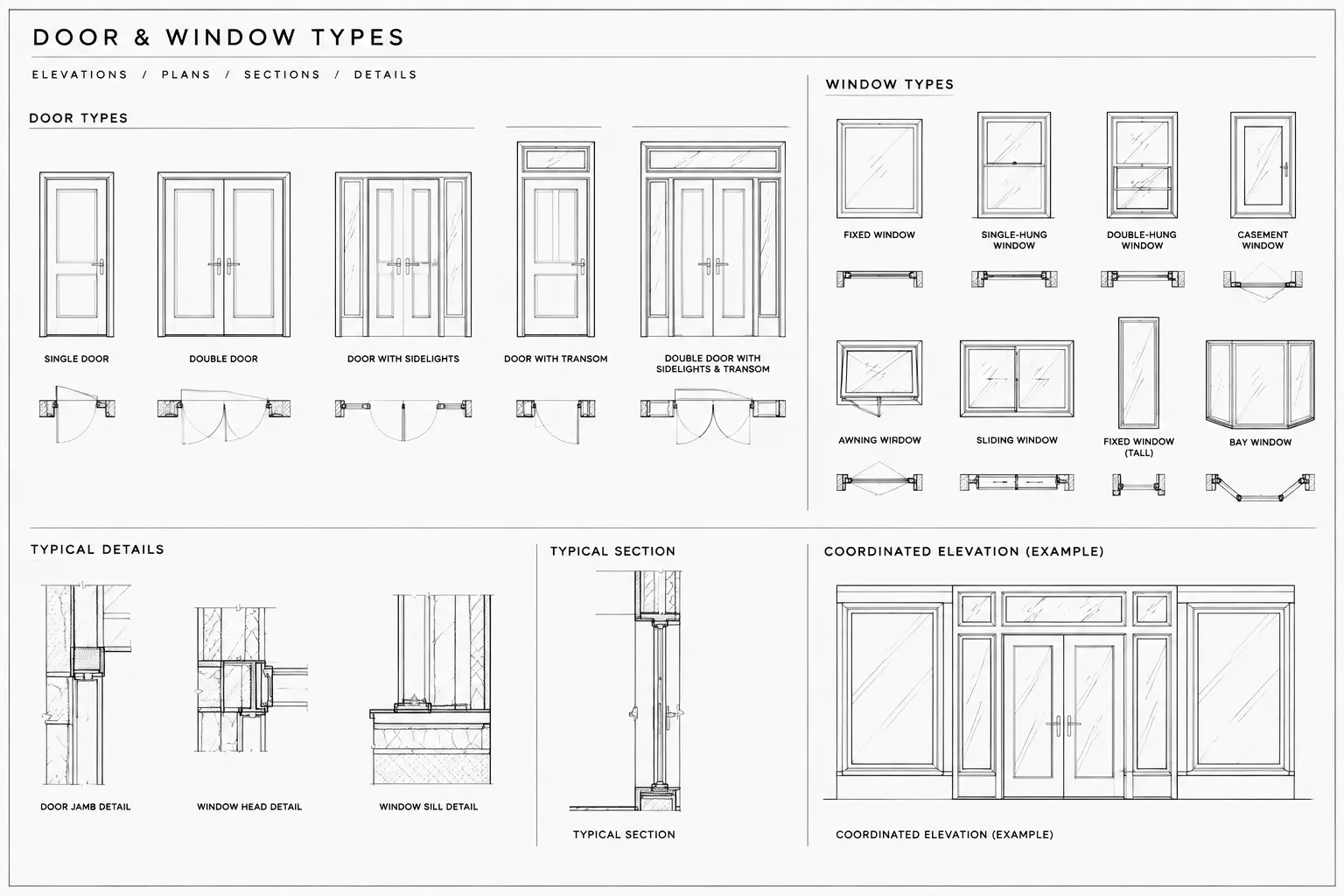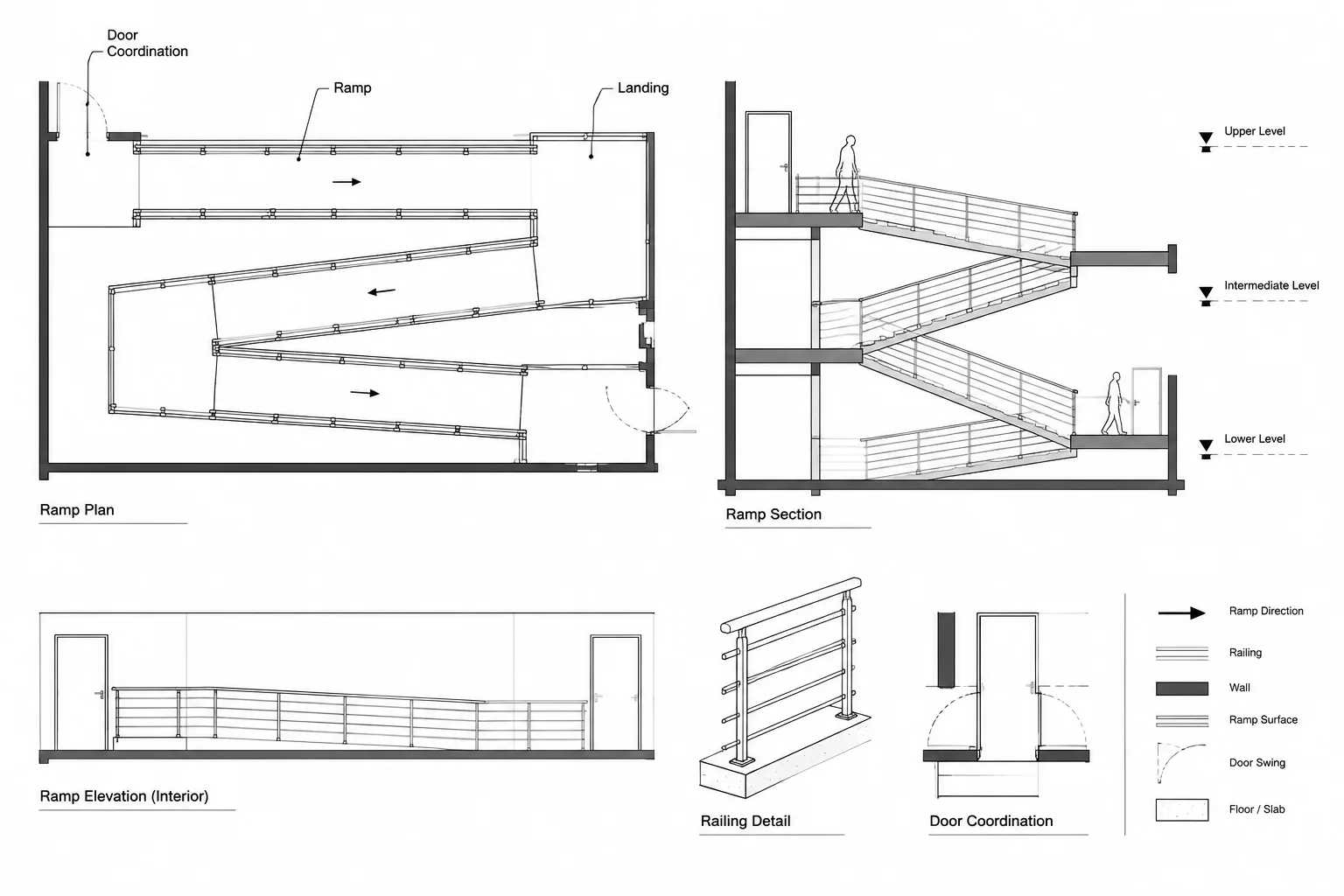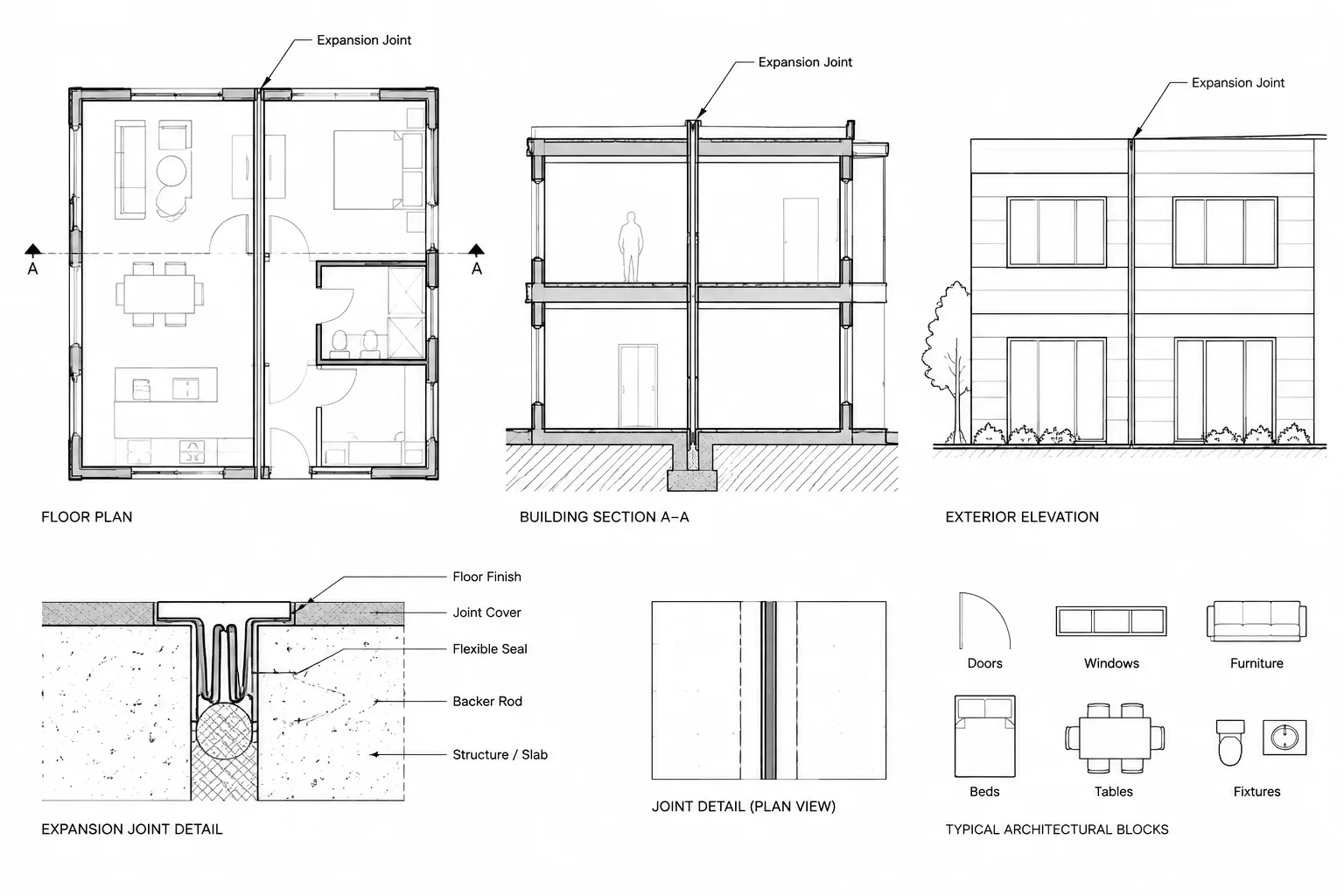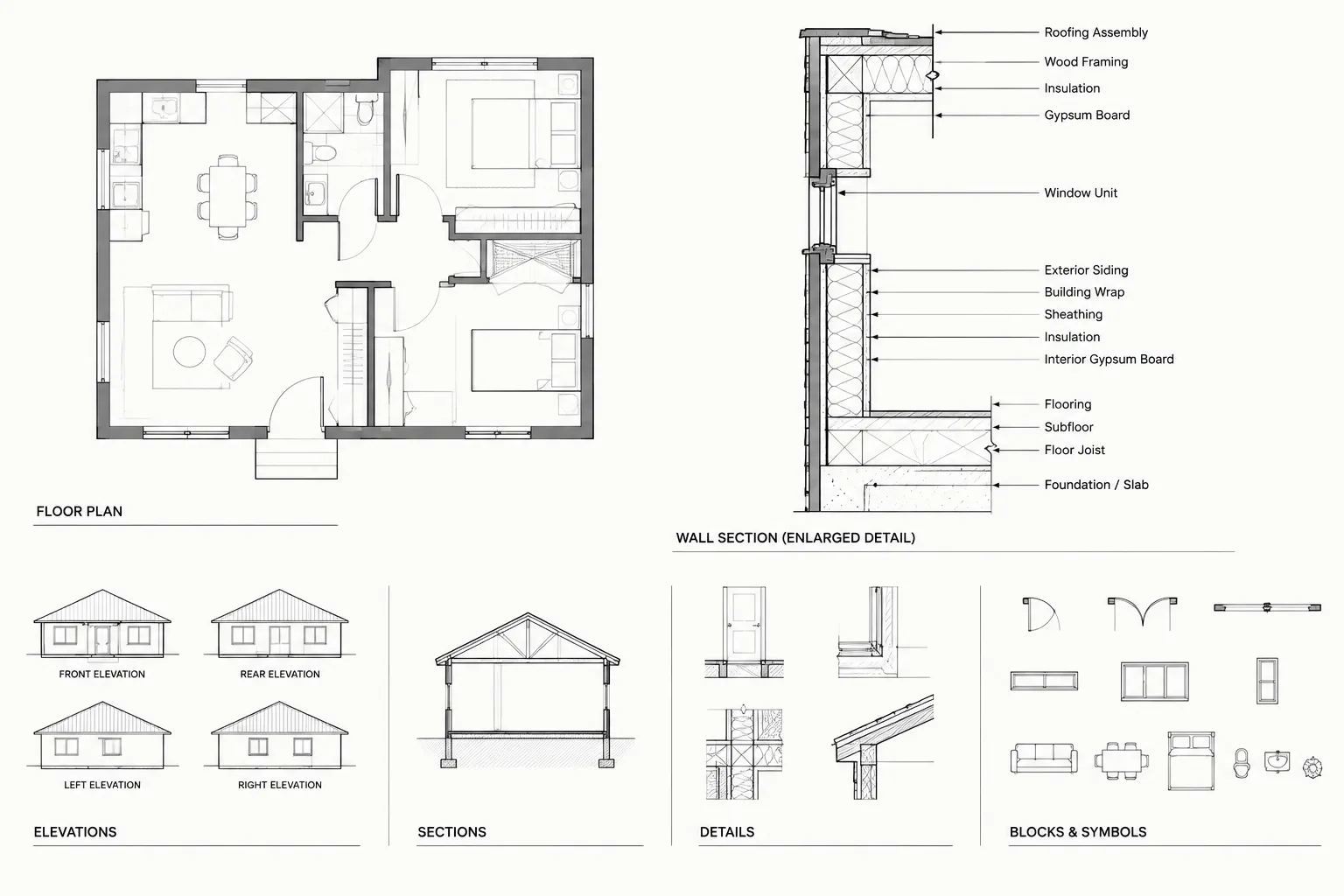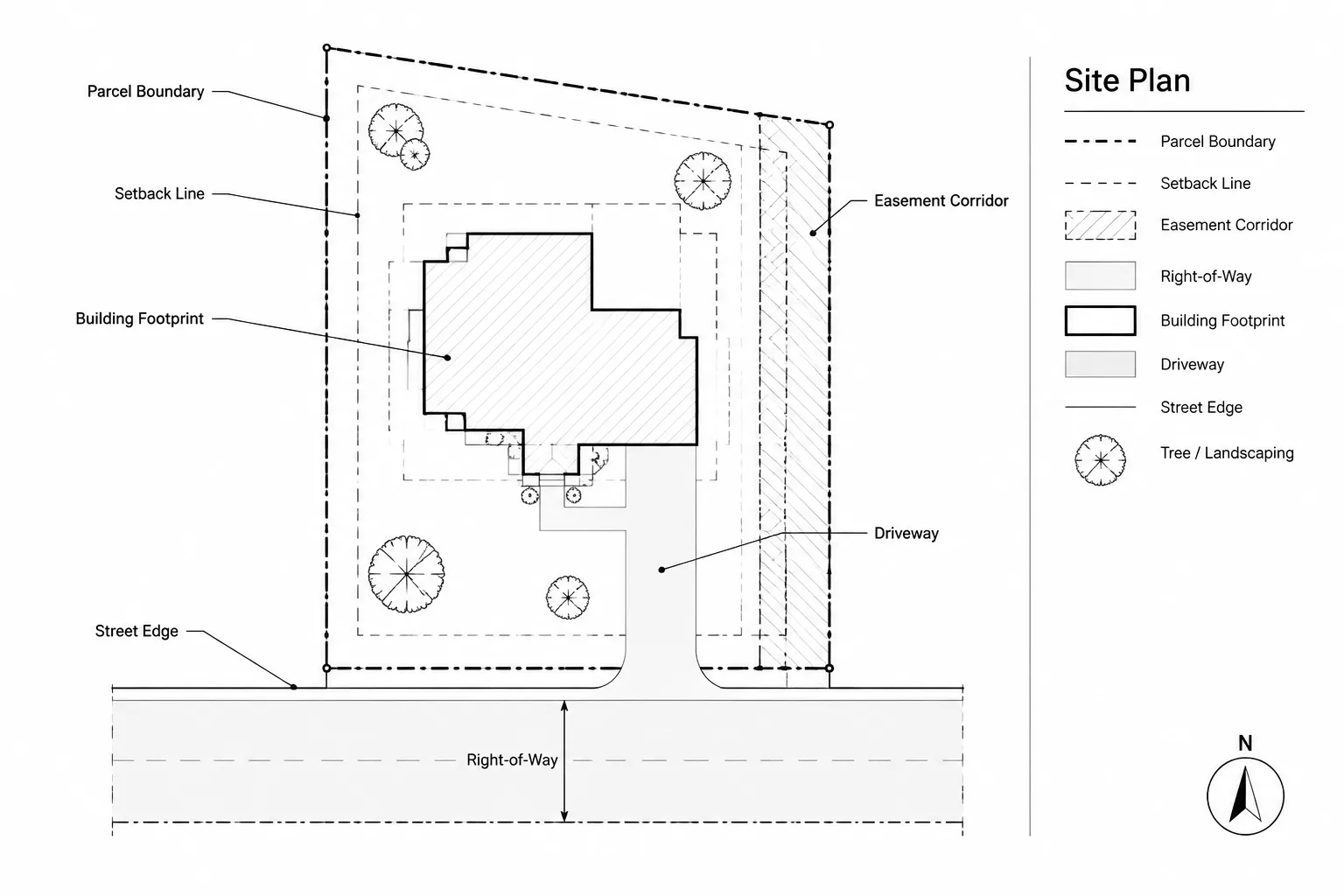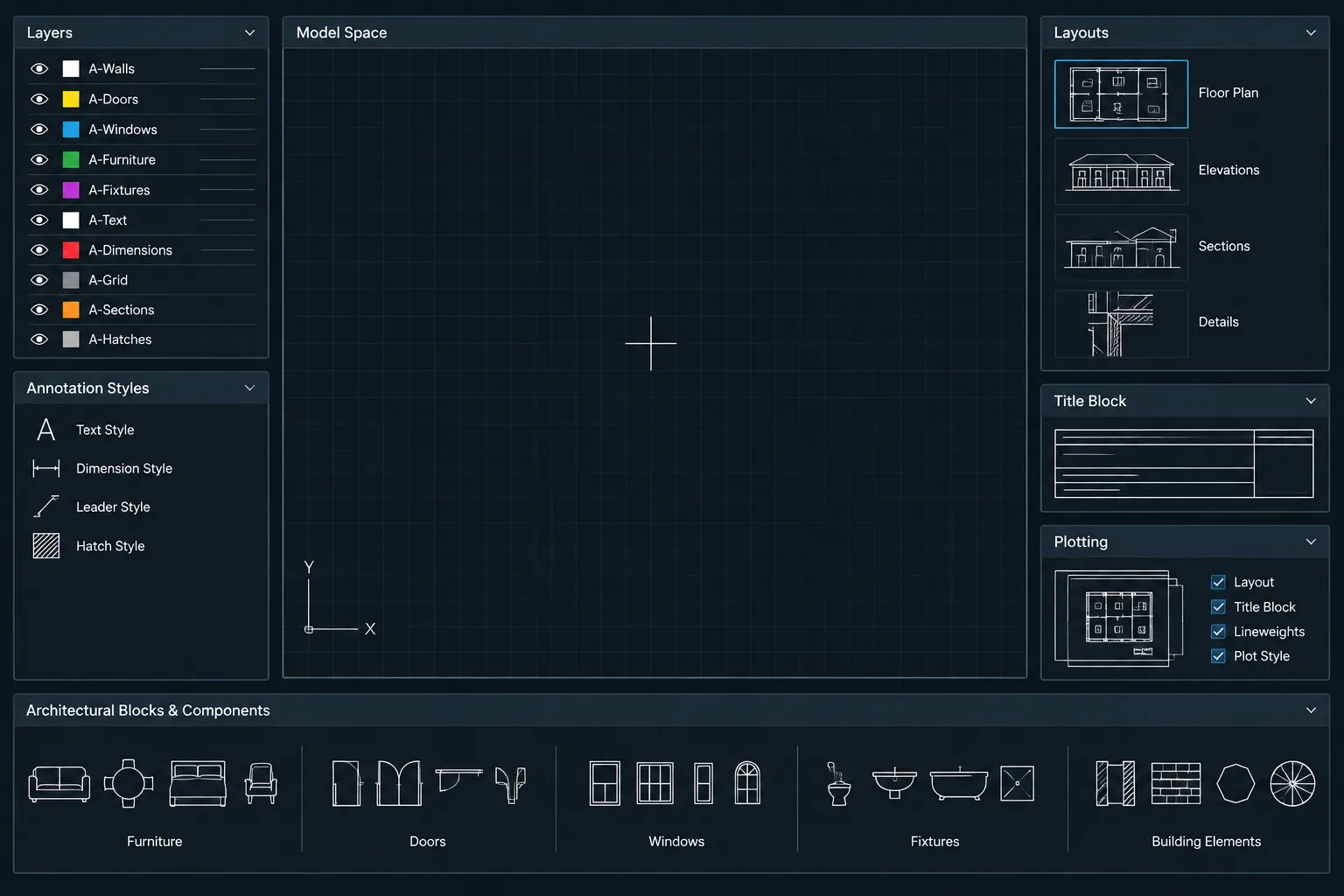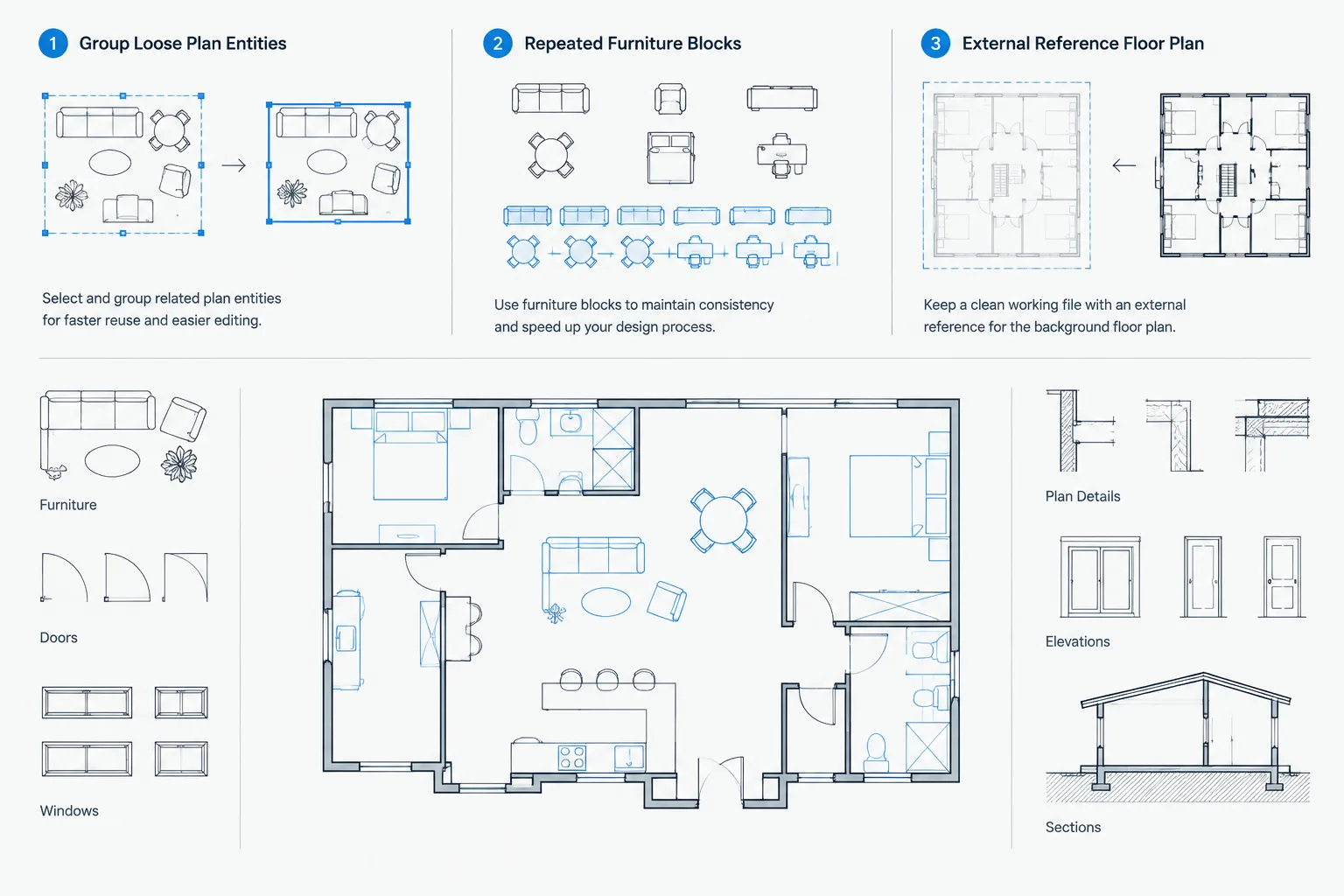
To package architectural DWG files for consultant handoff, the sender must preserve more than visible linework. The deliverable may rely on external references, underlays, images, fonts, plot resources, coordinate conventions, and file relationships that remain invisible until something is missing.
This guide presents a practical workflow for defining the issue scope, collecting dependencies, protecting coordinates, testing the transfer set, and documenting what the consultant received. Apply the process to controlled copies and confirm project-specific requirements with the recipient before changing references or drawing organization.
A DWG handoff is more than an email attachment. Architectural drawings often depend on external references, images, fonts, plot settings, and project-specific conventions that are not contained in the host file. If any dependency is omitted or a path points to an inaccessible location, the recipient may open an incomplete drawing without immediately realizing it.
A reliable handoff workflow gathers the required files, removes avoidable confusion, verifies the package in a separate location, and records what was issued. The goal is not to make the recipient adopt the architect’s entire production system. It is to deliver a clear, usable snapshot that can be referenced or edited for the agreed purpose.
Define the purpose of the handoff first
Before packaging anything, confirm what the recipient needs. A consultant who will reference the architectural plan into a discipline model may need a different package from a fabricator who requires selected editable geometry.
Clarify the following points:
- Which plans, elevations, sections, details, or site backgrounds are included?
- Is the package intended for reference, coordination, pricing, or editing?
- Should external references remain separate, or has the recipient requested consolidated files?
- What project origin, coordinate convention, and drawing units are being used?
- Are sheet files required, or are model files and reference PDFs sufficient?
- Which issue date or coordination milestone does the package represent?
Do not bind references, move geometry, change units, or simplify files merely because it appears convenient. Those changes can disrupt coordinates, layer control, and future updates. Treat consolidation as a deliberate deliverable decision rather than a routine cleanup step.
Separate working files from issued files
Create the consultant package from controlled copies rather than directly modifying active project files. This protects the live drawing set and allows issue-specific adjustments without affecting ongoing work.
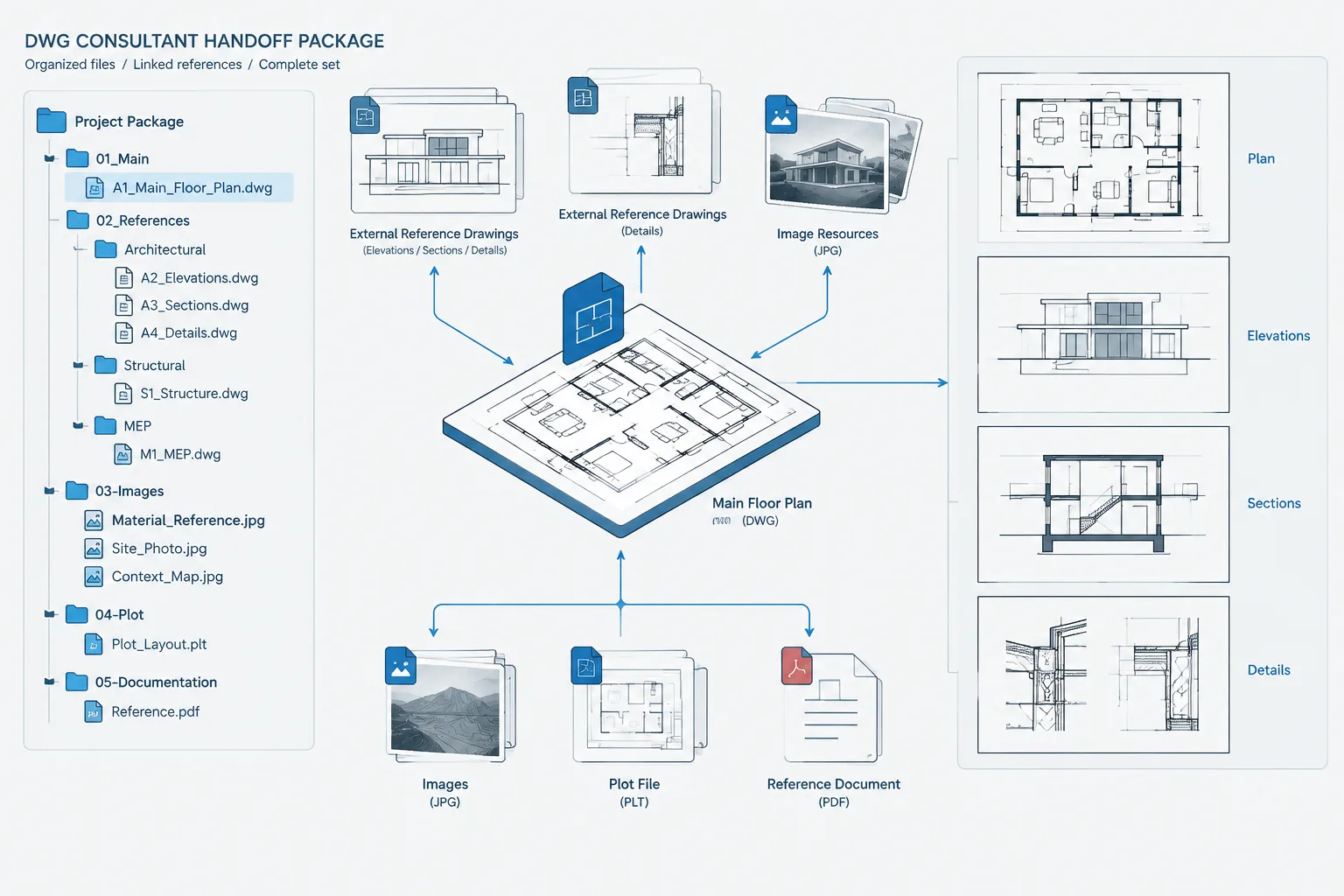
An issue folder can contain model files, sheet files when required, external references, support files, reference PDFs, and a short transmittal note. Use recognizable folder names and avoid a deep hierarchy that is likely to break when the package is moved.
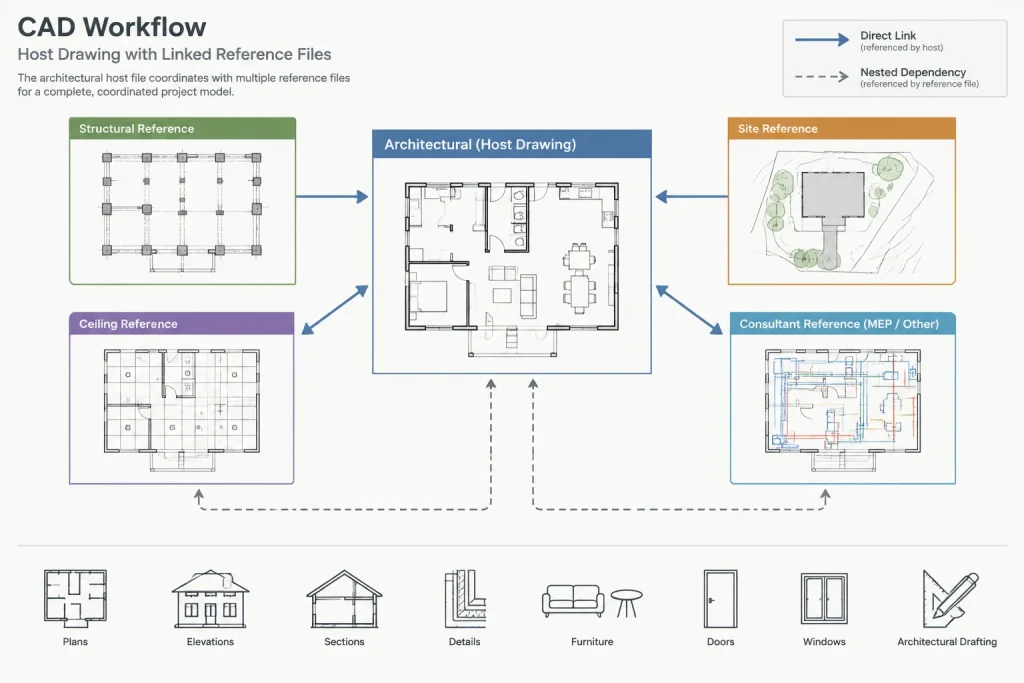
Keep temporary exports, autosave files, obsolete markups, and unrelated alternatives out of the package. A recipient should not have to guess which file is current.
Identify every drawing dependency
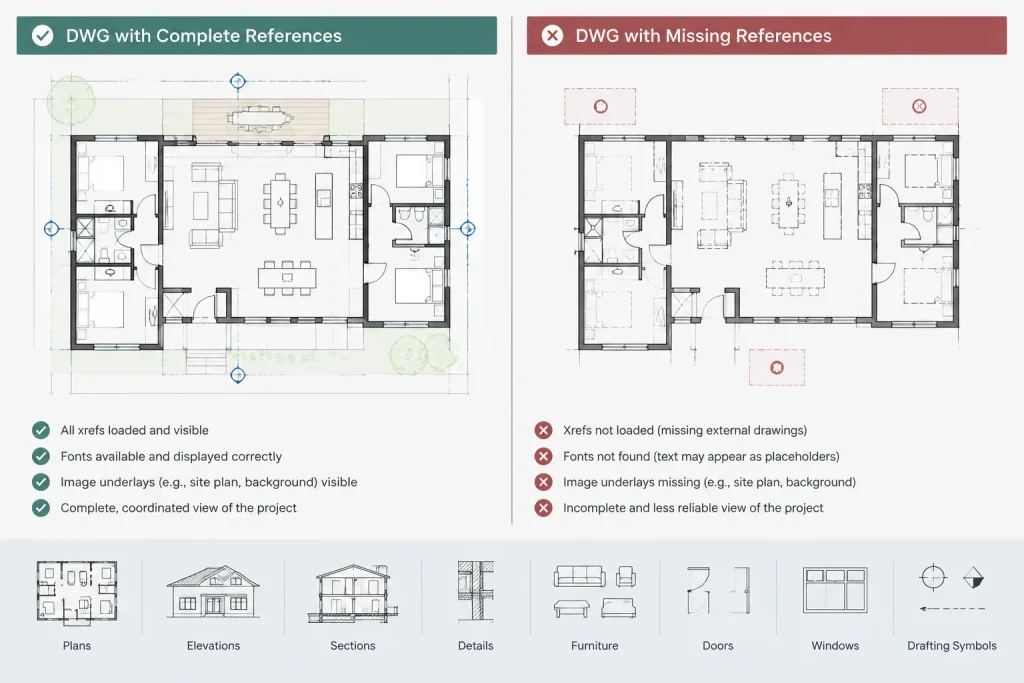
Opening the main DWG successfully on the sender’s workstation does not prove that the package is complete. Local drives, shared office folders, and cached resources can hide missing dependencies.
Review each host drawing for the following:
- Attached and overlaid DWG references
- Nested references needed to display the intended background
- PDF underlays and raster images
- Project-specific fonts or shape files that may affect text and linetypes
- Plot style files when plotted appearance is part of the deliverable
- Other externally referenced resources used by the issued drawings
Standard software resources do not always need to be copied, but custom resources should be evaluated carefully. Confirm that the project is permitted to distribute any third-party font, image, survey, or consultant file before including it.
Use the dependency report as a checklist
AutoCAD’s drawing packaging workflow, commonly accessed through eTransmit, can collect a drawing and many of its related files into a transfer set. It can also report file relationships and identify unresolved references. This is useful, but it should not replace human review.
Inspect the resulting file list. Confirm that required references are present, irrelevant files are excluded, and no confidential or unrelated project information has been gathered accidentally. Packaging tools can collect what a drawing points to; they cannot determine the contractual intent of the issue.
Choose an appropriate xref strategy
Preserving separate xrefs is generally the clearest approach when the recipient needs to understand the file structure, control background visibility, or receive future updates. It also avoids creating a single file filled with renamed layers and duplicated definitions.
Binding or inserting references may be appropriate when a recipient specifically requests a self-contained file and understands the consequences. Before doing so, consider how the operation affects layer names, block definitions, file size, and the ability to compare later updates.
| Handoff approach | Useful when | Main caution |
|---|---|---|
| Separate host files and xrefs | The recipient will reference coordinated backgrounds or needs recognizable file relationships | All required dependencies and paths must be packaged correctly |
| Bound copy | A specifically requested standalone snapshot is needed | Layer and block organization may change, and updating becomes less direct |
| Selected export | Only limited geometry is authorized or useful | Context, coordinates, and drawing meaning can be lost |
| PDF reference set | The recipient needs a visual record of the intended plotted output | A PDF does not replace coordinate-bearing DWG data |
Preserve coordinates and drawing units
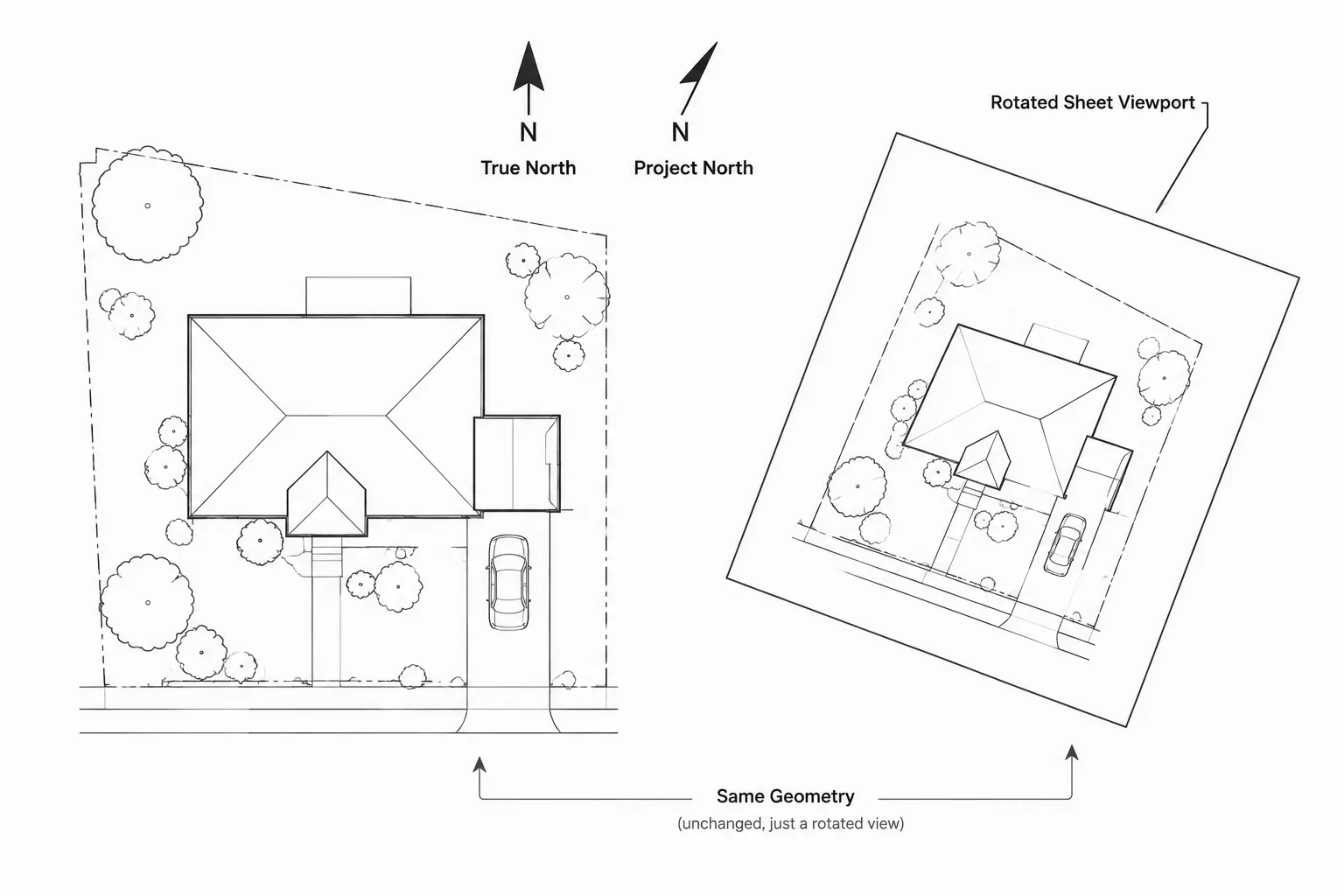
A handoff should not require the recipient to drag, rotate, or visually align architectural backgrounds. Preserve the established project origin and orientation unless a coordinated transformation has been explicitly agreed upon.
Before issue, verify the drawing units and check a known project distance. Confirm that referenced files align at their intended insertion settings. If the project uses both a shared site coordinate system and a local building origin, explain which files use each basis.
A simple coordinate note in the transmittal can prevent major errors. It should describe the intended insertion relationship in plain language without presenting unverified survey or geospatial values.
Clean the copies without erasing useful information
Issued copies should be stable and understandable, but aggressive cleanup can remove data that the recipient needs. Work only on the copied issue set and use a measured process.
- Resolve or remove references that are genuinely obsolete.
- Delete stray test geometry and temporary markup outside the deliverable area.
- Review unused definitions before purging them.
- Check for objects far from the intended drawing area.
- Confirm that model content remains at the established project location.
- Remove layouts only when the delivery scope clearly excludes them.
- Retain layers, blocks, and annotation needed to interpret the drawing.
Do not explode blocks, convert all properties to object overrides, or flatten carefully organized references simply to make the file appear simpler. A well-structured DWG is usually more useful than a visually similar but heavily dismantled copy.
Include a plotted reference
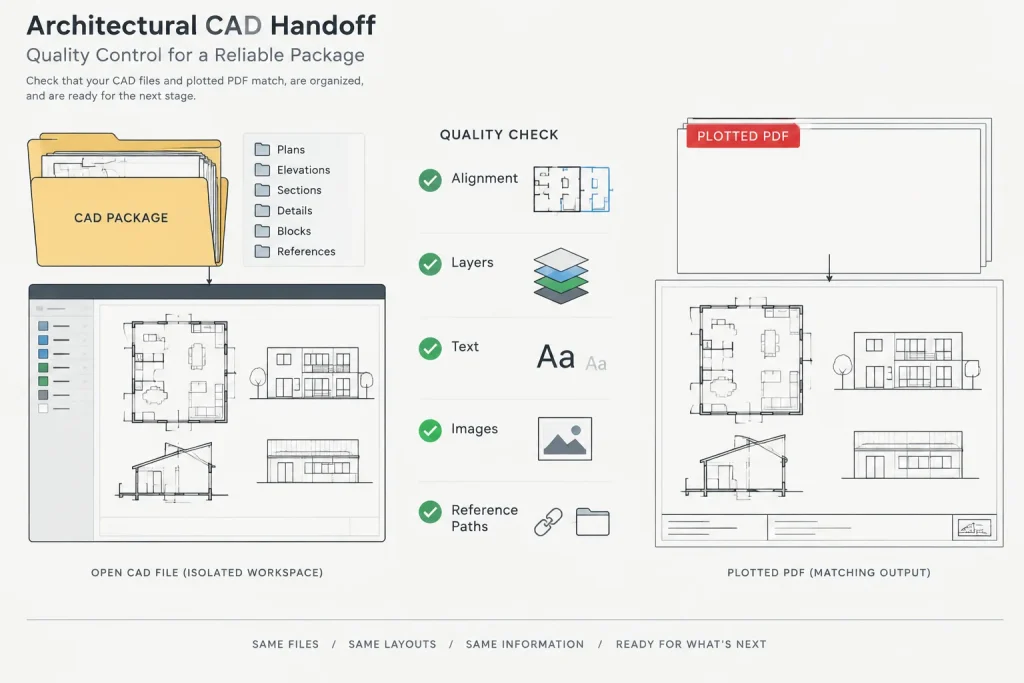
A PDF issued from the same drawing snapshot provides a visual benchmark. It allows the recipient to compare the opened DWG against the architect’s intended sheet appearance and helps reveal missing fonts, images, linework, or references.
The PDF should correspond to the handoff date and drawing state. If the DWG package contains model backgrounds rather than complete sheets, provide an appropriate coordination PDF or clearly state that the files are not a sheet issue.
Test the package outside the project environment
The most valuable quality-control step is to test the package from a neutral location. Copy or extract it into a temporary folder that does not have access to the original project path. Open the primary files from that folder and review them as the recipient would.
Check for:
- Missing or unresolved external references
- Unexpected reference paths
- Incorrect units, scale, rotation, or insertion location
- Substituted text or altered linetype appearance
- Missing underlays and images
- Empty or outdated layouts
- Layer states that conceal required information
- Differences between the DWG display and the reference PDF
Regenerate and zoom to the drawing extents during the review. Unusually large extents can reveal stray objects that make navigation difficult or create problems when the file is referenced elsewhere.
Create a concise transmittal record
Every package should explain what it contains. The record can be a text file, issue sheet, or controlled project transmittal, depending on office procedure.
Include the project identification, issue date, purpose, included drawing files, known exclusions, coordinate guidance, and any agreed limitations on use. Note whether the files are current coordination backgrounds, an issued design snapshot, or another defined deliverable.
Avoid vague filenames such as “final” or “latest.” Use the project’s established naming and revision conventions. If a replacement package is issued, identify what it supersedes rather than silently overwriting the earlier record.
A repeatable DWG handoff checklist
- Confirm the recipient, purpose, and required file scope.
- Create controlled copies in a dedicated issue folder.
- Review xrefs, nested references, underlays, images, fonts, and plot resources.
- Confirm distribution rights for third-party files.
- Preserve the agreed origin, orientation, and drawing units.
- Perform conservative cleanup on copies only.
- Package the dependencies and inspect the generated file list.
- Include a matching PDF for visual comparison.
- Open and test the package from an isolated location.
- Record the issue contents, date, purpose, and known exclusions.
A good architectural DWG package is complete enough to use, limited to the intended scope, and easy to verify. When dependencies, coordinates, file structure, and issue records are handled consistently, consultant coordination becomes faster and the risk of working from an incomplete background is reduced.
Close the coordination loop after delivery
Packaging and sending the files does not complete the handoff by itself. Ask the recipient to confirm that the transfer set can be opened, that the expected backgrounds appear, and that the files align with the stated coordinate basis. This is especially important when the consultant works in a different CAD or modeling environment.
If a problem is reported, correct the controlled issue package rather than sending isolated replacement files without context. A partial replacement can leave the recipient with a mixture of drawing states. Identify the revised package clearly and explain whether it replaces the earlier delivery in full or changes only a defined part of it.
Distinguish file acceptance from design approval
Acknowledgment that files opened successfully confirms the usability of the transfer, not approval of the architectural design or coordination status. The transmittal should continue to define the purpose of the files and any known exclusions.
Prepare for the next exchange
Retain the issued package and its transmittal according to the project team’s document-control procedure. When another handoff is required, compare the new issue against the prior package so renamed files, changed references, revised origins, and removed backgrounds are communicated rather than discovered by the recipient.
A consistent exchange process makes each delivery easier to audit. It also helps the project team distinguish a deliberate update from an accidental difference caused by missing dependencies or altered file structure.
Frequently asked questions
Should architectural xrefs be bound before consultant handoff?
Not automatically. Separate xrefs usually preserve recognizable file relationships and make later updates easier. Bind or insert references only when a self-contained file is an agreed deliverable and the effects on layers, blocks, and future coordination have been reviewed.
Can a PDF replace the DWG package?
A PDF provides a useful visual record of the intended output, but it does not replace coordinate-bearing DWG information when the consultant needs an editable or referenceable background. The required format depends on the agreed purpose of the handoff.
Why should the package be tested in a separate folder?
A drawing can appear complete on the sender’s workstation because it can still reach office servers, local folders, or cached resources. Testing from an isolated location exposes unresolved paths and omitted dependencies before delivery.
Should custom fonts and plot styles be included?
Include project-specific support files when they are needed to interpret or reproduce the issued drawing and when distribution is permitted. Review licensing, confidentiality, and office policy before sending third-party resources.
What should a DWG transmittal record?
Record the project, issue date, delivery purpose, included files, known exclusions, coordinate guidance, and applicable use limitations. The record should make it possible to identify the drawing snapshot without relying on vague filenames.
What if the consultant requests only selected geometry?
Confirm what geometry is authorized and why it is needed. Preserve sufficient context for the recipient to understand the origin, orientation, units, and meaning of the export, and state clearly what has been omitted.