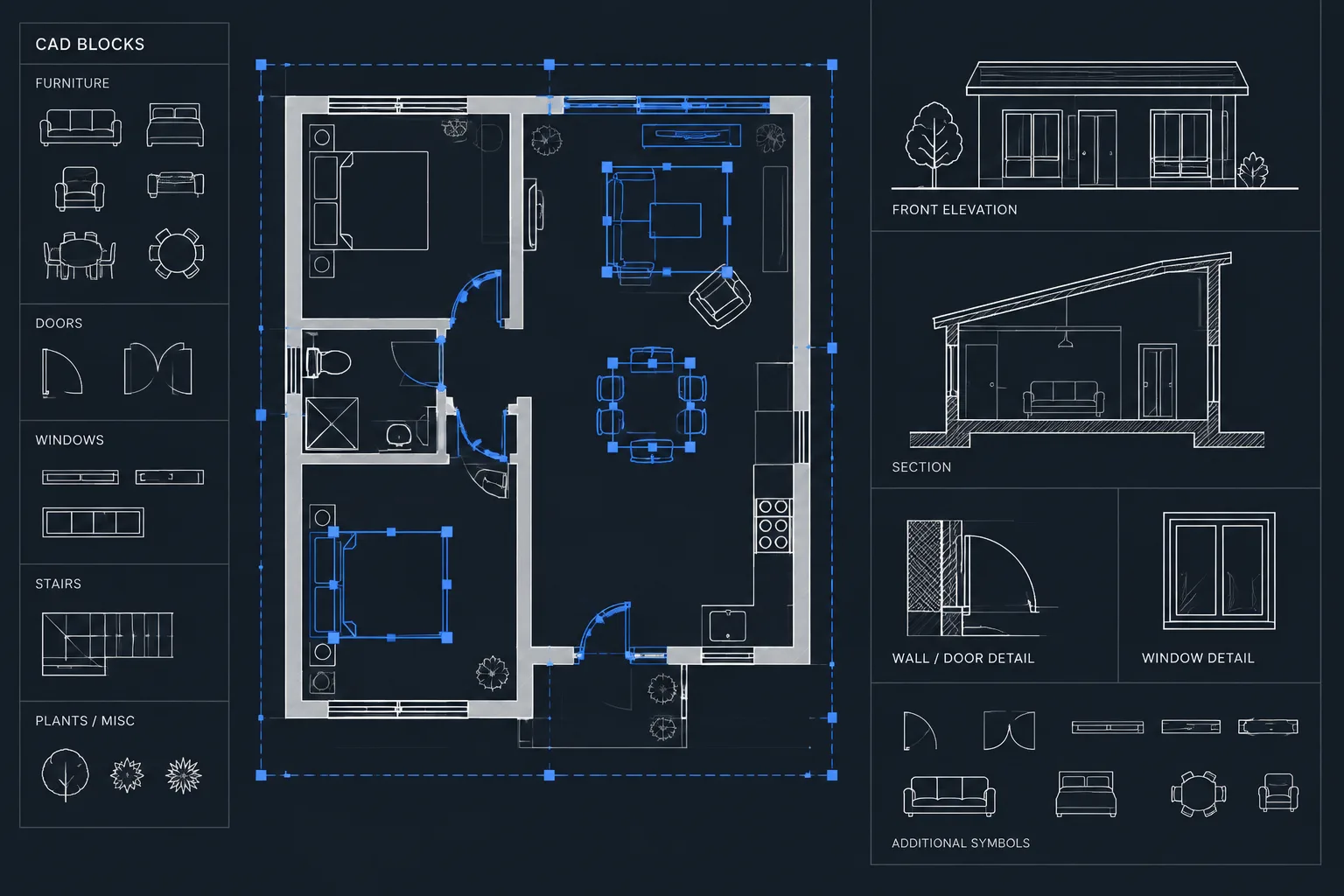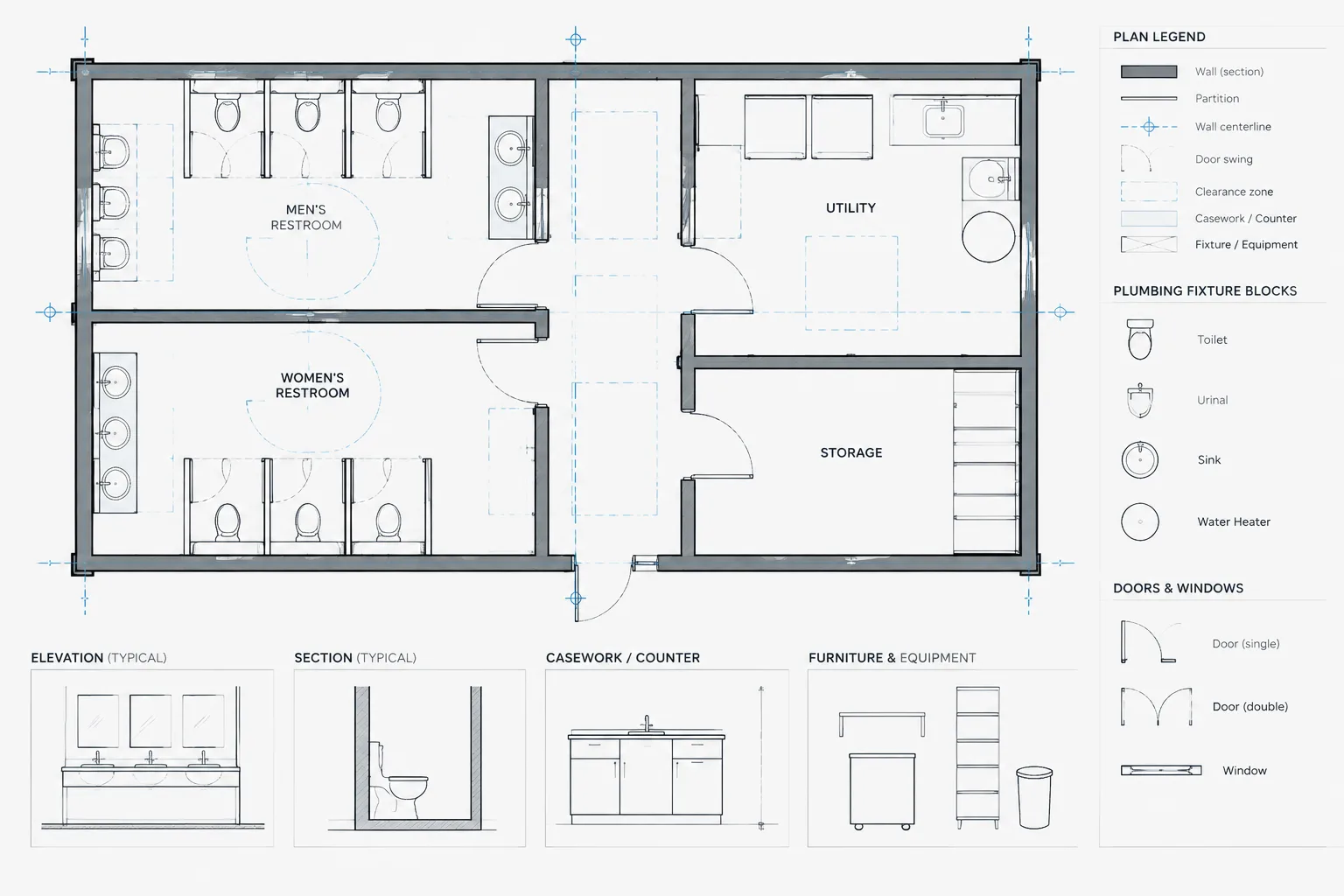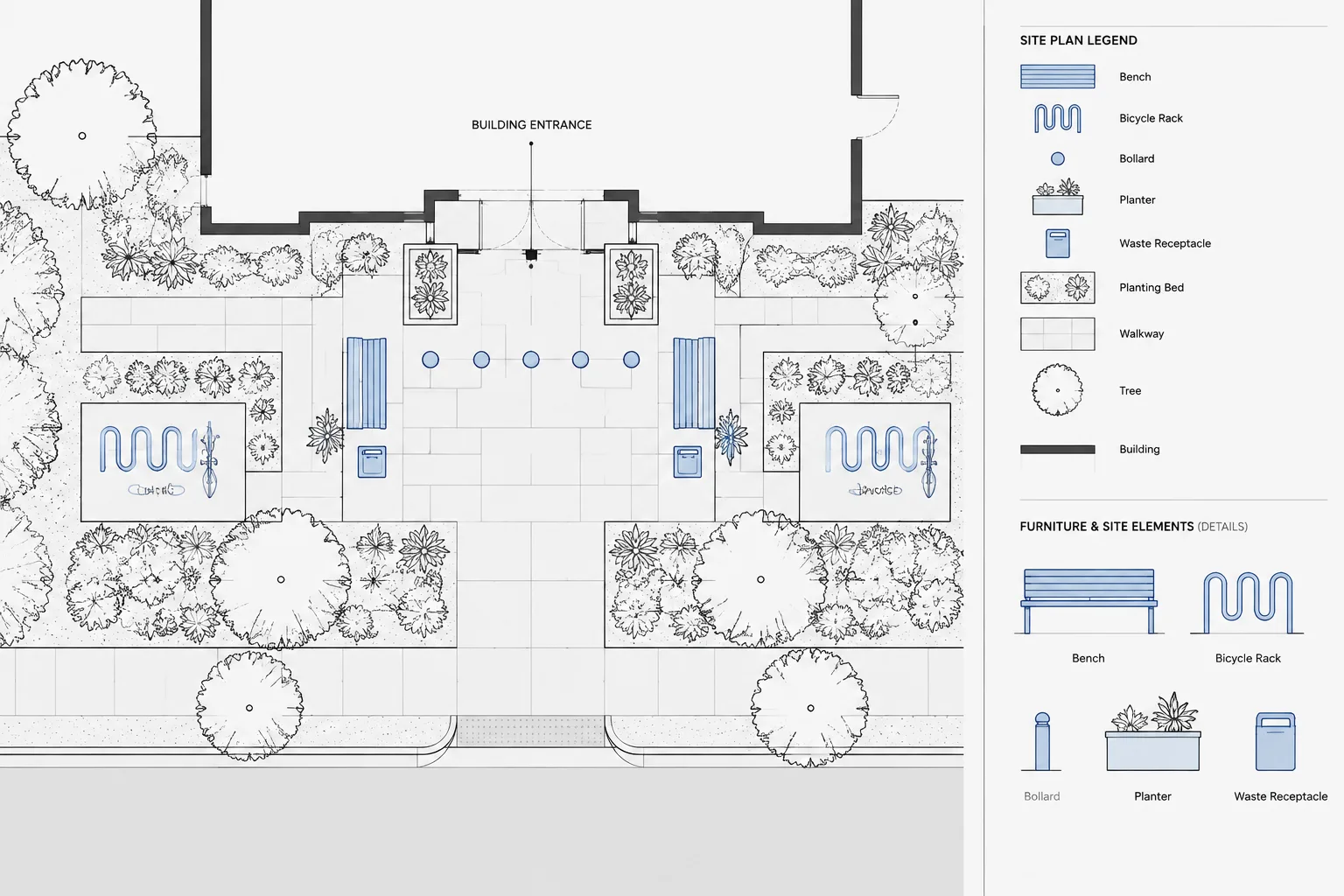
Drafting site furnishings in architectural CAD involves more than placing bench, bollard, planter, or bike-rack symbols on a plan. Each object must remain readable while coordinating with circulation, paving, planting, utilities, installation conditions, and maintenance access.
This guide explains how to organize furnishing blocks, distinguish generic design intent from selected products, manage clearance graphics, and connect plan symbols with schedules and details. The workflow is intended to support coordinated drawings without implying that an unverified CAD block is ready for construction.
Site furnishings may look like minor plan elements, but they affect circulation, paving, landscape design, utilities, maintenance, and the visual organization of an exterior space. Benches, bike racks, bollards, waste receptacles, planters, tables, and similar objects should therefore be treated as coordinated project components rather than decorative CAD symbols.
A reliable workflow begins with simple, readable graphics and ends with verified locations, product information, mounting conditions, and references. The goal is not to show every product detail in the site plan. It is to communicate each furnishing’s type, position, orientation, and relationship to surrounding work without making the drawing difficult to read.
Start with the intended drawing purpose
Before inserting blocks, identify what the drawing must communicate. A conceptual site plan may need only generic furnishing symbols. A developed site plan may also require type tags, orientation, quantities, and coordination with paving or planting. Enlarged plans and details may need mounting information and product-specific geometry.
Using the same highly detailed block in every view usually creates clutter and can increase file size. Maintain different graphic representations when necessary:
- Diagrammatic plan symbols for early planning and overall layouts.
- Clean plan-view blocks for construction drawings and enlarged plans.
- Elevation or section blocks for streetscape elevations and mounting details.
- Manufacturer-based outlines when an actual product has been selected and its verified dimensions matter.
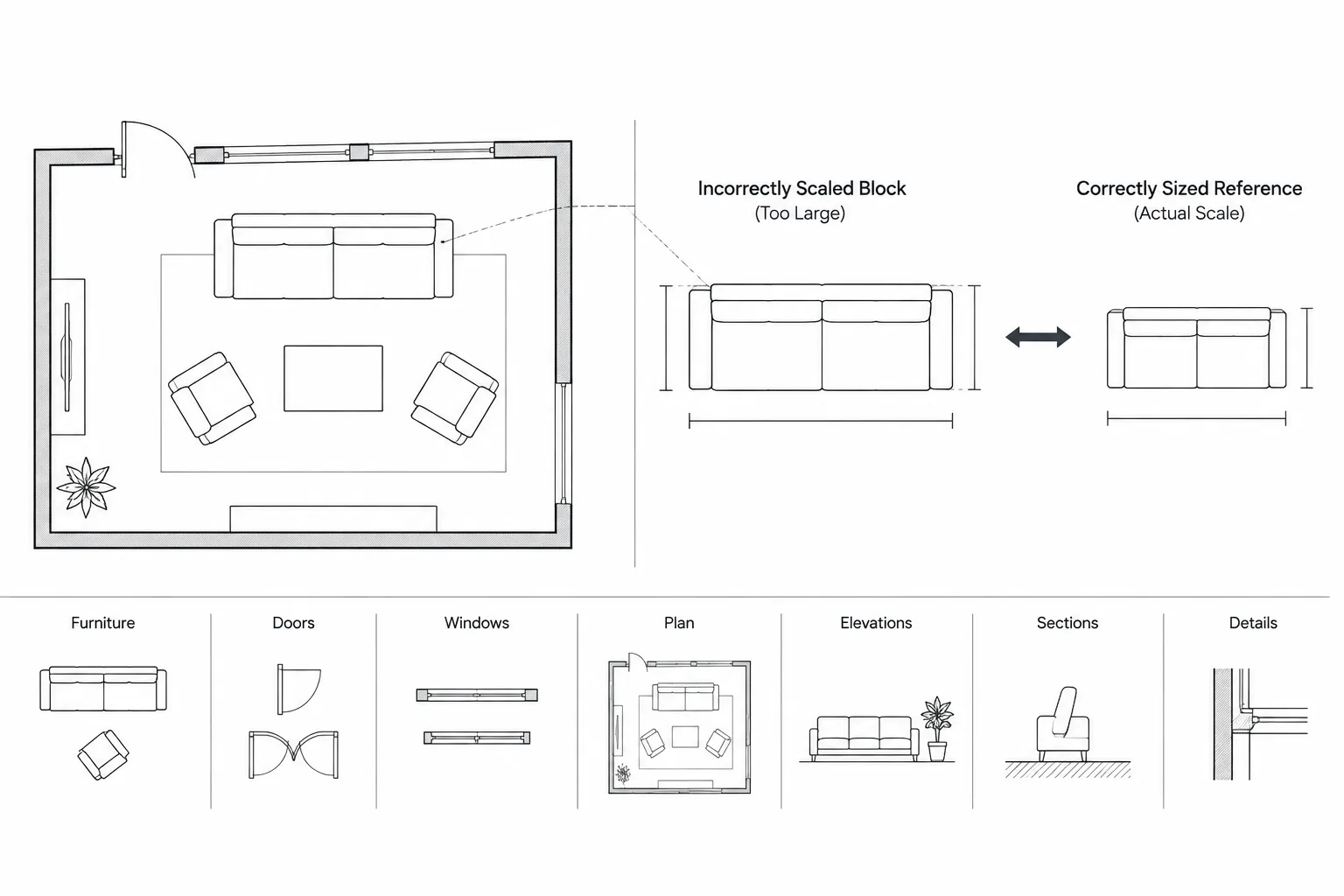
A downloaded CAD block should be treated as reference geometry until its units, scale, insertion point, dimensions, and product relevance have been checked.
Build a coordinated site furnishing list
Compile the expected furnishing types before laying out individual objects. This prevents similar components from being represented inconsistently across separate plan areas. Common categories include seating, tables, bicycle parking, waste and recycling receptacles, bollards, freestanding planters, tree grates, drinking fixtures, ash receptacles, information displays, and movable amenities.
The list should distinguish between generic design intent and a selected product. A generic bench type, for example, may indicate only a seating location during design. Once a product is selected, the team may need to coordinate its actual footprint, support locations, mounting method, finish, and orientation.
| Information | Typical location | Coordination purpose |
|---|---|---|
| Furnishing type and identifier | Plan tag and schedule | Connects symbols to specifications or notes |
| Plan footprint | Site or landscape plan | Supports layout and circulation review |
| Orientation | Plan and enlarged plan | Shows facing direction and intended use |
| Mounting condition | Detail or installation note | Coordinates paving, foundations, or concealed anchors |
| Utility requirement | Plan and discipline drawings | Identifies components that need power, water, or drainage |
| Finish or material reference | Schedule or specification reference | Maintains consistency among repeated items |
Create blocks that are easy to place and verify
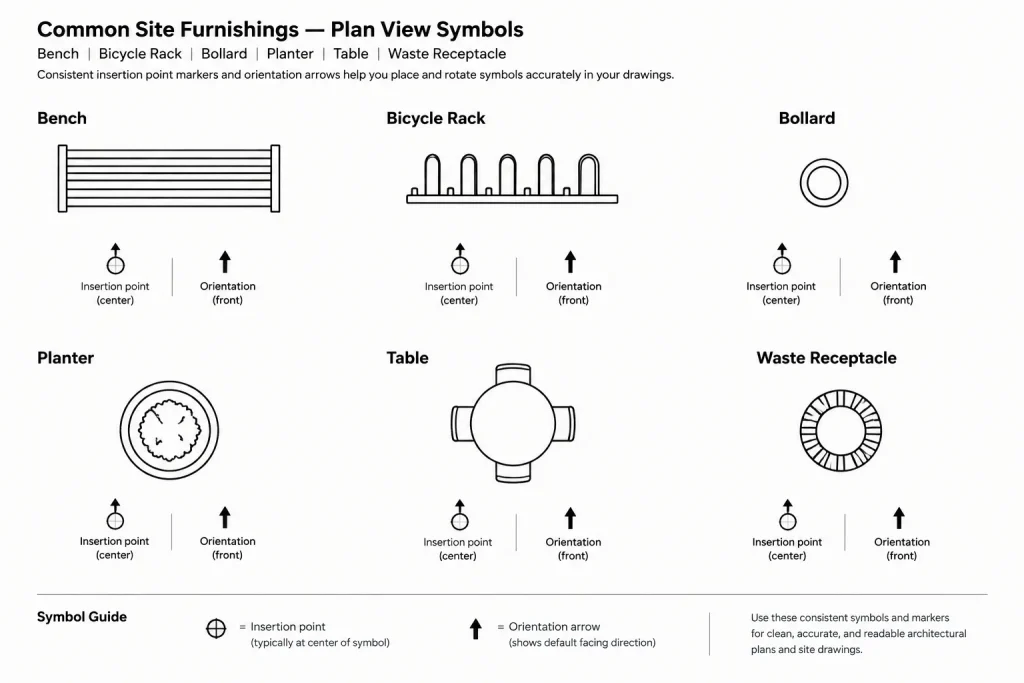
Each block should have a deliberate insertion point. A center point may work for a round planter, while the center of a mounting line may be more useful for a bench. A bollard may be inserted at its centerline. Choose the point that corresponds to how the object will be located in the field or dimensioned on the drawing.
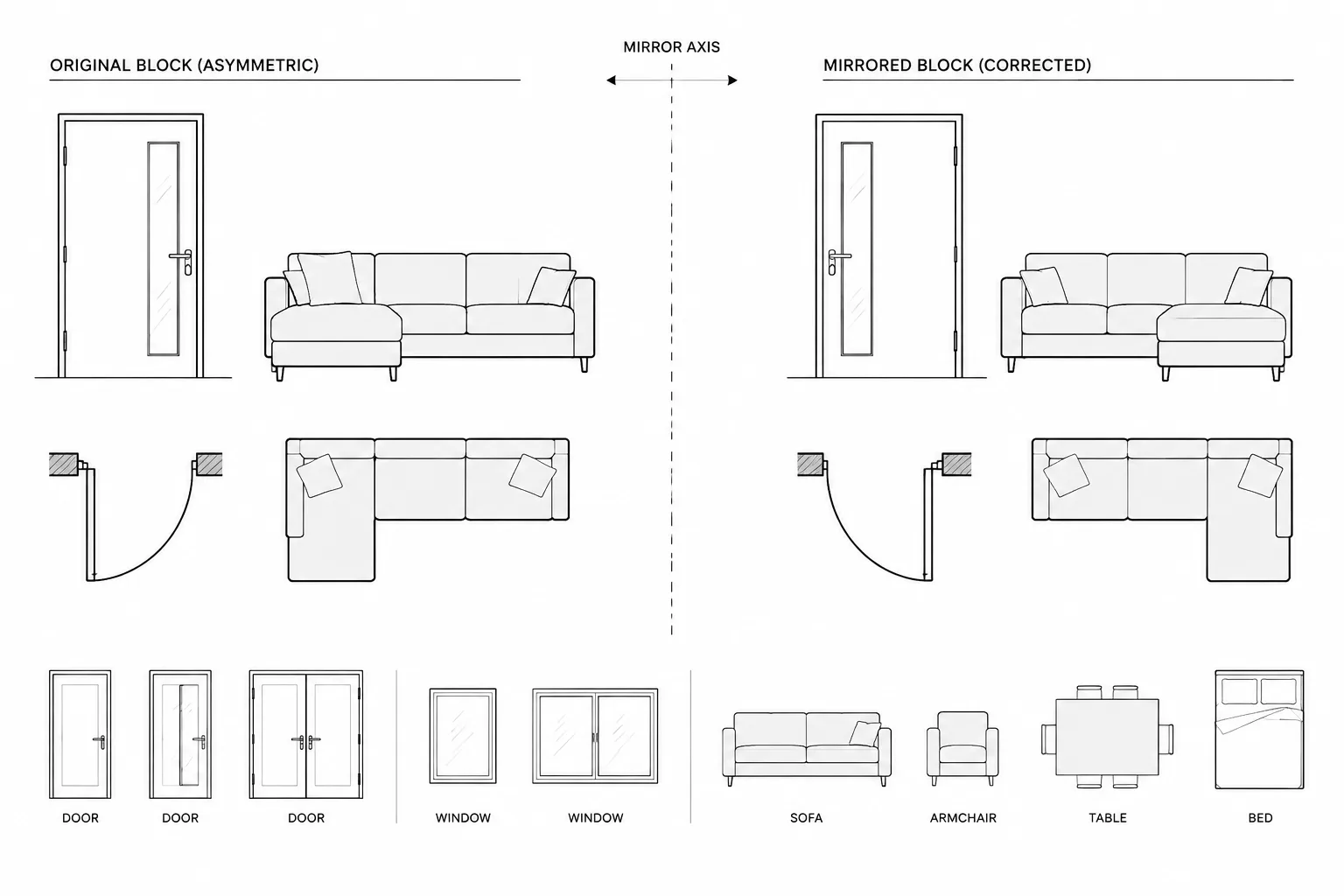
Keep the block’s orientation predictable. Establish a consistent default facing direction so rotations can be reviewed quickly. If seating blocks face different directions when inserted at zero rotation, layout checks become unnecessarily difficult.
Block geometry should remain economical. Show the recognizable footprint, fixed supports when relevant, and any important directional feature. Avoid dense meshes, excessive curves, hidden product construction, or hatch patterns that disappear at the intended plot scale.
Separate the object from its required space
A furnishing footprint does not describe every area affected by the object. Users may need space to approach, sit, park a bicycle, open a receptacle, or perform maintenance. These functional areas can be shown with separate nonplotting or lightly plotted clearance geometry during coordination.
Do not embed an assumed regulatory clearance in a generic block and treat it as universally valid. Required clearances depend on the component, project conditions, governing requirements, and selected product. Use adjustable coordination zones and verify the final criteria for the project.
Organize layers by purpose
Place site furnishings on layers that allow them to be displayed, screened, or isolated without affecting paving, planting, or building geometry. A project may use one general furnishings layer or separate layers for major categories, tags, clearance zones, existing items, and removal work.
The important principle is predictable control. Object outlines, annotation, and temporary coordination graphics should not be mixed indiscriminately. For example, turning off furnishing tags should not also remove the objects themselves.
- Keep permanent object geometry separate from temporary clearance checks.
- Distinguish existing, relocated, removed, and new items according to the project’s graphic conventions.
- Use annotation layers for tags and leaders.
- Place product-specific details in appropriate detail drawings rather than inside every plan block.
Lay out furnishings from circulation outward
Begin with fixed site geometry: building entrances, paths, curbs, walls, stairs, ramps, planting areas, and utility features. Then identify primary pedestrian routes and gathering zones before placing furnishings.
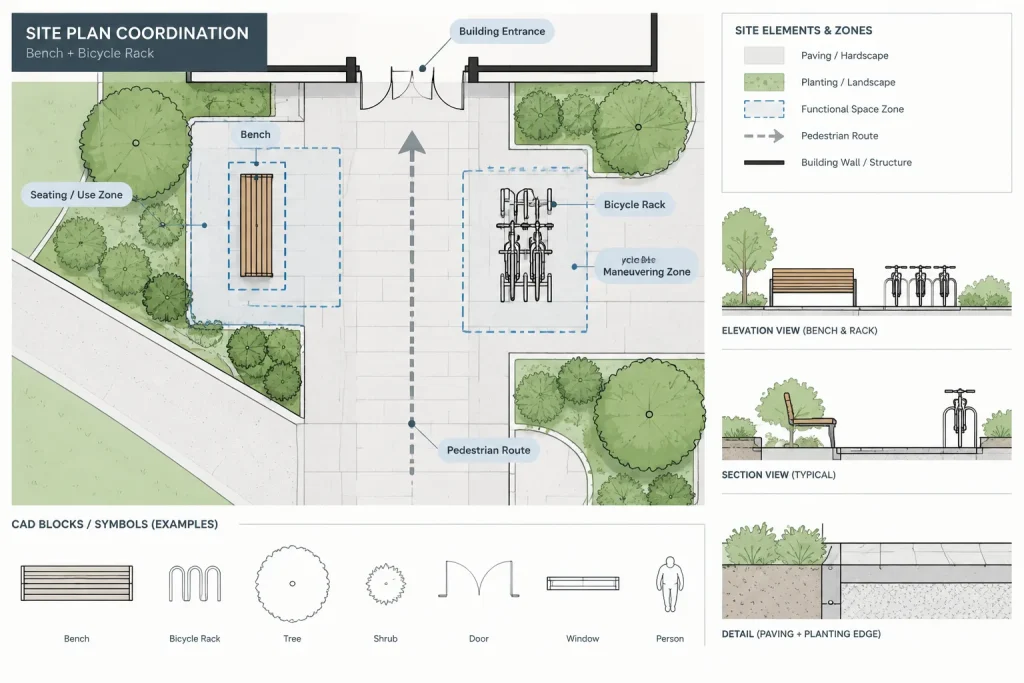
Position objects according to their intended use, not simply where they fit graphically. Seating may face a view, entrance, play area, or other activity. Bicycle parking should be coordinated with access routes and the way bicycles occupy space. Receptacles may need convenient public access as well as practical servicing. Bollards should relate clearly to the edge or route they are intended to define.
Use temporary construction geometry or clearance outlines to test conflicts. Review corners, narrow passages, door approaches, curb transitions, maintenance routes, and areas where furnishings may visually merge with planting or paving symbols.
Coordinate with paving, landscape, structure, and utilities
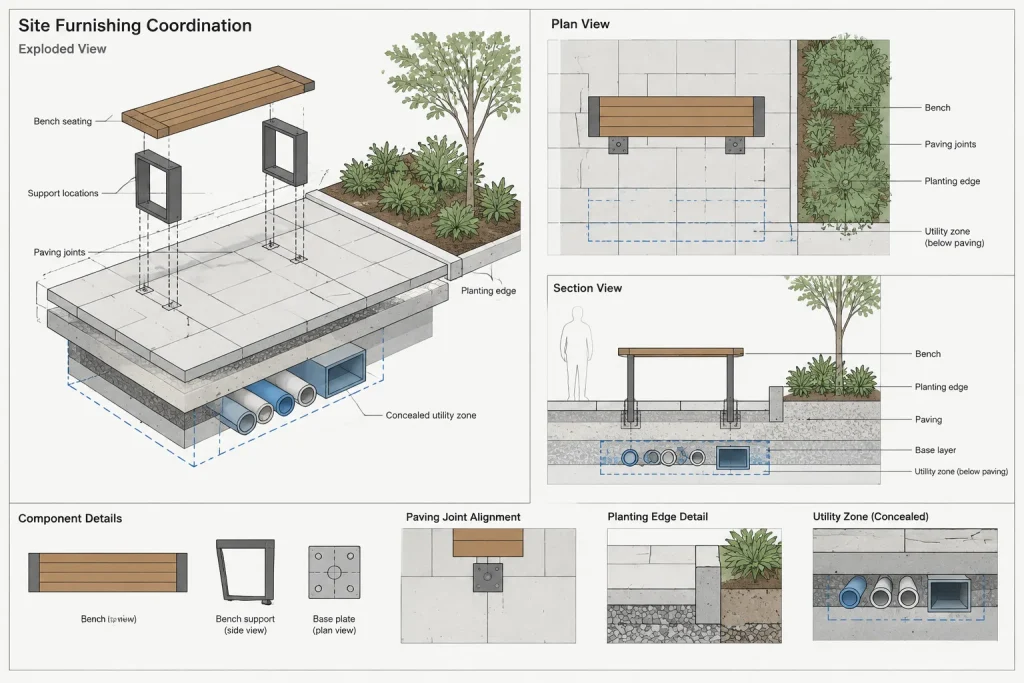
Site furnishings often cross discipline boundaries. Their visible footprint may appear on an architectural or landscape plan, while foundations, sleeves, conduits, drainage connections, or irrigation conflicts are documented elsewhere.
Paving and foundations
Confirm whether an item is surface-mounted, embedded, freestanding, or supported by a separate foundation. Coordinate support locations with paving joints, changes in material, slab edges, curbs, and subsurface construction. Avoid implying an anchorage solution when the mounting method has not been selected.
Planting and irrigation
Check furnishings against tree trunks, mature planting zones, irrigation components, planter edges, and maintenance access. A symbol that appears clear of a small planting graphic may conflict with the intended mature landscape or servicing area.
Electrical, water, and drainage
Some site components require power, lighting connections, water, or drainage. Identify these needs early and coordinate connection points using verified product information. Do not assume that visually similar products have the same utility requirements.
Use tags and schedules without overloading the plan
Repeated furnishings are easier to manage when each type has a consistent identifier. The plan tag should connect the object to a schedule, note, detail, or specification reference. Avoid placing long product descriptions beside every symbol.
A furnishing schedule may include a type identifier, generic description, manufacturer and model when selected, finish reference, mounting condition, quantity, and remarks. Only include fields the project team can maintain accurately. Unresolved information should be marked clearly as pending rather than filled with assumptions.
If quantities are extracted from blocks or counted manually, review items that are nested, copied into alternate design areas, shown in xrefs, or placed on hidden layers. A clean visual count and a data-based count can disagree when the drawing contains unused or duplicate objects.
Check the plan at its plotted scale
A site furnishing block can look clear when viewed closely in model space but become illegible on a sheet. Plot or preview the drawing at its intended scale and examine symbol density, lineweight, hatching, tags, and overlap with paving patterns.
Use simplified outlines where necessary. Furnishings should remain recognizable without competing with primary circulation, building edges, or dimensions. On an overall site plan, grouping or keying repeated items may communicate more clearly than displaying every internal line.
Quality-control checklist
- Confirm that every block uses the project’s drawing units and is inserted at the correct scale.
- Verify footprints against current product information when products have been selected.
- Check insertion points and default orientation.
- Review circulation, operational space, and maintenance access.
- Coordinate mounting conditions with paving and structural support.
- Check for conflicts with planting, irrigation, lighting, utilities, and drainage.
- Confirm that tags match the furnishing schedule and detail references.
- Remove duplicate objects and items left from abandoned design options.
- Test visibility and legibility in every relevant viewport.
- Clearly distinguish generic intent from verified product-specific information.
Keep the drawing useful as the design changes
Site furnishing layouts often evolve late in design as products, budgets, paving, and landscape concepts change. A disciplined block, layer, and tagging structure makes those revisions easier to control. Keep geometry simple, store product data in a consistent location, and avoid burying assumptions inside unnamed blocks.
Most importantly, coordinate the space around each furnishing as carefully as the object itself. A clear CAD symbol communicates location, but a reliable site plan also accounts for use, access, installation, servicing, and relationships to the surrounding site work.
Manage revisions without losing coordination
Furnishing layouts commonly change as site geometry, product selections, and discipline drawings develop. When an item moves, review more than its visible outline. Its tag, orientation, clearance zone, mounting reference, utility connection, schedule entry, and related detail may also need revision.
A useful review method is to isolate furnishings with their annotations and coordination zones, then compare that information with the current paving, planting, utility, and architectural backgrounds. This makes relocated objects, outdated tags, and hidden conflicts easier to identify than reviewing the complete drawing at once.
Track design intent separately from product confirmation
Generic and product-specific blocks should not be visually or organizationally interchangeable. A generic symbol records the intended use and approximate location, while a verified product outline communicates selected geometry and installation relationships. Clear naming and status notes help prevent preliminary content from being mistaken for approved product information.
Prepare the CAD file for team use
Before issuing or sharing the drawing, remove abandoned options, audit repeated items, and confirm that externally referenced backgrounds are current. Check that block names describe their purpose, tags remain associated with the correct furnishing types, and temporary clearance graphics follow the project’s plotting conventions.
The final review should compare the plan, schedule, enlarged views, and installation references as a coordinated set. Agreement among these drawing components is more reliable than a visually complete site plan that contains unverified or disconnected information.
Frequently asked questions
Should site furnishing CAD blocks show the exact selected product?
Not during every design phase. Generic blocks can communicate location and intended use while selections remain unresolved. After a product is selected, replace or update the relevant geometry using verified information and coordinate its mounting, orientation, and utility needs.
What is the best insertion point for a furnishing block?
Use a point that supports placement and field-location logic. Depending on the object, that may be its centerline, mounting line, support location, or another repeatable reference. Apply the same logic consistently to similar blocks.
Should clearance zones be included inside furnishing blocks?
They may be included as controllable coordination geometry, but they should remain separate from the primary object outline. Do not treat a generic zone as a universally applicable requirement. Confirm project criteria and selected-product needs before finalizing the layout.
How should furnishing types be identified on a site plan?
Use concise, consistent tags connected to a maintained schedule, note, detail, or specification reference. Keep lengthy descriptions away from repeated plan symbols so the drawing remains legible.
Why can furnishing counts disagree with the visible plan?
Duplicate blocks, nested content, alternate design areas, external references, and objects on hidden layers can affect counts. Compare any extracted quantity with a deliberate visual and organizational review before relying on it.
What should be checked when a furnishing is relocated?
Review circulation, functional space, maintenance access, planting, paving, mounting conditions, utilities, tags, schedule data, and detail references. Moving the symbol alone does not complete the coordination.