A circular sectional sofa creates a strong visual center while presenting different planning challenges from a conventional straight sofa. Its curved footprint affects circulation, orientation, nearby furniture placement, and the relationship between seating and architectural features.
This circular sectional sofa CAD block provides a reusable DWG reference for developing interior floor plans and testing lounge arrangements. Before relying on it in a drawing set, confirm the block’s units, scale, geometry, and layer behavior within your own CAD standards.
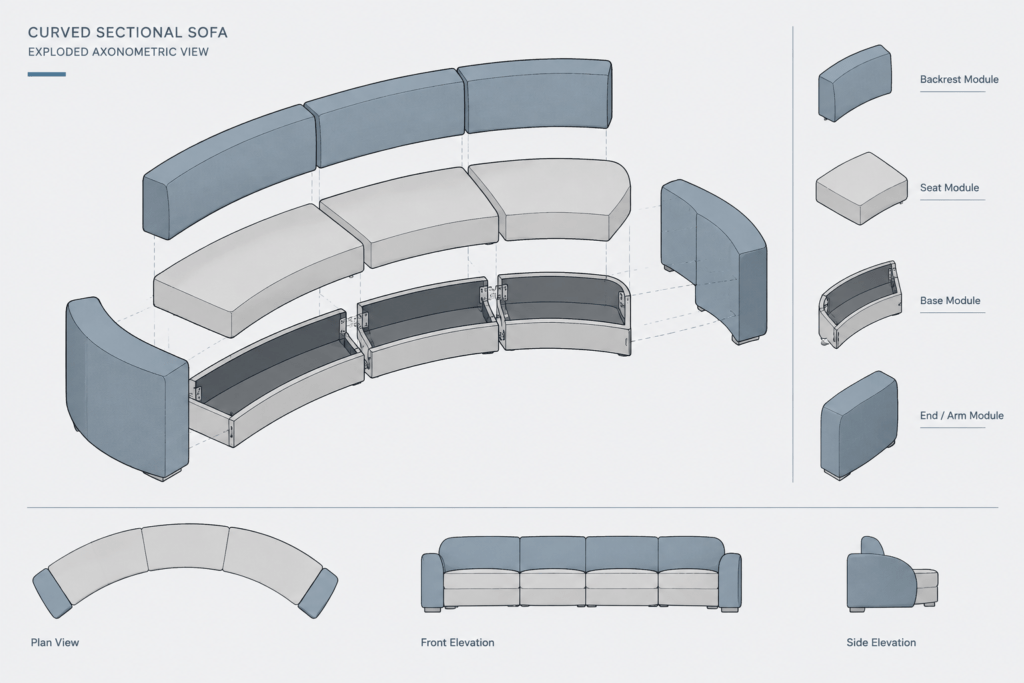
Discover a high-quality DWG file of a Circular Sectional Sofa CAD Block, perfect for architects, interior designers, and furniture planners. This detailed drawing showcases the elegant curves and modular sections of a circular sectional sofa, making it ideal for living room layouts, modern lounge designs, and collaborative office spaces. The CAD block is fully compatible with AutoCAD and other leading CAD software, ensuring seamless integration into your 2D floor plans and design projects. Enhance your presentations and streamline your workflow with this versatile, ready-to-use CAD resource for creative interiors.
Please log in or register to download this file.
Using the Circular Sectional Sofa in a Floor Plan
Begin by identifying the intended focal point of the seating area. The sofa may be oriented toward a conversation zone, media wall, feature element, or shared workspace. Because curved seating does not align with walls as directly as rectilinear furniture, review the open space around the entire footprint rather than checking only the front and back edges.
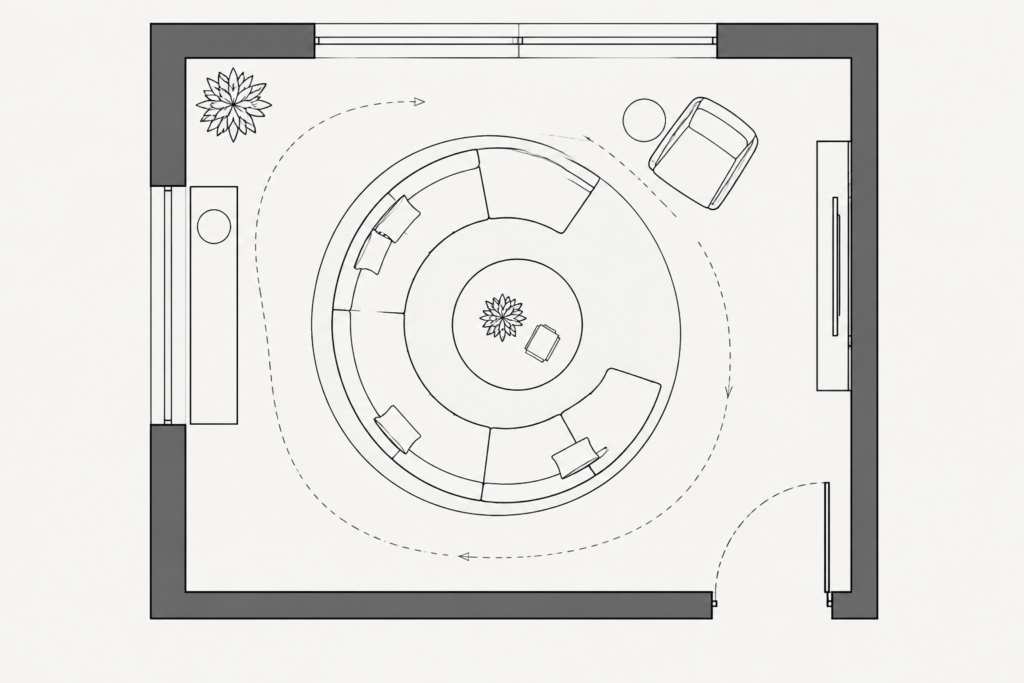
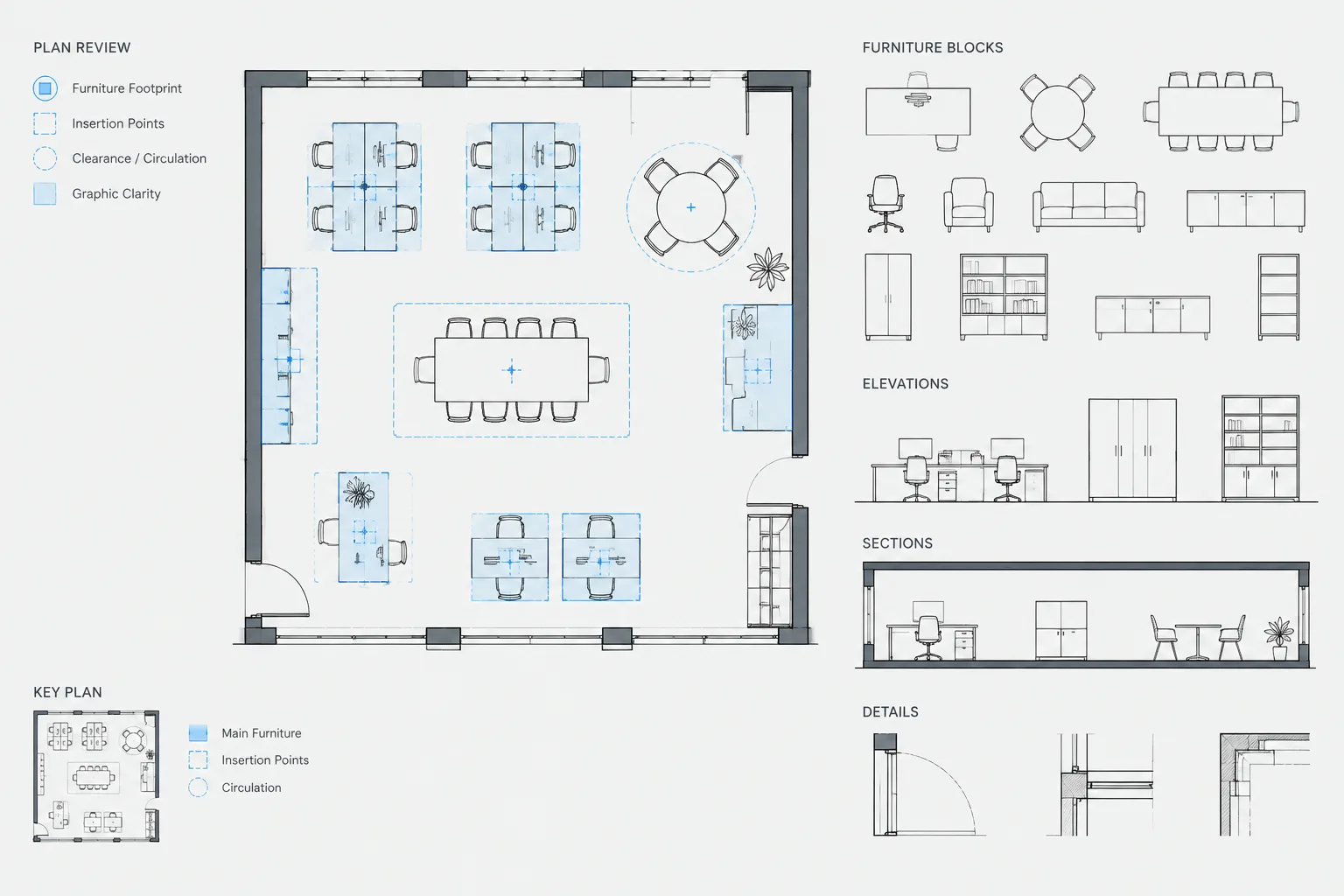
Place the block on an appropriate furniture layer and compare it with walls, doors, windows, columns, floor transitions, and fixed fixtures. Keep the source block unchanged when possible, then use a separate working copy if the arrangement requires editing or repetition.
Key Coordination Checks
- Drawing units: Confirm that the imported geometry matches the unit settings of the destination file.
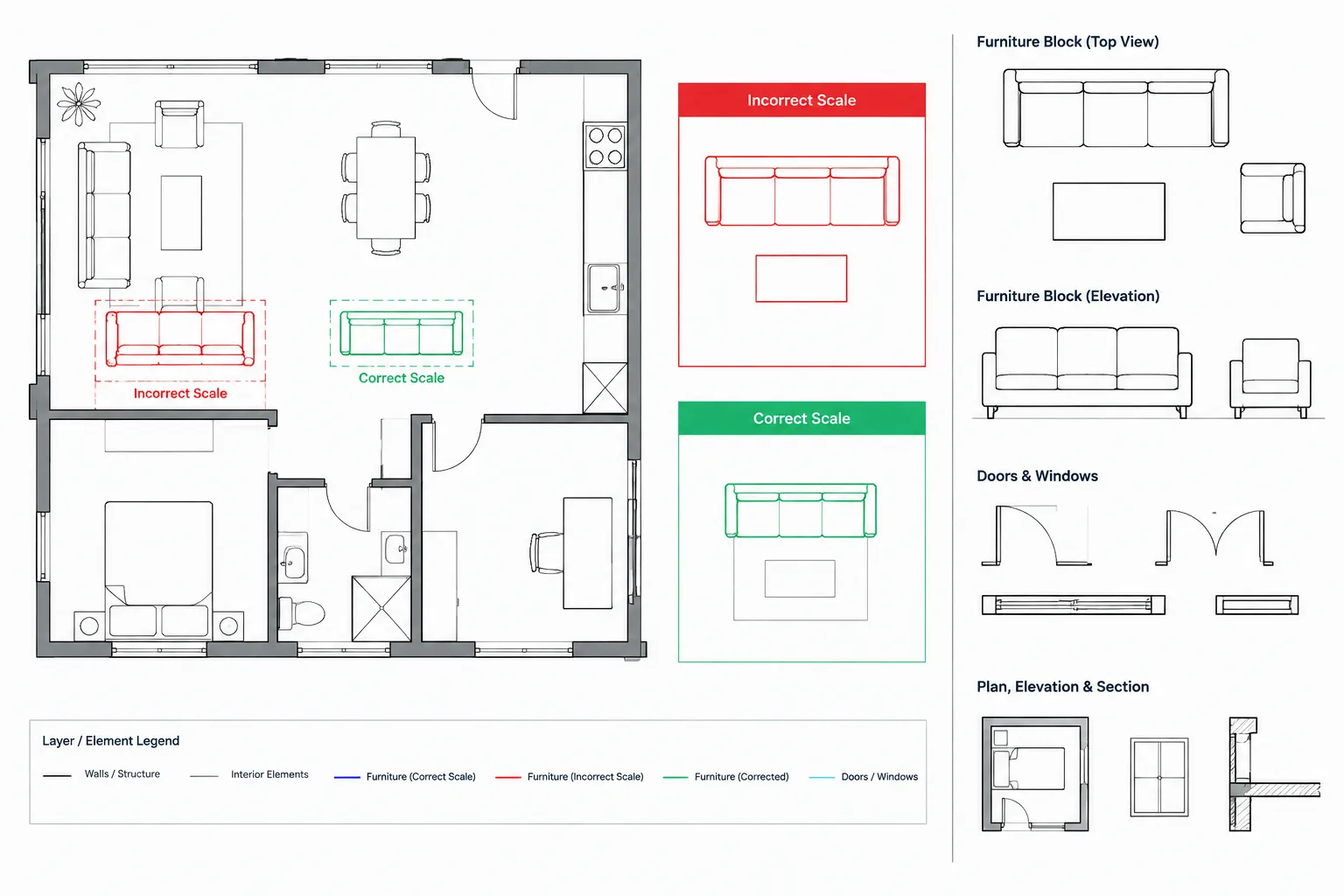
- Scale: Compare the sofa with known architectural elements instead of assuming that insertion scale is correct.
- Circulation: Review movement around curved ends, adjoining seats, tables, and room entrances.
- Orientation: Check whether the sectional faces the intended activity or focal point.
- Modular organization: Inspect how the curved sections are represented before changing individual components.
- Layer properties: Adjust color, lineweight, and plotting behavior through the project layer system where practical.
- Clearance: Verify project-specific accessibility, egress, and furniture-spacing requirements with the applicable project criteria.
Where This Furniture Block Can Support Planning
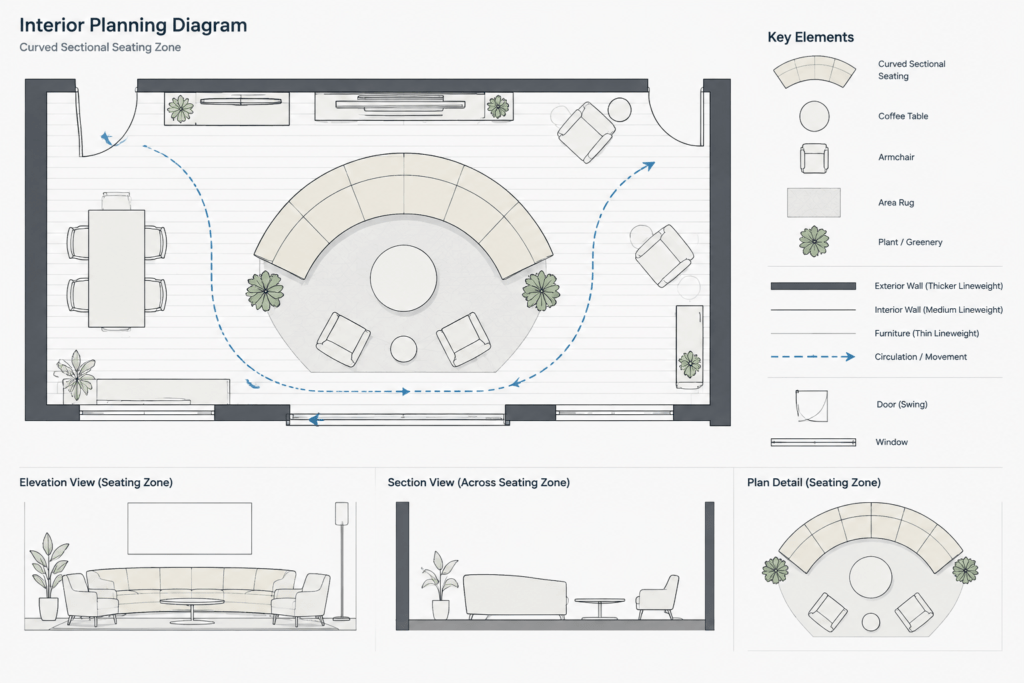
The curved form can be explored in living room layouts, lounge plans, reception areas, and collaborative interiors. It can also help communicate the difference between radial furniture arrangements and conventional wall-aligned seating. Suitability depends on the actual room geometry, furniture selection, and project requirements.
Related CAD Topics
Useful companion resources include sofa CAD blocks, coffee table blocks, living room layouts, office furniture plans, floor plan symbols, CAD layer guidance, and interior elevation references. Reviewing these topics together can improve consistency between furniture placement, annotation, and drawing organization.
Frequently Asked Questions
What is included in this circular sectional sofa CAD resource?
The source identifies a DWG drawing of a circular sectional sofa with curved, modular sections for use in two-dimensional planning. Inspect the downloaded file to confirm its exact view, organization, and drafting properties.
Can the block be used in living rooms and lounge areas?
It can be used as a planning reference for living rooms, modern lounges, and collaborative spaces. The final arrangement should still be checked against the actual room, selected furniture, and project requirements.
Are the drawing units or sofa dimensions provided?
The source content does not state units or dimensions. Verify the geometry against a known reference in the destination drawing before using it for coordination or documentation.
Should the CAD block be edited after insertion?
First retain an unchanged source copy. If editing is necessary, work from a duplicate so the original geometry remains available for comparison or reuse.
What should be checked before plotting?
Review layer assignment, lineweight, linetype, visibility, scale, and overlap with nearby plan elements. The furniture should remain legible without competing with walls, fixtures, dimensions, or annotations.