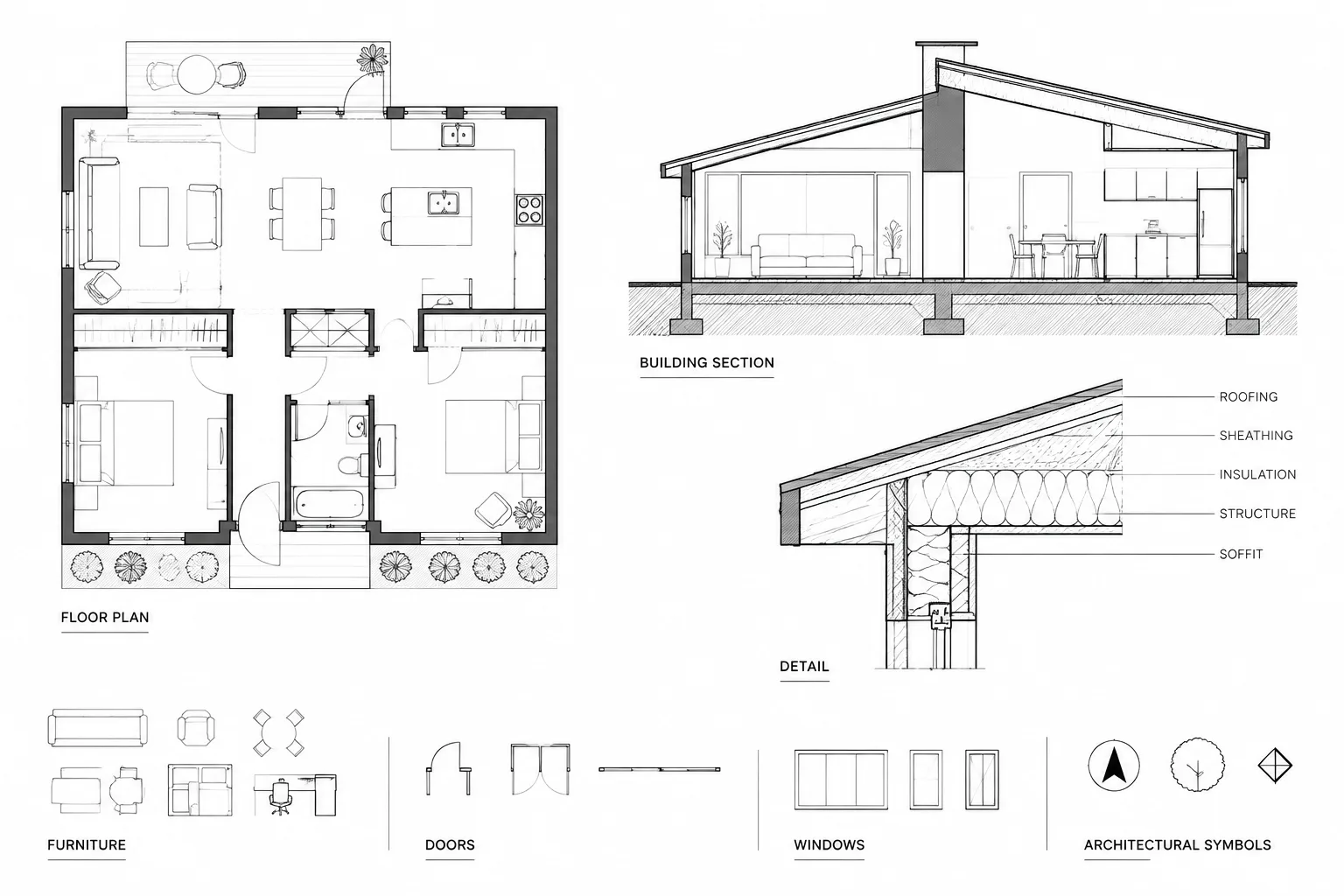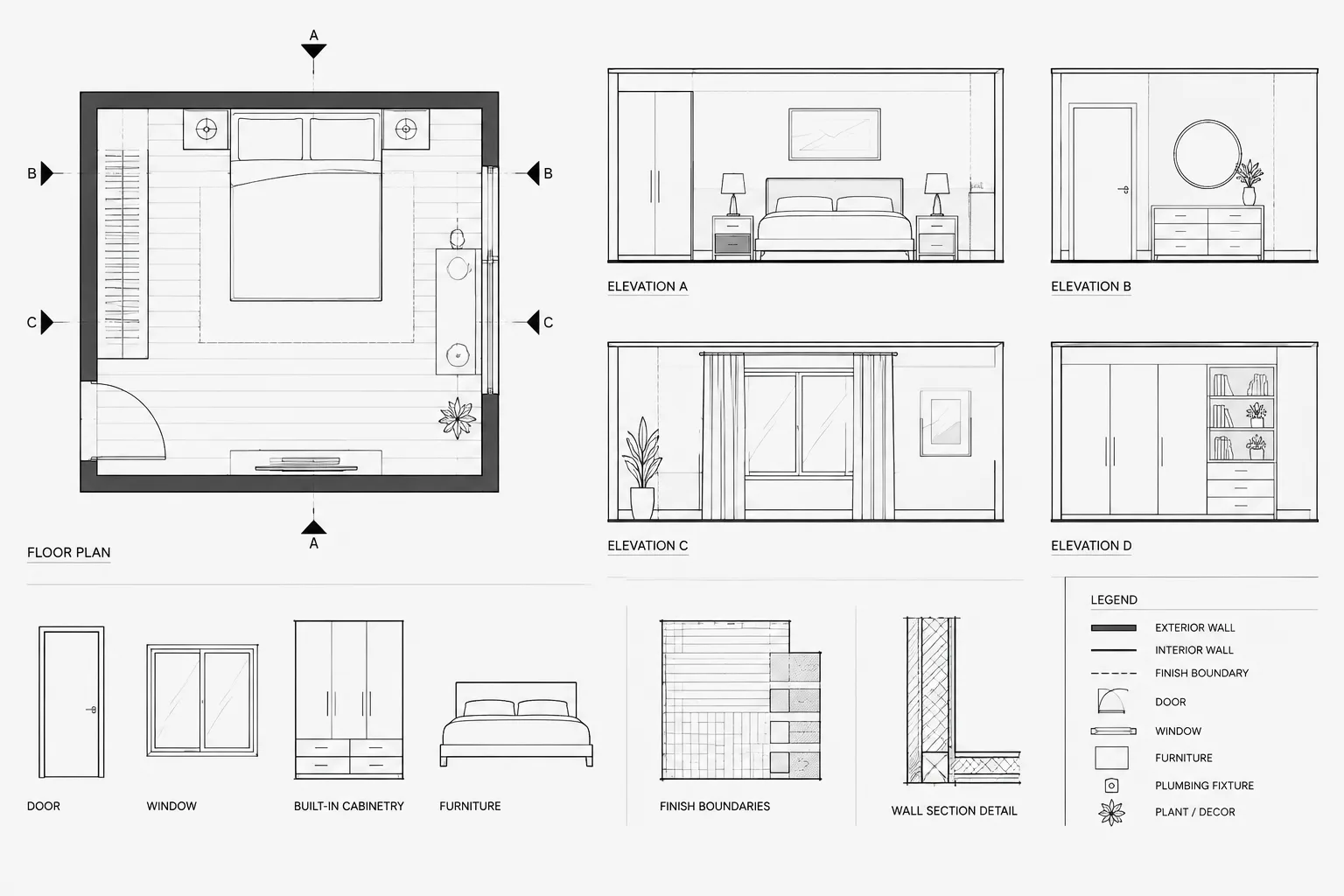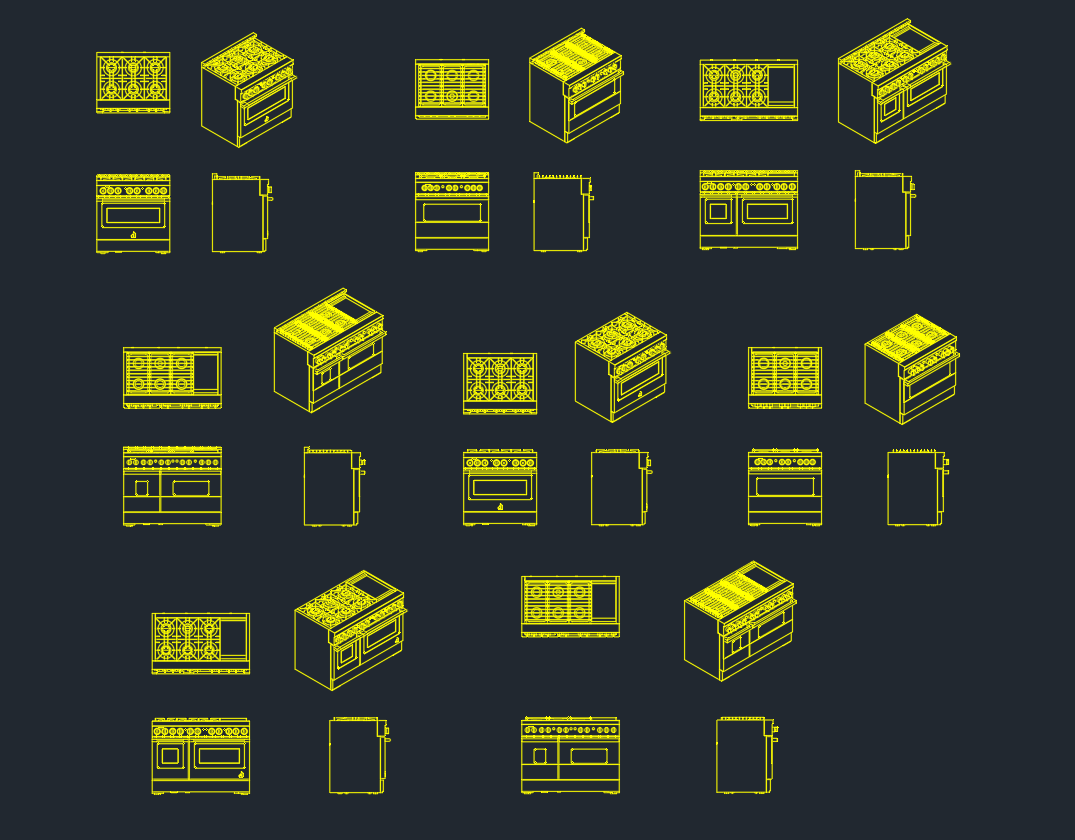
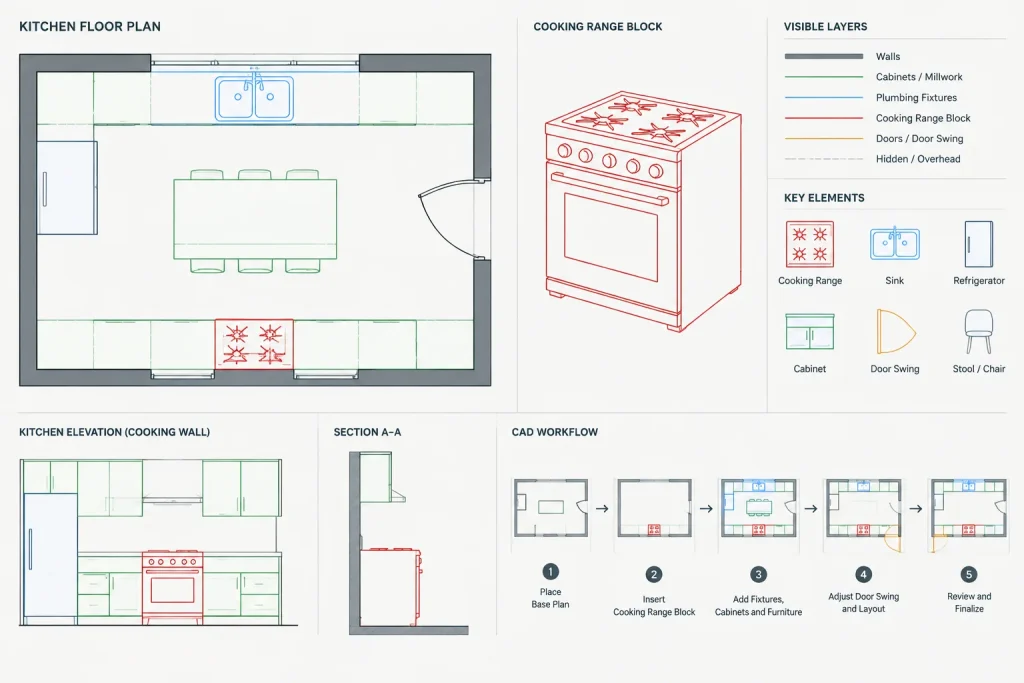
A cooking range CAD block helps communicate appliance placement within a kitchen plan or elevation. Beyond showing the fixture itself, the block can support cabinet coordination, countertop planning, circulation studies, and drawing presentation.
Use the downloadable DWG below as a drafting resource rather than a substitute for product information. Before issuing a drawing, confirm the block’s units, scale, orientation, and overall geometry against the selected appliance and current project requirements.
Download a high-quality Cooking Range DWG file, perfect for architects and interior designers seeking accurate CAD blocks for kitchen layouts. This detailed CAD block features a modern cooking range, ideal for residential and commercial kitchen design projects. The DWG file is fully compatible with AutoCAD and other popular CAD software, ensuring seamless integration into your floor plans and elevations. Utilize this cooking range CAD block to enhance your kitchen designs, streamline your workflow, and deliver professional presentations with precise kitchen appliance details.
Please log in or register to download this file.
How to Use the Cooking Range DWG
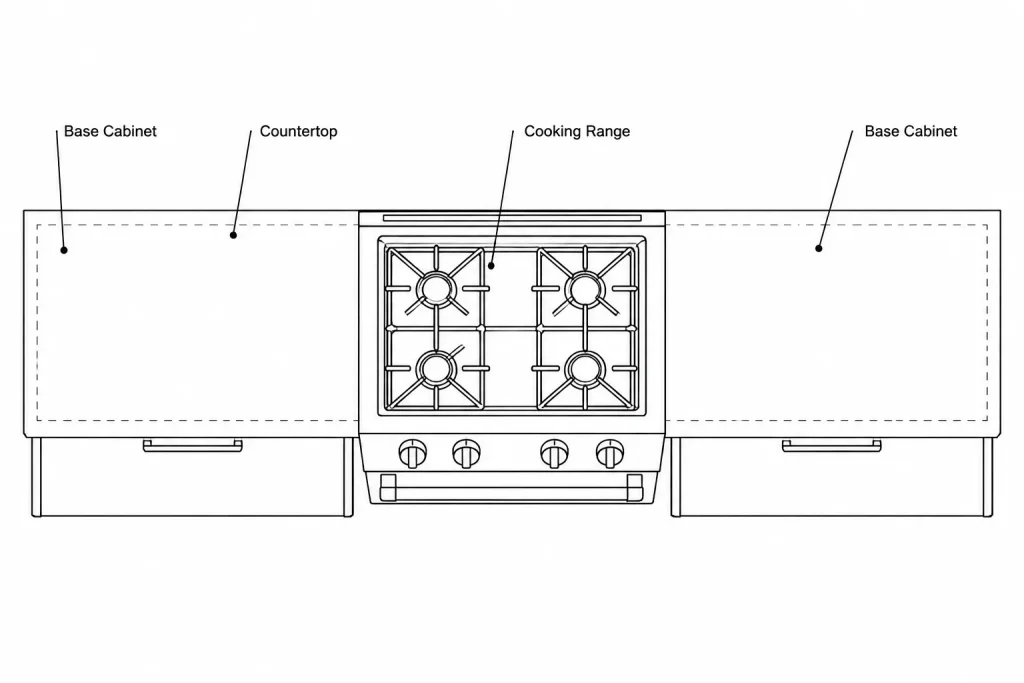
Insert the block into a working kitchen drawing and check its relationship to cabinets, counters, walls, doors, and nearby fixtures. A range symbol should remain legible at the drawing’s intended plotting scale without overpowering the surrounding plan information.
Check Units and Geometry
Do not assume that an imported DWG uses the same drawing units as the destination file. Measure the inserted geometry, compare it with verified manufacturer information, and correct the scale only when necessary. Avoid estimating appliance dimensions from the appearance of the symbol.
Coordinate the Kitchen Layout
- Cabinet arrangement: Review how the range aligns with adjacent base cabinets and countertop edges.
- Circulation: Consider how appliance placement affects movement through the kitchen and access to nearby work areas.
- Openings: Check for conflicts with doors, cabinet fronts, drawers, and other movable elements.
- Related equipment: Coordinate the range with ventilation, electrical, gas, plumbing, and other building-service information where applicable.
- Product selection: Replace or revise generic geometry when a specific appliance has been chosen.
Layer and Block Organization
Place the appliance on a layer that follows the project’s CAD standards. Keep lineweights, colors, and linetypes consistent with other kitchen fixtures. If the downloaded object contains unnecessary nested blocks, duplicate linework, or unrelated layers, clean a working copy before adding it to the project library.
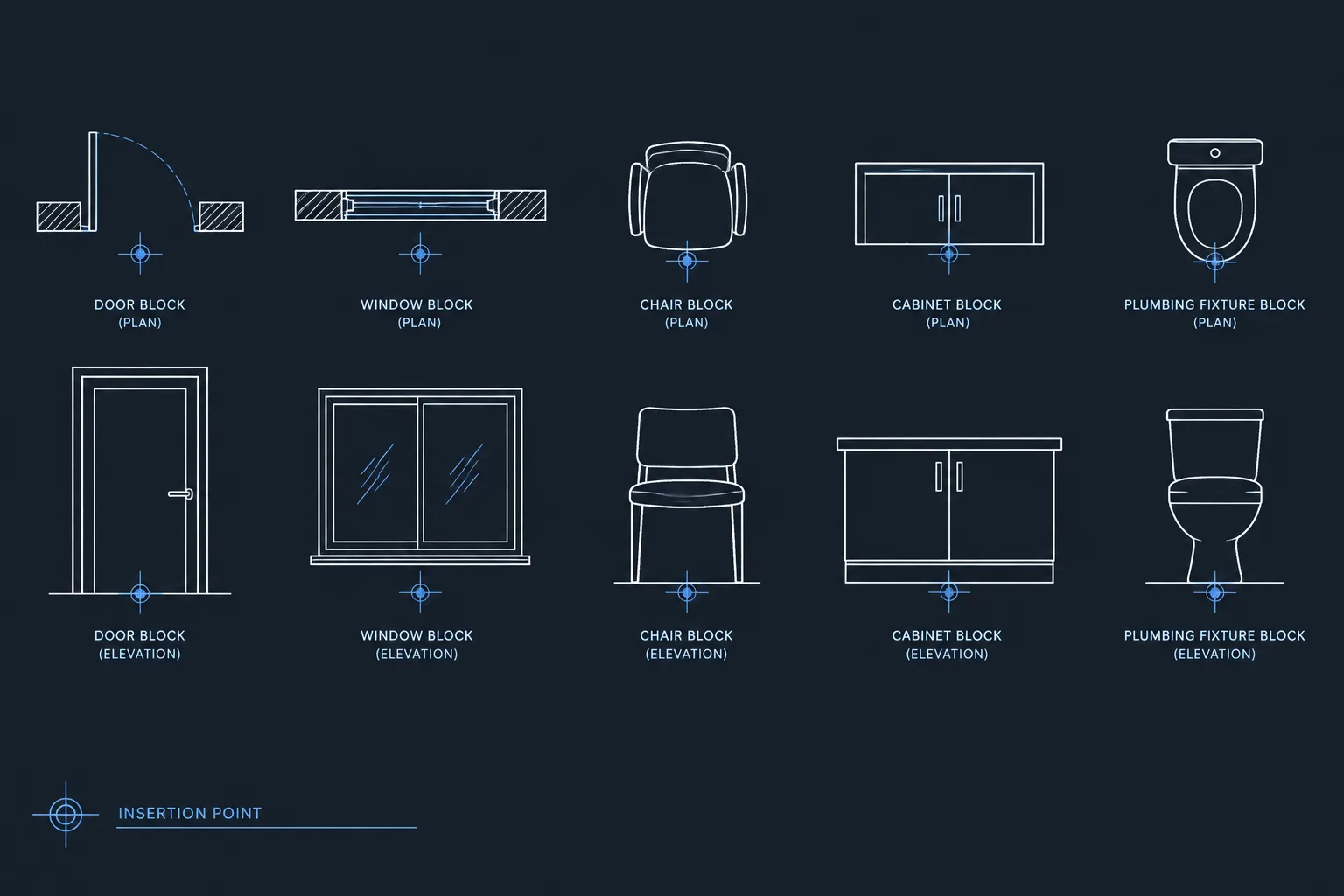
Use a clear block name that distinguishes the cooking range from related kitchen CAD blocks such as cooktops, wall ovens, sinks, refrigerators, cabinets, and range hoods. Consistent naming makes blocks easier to locate, replace, and audit across multiple drawings.
Plan and Elevation Coordination
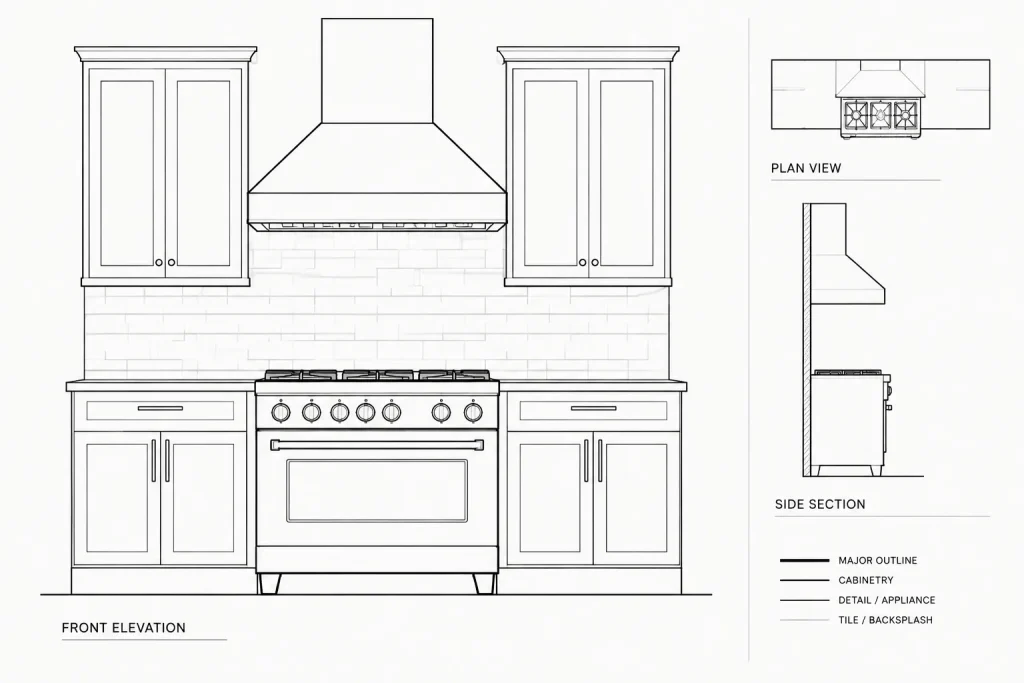
A plan symbol primarily communicates footprint and placement, while an elevation view communicates the appliance’s visible relationship to cabinetry and surrounding finishes. If both views are used, verify that they represent the same appliance type and remain aligned with the architectural layout.
For construction or approval drawings, supplement generic CAD graphics with verified product documentation and discipline-specific coordination. Final installation conditions may depend on the selected model, manufacturer instructions, applicable regulations, and professional review.
Frequently Asked Questions
What is a cooking range CAD block used for?
It is used to represent a cooking appliance in architectural kitchen drawings. Common applications include floor plans, elevations, interior layouts, cabinetry studies, and presentation drawings.
Should I assume the downloaded block is already at the correct scale?
No. Check the DWG units and measure the geometry after insertion. Compare the block with verified project or manufacturer information before relying on it for coordination.
Can this block represent a specific appliance model?
A generic range block is useful during planning, but it should not automatically be treated as a model-specific drawing. Revise or replace it when the selected product’s verified information becomes available.
Which related CAD blocks help complete a kitchen plan?
Useful related resources include kitchen cabinets, countertops, sinks, refrigerators, range hoods, wall ovens, dining furniture, plumbing fixtures, and architectural annotation symbols.
How should the block be organized in a CAD file?
Use a descriptive block name, place it on the appropriate project layer, and match the drawing’s lineweight and plotting conventions. Clean unnecessary layers or duplicate geometry in a separate working copy before library use.