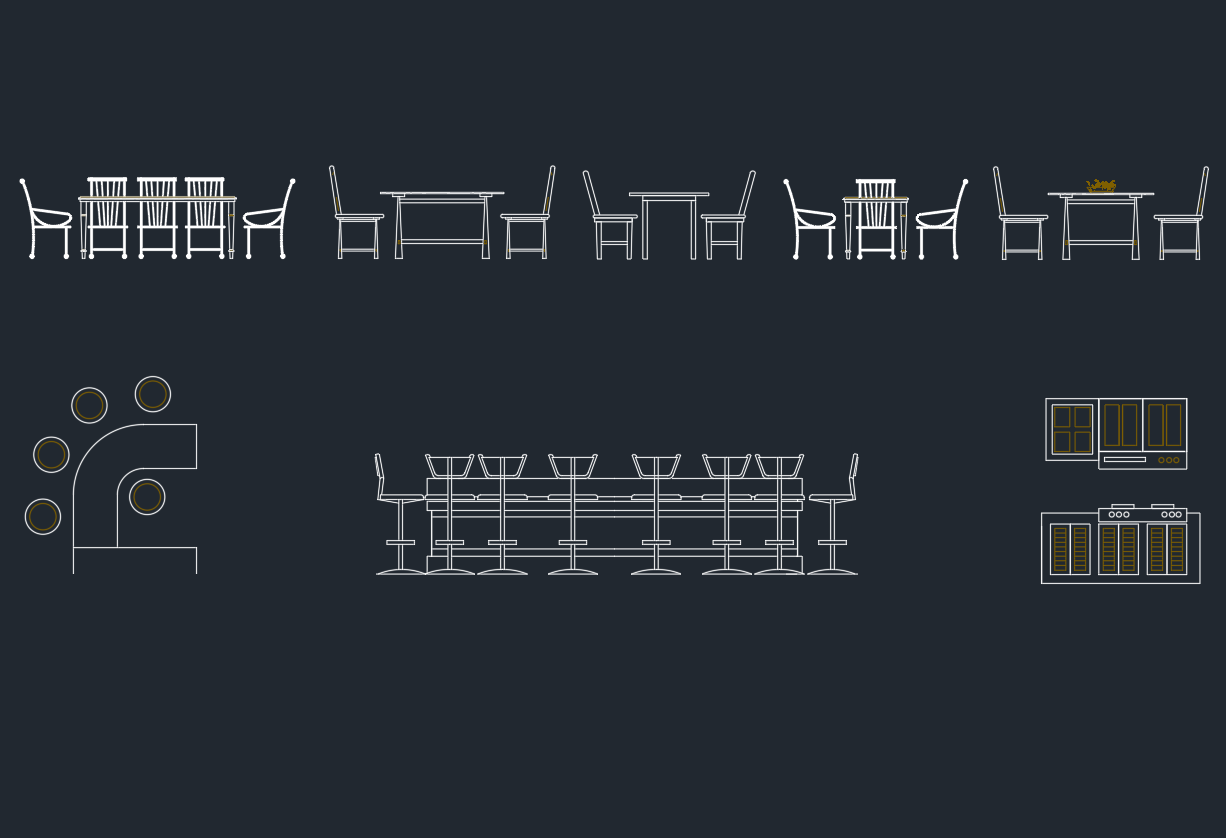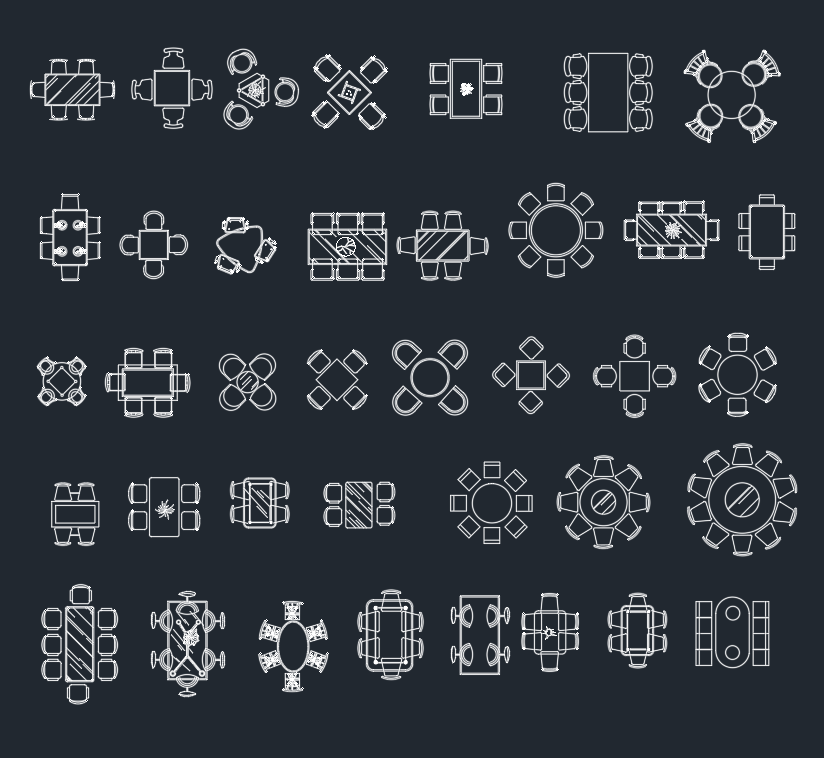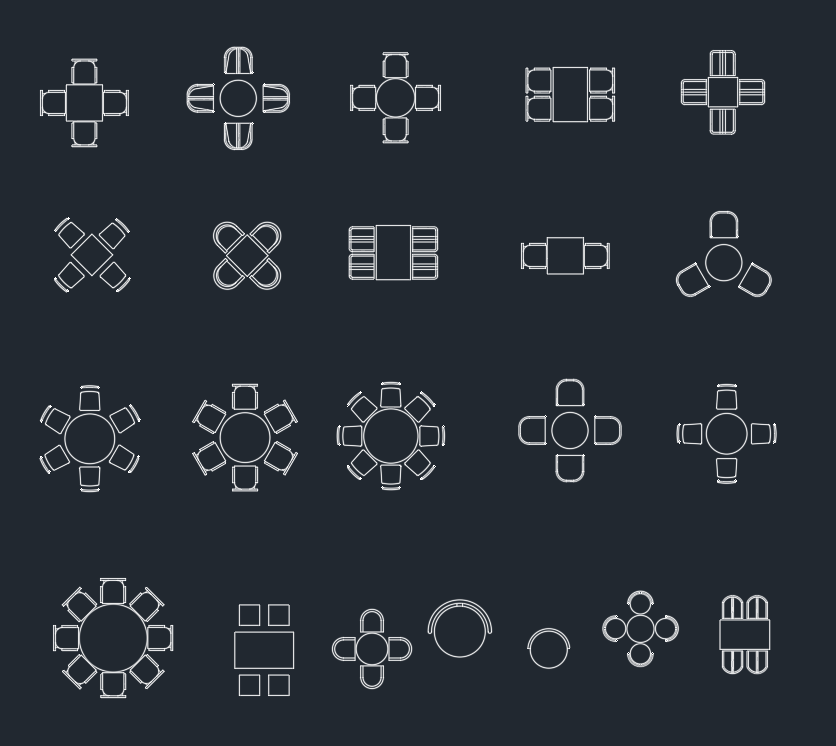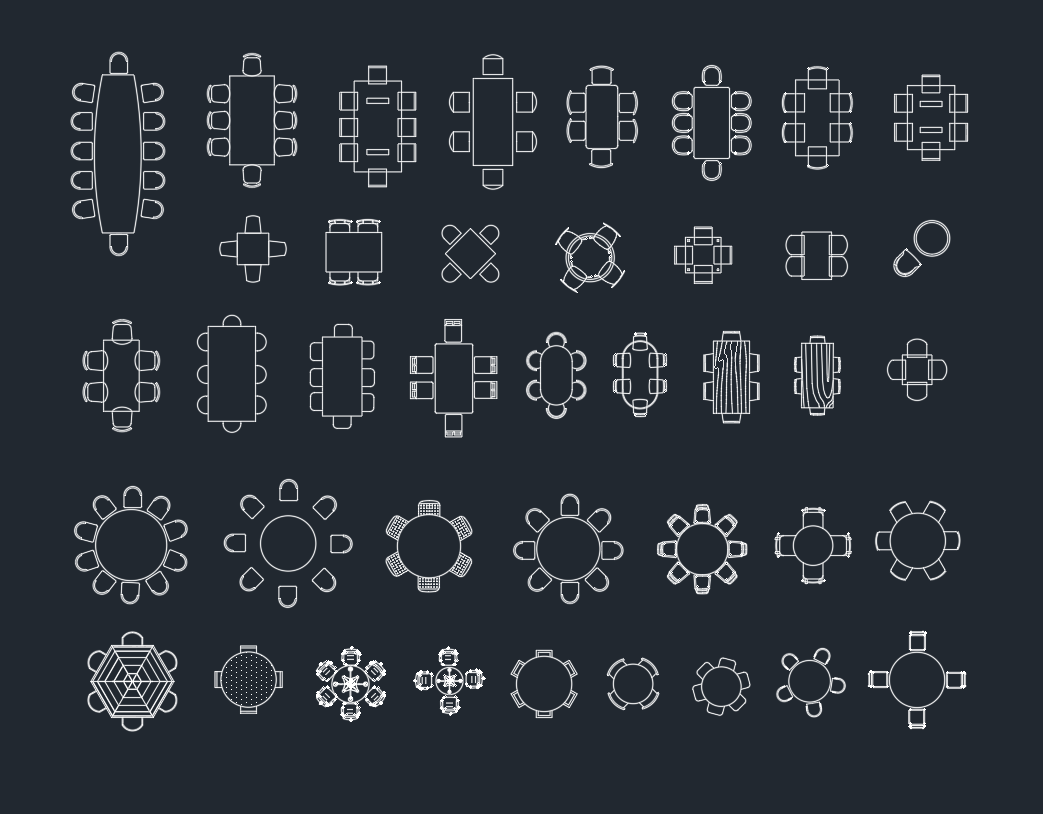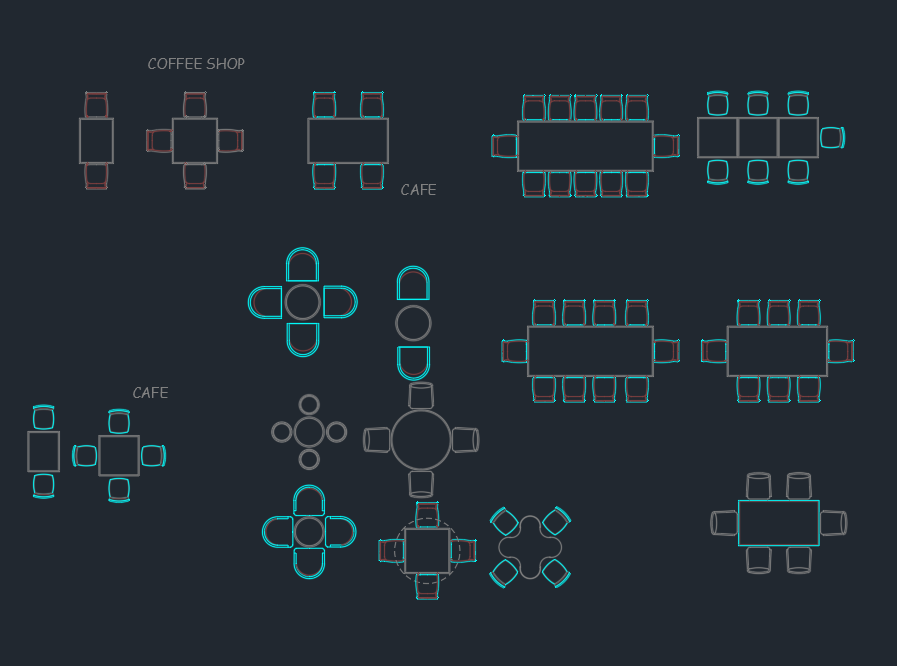
A coffee shop table CAD block is a useful starting point for arranging café seating, testing furniture placement, and communicating an interior layout. Before incorporating the drawing into a project, review its geometry, units, insertion point, layers, and available views so it behaves consistently with your office CAD standards.
The downloadable DWG resource below can support early space planning and drawing development. Final table selection, circulation, accessibility, and coordination with surrounding fixtures should be checked against the actual project requirements and the selected furniture product.
Discover a high-quality Coffee Shop Table DWG file, perfect for architects and interior designers working on café or restaurant projects. This CAD Block features a detailed and accurately scaled coffee shop table, making it easy to integrate into your floor plans and 3D visualizations. The DWG file is fully compatible with AutoCAD, ensuring seamless editing and customization for your design needs. Ideal for layout planning, furniture arrangement, and conceptual presentations, this Coffee Shop Table CAD Block helps you create realistic and professional coffee shop environments efficiently. Download now to enhance your next project!
Please log in or register to download this file.
Using the Coffee Shop Table Block in a Floor Plan
Place the block within the seating area and evaluate it together with chairs, counters, doors, windows, columns, and fixed equipment. A table should not be assessed as an isolated symbol; its practical footprint includes the surrounding seating and the space people need to approach, sit, and move through the room.
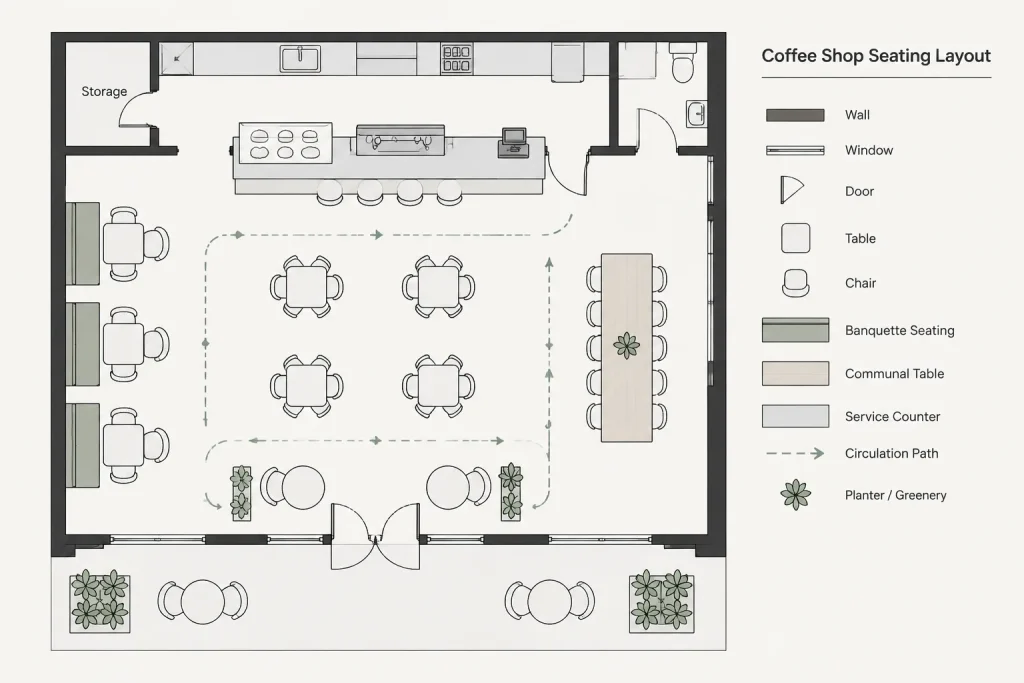
For repeated tables, test the overall arrangement before creating a large array or copying the block throughout the plan. This makes it easier to identify conflicts with circulation routes, service areas, wall clearances, and other furniture.
Recommended CAD Checks
- Confirm drawing units: Compare the imported geometry with a known element in the destination file before relying on its displayed size.
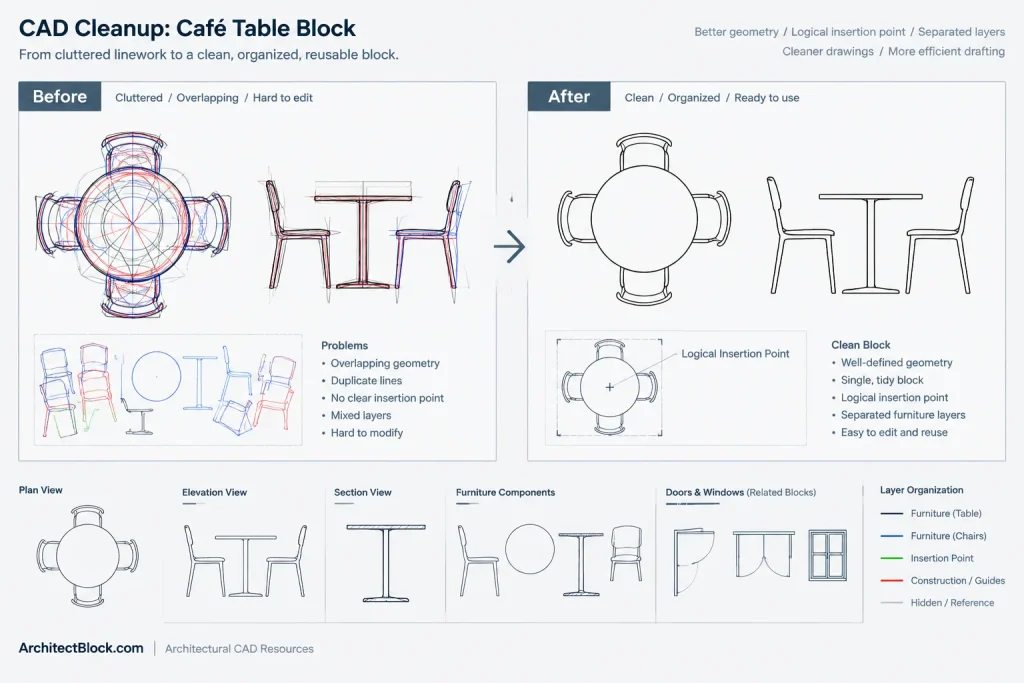
- Review the insertion point: A logical base point helps with alignment, rotation, replacement, and repeated placement.
- Inspect layers: Move geometry to appropriate furniture layers when necessary, while preserving useful object organization.
- Check linework: Look for duplicate objects, unnecessary detail, stray geometry, or elements that may print too heavily.
- Verify plotted appearance: Review the block at the intended drawing scale rather than judging it only in model space.
- Keep source and project copies separate: Retaining an unchanged reference copy makes later troubleshooting easier.
Planning Context for Café Seating
Table placement affects more than the visual pattern of a coffee shop. It also influences seating flexibility, customer movement, staff circulation, cleaning access, and the relationship between dining areas and service functions. Consider how loose furniture interacts with queue areas, pickup points, condiment stations, and entries.
When the furniture model has not been finalized, use the block as a planning reference rather than as proof of a purchased product’s exact dimensions. Once a manufacturer or fabricator is selected, compare the proposed furniture information with the CAD layout and update the drawing as needed.
Related Drawing Resources
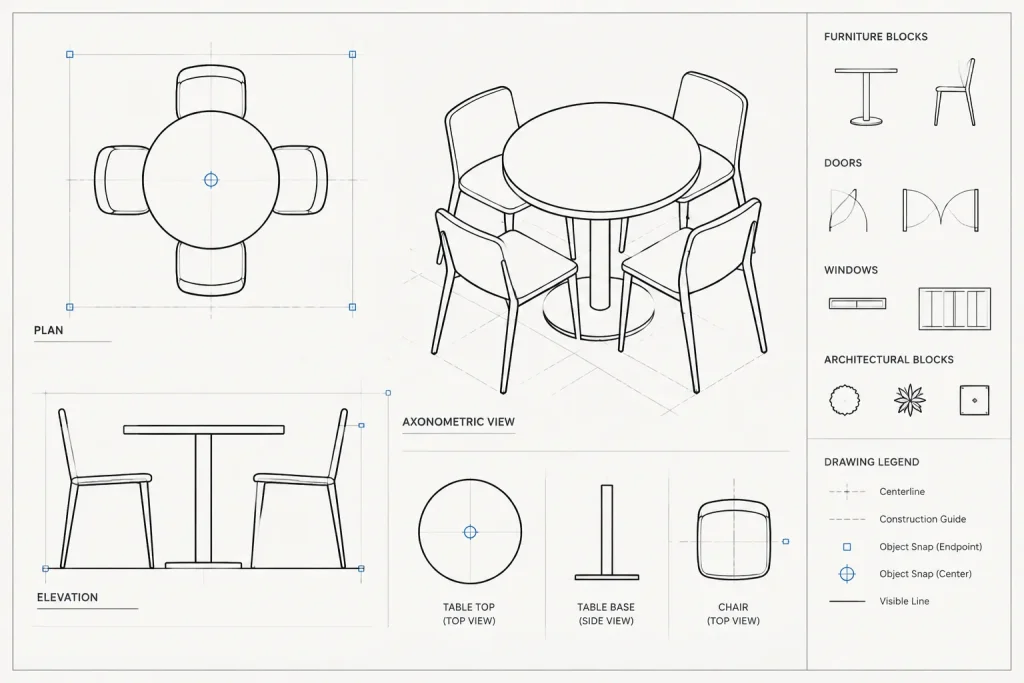
A complete café plan may also require chair CAD blocks, restaurant furniture, counter layouts, kitchen equipment, door and window symbols, restroom fixtures, and architectural annotation. Coordinating these resources on clearly named layers can make the floor plan easier to revise, present, and issue for review.
Frequently Asked Questions
What is a coffee shop table CAD block used for?
It is commonly used to represent table furniture in café floor plans, seating studies, interior layouts, and conceptual presentations.
Should I confirm the scale after opening the DWG?
Yes. Check the file units and compare the table with known project geometry before using it for layout decisions. A DWG can be inserted or interpreted incorrectly when source and destination units do not match.
Can the block be copied for repeated seating?
The geometry can be repeated as part of a seating study, but review the complete arrangement for circulation and coordination conflicts before finalizing the plan.
Does the download include chairs or other café furniture?
The supplied description identifies a coffee shop table. Open and inspect the DWG to confirm exactly which objects and views are included rather than assuming that surrounding furniture is part of the file.
Can this block replace manufacturer furniture information?
No. Generic CAD geometry is useful for planning, but final documentation should be coordinated with the selected product or custom fabrication information and verified by the project team.