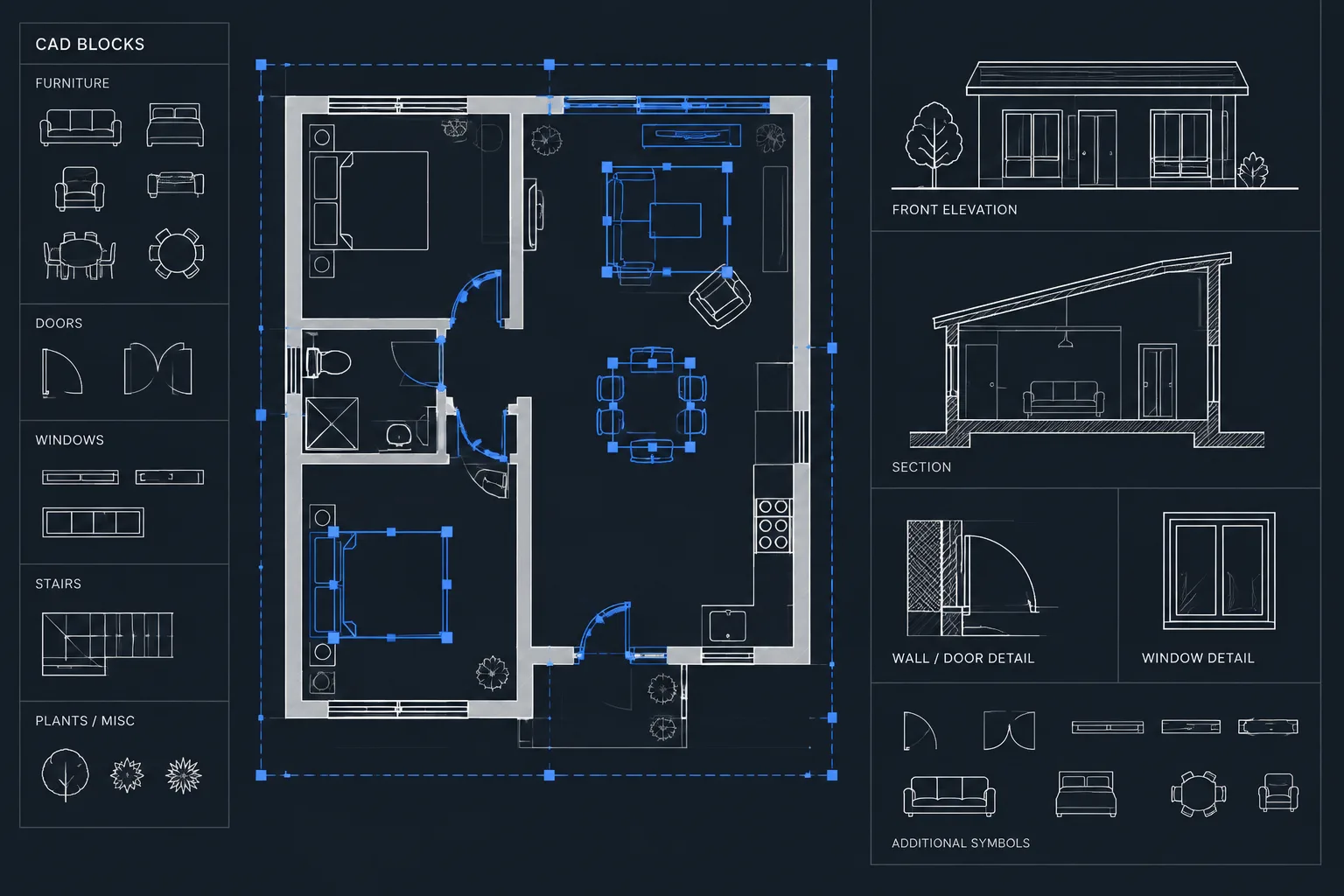
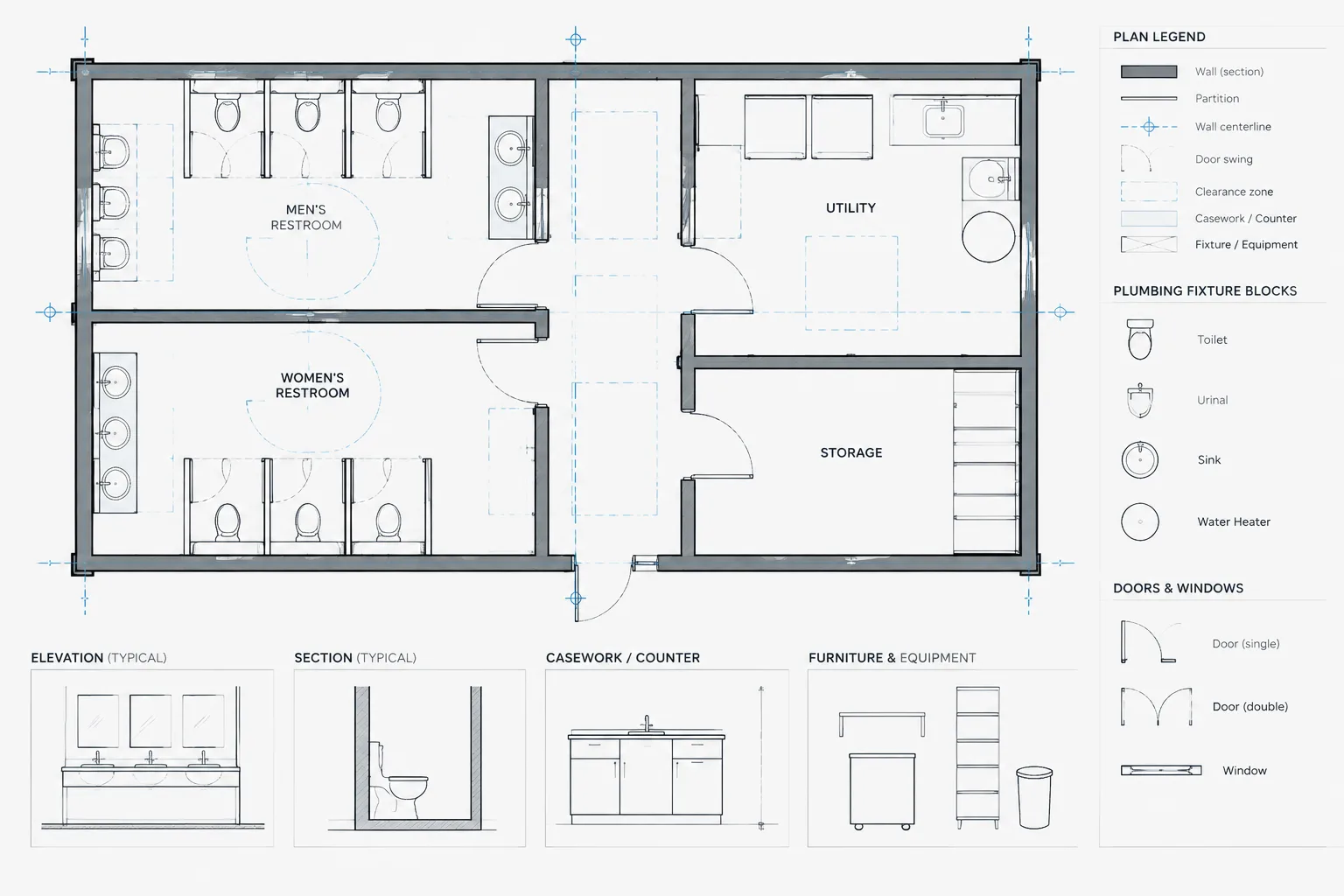
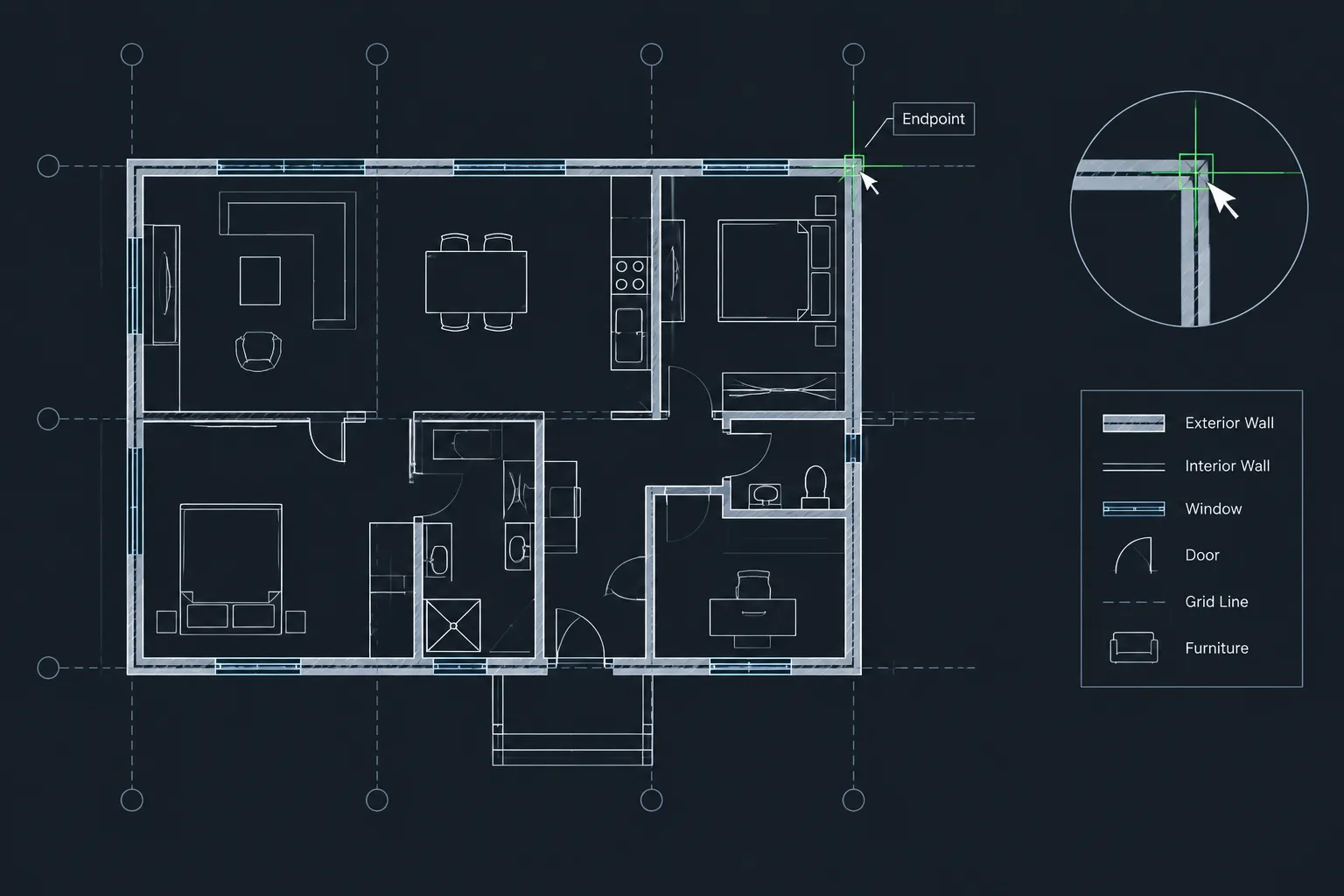
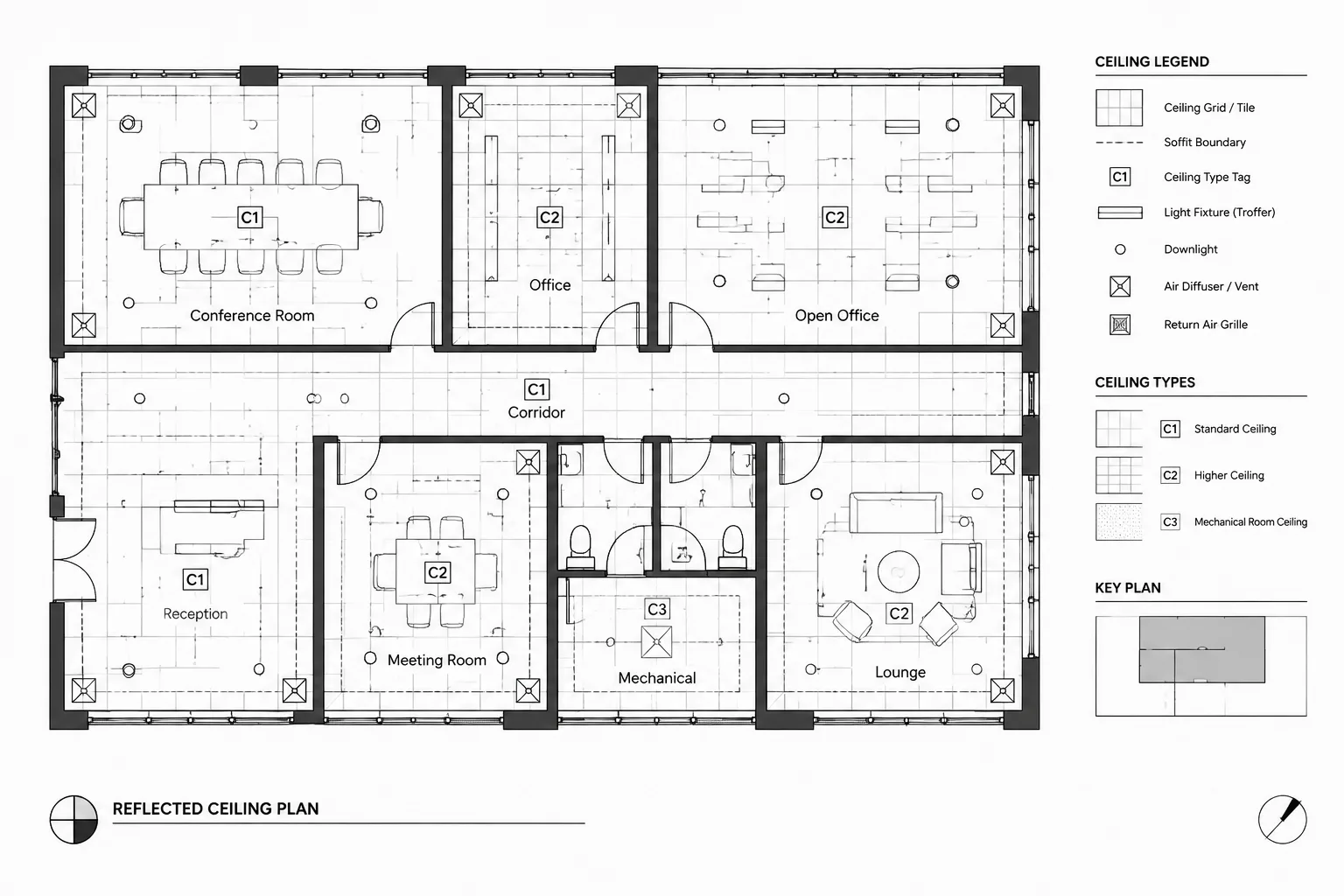
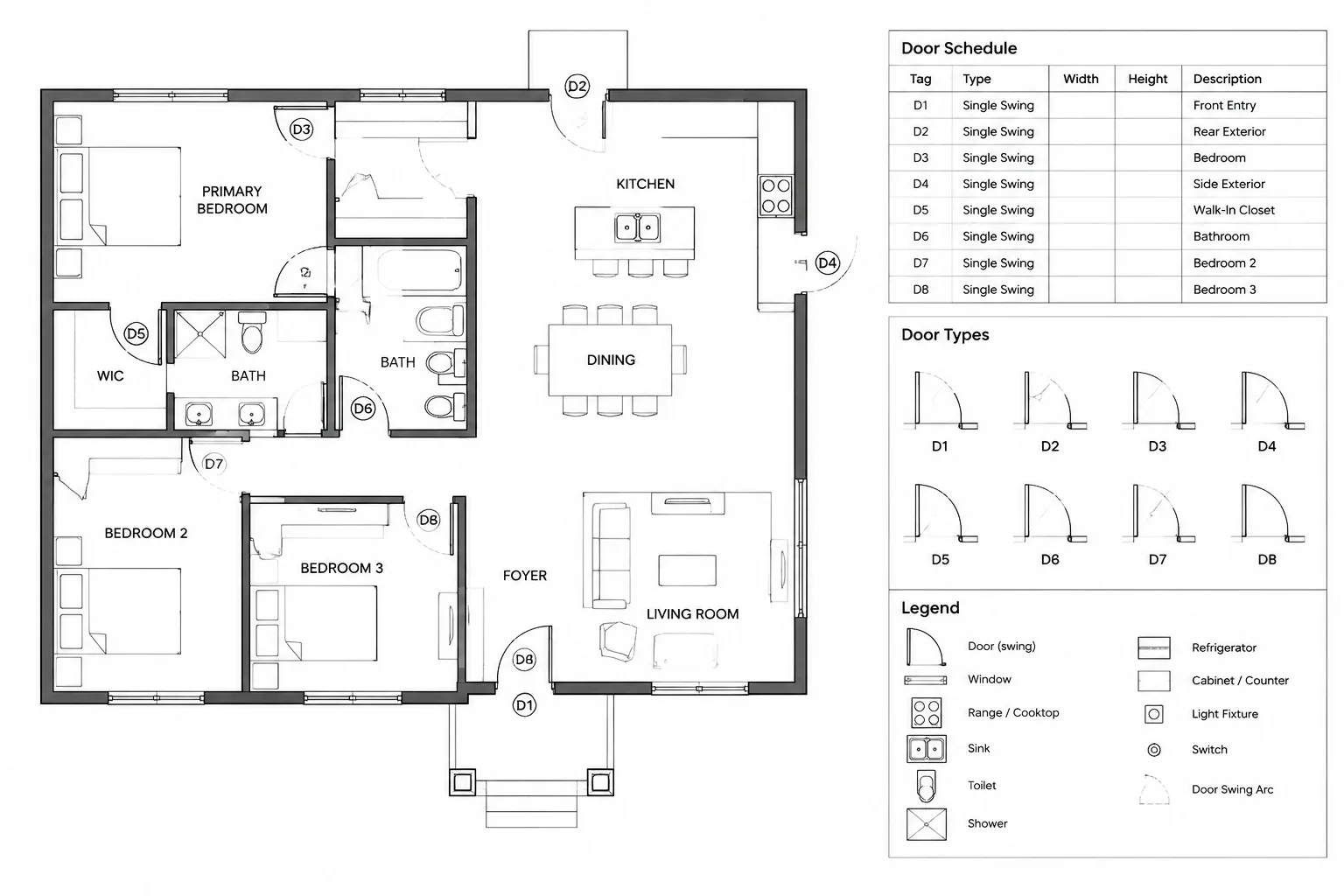
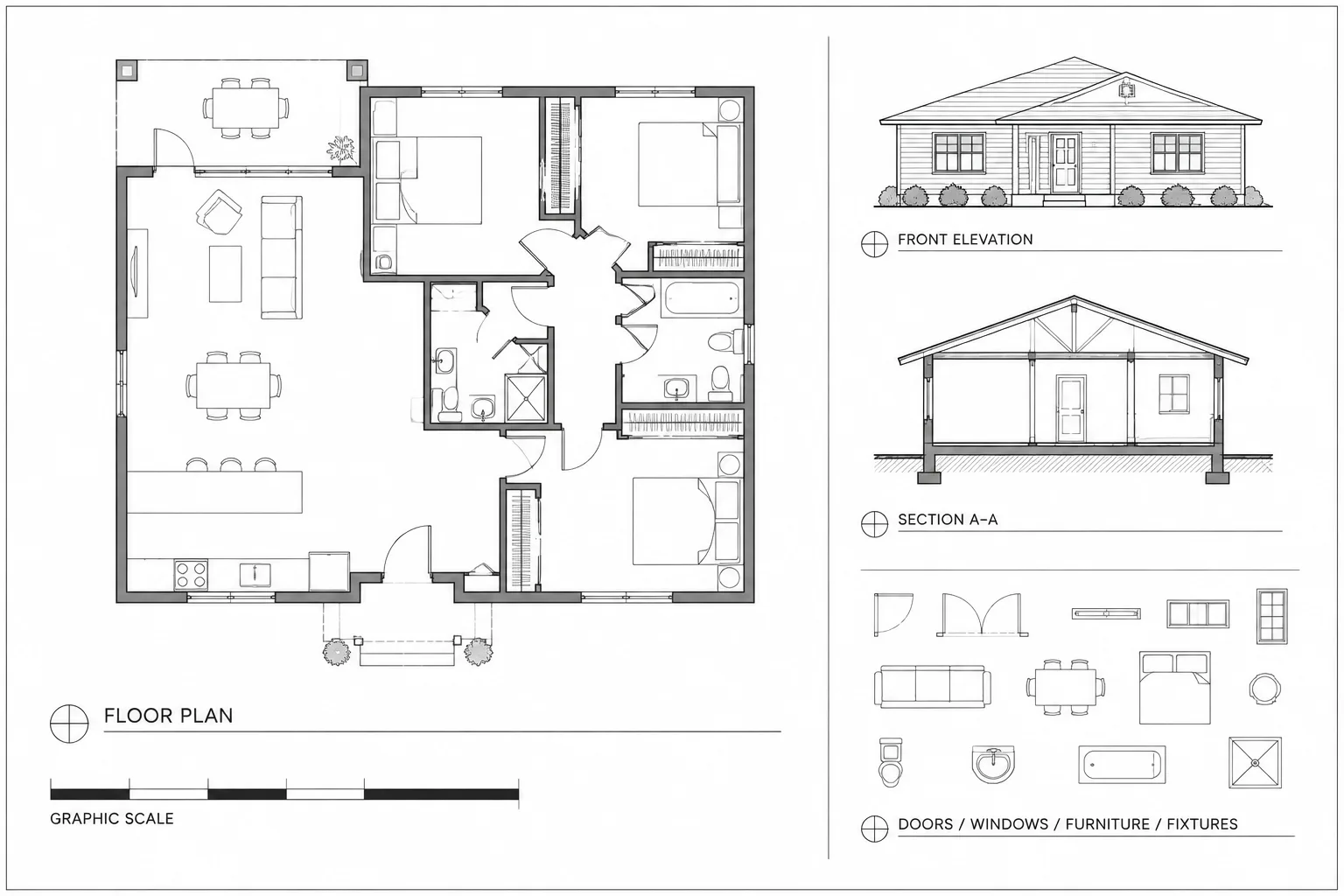
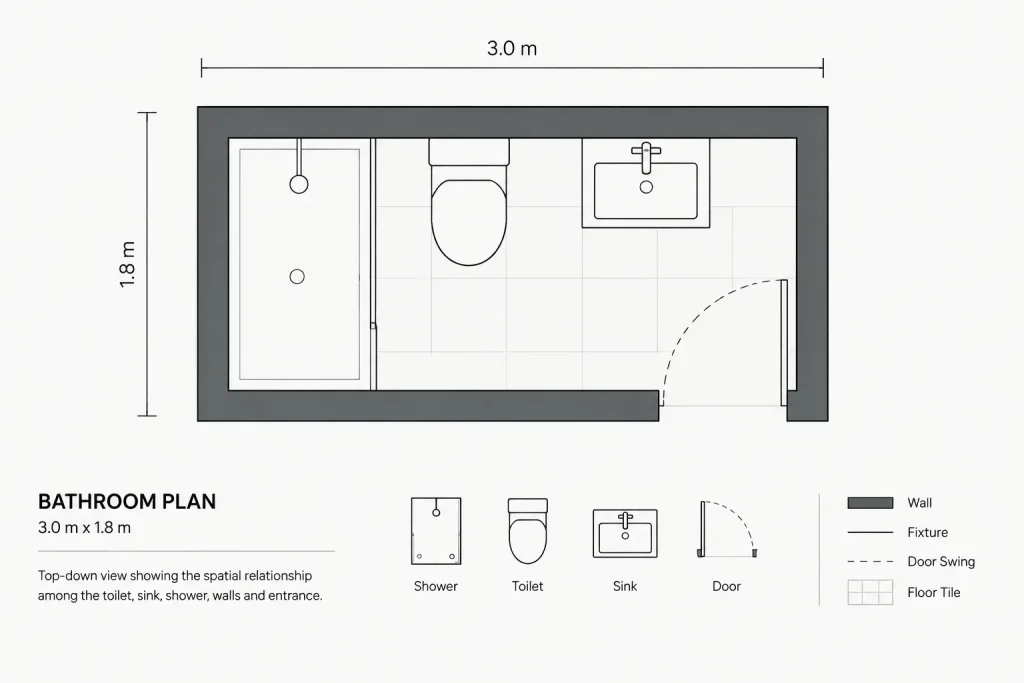
This bathroom layout size 3×1.8m DWG provides a compact plan arrangement containing a toilet, sink, and shower. It can serve as a drafting reference when studying fixture placement, circulation, and drawing organization within a limited rectangular room.
Before incorporating the CAD block into a project, review its geometry against the proposed wall construction, plumbing locations, door operation, accessibility criteria, and applicable building requirements. A downloadable layout is a starting point for coordination rather than a substitute for project-specific design verification.
Discover a high-quality DWG file featuring a practical Bathroom Layout Size 3×1.8m, designed for architects, interior designers, and contractors. This CAD Block provides a detailed floor plan of a compact bathroom, ideal for small residential projects, renovations, or space-saving designs. The file includes essential fixtures such as a toilet, sink, and shower, all arranged efficiently within the 3×1.8 meter space. Fully compatible with AutoCAD and other leading CAD software, this resource streamlines bathroom planning, ensuring accuracy and professionalism in your architectural drawings. Download to enhance your project’s workflow and presentation.
Please log in or register to download this file.
What the bathroom CAD block includes
- Room format: A bathroom plan based on the stated 3×1.8m size.
- Fixture arrangement: A toilet, sink, and shower organized within the room.
- Drawing type: A DWG floor-plan resource intended for use in architectural drafting workflows.
- Typical context: Compact residential planning, renovation studies, and space-saving layout development.
How to use the layout in a CAD drawing
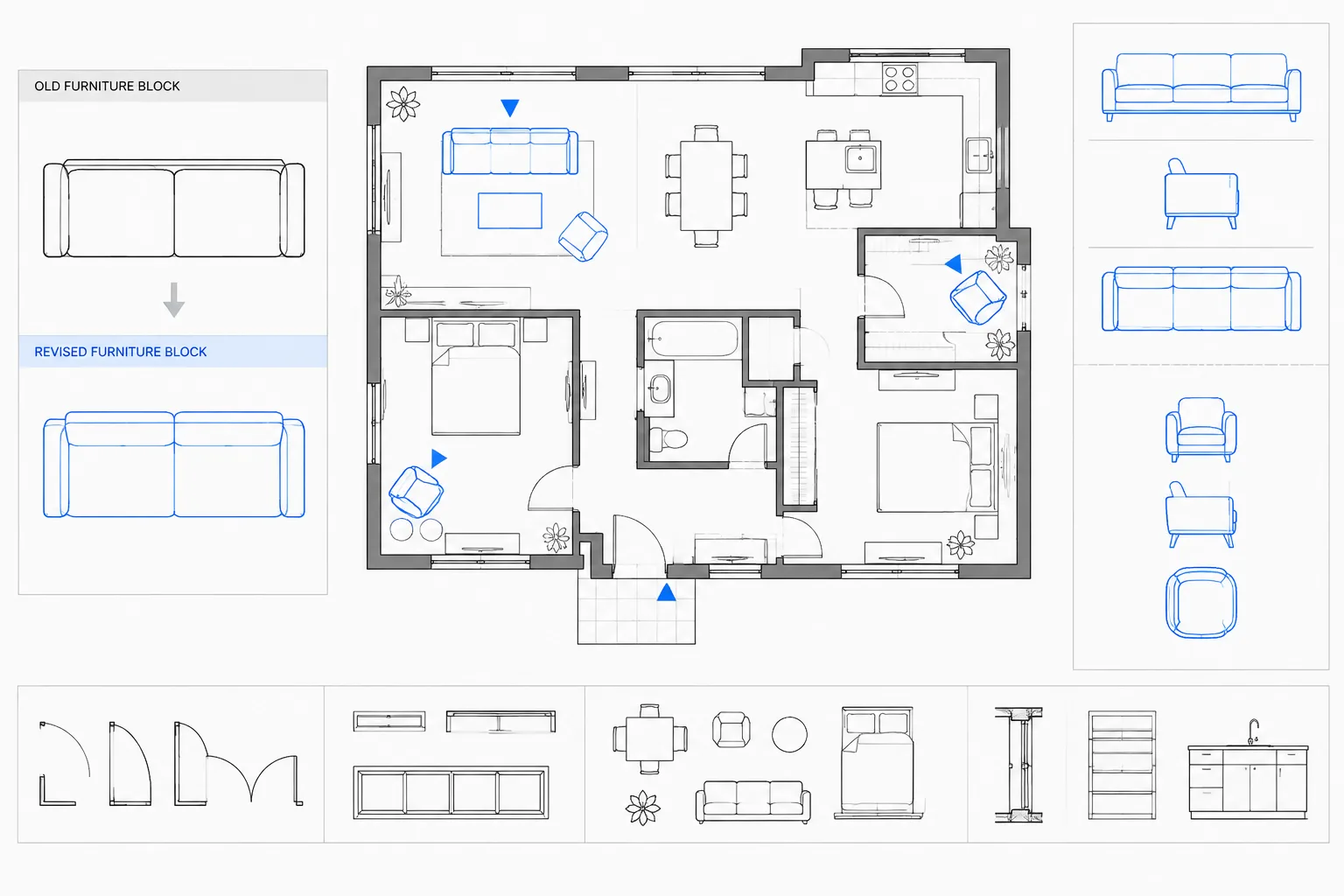
Insert or reference the DWG in a working file, then confirm its units and scale before editing. Compare the room boundary with the project floor plan rather than assuming the downloaded walls match the intended construction. The fixture symbols can then be retained, repositioned, or redrawn according to the design.
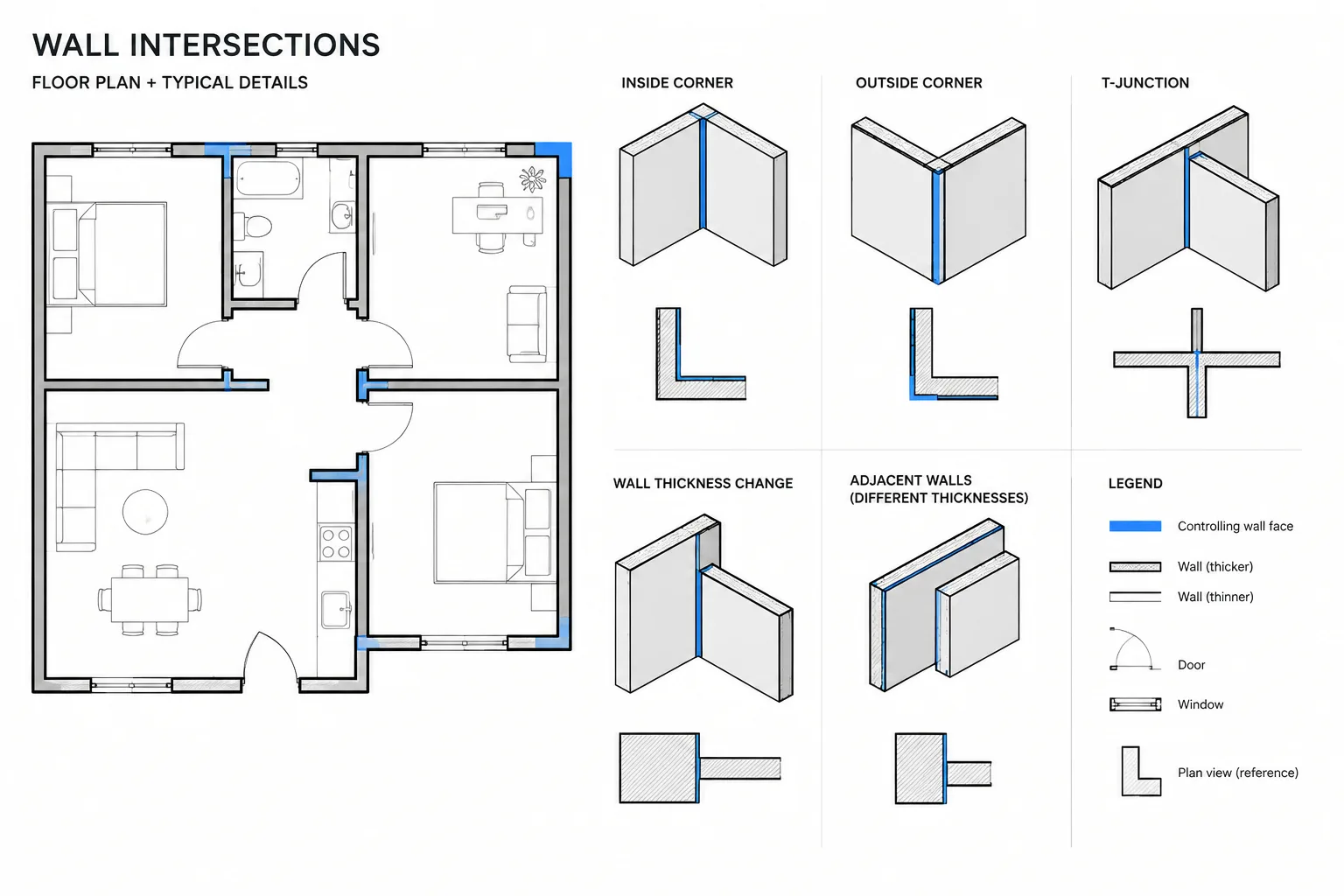
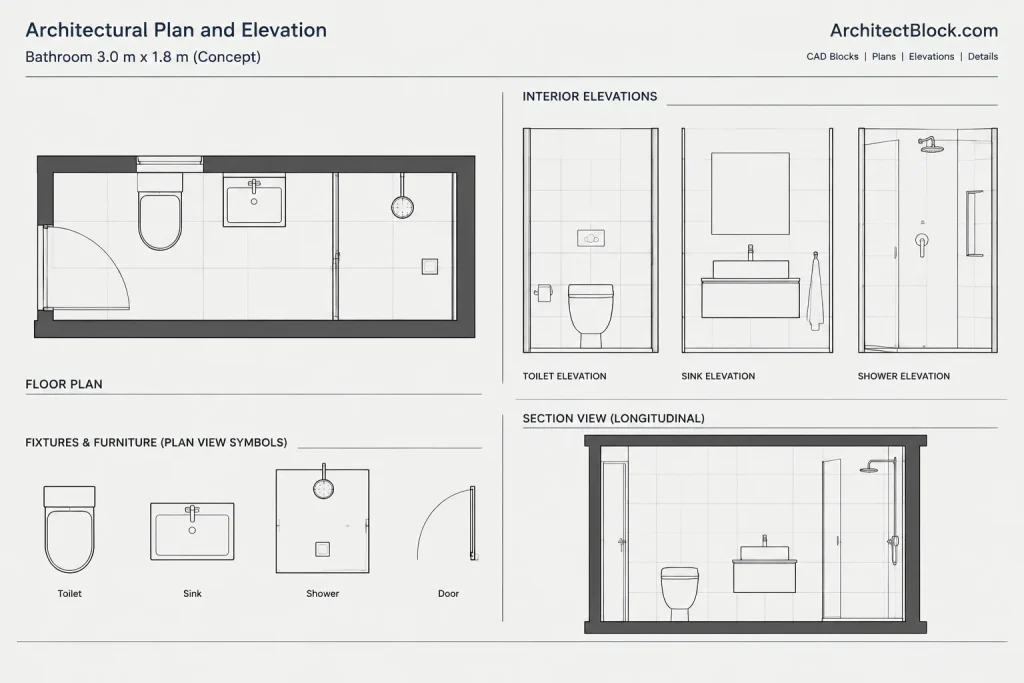
Organize walls, fixtures, sanitary equipment, dimensions, and annotations on suitable CAD layers. Consistent layer naming and lineweight control make the plan easier to coordinate with bathroom elevations, sections, reflected ceiling information, and plumbing drawings.
Important checks before project use
Door movement and circulation
Examine the entrance location and door swing in relation to every fixture. The plan should communicate how a person enters, turns, and reaches the toilet, sink, and shower without unresolved overlaps. Door hardware, trim, and the thickness of the completed wall assembly may affect the usable area.
Fixture clearances
CAD symbols do not by themselves confirm adequate clearance. Check the actual selected products and verify the required space around each fixture. Local code, accessibility goals, client needs, and manufacturer installation information may all influence the final arrangement.
Plumbing and construction coordination
Review supply, waste, vent, waterproofing, and service-access needs with the relevant project documents and consultants. If the bathroom is part of a renovation, existing structure and plumbing connections may limit where fixtures can be placed.
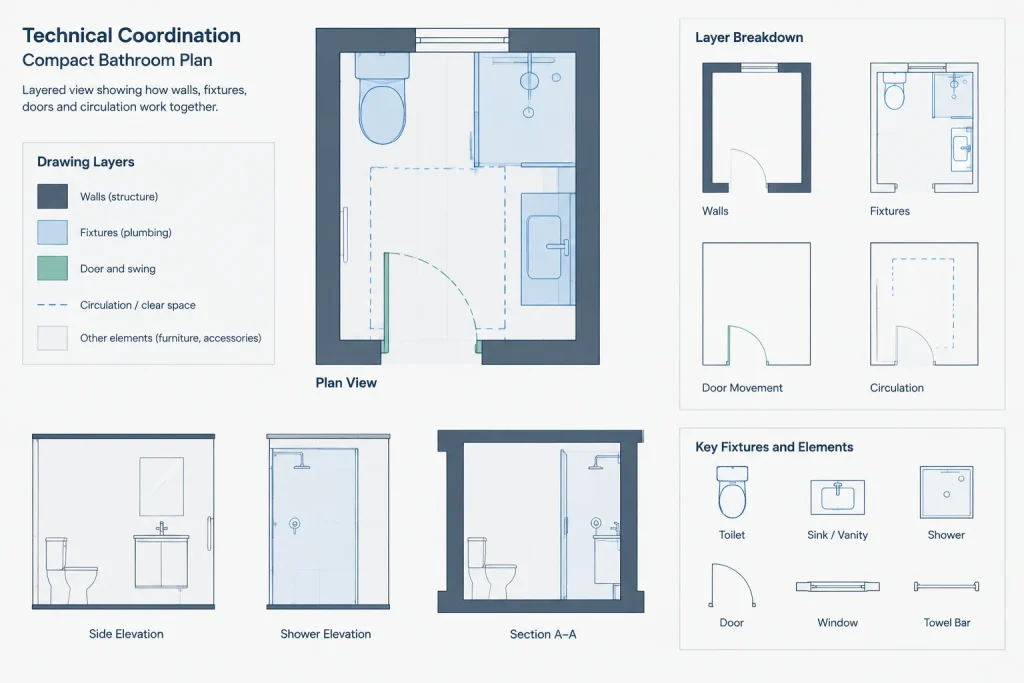
Drawing annotation
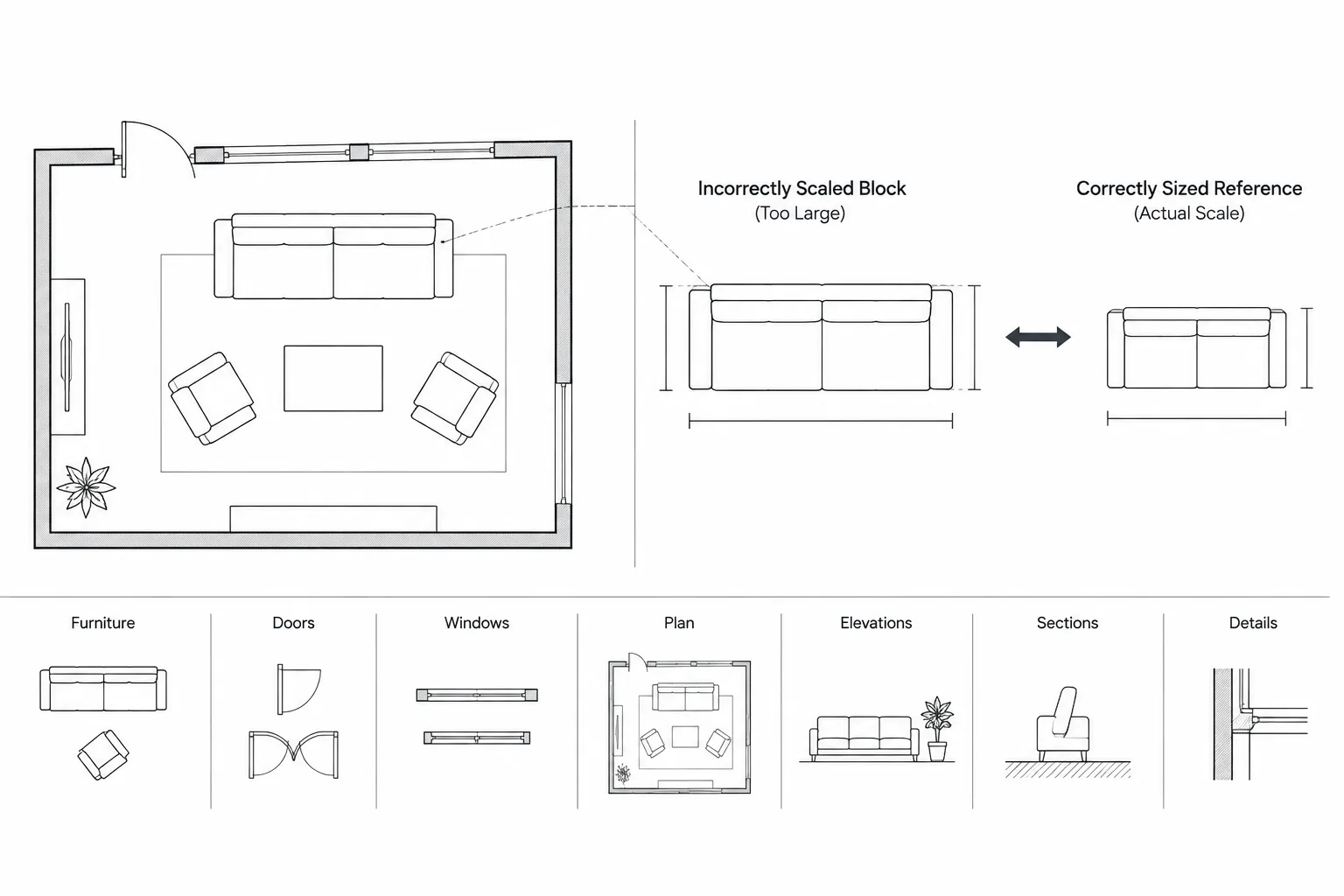
Add only the dimensions and notes needed to construct and review the design clearly. Useful relationships include the room boundary, fixture centerlines, openings, partitions, and coordinated references to elevations or sections. Avoid relying on the apparent size of an unverified block.
Related drafting topics
This resource can be studied alongside bathroom fixture CAD blocks, door swing symbols, plumbing symbols, floor-plan dimensioning, architectural annotation, CAD layer organization, bathroom elevations, and interior section drawings. Those related resources help turn a basic plan block into a coordinated drawing set.
Frequently asked questions
What fixtures are shown in this bathroom layout?
The source description identifies a toilet, sink, and shower arranged within the 3×1.8m bathroom plan.
Can the DWG be edited for another bathroom design?
DWG geometry is generally used as editable drafting content, but users should inspect the downloaded file, confirm its units, and adapt the arrangement to their own project requirements and CAD workflow.
Does this layout confirm code compliance?
No. The block presents a planning arrangement, not a universal compliance determination. Verify clearances, accessibility, ventilation, plumbing, waterproofing, and other requirements with the rules and project conditions that apply.
What should be checked after inserting the block?
Confirm scale, units, layer organization, wall boundaries, fixture geometry, door movement, circulation, and alignment with the surrounding floor plan. Also compare represented fixtures with the products intended for the project.
Is the plan enough for construction documentation?
A floor-plan block is only one part of bathroom documentation. A project may also require coordinated dimensions, notes, elevations, sections, finish information, reflected ceiling details, and plumbing documentation.