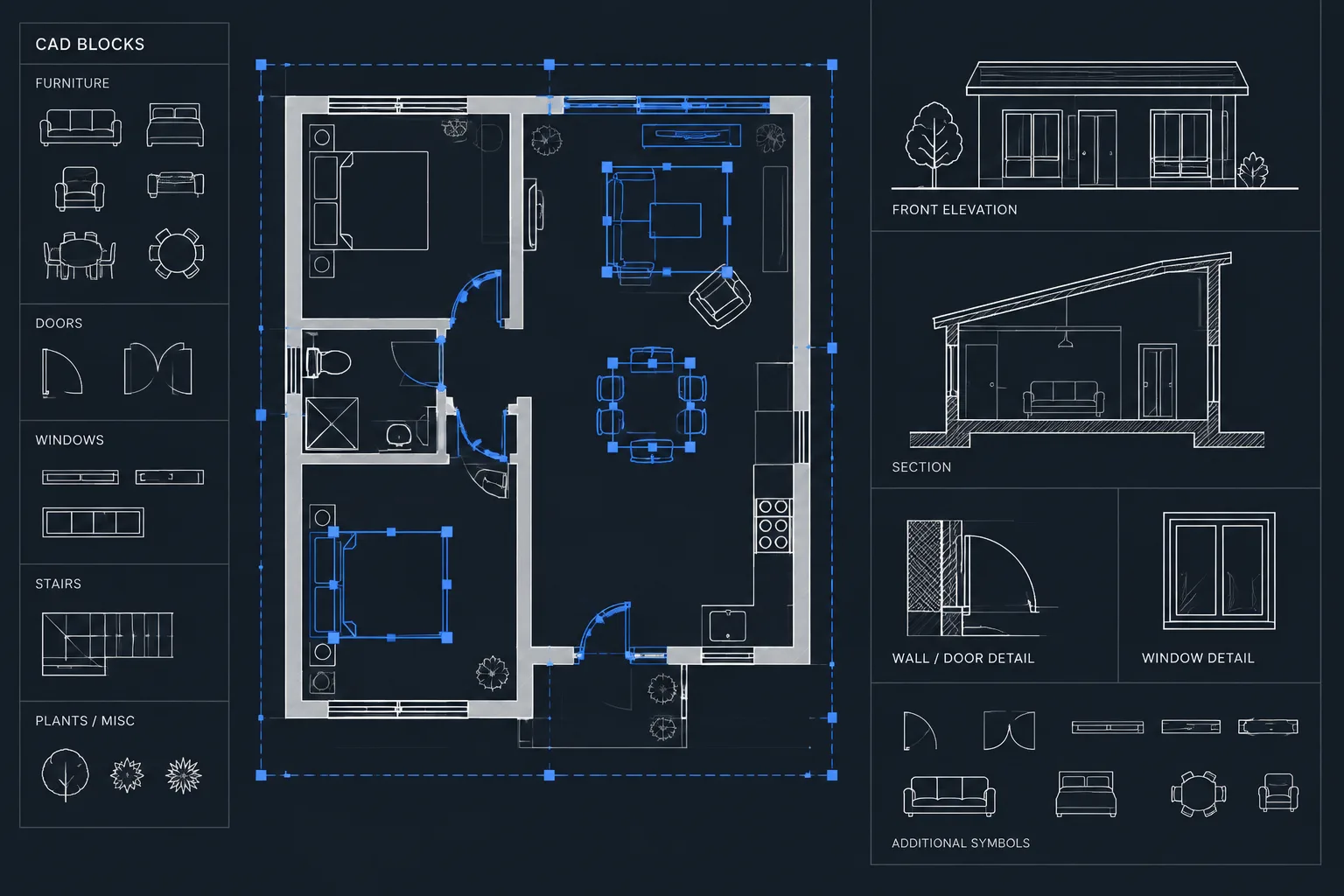
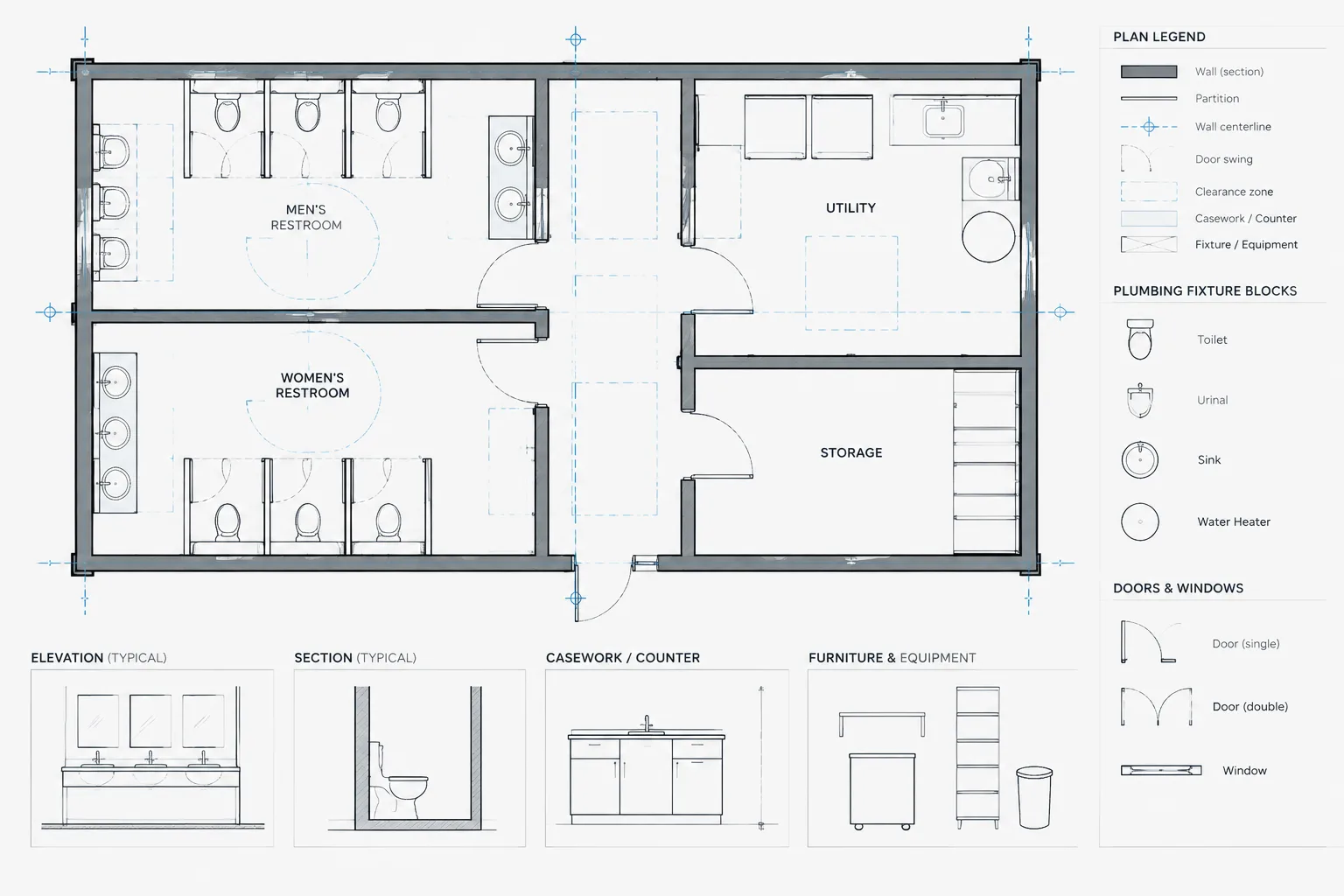
This bathroom layout size 1.8×1.4m DWG provides a compact plan reference for architectural drafting and space-planning studies. It can help designers compare fixture placement, circulation, door operation, and the relationship between sanitary fixtures within a limited footprint.
Before incorporating the CAD block into a drawing set, review its units, scale, layer organization, linework, and fixture orientation. The layout should be treated as a drafting resource rather than a construction-ready solution, because wall assemblies, plumbing connections, accessibility provisions, and local code requirements vary by project.
Discover our detailed DWG file and CAD Block for a Bathroom Layout Size 1.8×1.4m, perfect for architects, interior designers, and construction professionals. This compact bathroom design is ideal for small apartments, guest bathrooms, or renovation projects where space optimization is crucial. The file provides precise dimensions, clear fixture placement, and efficient space utilization, making it easy to integrate into your project plans. Fully compatible with AutoCAD and other leading CAD software, this resource ensures seamless workflow and accurate representation in your architectural drawings. Download now for efficient bathroom planning and design.
Please log in or register to download this file.
What to Review in the Bathroom CAD Layout
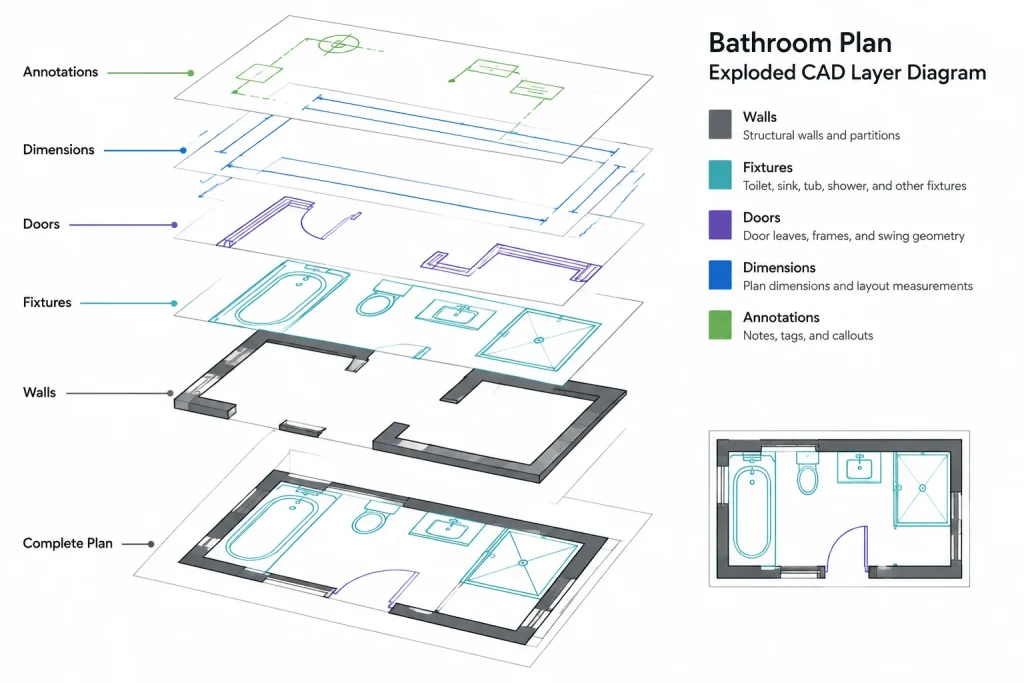
A compact bathroom plan must coordinate several elements within the available floor area. Start by identifying the walls, entrance, door swing, fixtures, and any dimension or annotation objects included in the DWG. Check that each component remains readable at the intended drawing scale and that overlapping linework does not obscure important information.
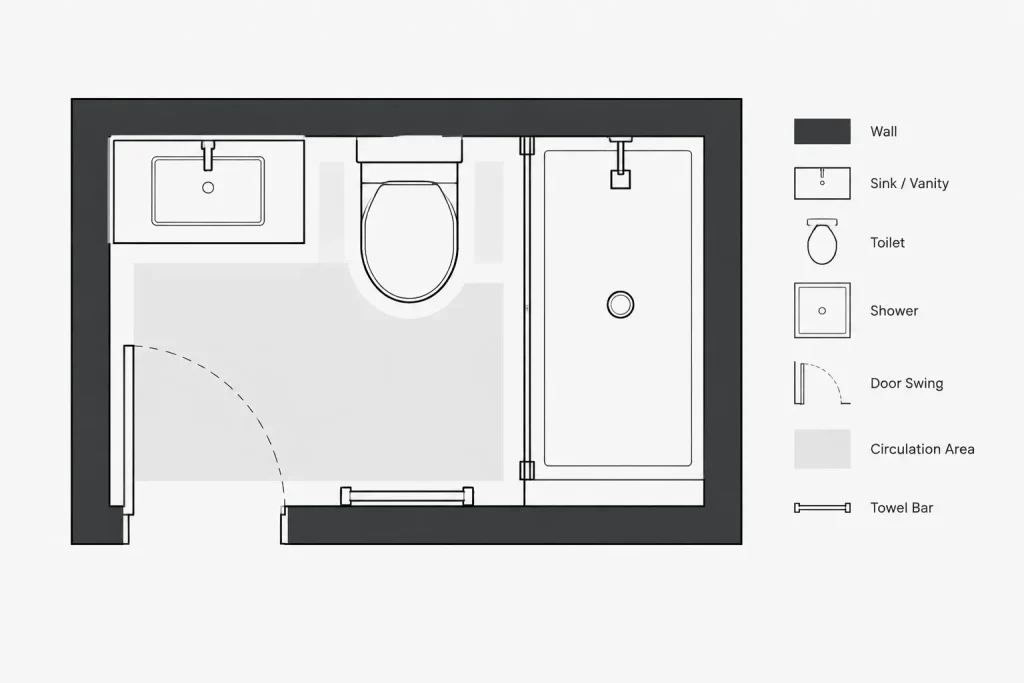
- Fixture arrangement: Review how the toilet, basin, bathing area, and other visible components relate to one another.
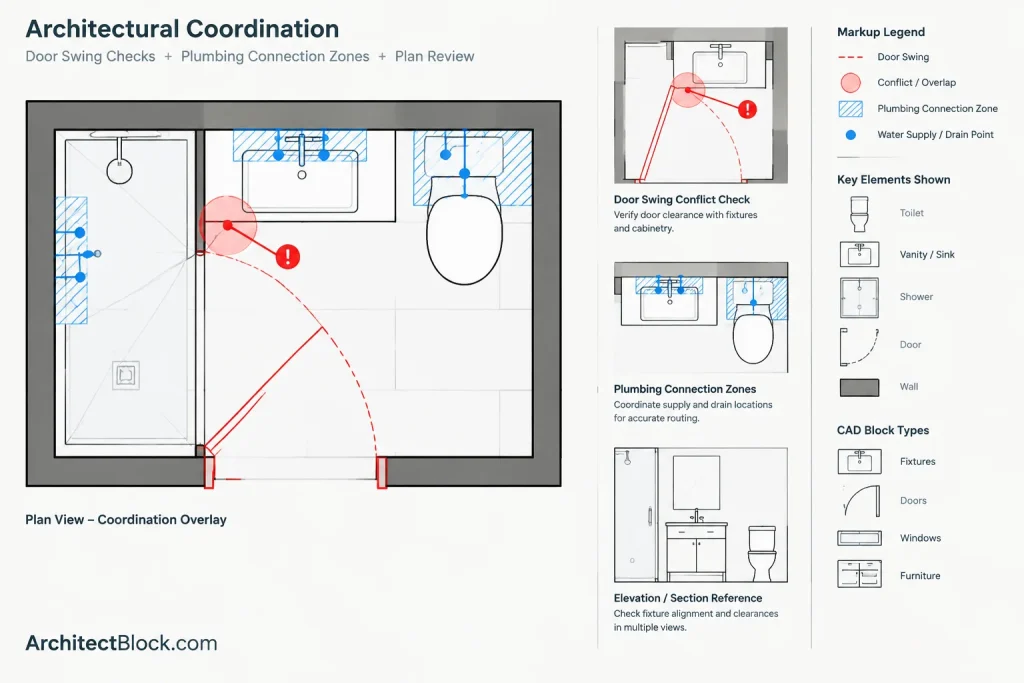
- Door operation: Confirm that the door swing does not conflict with fixtures, fittings, or the primary movement path.
- Circulation: Examine whether the open floor area supports practical entry, turning, and fixture use for the intended occupants.
- Plumbing coordination: Compare fixture locations with the proposed supply, waste, and vent strategy developed for the project.
- Drawing organization: Inspect layers, object types, lineweights, and annotation before merging the file with an office template.
Using the DWG in an Architectural Workflow
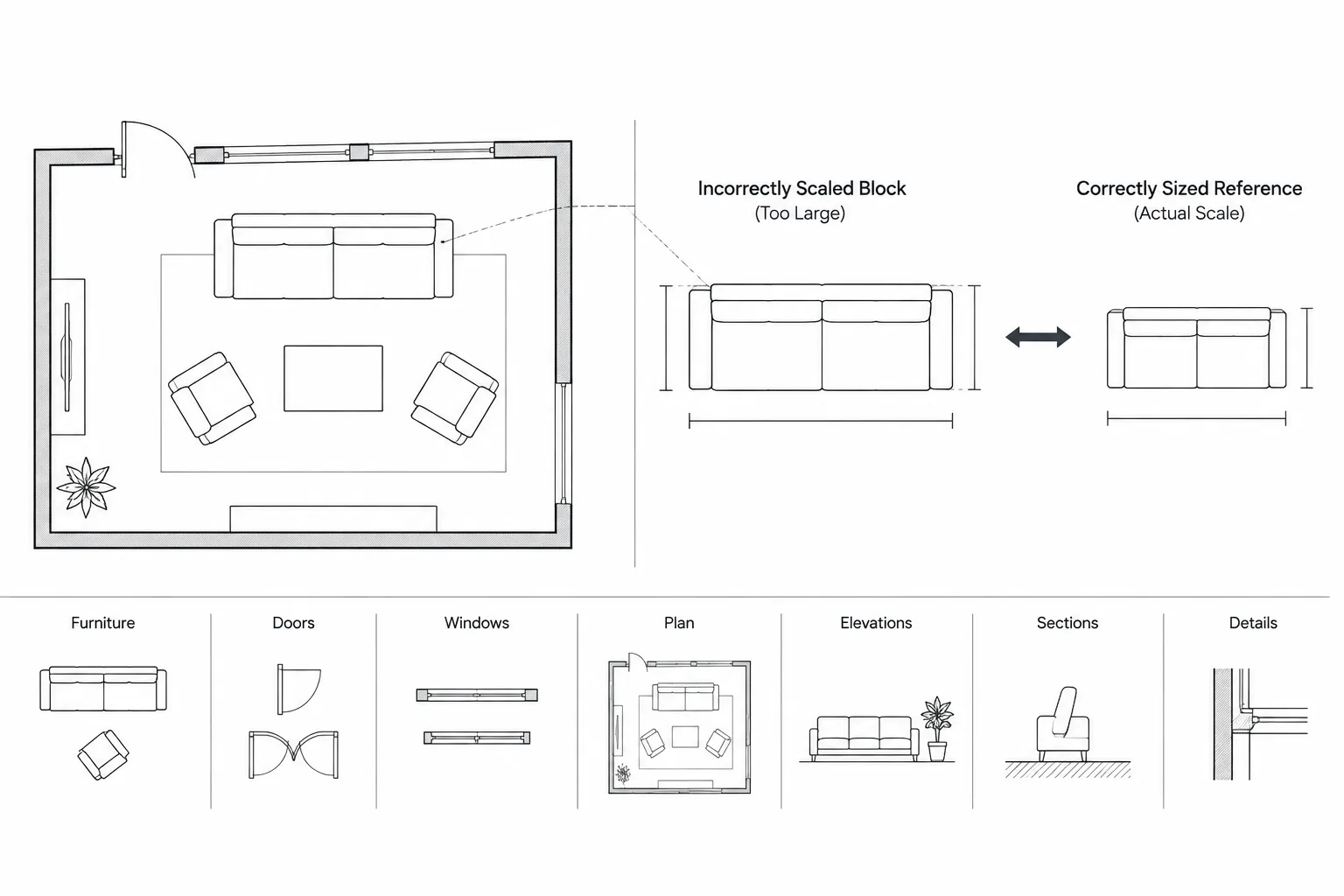
Open or insert the file in a separate working drawing before placing it in a live project. Confirm the drawing units and measure the overall footprint against the stated 1.8×1.4m size. If the file is inserted at an unexpected scale, resolve the unit settings rather than resizing it visually.
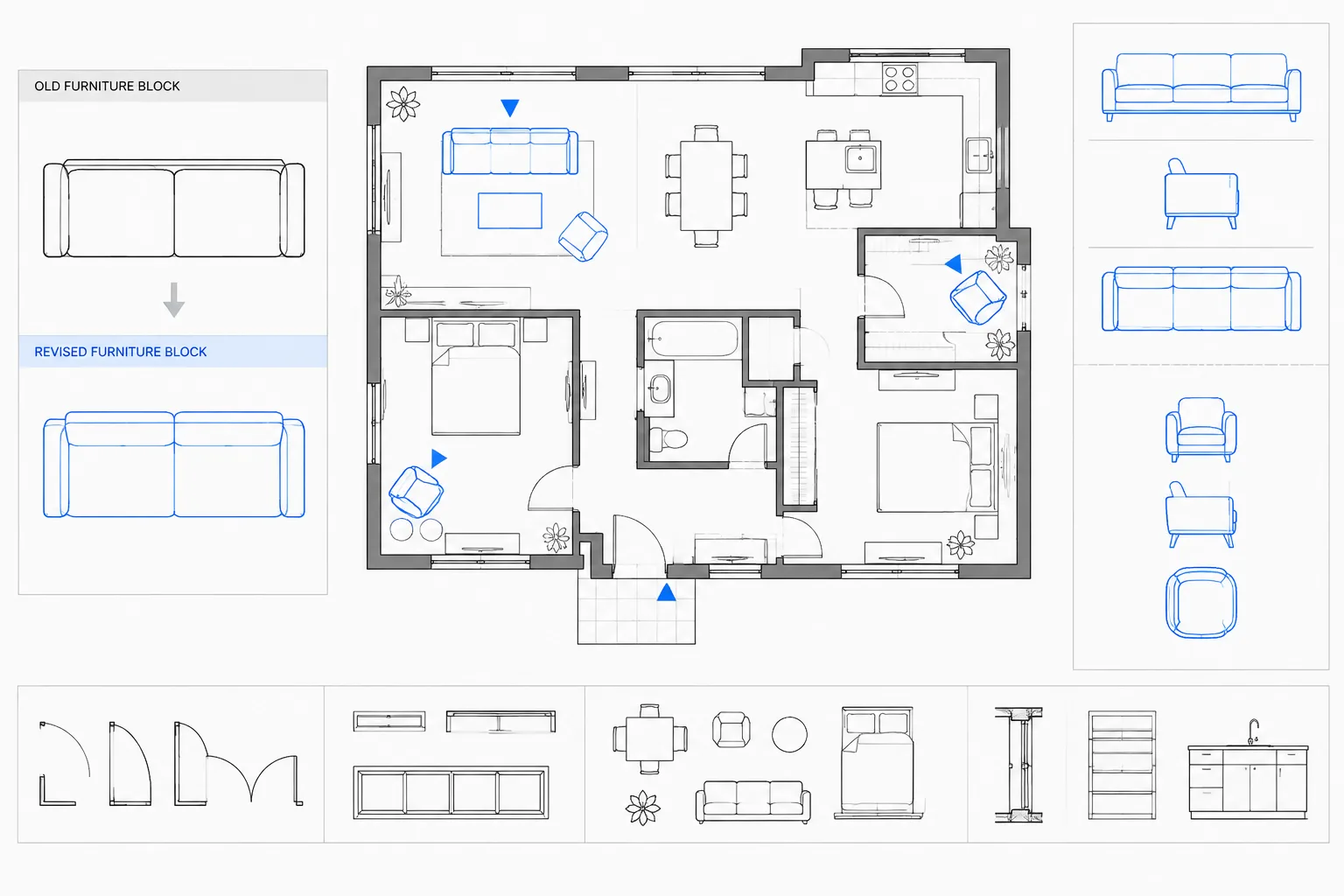
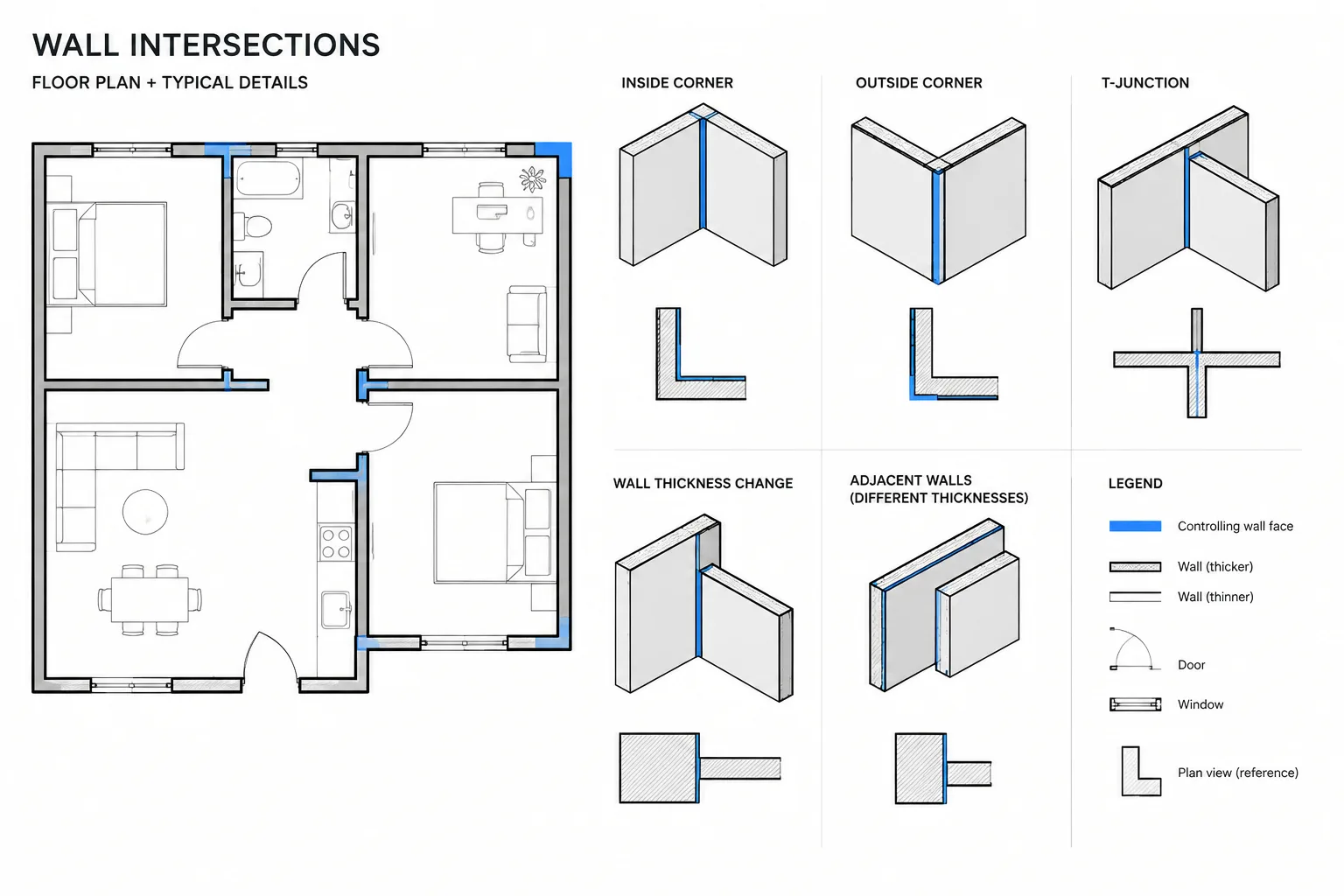
Next, compare the block with the project wall layout and door location. Fixtures may need to be moved, rotated, or replaced to match the selected products and plumbing design. If the geometry is grouped or contained in a block definition, inspect its structure before editing so that repeated references are not changed unintentionally.
Related Drawing Resources
This layout can be coordinated with bathroom fixture CAD blocks, door blocks, plumbing symbols, architectural dimensions, room labels, and finish annotations. Related guidance on CAD layers and drawing organization can also help keep imported geometry consistent with the rest of a floor plan.
Project Verification
The drawing should not be used as evidence of code compliance or product clearance. Verify actual fixture data, wall construction, waterproofing requirements, ventilation, accessibility, electrical coordination, and door hardware with the applicable project documents and qualified professionals. Renovation work also requires confirmation of existing site conditions rather than relying only on a typical CAD arrangement.
Frequently Asked Questions
What does the bathroom layout size 1.8×1.4m DWG show?
It provides a compact bathroom planning reference with fixture placement and overall spatial organization. Open the DWG to confirm the exact objects, annotations, and layers included in the file.
Should the CAD block be checked after insertion?
Yes. Confirm units, overall size, scale, linework, layers, and orientation before integrating the block into a floor plan. Imported CAD content may not automatically match a project template or office drafting standard.
Can the fixture arrangement be changed?
DWG geometry can generally be adjusted within a compatible CAD workflow, but editability depends on how the objects are organized. Inspect block definitions, groups, and layers before moving or replacing fixtures.
Is this layout ready for construction?
No CAD reference should be assumed to be construction-ready without project-specific review. Coordinate the plan with selected fixtures, plumbing design, wall assemblies, site conditions, accessibility needs, and applicable regulations.
What should be checked around the bathroom door?
Review the full door swing, approach area, hardware position, nearby fixtures, and circulation path. A visually compact arrangement can still create an operational conflict if these relationships are not checked.