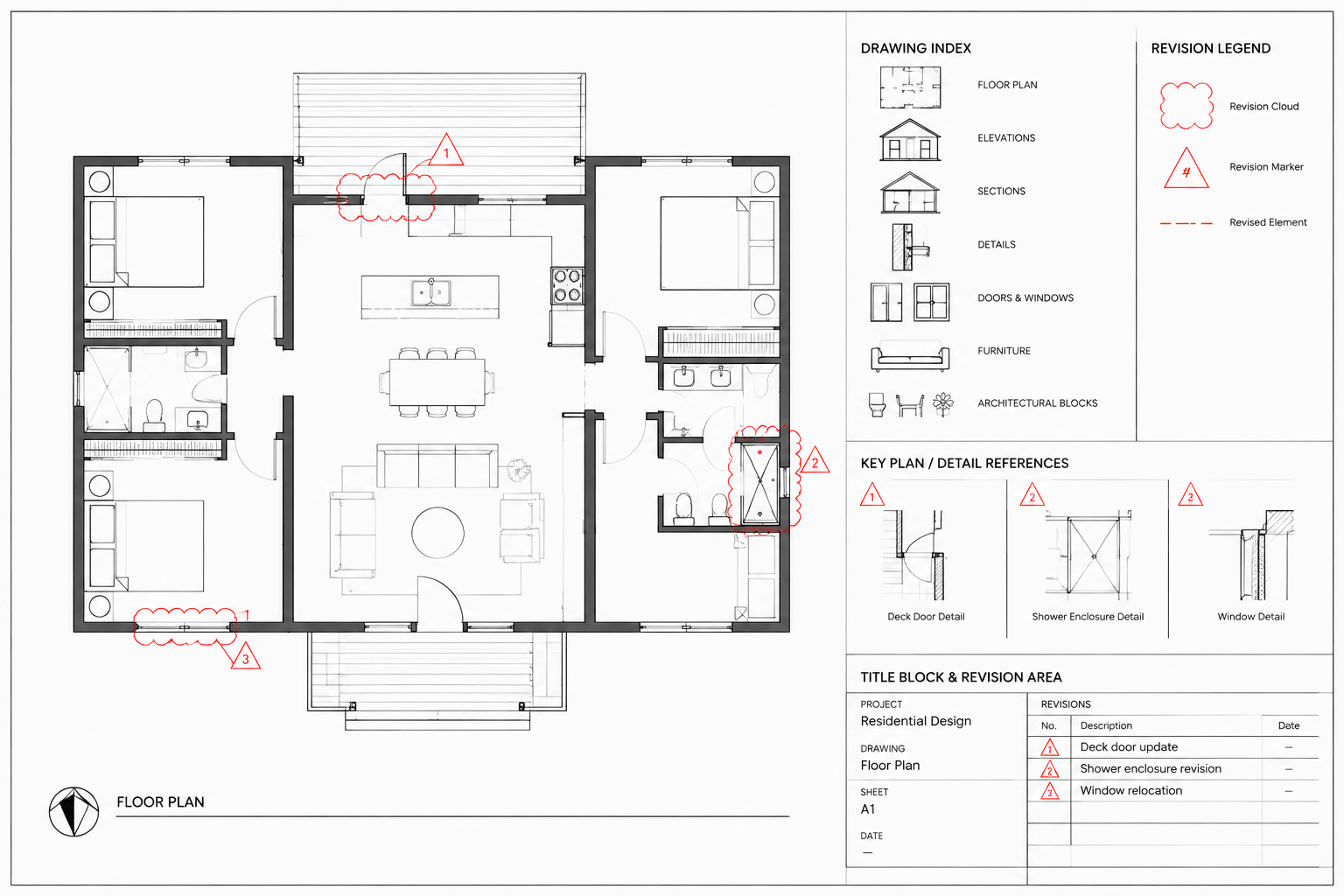
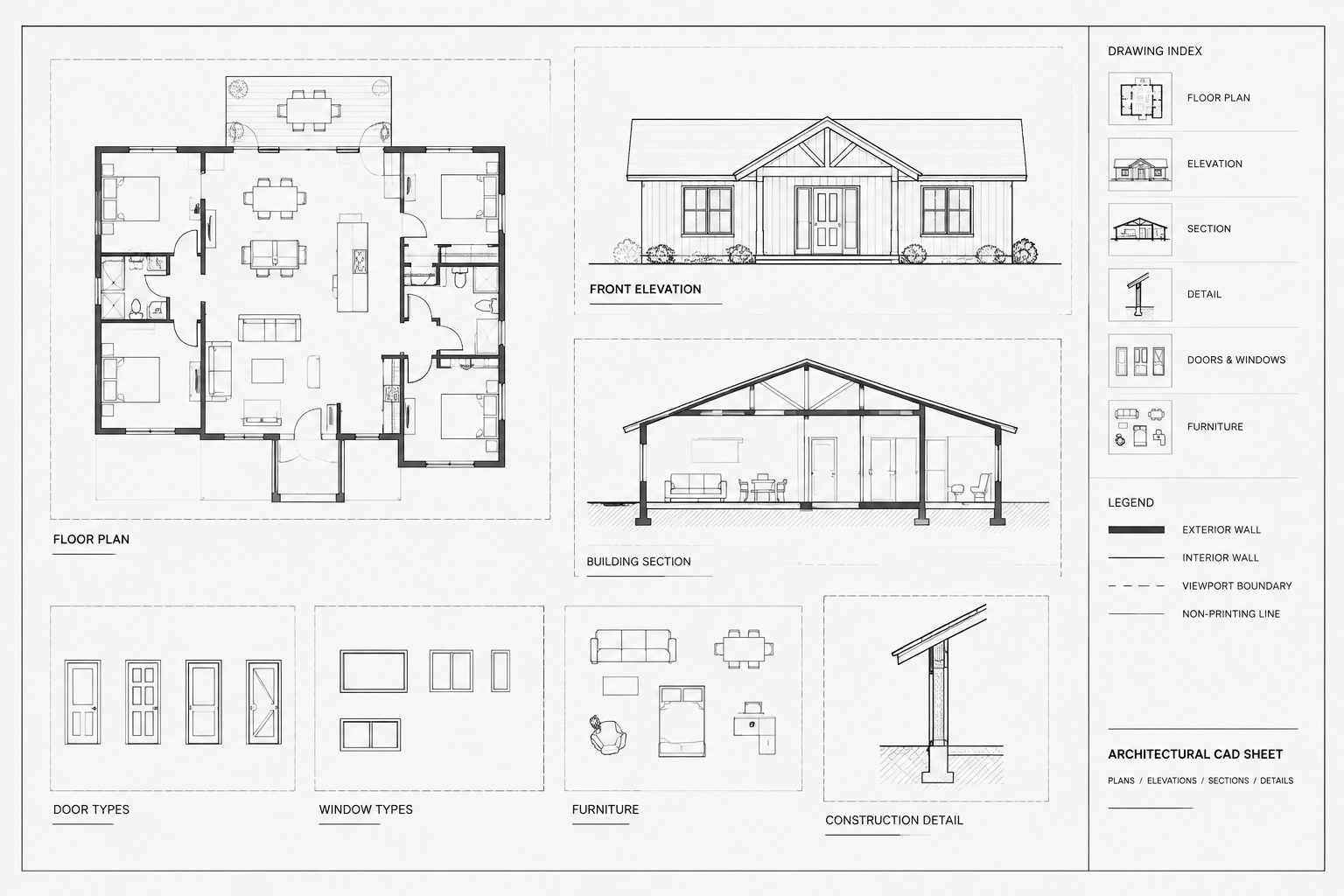
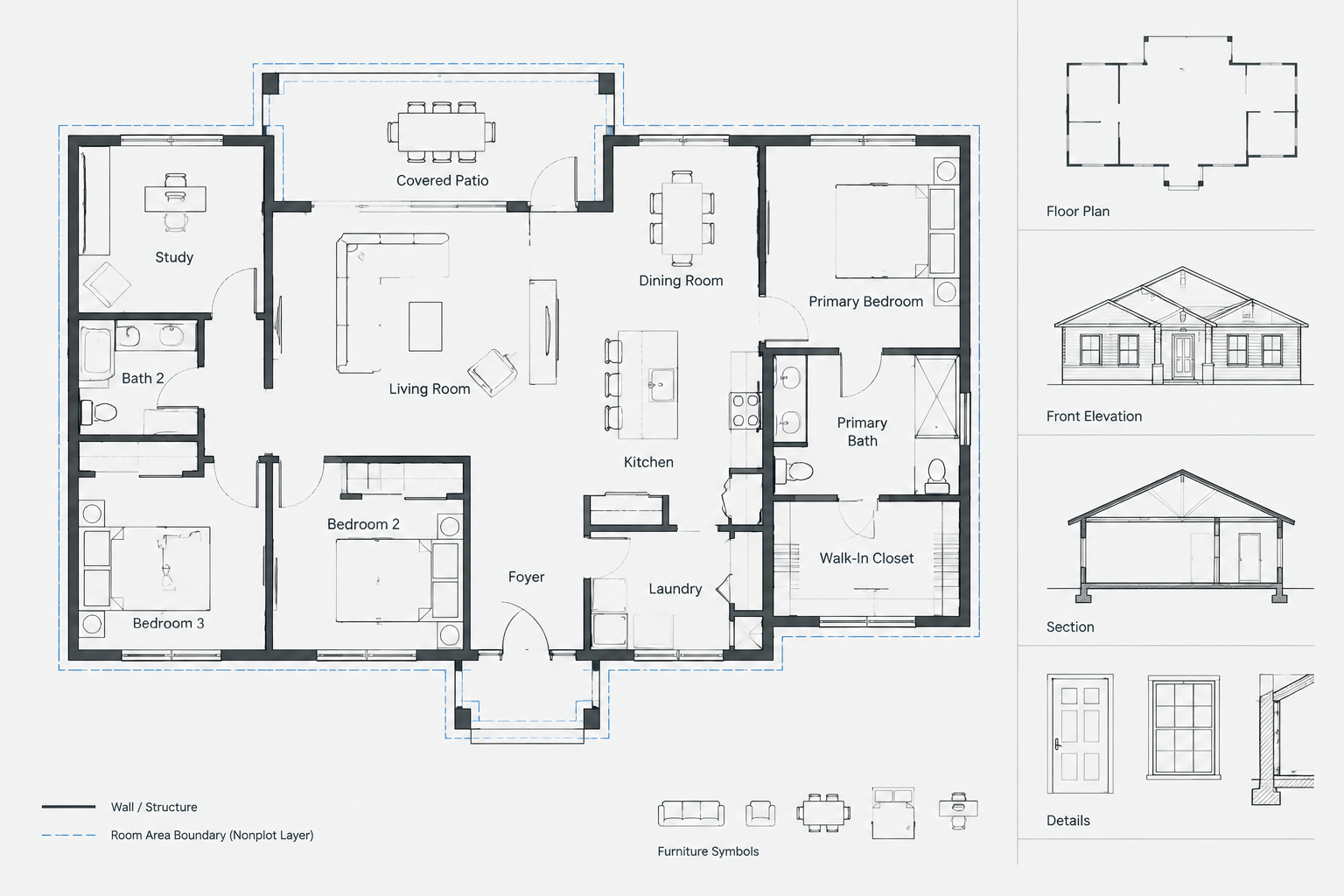
This bathroom layout 3.9×1.9m DWG provides an editable plan reference for architectural drafting and interior space planning. It can help users study fixture relationships, circulation, wall placement, and the overall organization of a compact rectangular bathroom.
Before incorporating the CAD block into a drawing set, review its units, layers, linework, fixture symbols, and stated dimensions. The displayed size should also be checked against the actual project conditions, required clearances, accessibility criteria, plumbing strategy, and applicable regulations.
Discover a highly detailed DWG file and CAD Block for a Bathroom Layout Size 3.9×1.9m, designed to streamline your architectural or interior design projects. This downloadable resource offers precise dimensions and professional-quality layout, perfect for residential and commercial bathroom planning. The file is fully compatible with AutoCAD and other leading CAD software, ensuring seamless integration into your workflow. Ideal for architects, designers, and contractors, this Bathroom Layout Size 3.9×1.9m DWG file can be easily customized to suit specific project needs, saving you valuable time during the design process.
Please log in or register to download this file.
How to Review the Bathroom CAD Layout
Open the DWG in a controlled working file before inserting it into a project. Confirm that the drawing units match the destination plan and determine whether 3.9×1.9m describes the internal room area, wall extents, or another measured boundary. This distinction affects coordination with adjacent rooms and the building plan.
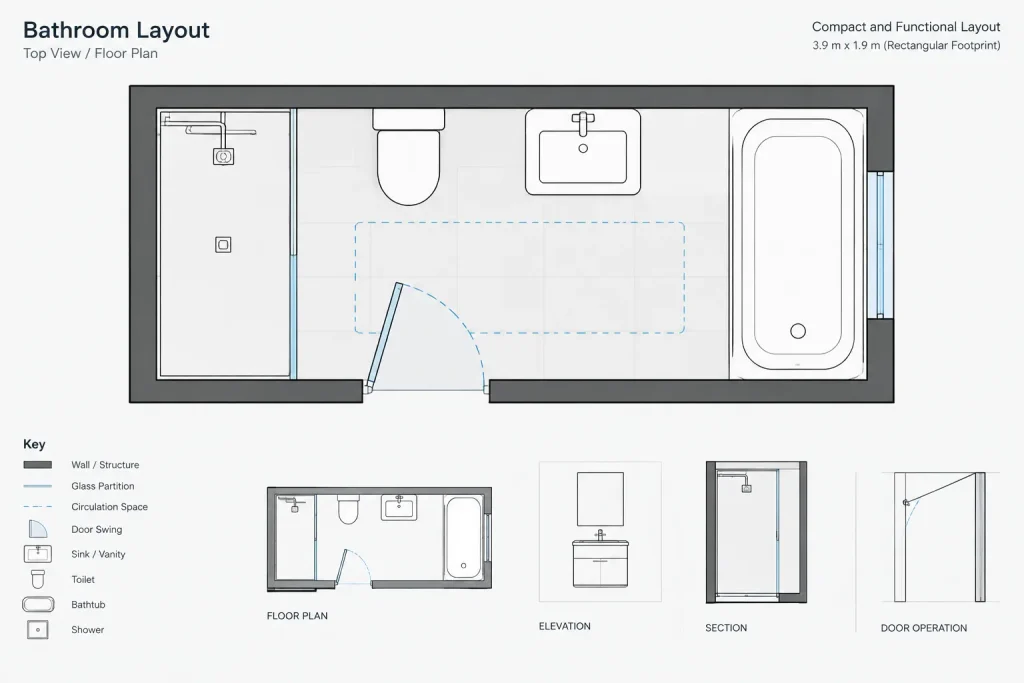
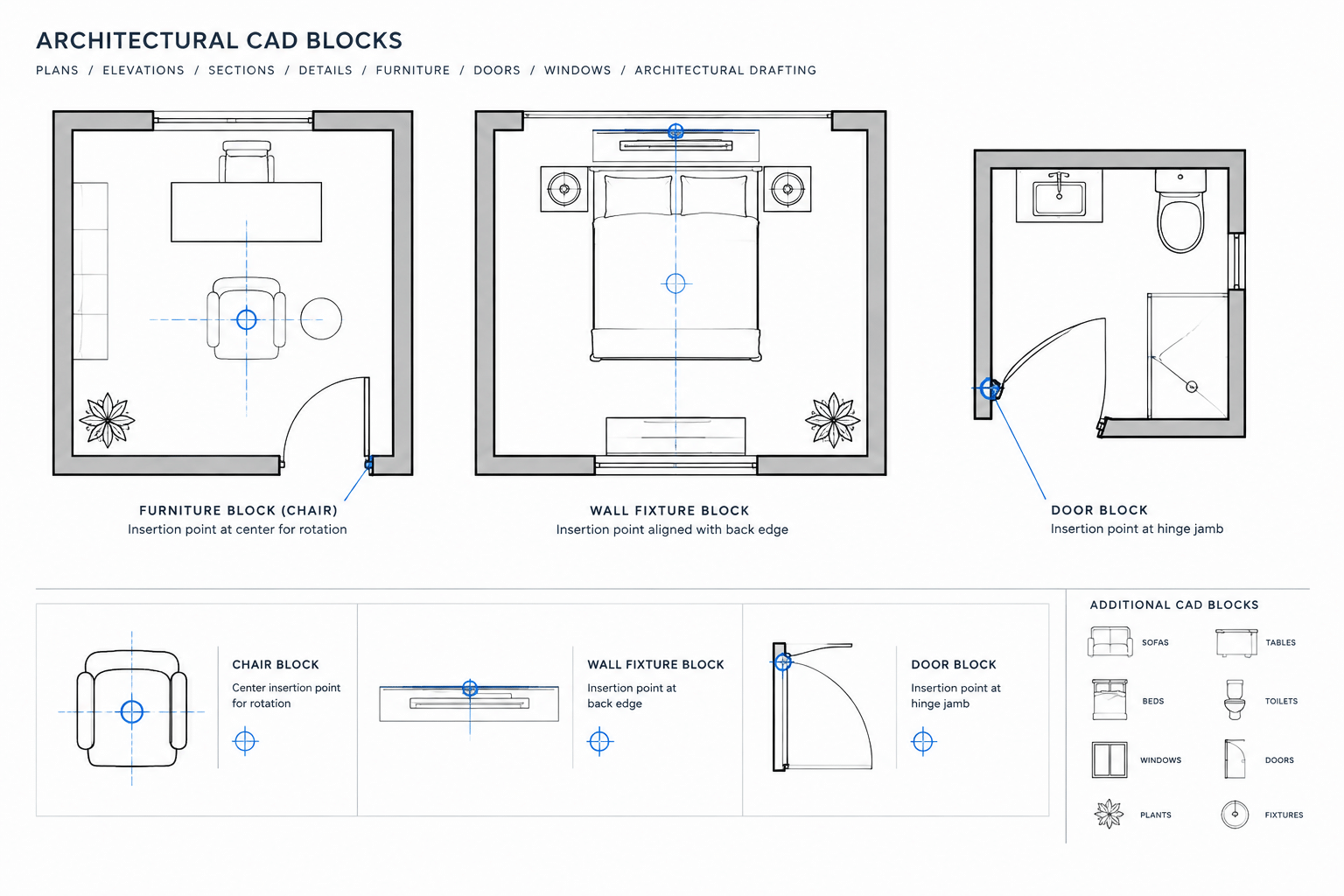
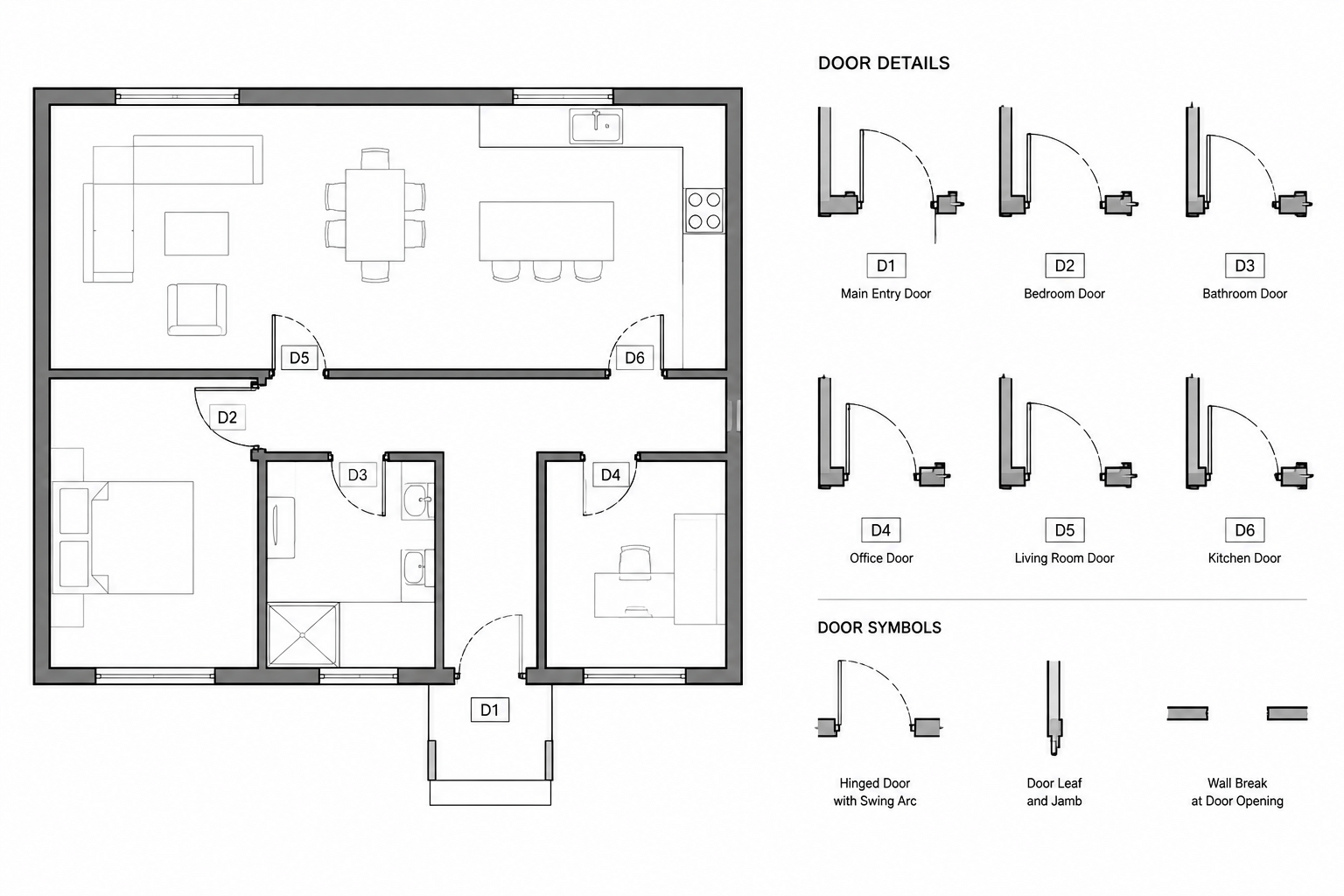
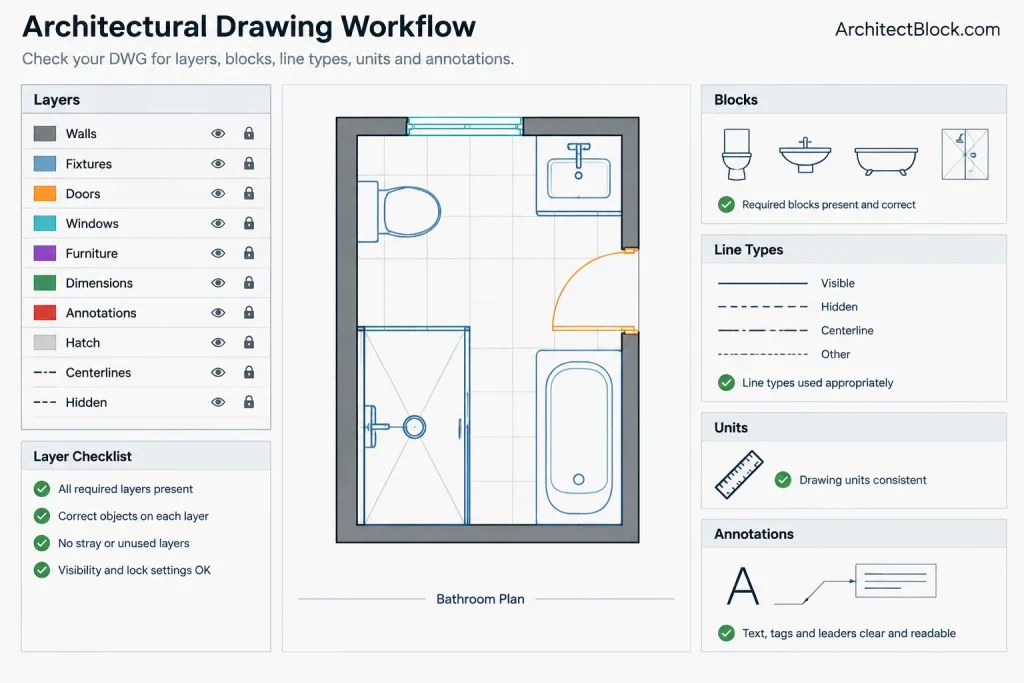
Inspect the fixture blocks and door graphics individually. Check that insertion points, block definitions, line types, and layer assignments follow the office drafting system. Any duplicated or unnecessary geometry can be cleaned up without changing the intended layout.
Adapting the Plan to a Project
A reference bathroom arrangement should be treated as a starting point rather than a universally approved solution. Door operation, usable circulation, fixture access, plumbing connections, ventilation, finishes, and maintenance access may require revisions for the actual building.
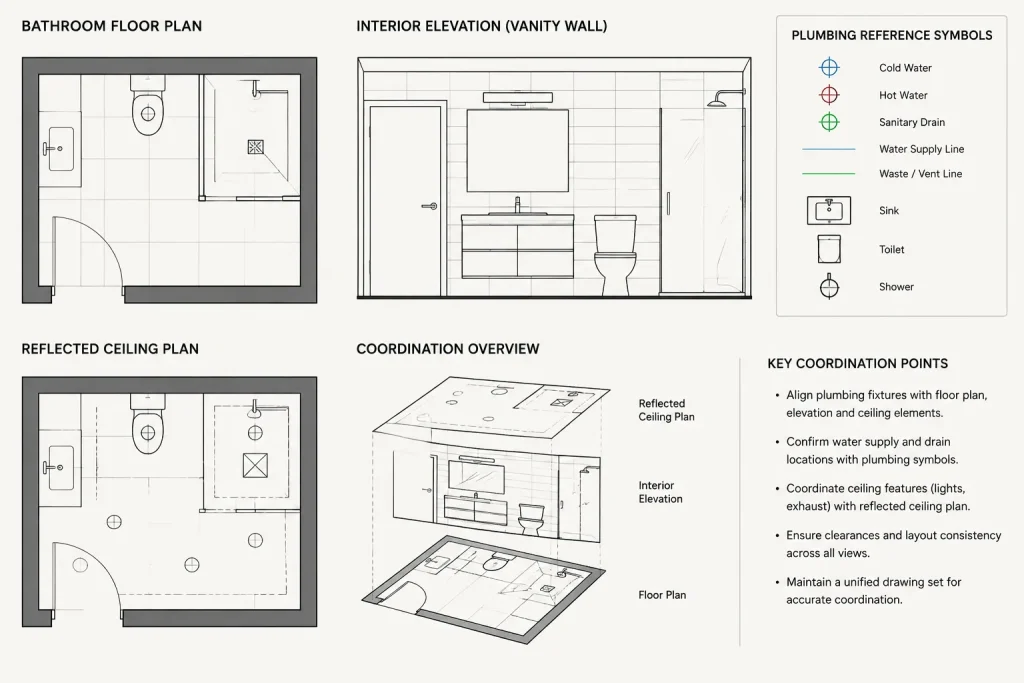
When modifying the plan, coordinate the bathroom with the architectural floor plan, door and window schedule, plumbing drawings, interior elevations, and reflected ceiling plan. This helps prevent conflicts between plan symbols and the construction information shown elsewhere in the drawing set.
Useful Drafting Relationships
- Bathroom fixtures: Compare the included symbols with the fixture types selected for the project.
- Doors and openings: Verify swing direction, approach space, privacy, and conflicts with nearby fixtures.
- Floor plans: Align wall geometry and room boundaries with the surrounding architectural layout.
- Interior elevations: Use elevations to coordinate mirrors, accessories, wall finishes, and fixture heights.
- CAD layers and annotation: Move imported objects to appropriate layers and apply the project’s text, dimension, and plotting conventions.
Recommended CAD Workflow
Keep an unchanged copy of the downloaded file for reference. Work from a duplicate, confirm the scale, and then place the geometry using the method preferred for the project, such as a block, external reference, or copied linework. After editing, test the drawing at its intended plotting condition to confirm that lineweights, hatches, symbols, and dimensions remain legible.
Frequently Asked Questions
What does 3.9×1.9m refer to?
It identifies the stated size of the bathroom layout. Review the DWG to determine exactly which boundaries were used for that measurement before coordinating it with a building plan.
Can the DWG be edited?
The source describes the file as customizable. Users should still inspect whether the content consists of blocks, polylines, hatches, text, or other objects before beginning revisions.
Should the layout be used without changes?
Not automatically. The arrangement should be checked against actual wall construction, selected fixtures, door operation, plumbing locations, accessibility needs, and applicable project requirements.
How should the file be inserted into another drawing?
First confirm drawing units and the intended insertion point. Then use the project’s established method for importing a block, attaching a reference, or copying reviewed geometry.
What other drawings should be coordinated with this plan?
Relevant references may include the main floor plan, bathroom elevations, fixture information, door details, plumbing drawings, reflected ceiling plans, and finish documentation.