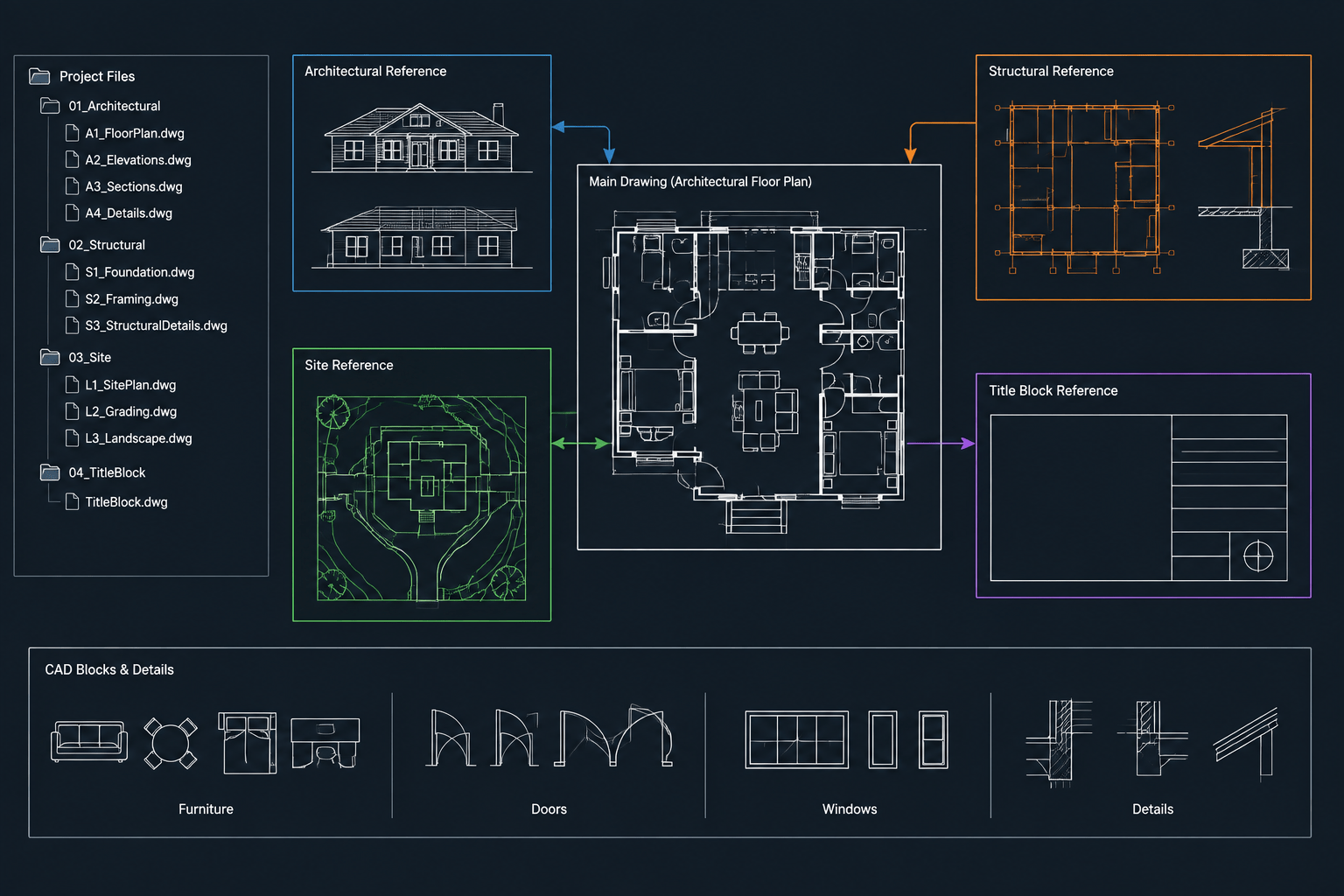
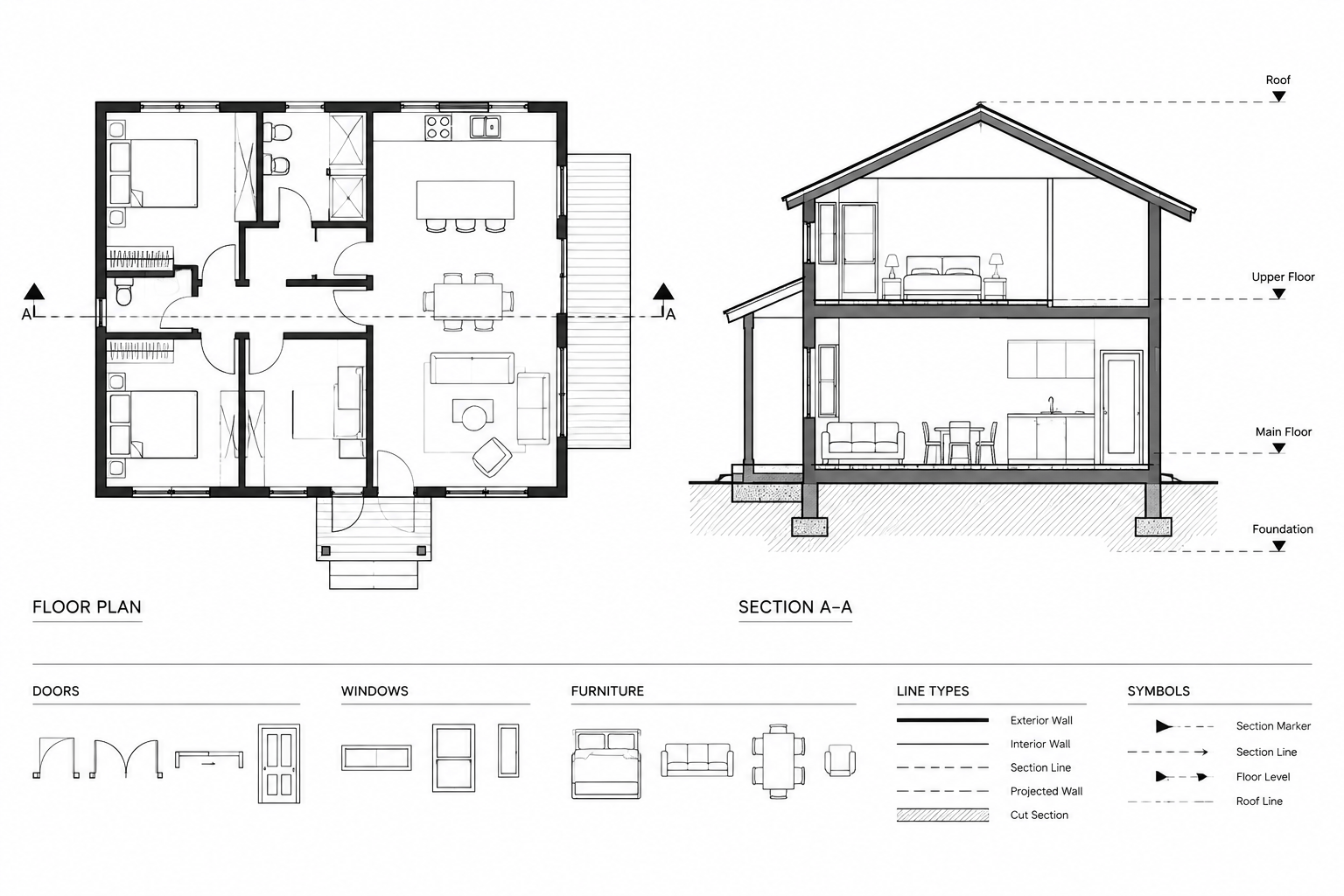
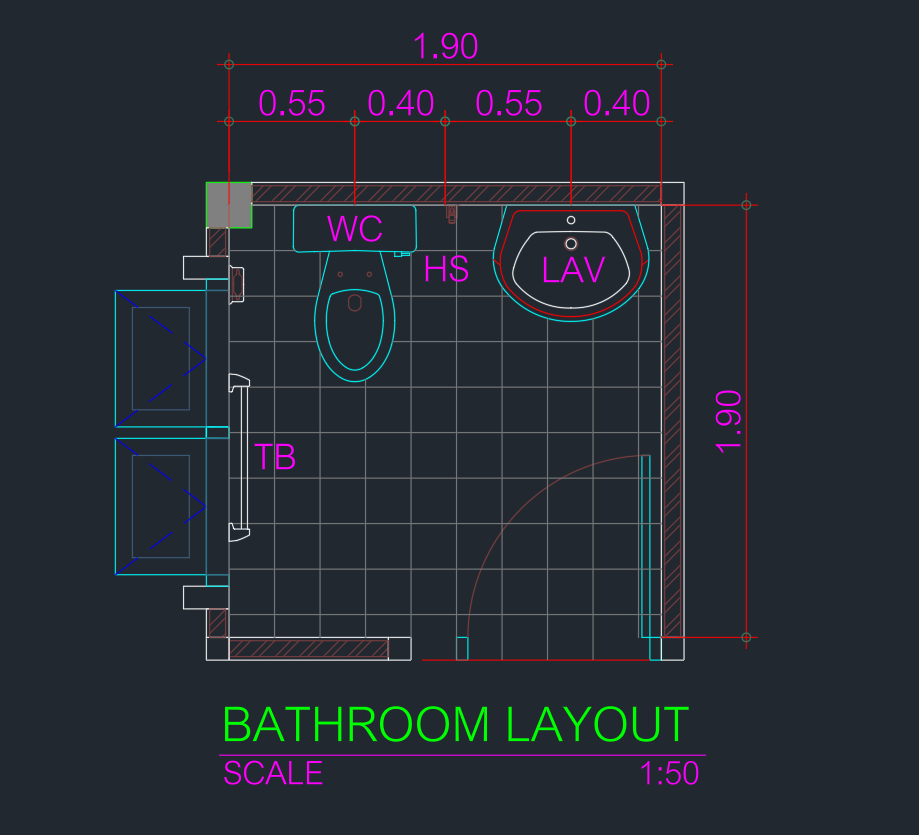
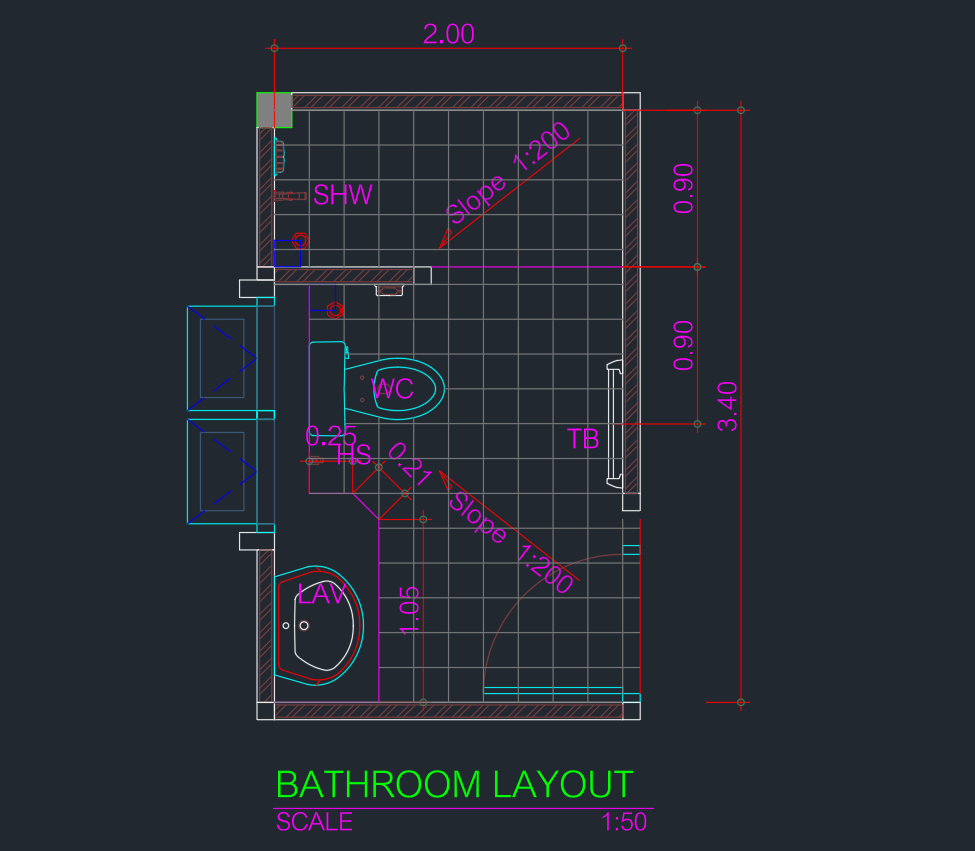
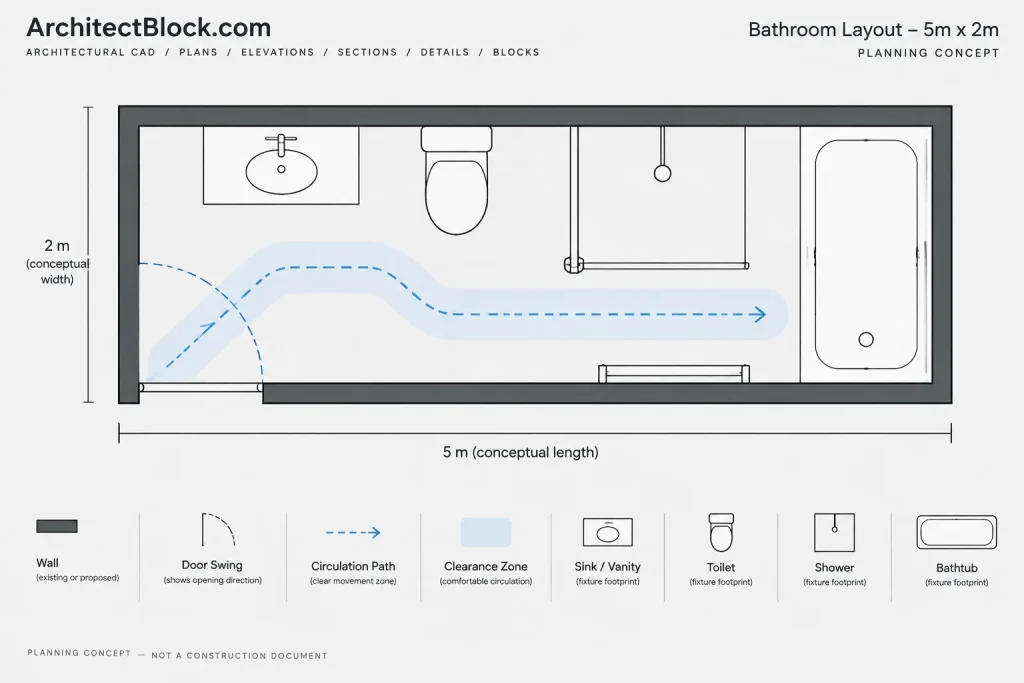
This 5x2m bathroom layout DWG provides a starting point for studying a long, narrow bathroom plan in CAD. It can support early space planning, drafting practice, and comparison of fixture arrangements before a project-specific layout is developed.
Before incorporating the drawing into construction documents, review its units, scale, fixtures, circulation, door operation, and drawing organization. The final arrangement should be coordinated with the actual building conditions and applicable project requirements.
Discover the ideal solution for your next bathroom design project with our Bathroom Layout Size 5x2m DWG file. This detailed CAD Block provides a professionally designed floor plan, perfectly suited for residential and commercial spaces with limited width. Easily importable and fully compatible with AutoCAD and other popular CAD software, this file streamlines the planning process, enabling architects, interior designers, and builders to visualize and customize layouts efficiently. Use this 5×2 meter bathroom layout to optimize small spaces, ensuring functionality and style while saving valuable drafting time. Download now to enhance your project workflow!
Please log in or register to download this file.
How to Review the 5x2m Bathroom Plan
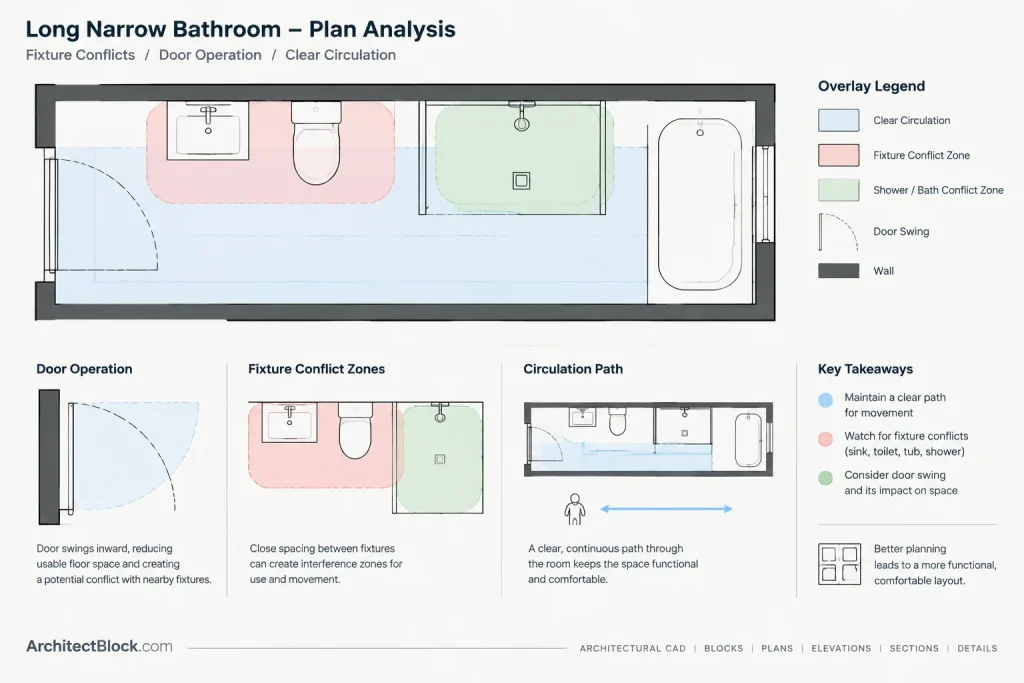
A narrow rectangular bathroom requires careful coordination because fixtures, openings, and circulation may compete for the same limited floor area. Begin by confirming the overall room boundary and identifying each object shown in the downloaded drawing. Do not assume that a fixture symbol represents a particular product or installation condition unless that information is explicitly included in the file.
Key Items to Check in CAD
- Drawing units: Confirm the file units before measuring, scaling, or inserting the plan into another drawing.
- Fixture footprints: Compare the drawn symbols with the selected manufacturer information and the requirements of the actual project.
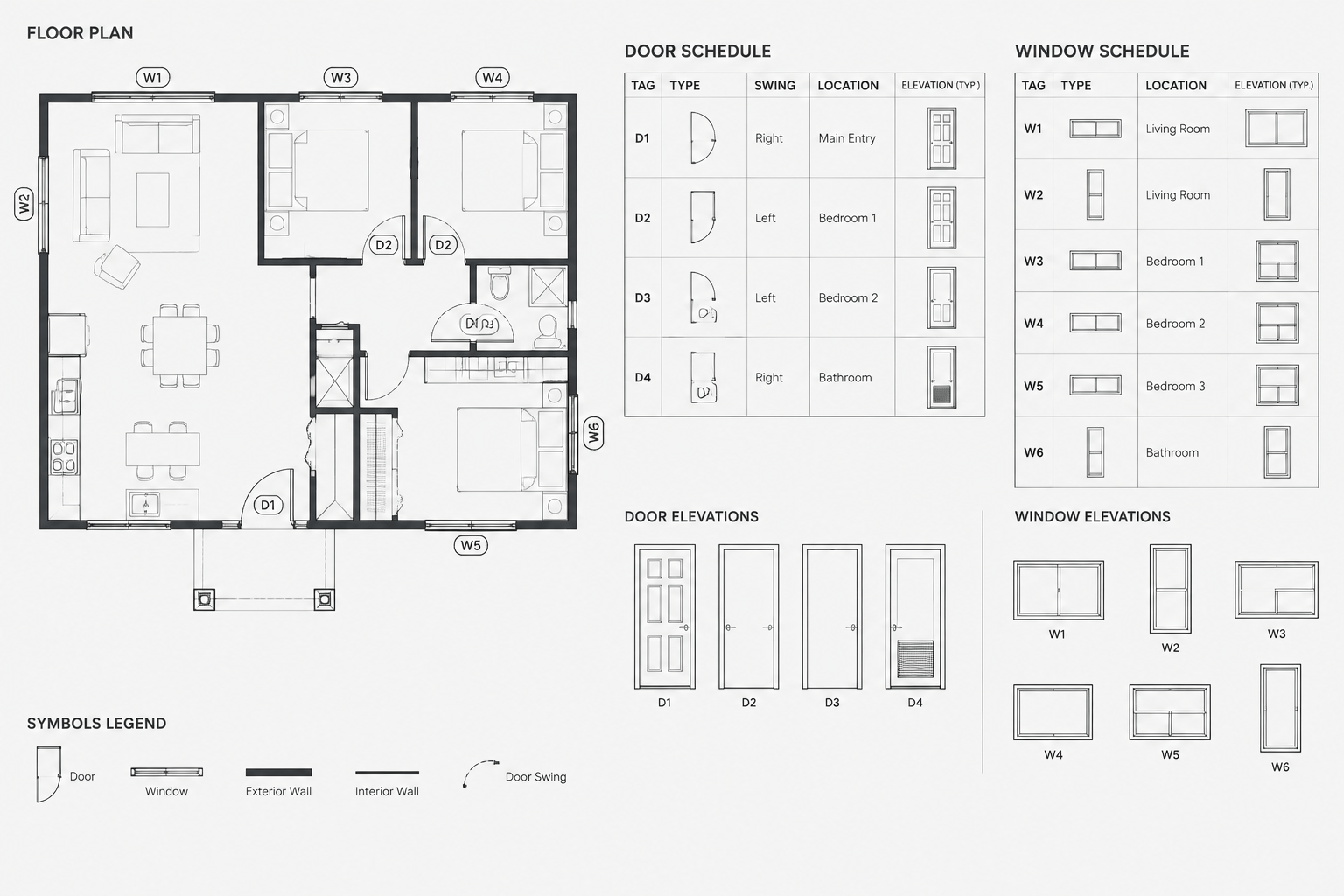
- Door operation: Review the swing or opening direction and check for conflicts with fixtures, partitions, and circulation.
- Usable circulation: Examine the clear route through the room rather than judging the layout only by its overall dimensions.
- Wall conditions: Coordinate wall thicknesses, finishes, service zones, and adjacent construction with the building plan.
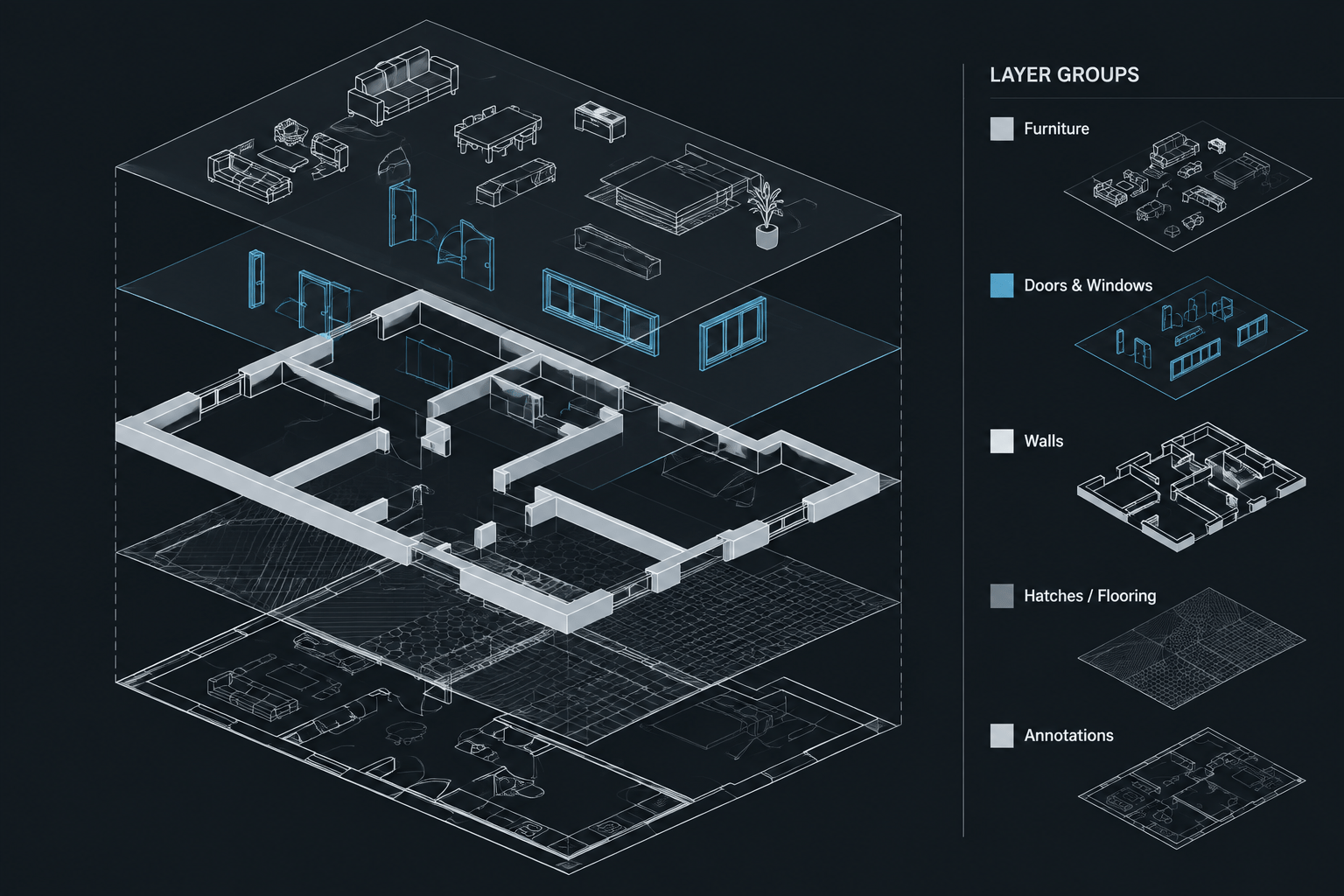
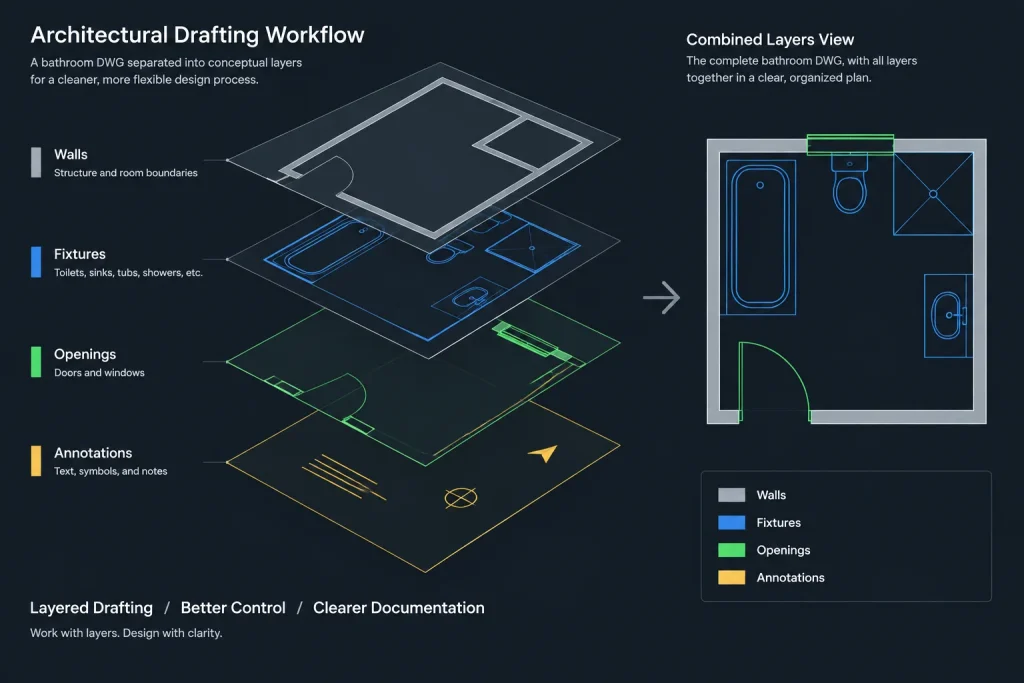
- Layers and linework: Inspect layer names, colors, linetypes, blocks, and duplicate geometry before merging the file into an office template.
- Annotations: Add verified dimensions, room labels, notes, and references using the project drafting standard.
Using the DWG as a Design Reference
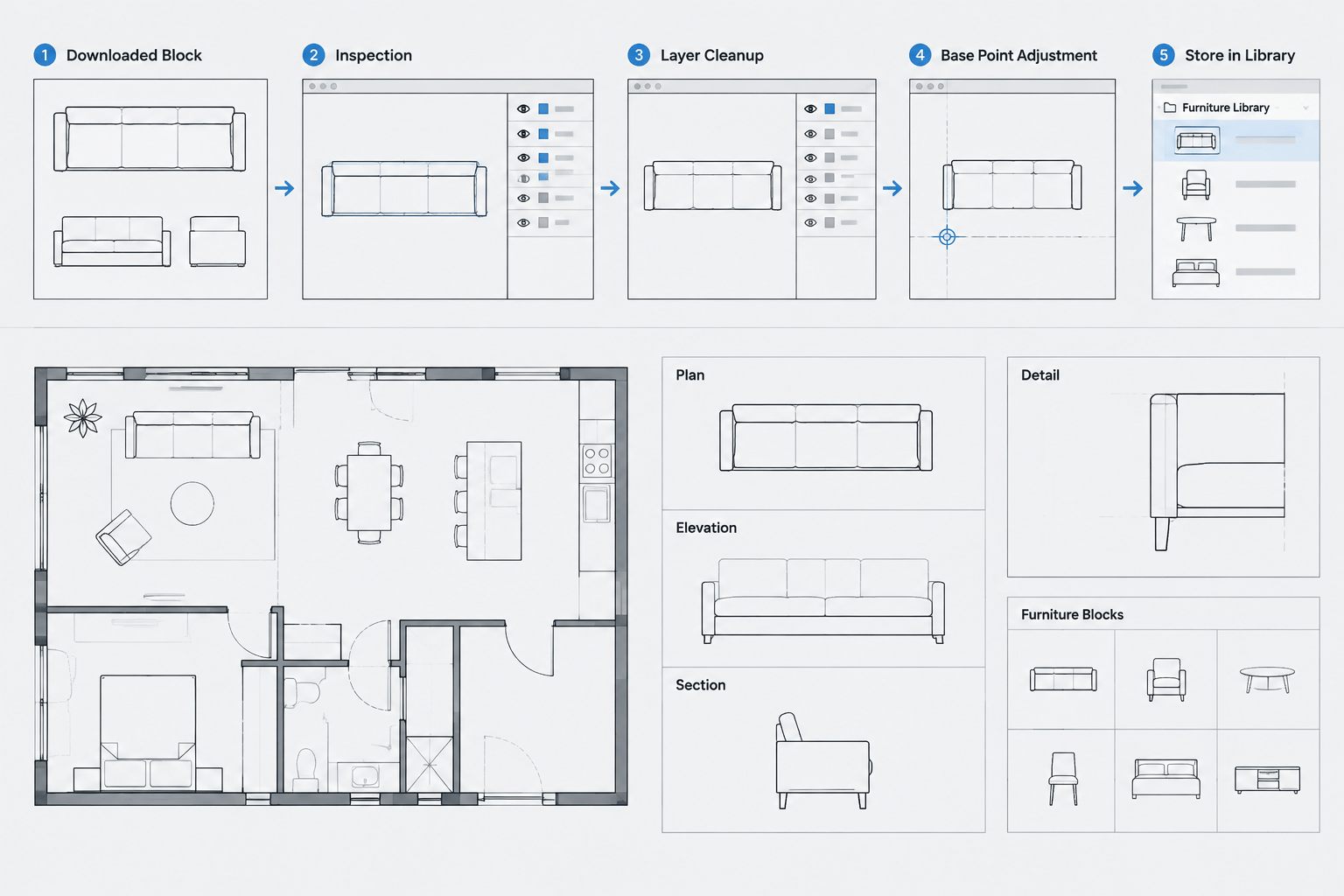
The drawing is best treated as an editable planning reference rather than an automatically approved bathroom solution. A useful workflow is to save a working copy, verify the geometry, isolate the fixture blocks, and test the arrangement against the surrounding floor plan. This makes it easier to identify conflicts with doors, structural elements, plumbing routes, and adjacent rooms.
If fixtures are replaced, keep their insertion points and orientation under control so that unintended gaps or overlaps are not introduced. Any moved fixture should be checked again for access, operation, maintenance, and coordination with the intended product.
Related Drawing Resources
When developing the plan further, related reference topics may include bathroom fixture CAD blocks, door and window blocks, plumbing symbols, interior elevations, accessible layout concepts, dimensioning practices, and CAD layer organization. Comparing these resources can help turn a basic floor plan into a coordinated drawing set without assuming that every downloaded block follows the same units or drafting conventions.
Project Verification
Bathroom requirements vary by occupancy, jurisdiction, user needs, and project scope. Verify the edited layout with the responsible design professionals and the applicable project criteria before using it for permitting, procurement, or construction. Product data and field conditions should take precedence over generic CAD geometry.
Frequently Asked Questions
What does the 5x2m description refer to?
It describes the stated overall bathroom layout size in the source title and content. Confirm the actual boundary and units directly in the DWG after opening it.
Can the bathroom layout be edited?
The source identifies the resource as a DWG CAD block intended for customization. Before editing, save a separate copy and inspect whether the objects are individual entities, grouped elements, or nested blocks.
Should the drawing be inserted directly into a project file?
It is safer to inspect it in a separate working file first. Check units, layers, object properties, text styles, line types, and block definitions before transferring selected content into the project drawing.
Is this layout ready for construction?
Not without project-specific review. The arrangement must be coordinated with actual dimensions, selected fixtures, openings, finishes, building services, field conditions, and applicable requirements.
What should be checked after changing a fixture?
Review the fixture footprint, orientation, operating space, circulation, door conflicts, wall relationship, and coordination with plumbing or other building systems.