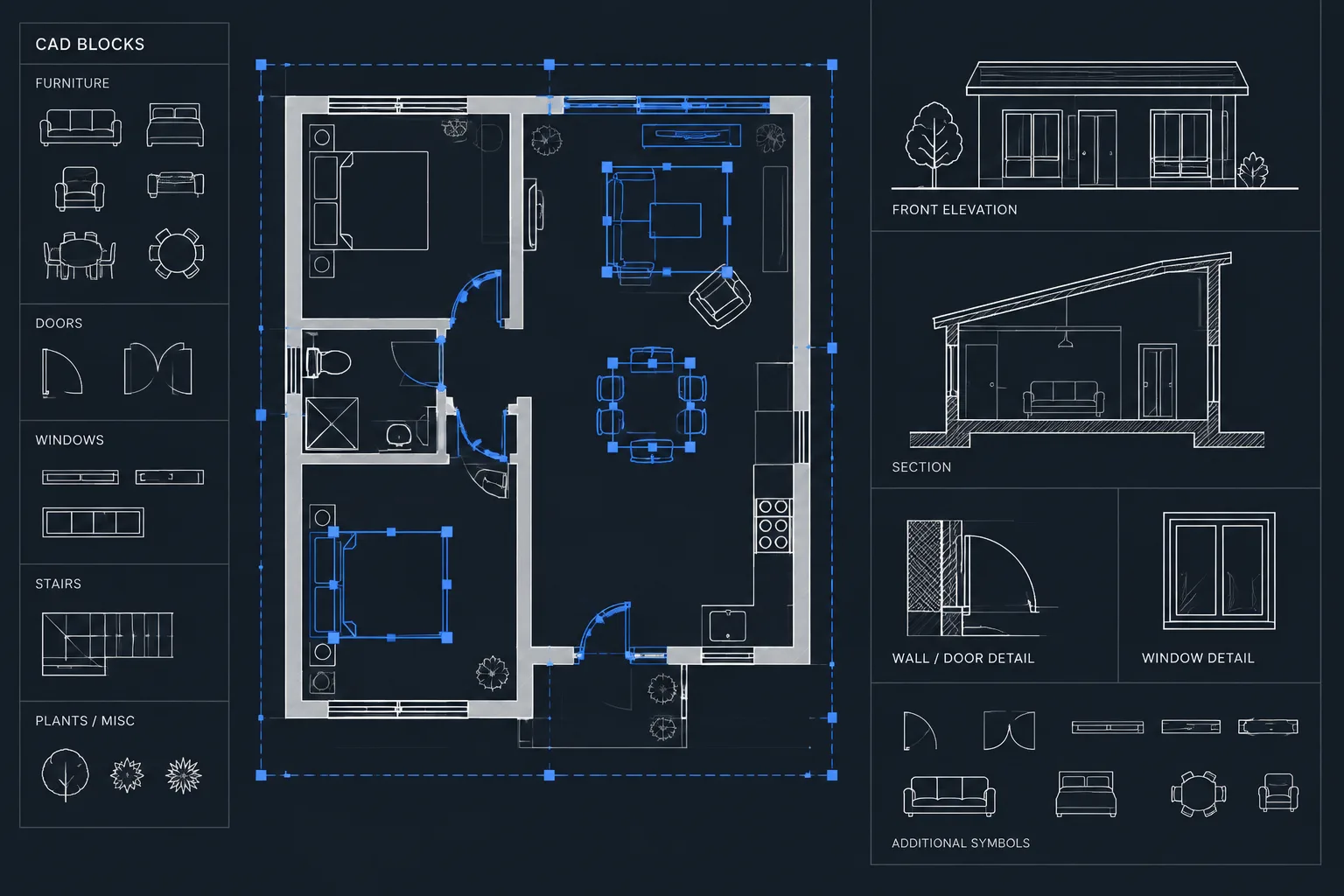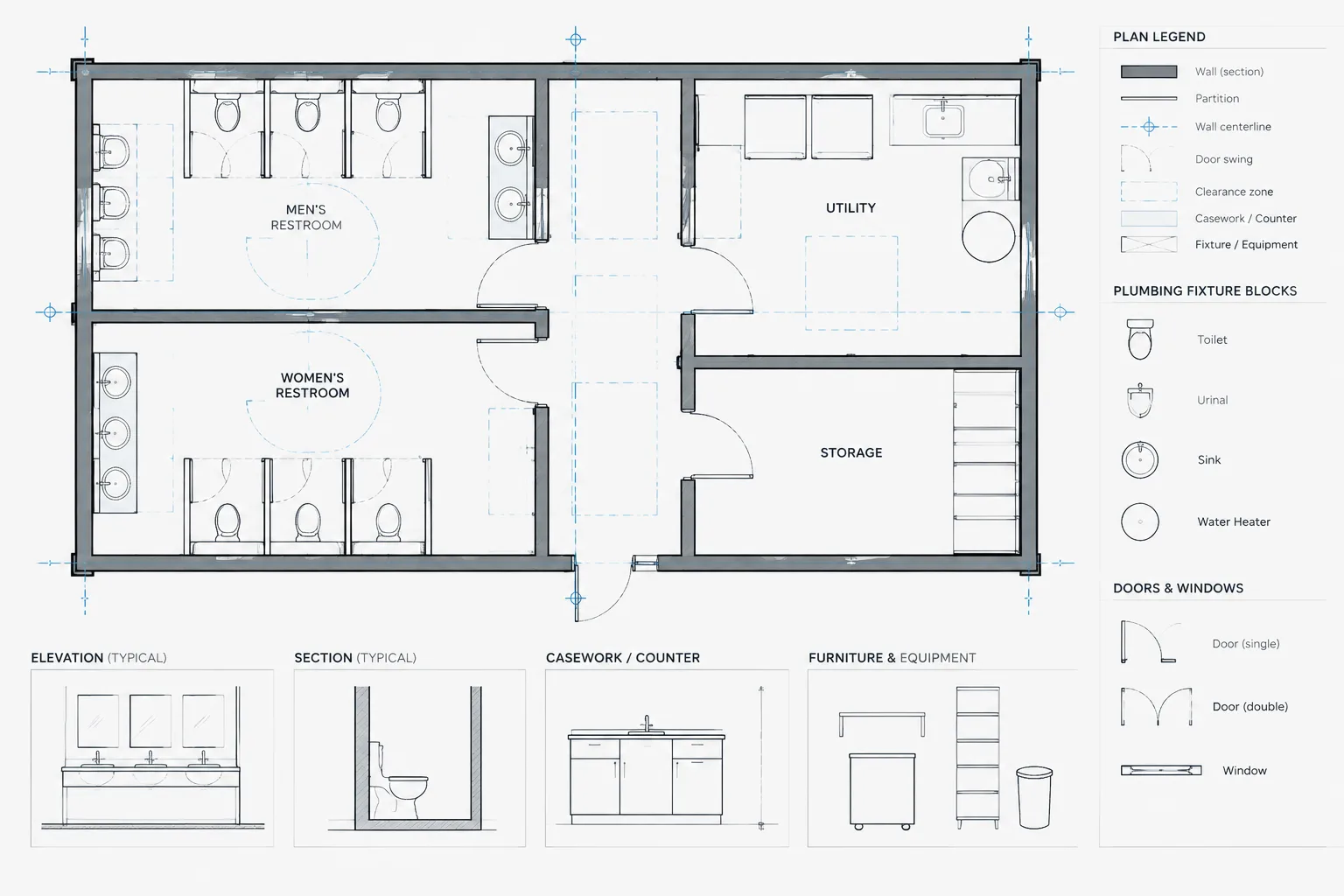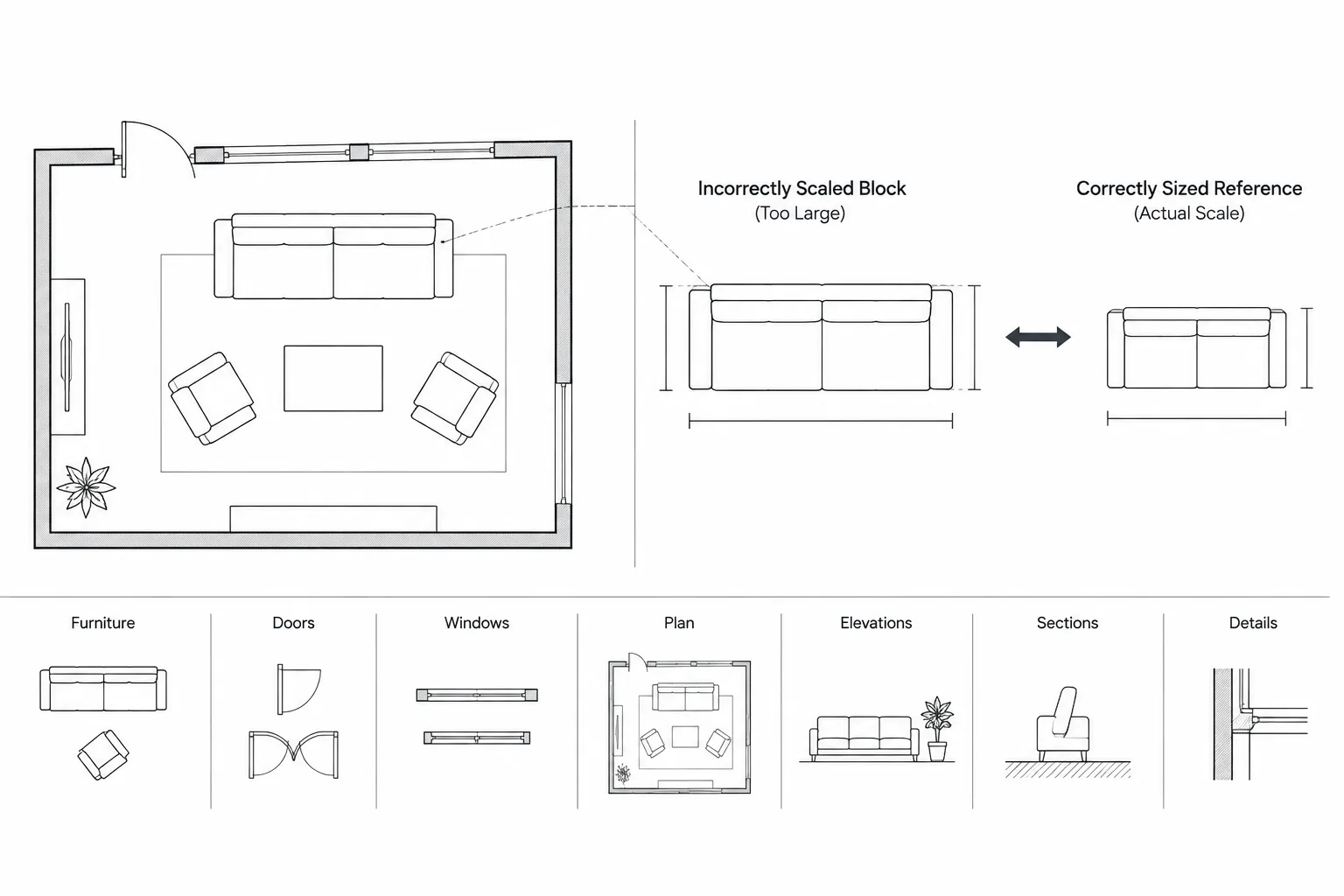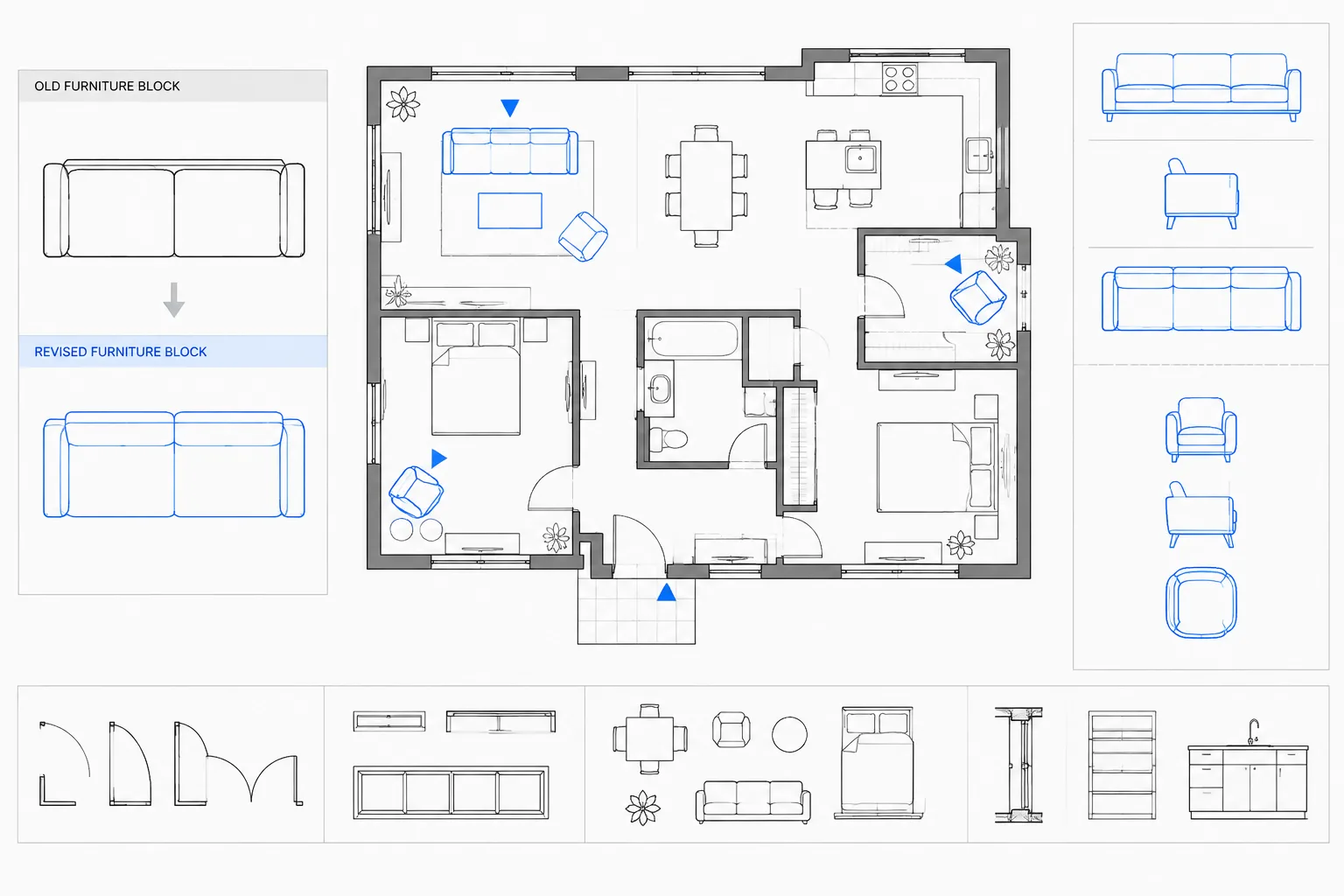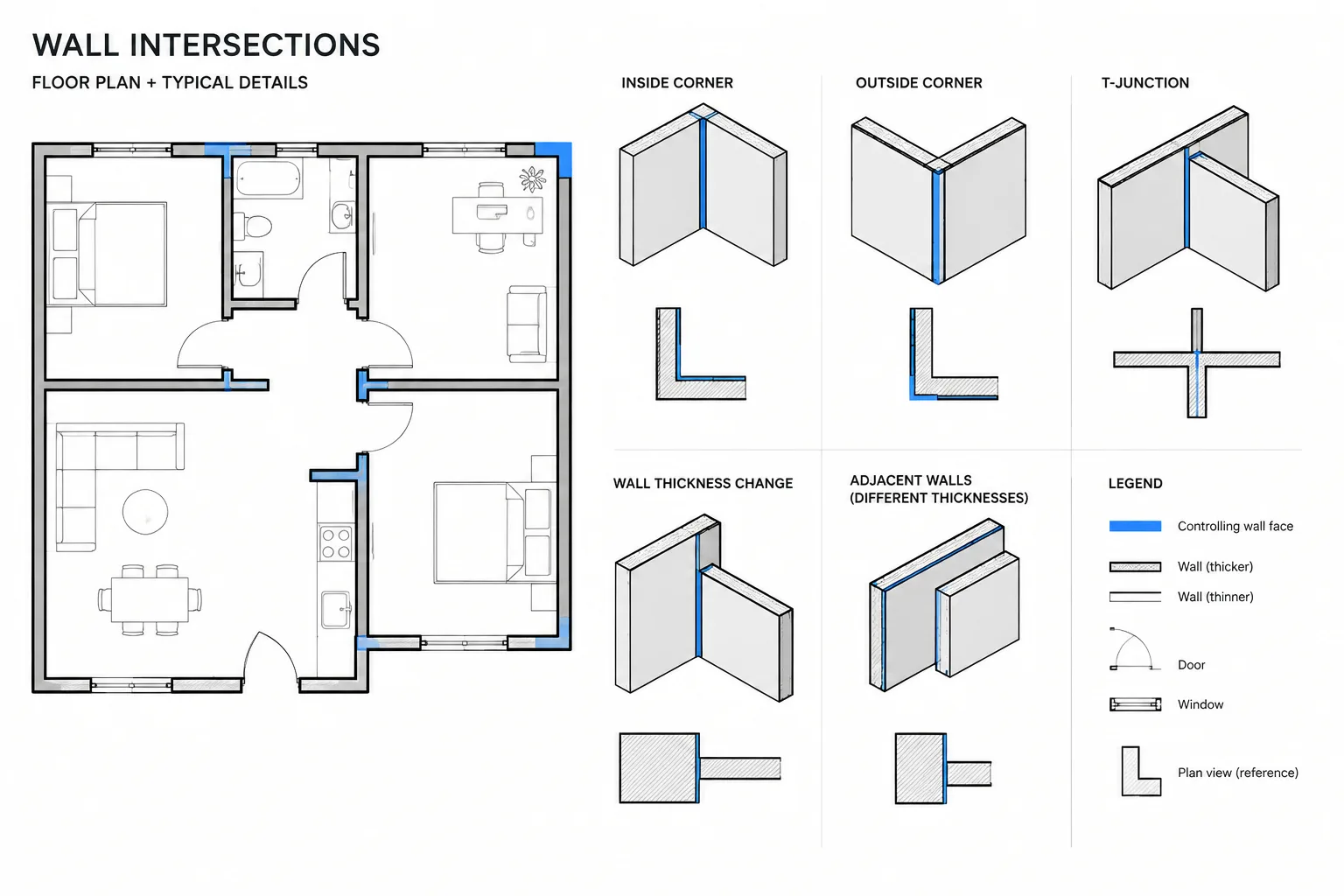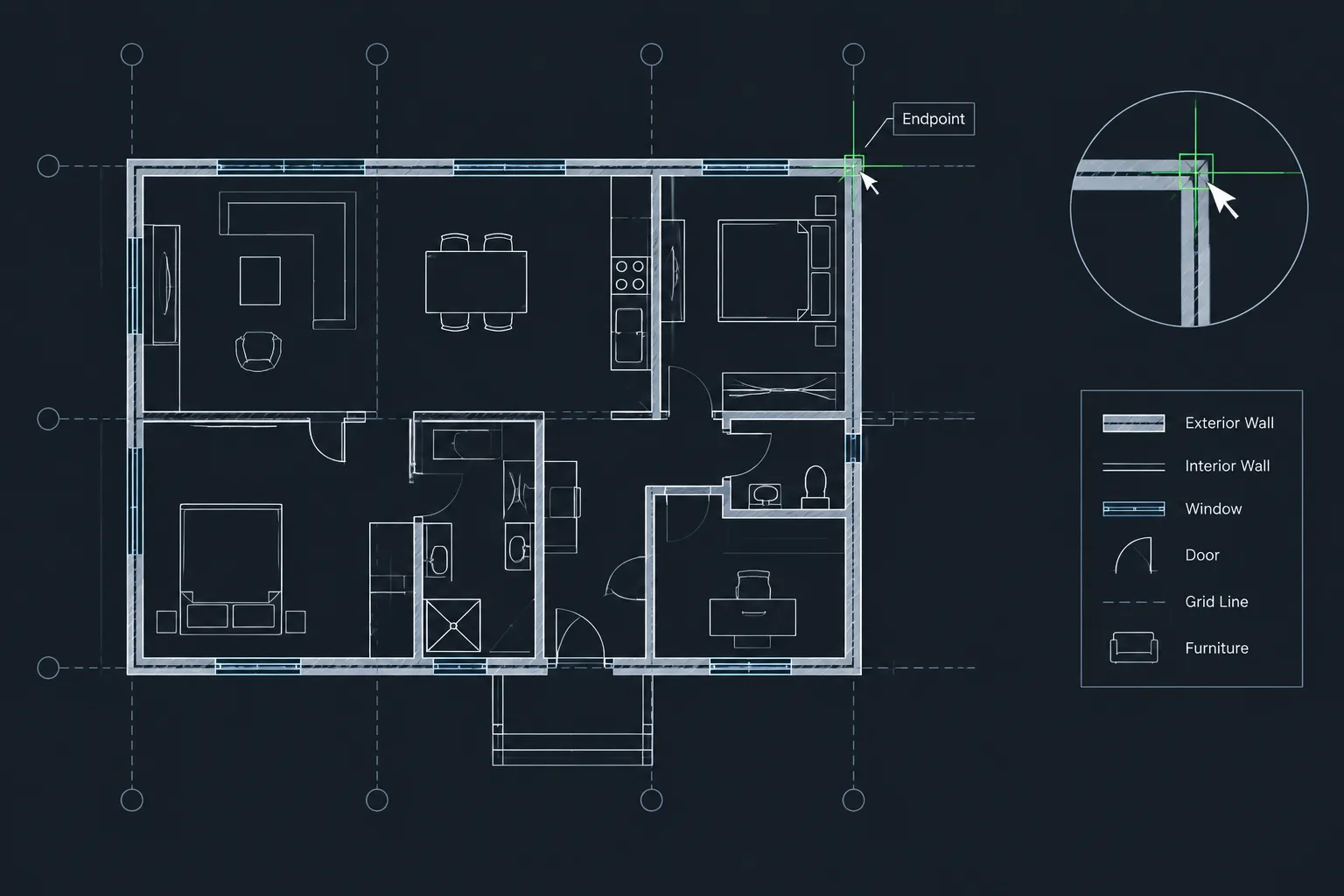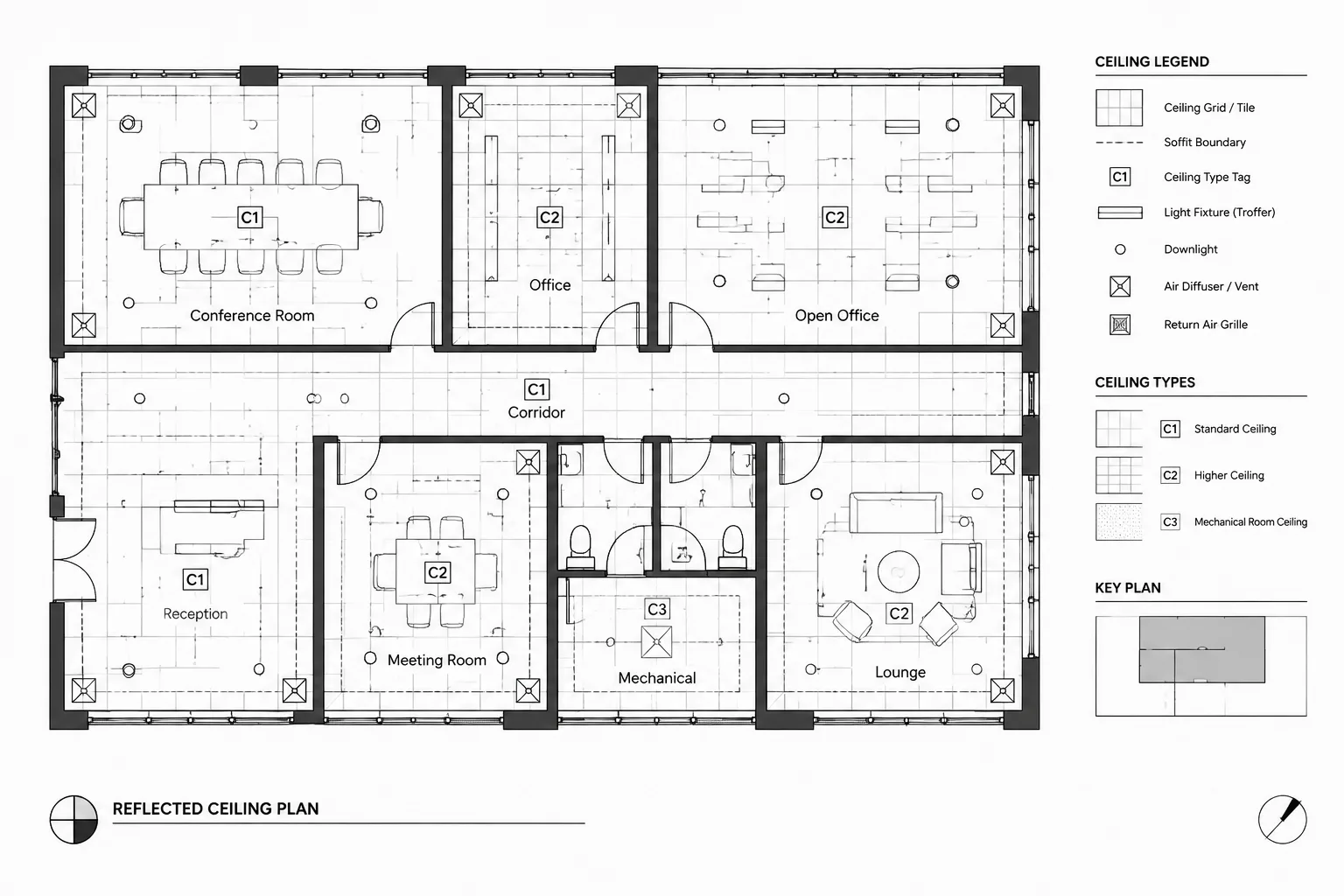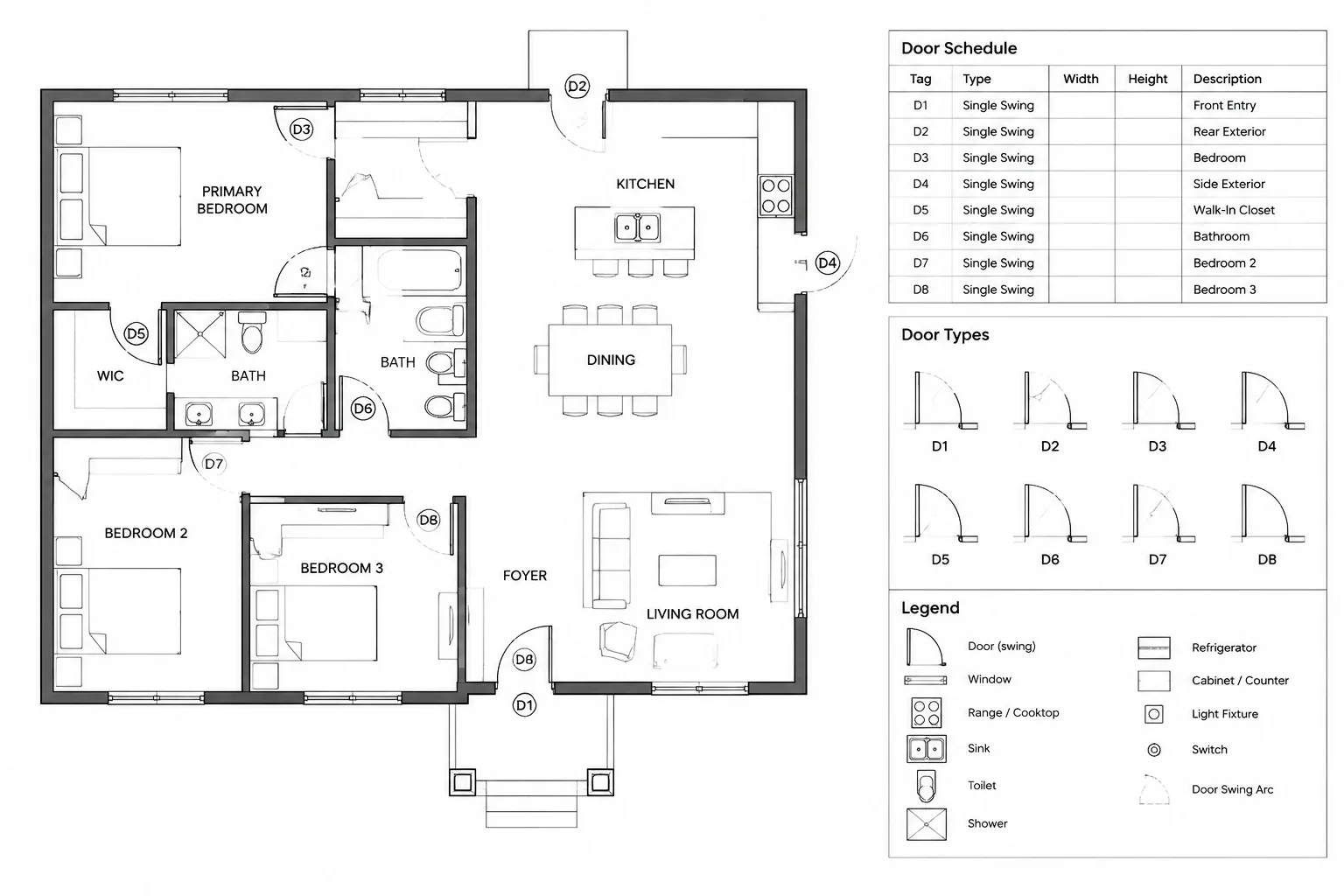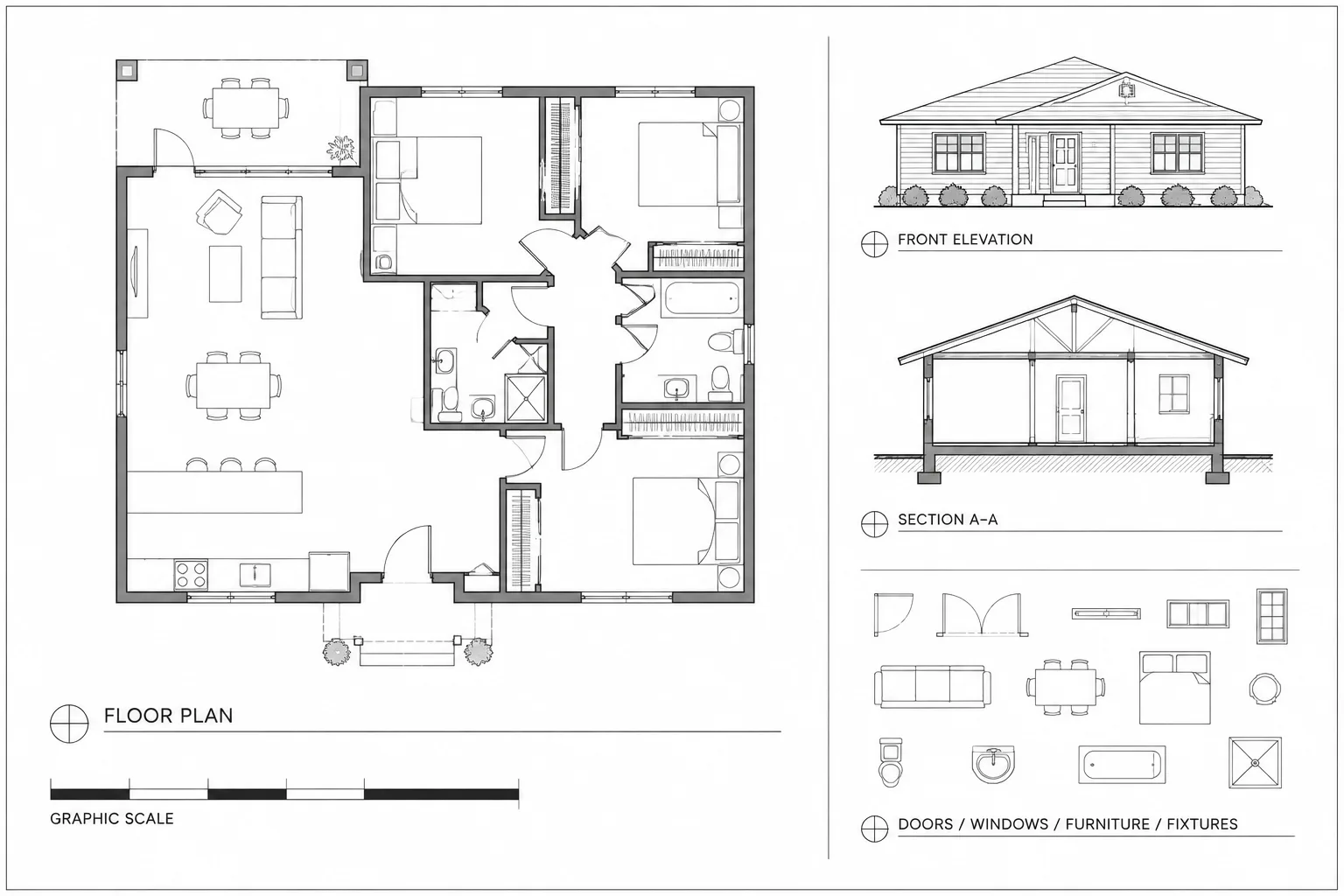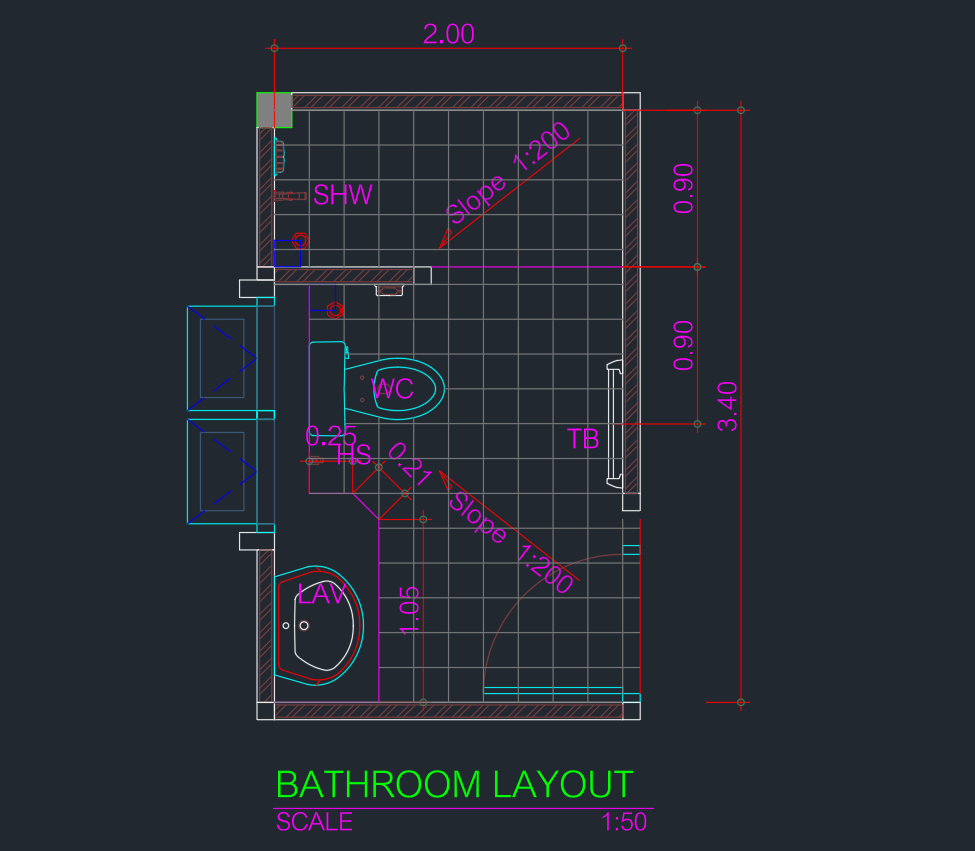
This bathroom layout size 3.4x2m DWG provides a compact plan reference for studying fixture arrangement and space organization. The drawing can support early layout development, CAD drafting practice, and coordination within a broader architectural floor plan.
Before incorporating the file into a project, confirm its drawing units, scale, object organization, and relationship to adjacent walls and rooms. Fixture clearances, door operation, plumbing connections, ventilation, waterproofing, accessibility, and applicable building requirements should be reviewed for the intended location.
Discover a highly detailed DWG file featuring a Bathroom Layout Size 3.4x2m, perfect for architects, interior designers, and contractors. This CAD Block provides a precise and ready-to-use bathroom plan, showcasing optimal fixture placement and space usage. The layout is ideal for residential and small commercial projects, ensuring efficient design solutions in compact areas. Fully compatible with AutoCAD and other popular CAD software, this DWG file streamlines your workflow, allowing quick integration into your drawings. Enhance your project presentations and construction documents with this professional bathroom layout CAD Block.
Please log in or register to download this file.
Drawing reference at a glance
- Layout envelope: 3.4x2m
- File format: DWG
- Drawing type: Bathroom plan and fixture-layout reference
- Typical workflow: Import, inspect, scale-check, organize, and coordinate with the project floor plan
How to evaluate the bathroom layout
A bathroom plan should be assessed as a connected circulation and service arrangement rather than as a collection of isolated fixtures. Review the entrance first, including the door swing and the space needed to approach and operate the door. Then examine movement between fixtures, usable standing areas, and whether any element obstructs another.
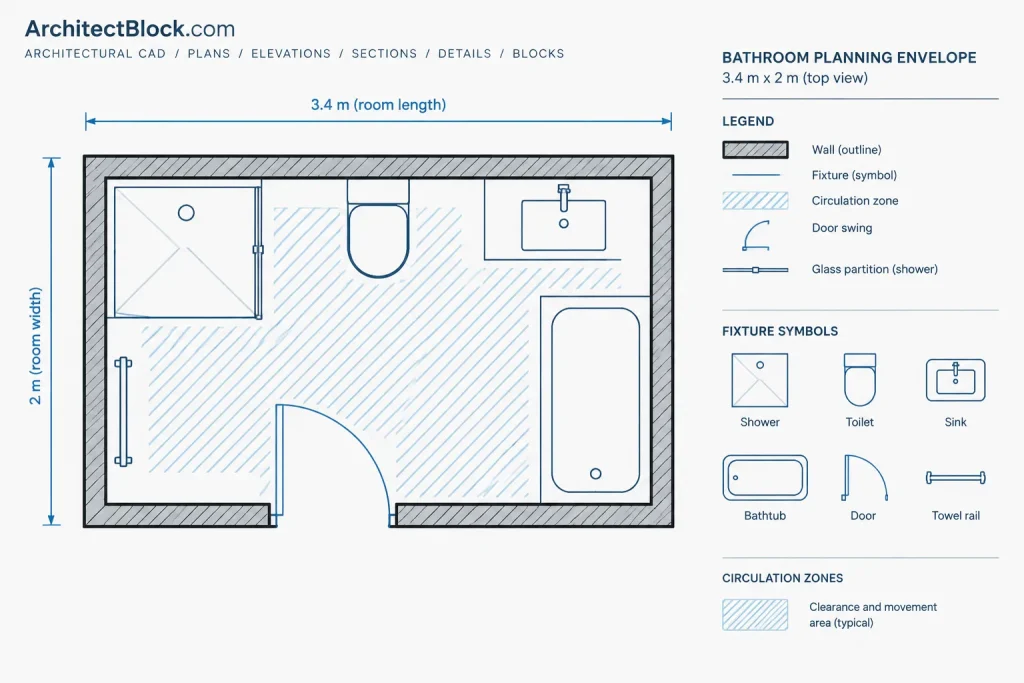
Fixture symbols in a CAD file may represent general drafting footprints rather than a selected manufacturer’s product. Replace or adjust them when actual product information becomes available. Check each item against the relevant product documentation instead of assuming that a generic symbol confirms installation clearance.
Plumbing and building coordination
Coordinate the plan with supply, drainage, ventilation, and wall construction requirements. Grouping plumbing connections may simplify coordination, but the final arrangement depends on the building system and project constraints. Confirm that wall thicknesses and service zones provide adequate space for the proposed work.
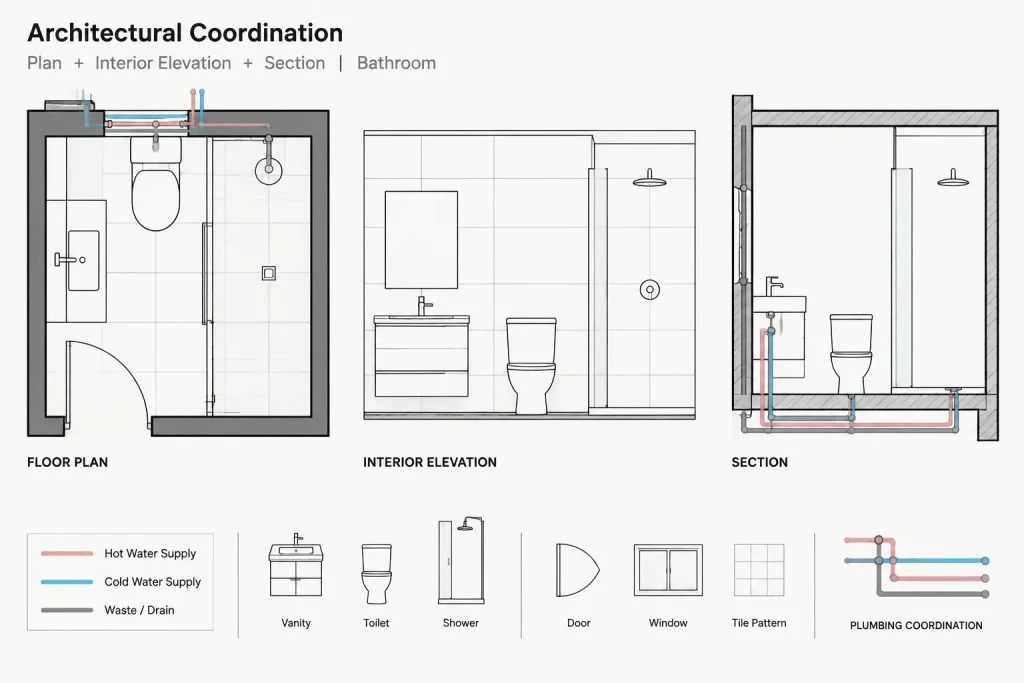
Also compare the bathroom plan with architectural sections and interior elevations. A floor plan alone does not show mounting heights, ceiling conflicts, mirror placement, accessories, lighting, or vertical pipe routes. Related CAD resources such as door blocks, sanitary fixture blocks, floor-plan symbols, and interior elevations can help complete the drawing set.
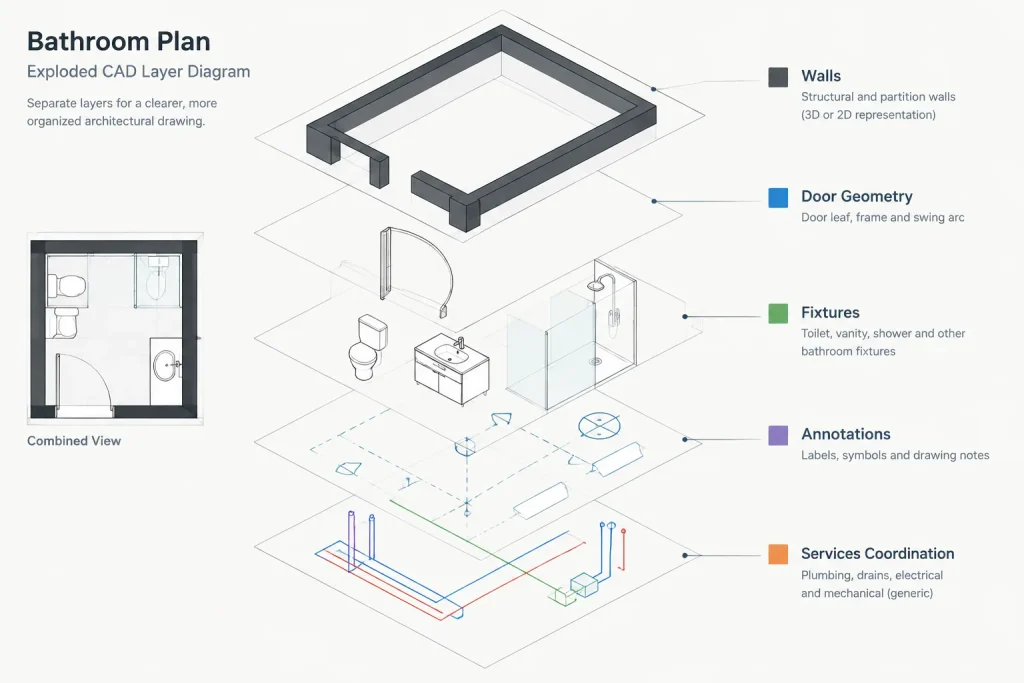
Recommended CAD workflow
- Open a working copy and retain the original DWG as a reference.
- Verify units and measure the overall layout before scaling or inserting it.
- Inspect whether the content uses blocks, groups, or separate drawing objects.
- Review layers, colors, linetypes, and lineweights before merging them with office standards.
- Check for duplicate geometry, unnecessary fills, and annotation that may not suit the destination drawing.
- Place the layout within the surrounding floor plan and test door movement, circulation, and fixture access.
- Coordinate the revised plan with plumbing information, elevations, sections, and finish documentation.
Use as a reference, not automatic approval
The stated room size identifies the drawing envelope, but it does not establish compliance for every building type or jurisdiction. Project teams should verify local requirements, accessibility criteria, product specifications, and construction conditions before relying on the layout for permit or construction documentation.
Frequently asked questions
What does 3.4x2m describe?
It describes the stated overall size of the bathroom layout. Confirm the measured DWG geometry and drawing units after opening the file.
Can the DWG be inserted directly into a floor plan?
It can be used as a starting reference, but its units, scale, layers, wall relationships, and fixture arrangement should be checked before integration.
Does the layout confirm required fixture clearances?
No. Clearance needs depend on the selected fixtures, user requirements, applicable regulations, and project conditions. Verify them independently.
What should be checked after importing the file?
Review units, dimensions, layers, object types, door movement, fixture access, plumbing relationships, and graphical consistency with the destination drawing.
Is a plan view sufficient for bathroom documentation?
A plan communicates horizontal organization, but complete documentation may also require elevations, sections, finish information, fixture schedules, and plumbing coordination.