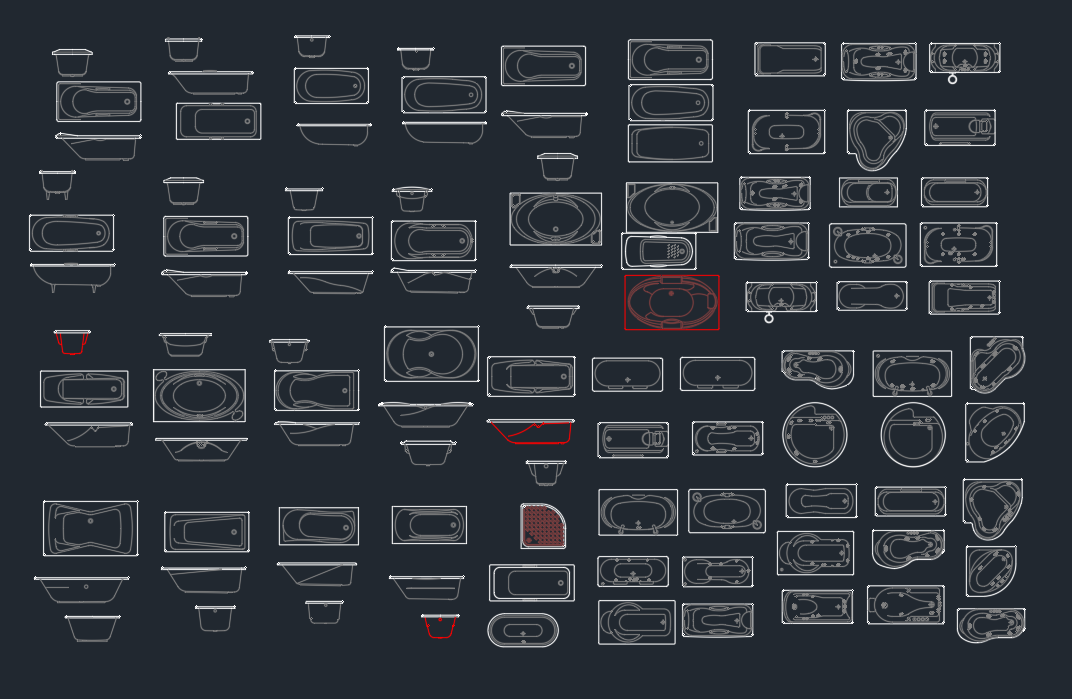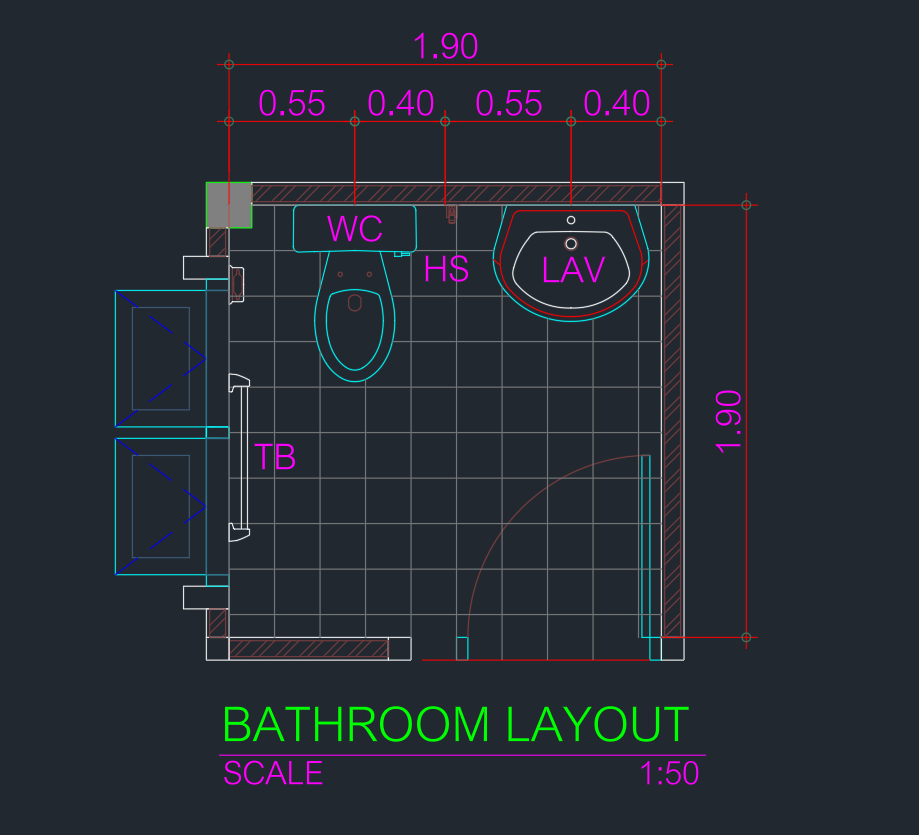
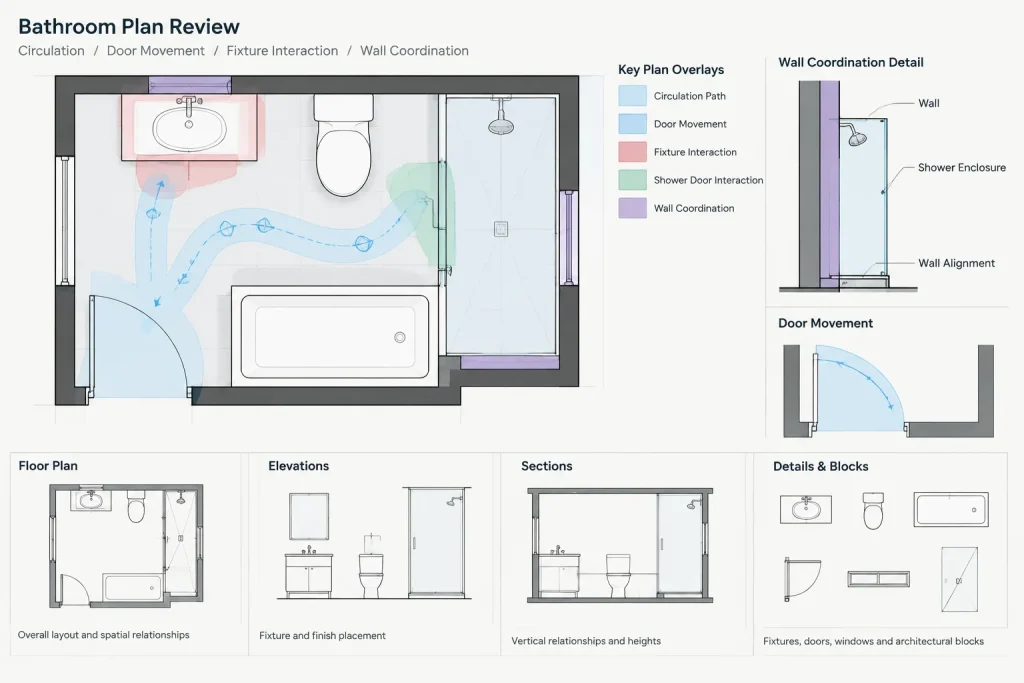
This bathroom layout size 1.9×1.9m DWG provides a compact floor-plan reference that can be incorporated into an architectural drawing workflow. It may be useful when studying how bathroom fixtures, circulation, and the entrance relate within a limited room footprint.
Before using the CAD block in a project, inspect its units, scale, layers, linework, fixture arrangement, and door movement. The downloaded plan should be treated as a starting point rather than a substitute for project-specific coordination, field measurements, or applicable accessibility and building requirements.
Discover the ideal solution for compact spaces with our ‘Bathroom Layout Size 1.9×1.9m’ DWG file. This high-quality CAD Block offers a detailed and precise floor plan, perfect for architects, interior designers, and builders working on small bathroom projects. The layout maximizes functionality within a 1.9×1.9 meter area, making it suitable for residential renovations, apartments, or guest bathrooms. Fully compatible with AutoCAD and other leading CAD software, this file ensures seamless integration into your design workflow, saving time and enhancing project accuracy. Download and streamline your bathroom design process today!
Please log in or register to download this file.
How to Review the Bathroom CAD Block
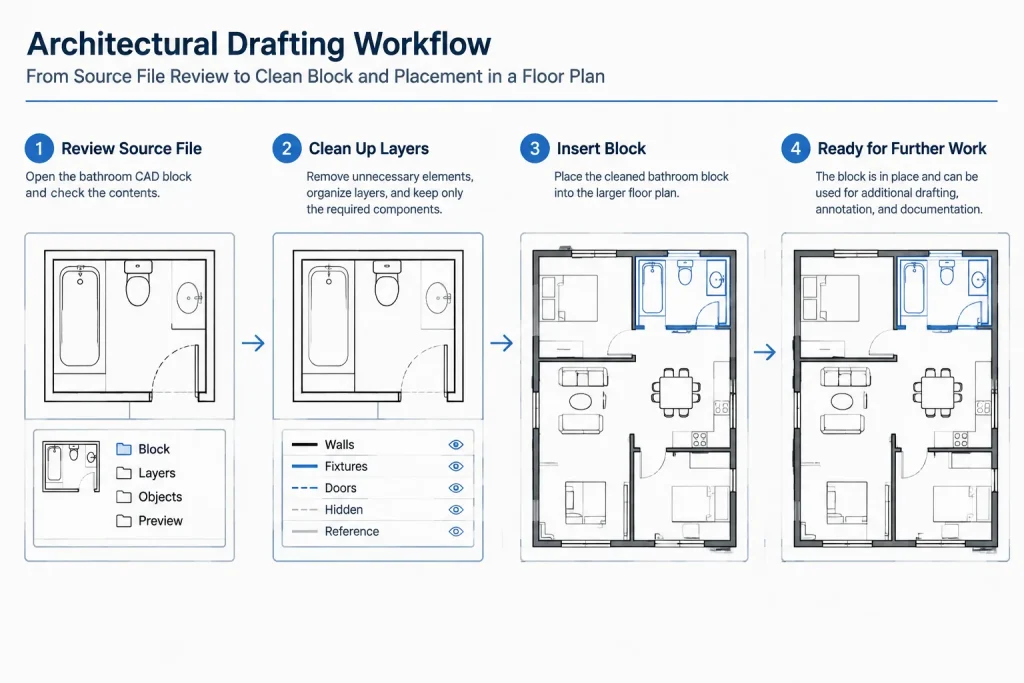
Open the DWG in a clean working file and confirm how the geometry is organized before copying it into a project model. Check whether walls, fixtures, door graphics, dimensions, and annotations are separate objects or grouped components. Cleaning unnecessary information at this stage helps prevent unrelated layers and styles from entering the main drawing.
Fixture Arrangement and Circulation
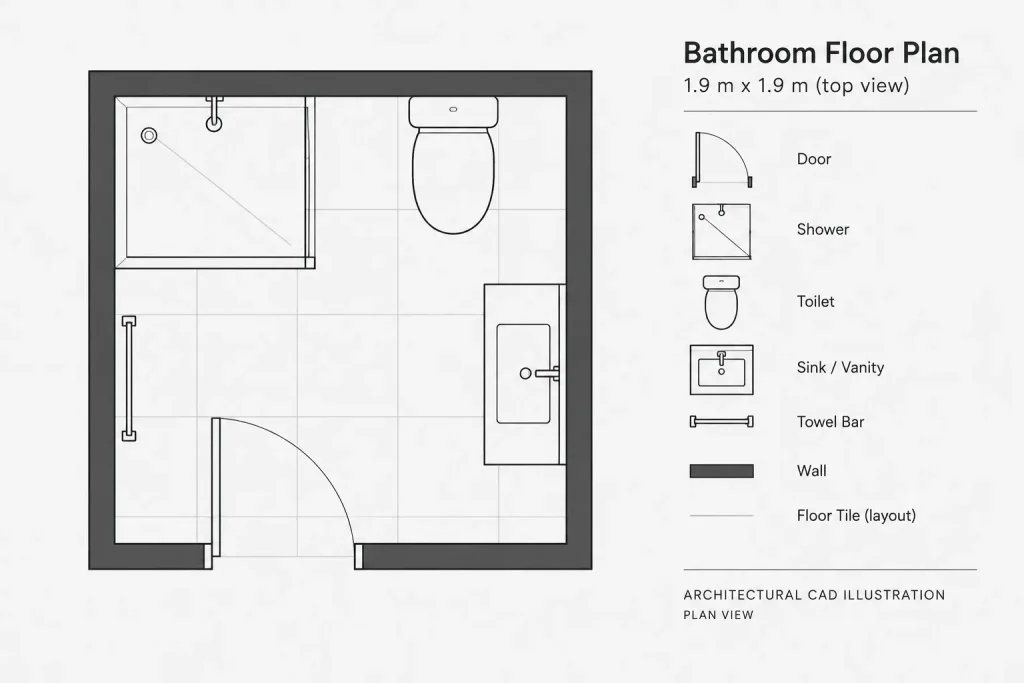
A compact bathroom plan should be reviewed as a connected layout rather than as a collection of individual fixtures. Examine the path from the doorway, the usable space in front of each fixture, and possible conflicts between doors, cabinets, fittings, and sanitary equipment. A plan that appears clear graphically may still require adjustment for actual products, construction tolerances, and user needs.
Door and Wall Coordination
Pay particular attention to the entrance location and door swing shown in the drawing. Confirm that the door does not interfere with fixtures or restrict movement. Wall thicknesses should also be coordinated with the intended construction system, plumbing routes, finishes, and any required service zones.
Using the DWG in a Larger Drawing Set
After checking the source file, place or copy the layout into the appropriate floor plan and match it to the office layer convention. Review lineweights, linetypes, object colors, text styles, and plotting behavior. If the bathroom is part of a renovation, compare the CAD geometry with verified site conditions instead of relying only on the nominal room size.
Practical CAD Review Checklist
- Units and scale: Confirm that the imported geometry measures as expected in the destination drawing.
- Layer organization: Rename or map layers to the project standard where necessary.
- Fixture geometry: Compare generic symbols with the products or fixture schedules selected for the project.
- Clearances: Review circulation and usable space against the requirements that apply to the project.
- Door movement: Check the full swing and its relationship to walls, fixtures, and users.
- Plumbing coordination: Consider supply, waste, vent, and access needs with the relevant consultants and trades.
- Drawing cleanup: Remove duplicate lines, unused blocks, unnecessary annotations, and unrelated layers.
Related Drawing Topics
This resource can be studied alongside bathroom fixture CAD blocks, door blocks, plumbing symbols, interior elevations, reflected ceiling plans, and room-dimensioning guidance. These related drawing types help turn a basic plan arrangement into a coordinated architectural bathroom package.
Frequently Asked Questions
What is included in this bathroom layout download?
The source identifies the resource as a bathroom floor-plan CAD block for a 1.9×1.9m area. Open the file and inspect the actual fixture symbols, annotations, layers, and object structure before using it.
Can the DWG be inserted directly into a project drawing?
It can be used as a drafting reference, but it should first be checked for units, scale, layer naming, lineweights, and drawing cleanliness. Project geometry and selected fixtures may require changes.
Is this layout automatically compliant with local requirements?
No compliance should be assumed from a downloadable plan alone. Verify the arrangement against the regulations, accessibility criteria, product information, and professional requirements applicable to the project location and scope.
Can the fixture positions be edited?
DWG geometry is generally intended for CAD editing, although the ease of modification depends on how the file objects are constructed. Review whether items are blocks, separate linework, or grouped objects before revising the plan.
What should be checked when adapting the layout?
Review the doorway, fixture clearances, wall construction, plumbing connections, finish build-up, ventilation strategy, and coordination with elevations or sections. Confirm all changes against verified project information.