Tag: Architectural CAD
-
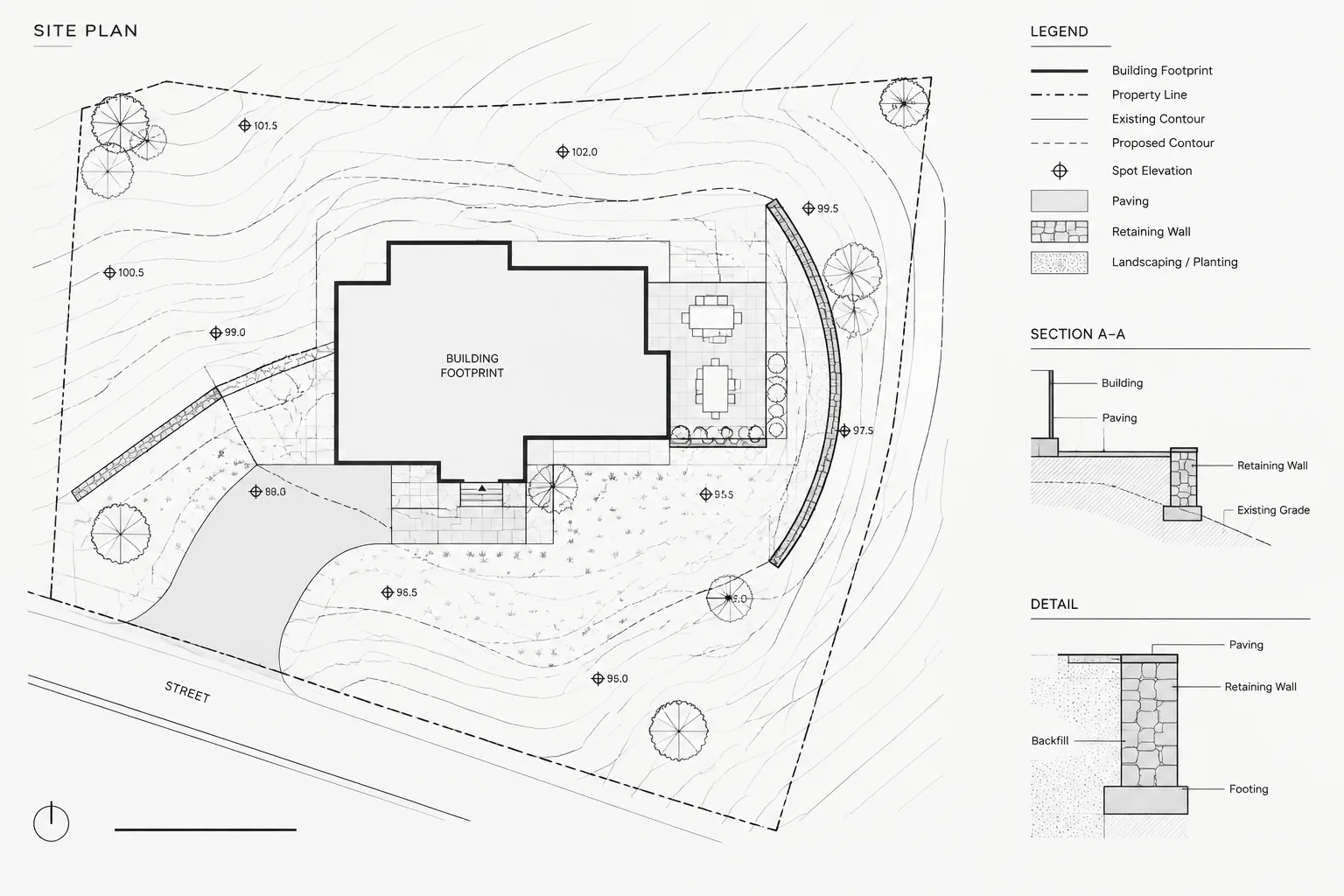
How to Draft and Coordinate Site Grading Contours in Architectural CAD
Learn how to draft and coordinate site grading contours in architectural CAD using reliable references, clear layers, spot elevations, and plot checks.
Written by
-
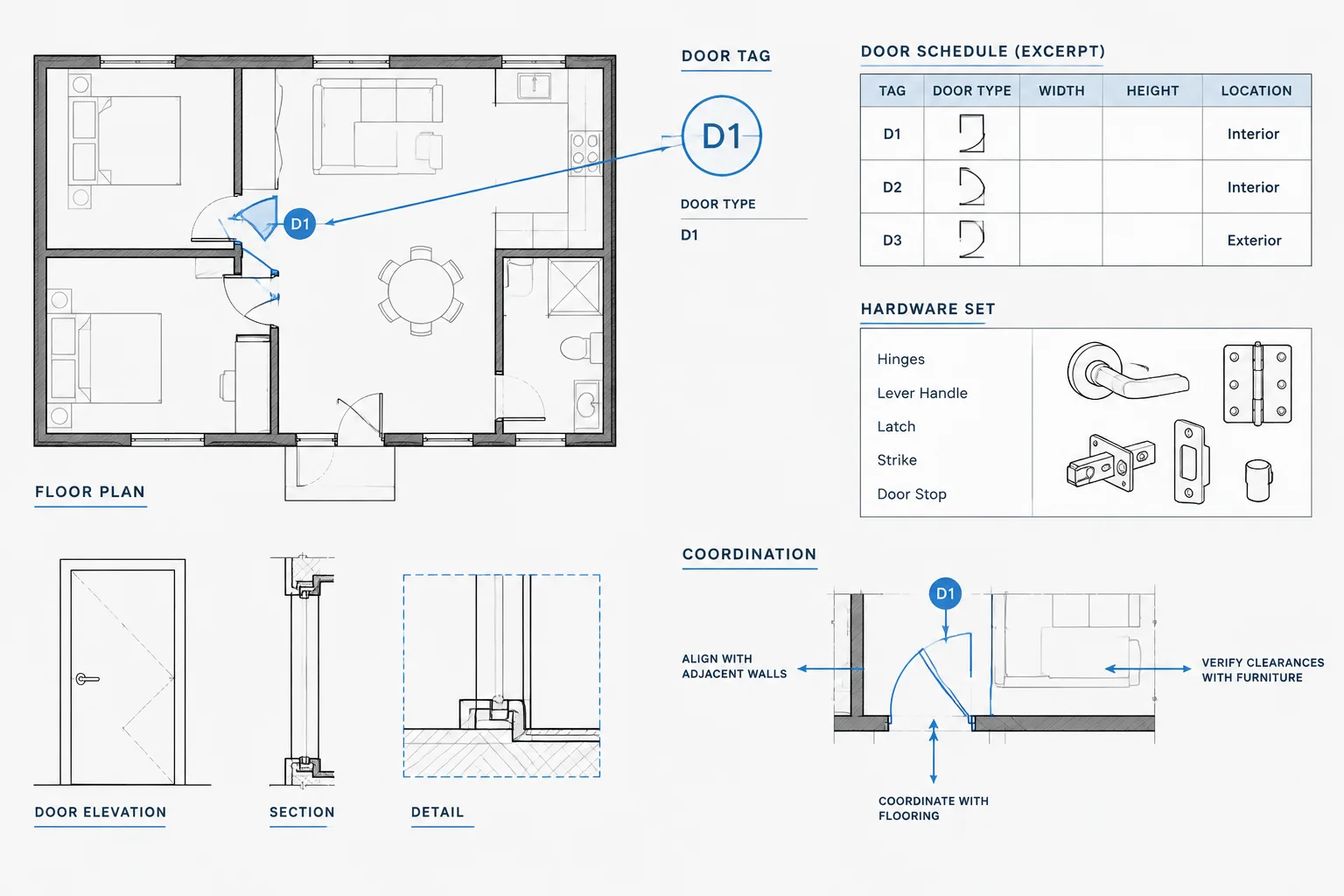
Door Hardware Coordination in Architectural CAD: Plans, Sets, and Schedule Checks
Learn a practical CAD workflow for coordinating door plans, hardware sets, schedules, details, and consultant information without duplicate data.
Written by
-
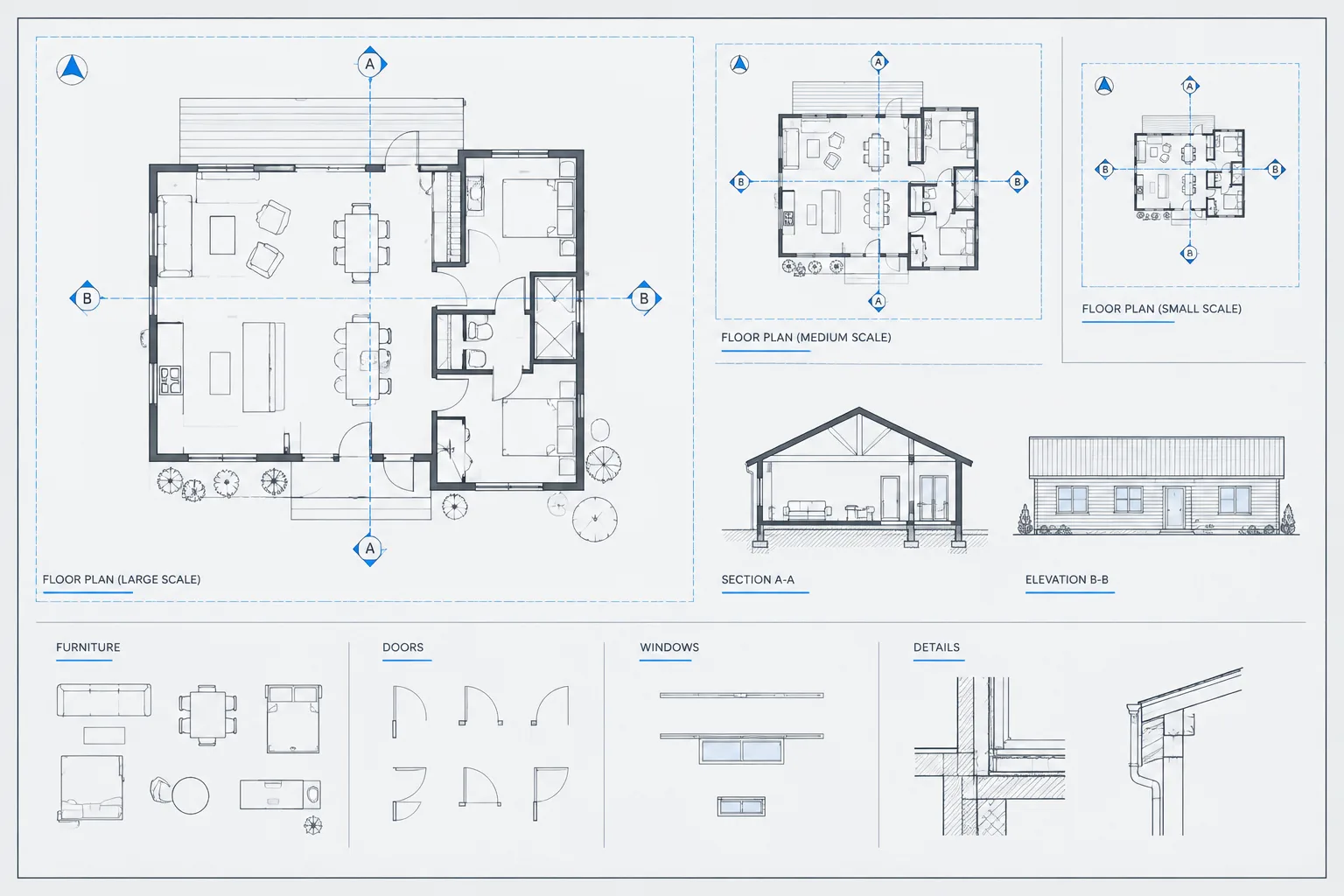
Annotative Scales in Architectural CAD: A Practical AutoCAD Workflow
Learn how to manage annotative scales in architectural CAD, coordinate viewport visibility, and keep notes and symbols readable across layouts.
Written by
-
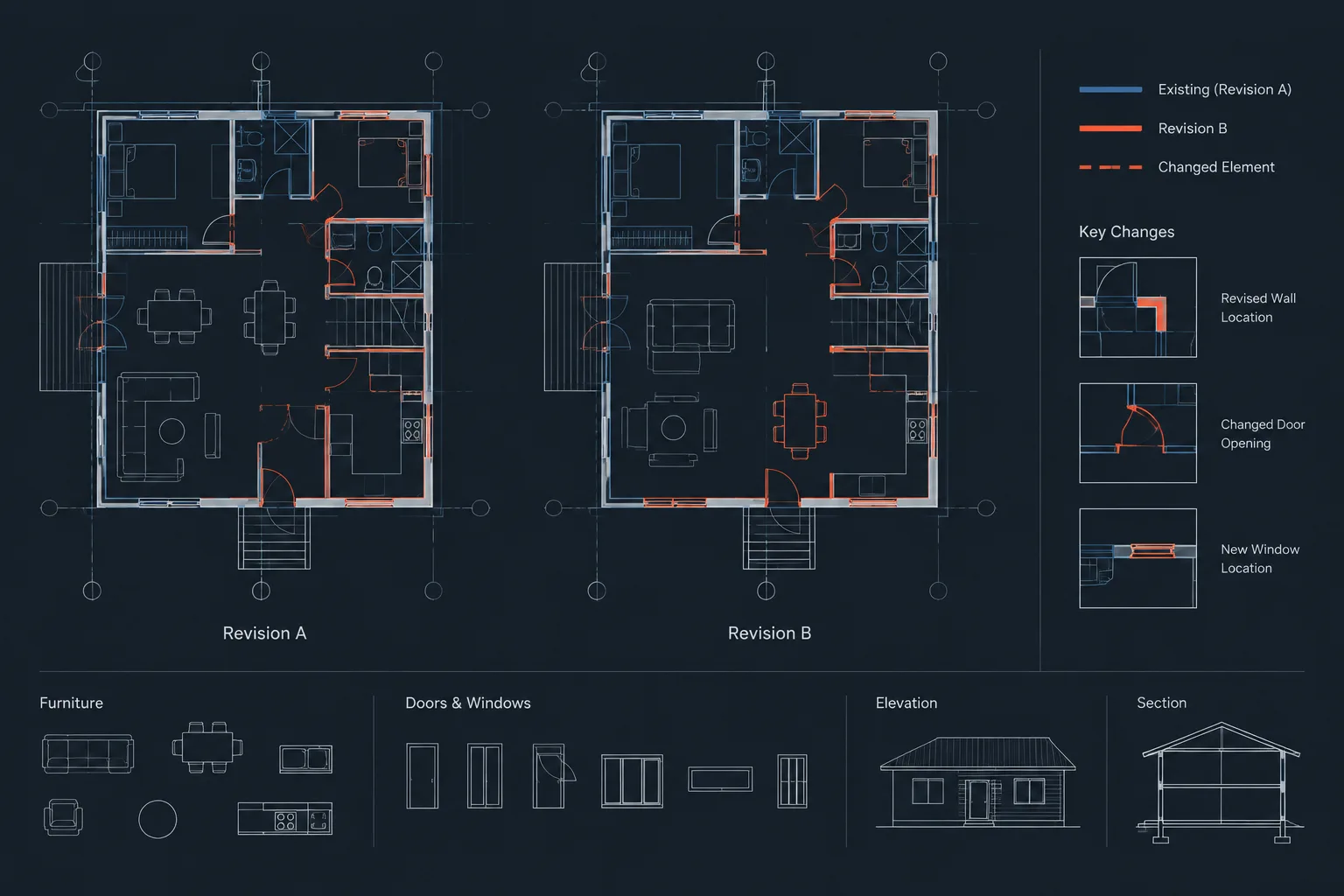
How to Compare Architectural DWG Revisions and Find Meaningful Changes
Learn how to compare architectural DWG revisions, separate design changes from file noise, align drawings, and document coordination impacts.
Written by
-
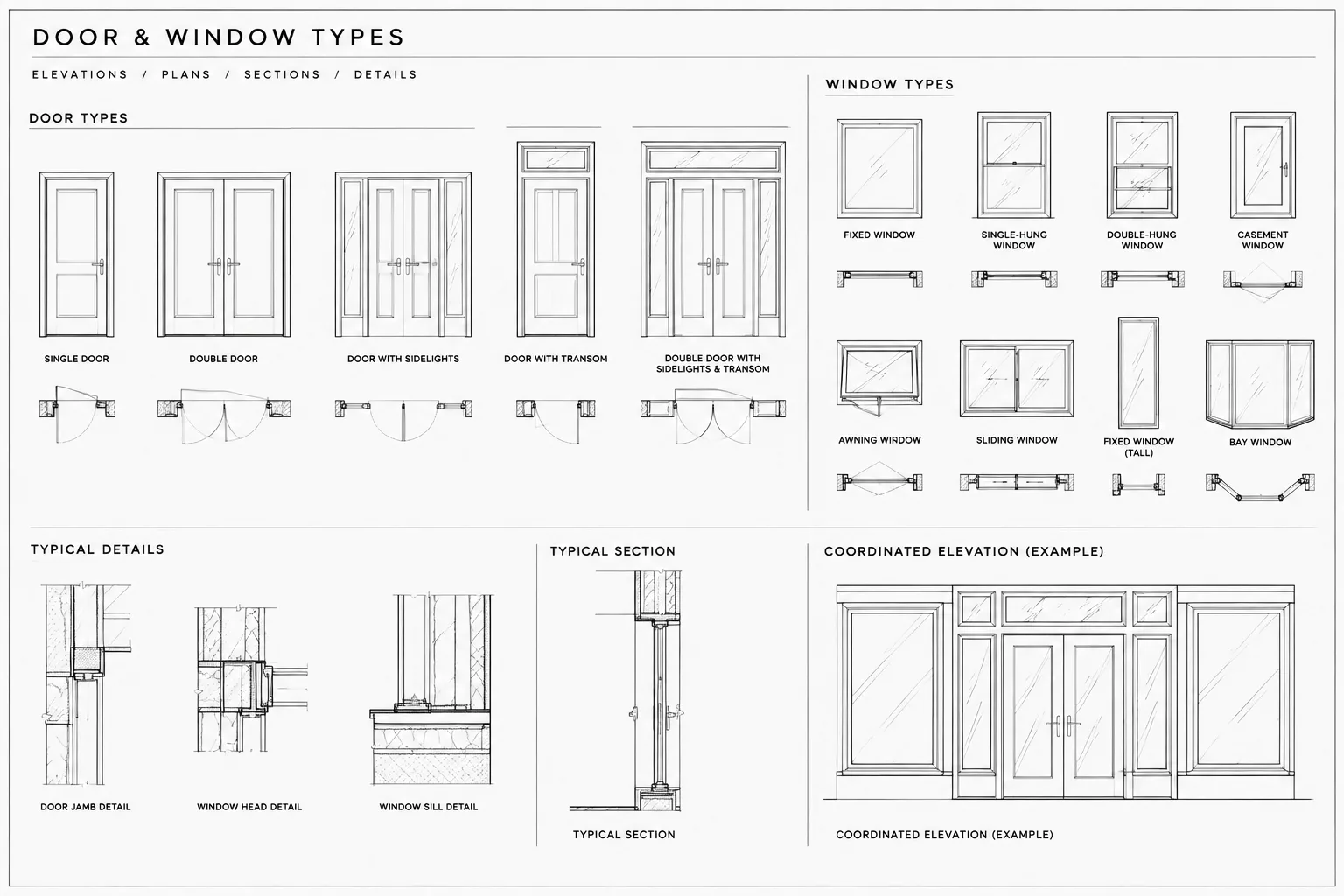
How to Draft Door and Window Type Elevations in Architectural CAD
Learn a coordinated CAD workflow for drafting door and window type elevations, including identifiers, linework, dimensions, layers, and quality checks.
Written by
-
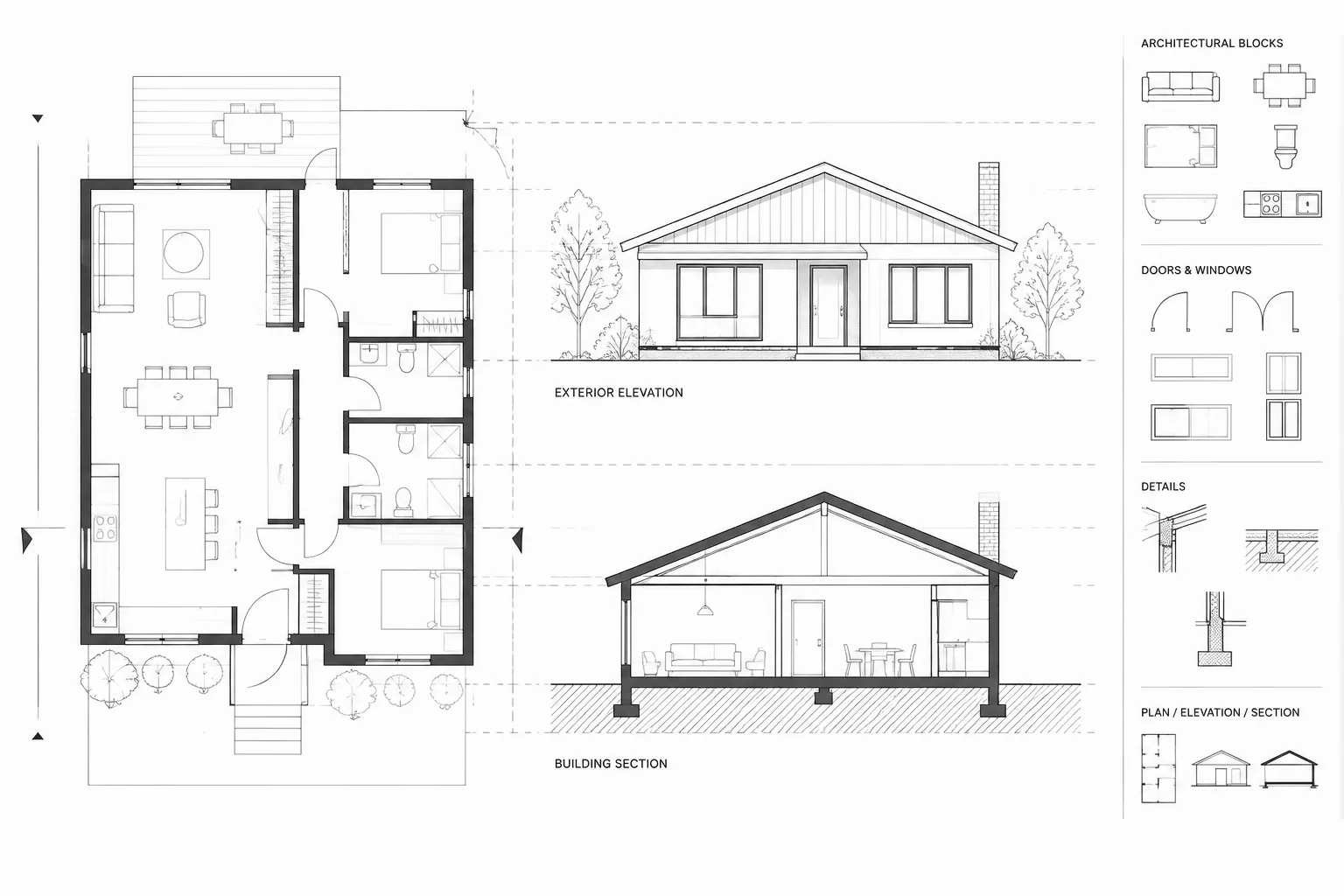
How to Align Architectural Plans, Elevations, and Sections in CAD
Learn how to align architectural plans, elevations, and sections in CAD using projection guides, level datums, source geometry, and review checks.
Written by
-
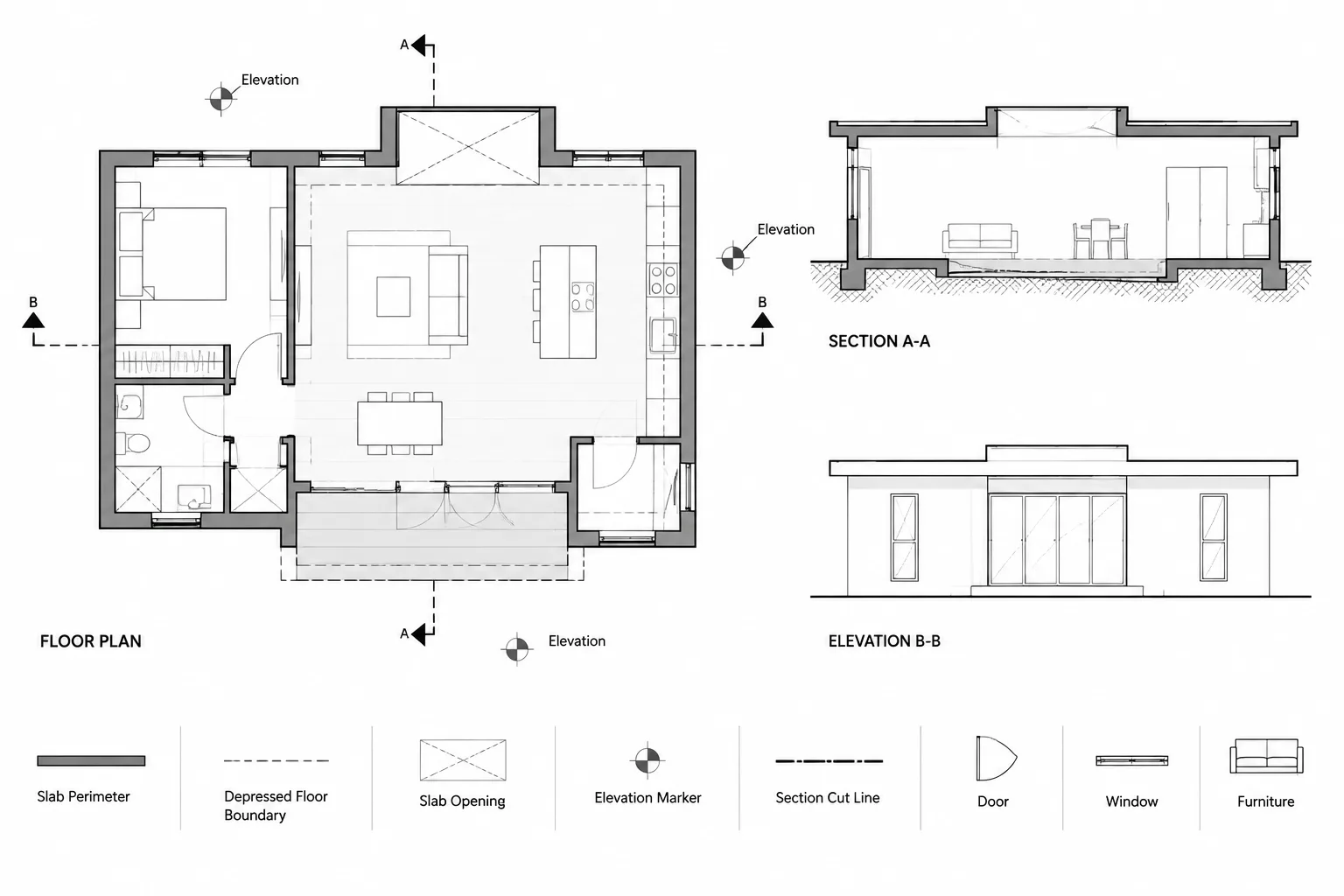
How to Draft Slab Edges, Depressions, and Steps in Architectural CAD
Learn how to draft slab edges, depressions, recesses, and steps in architectural CAD with clear layers, annotations, sections, and coordination.
Written by
-
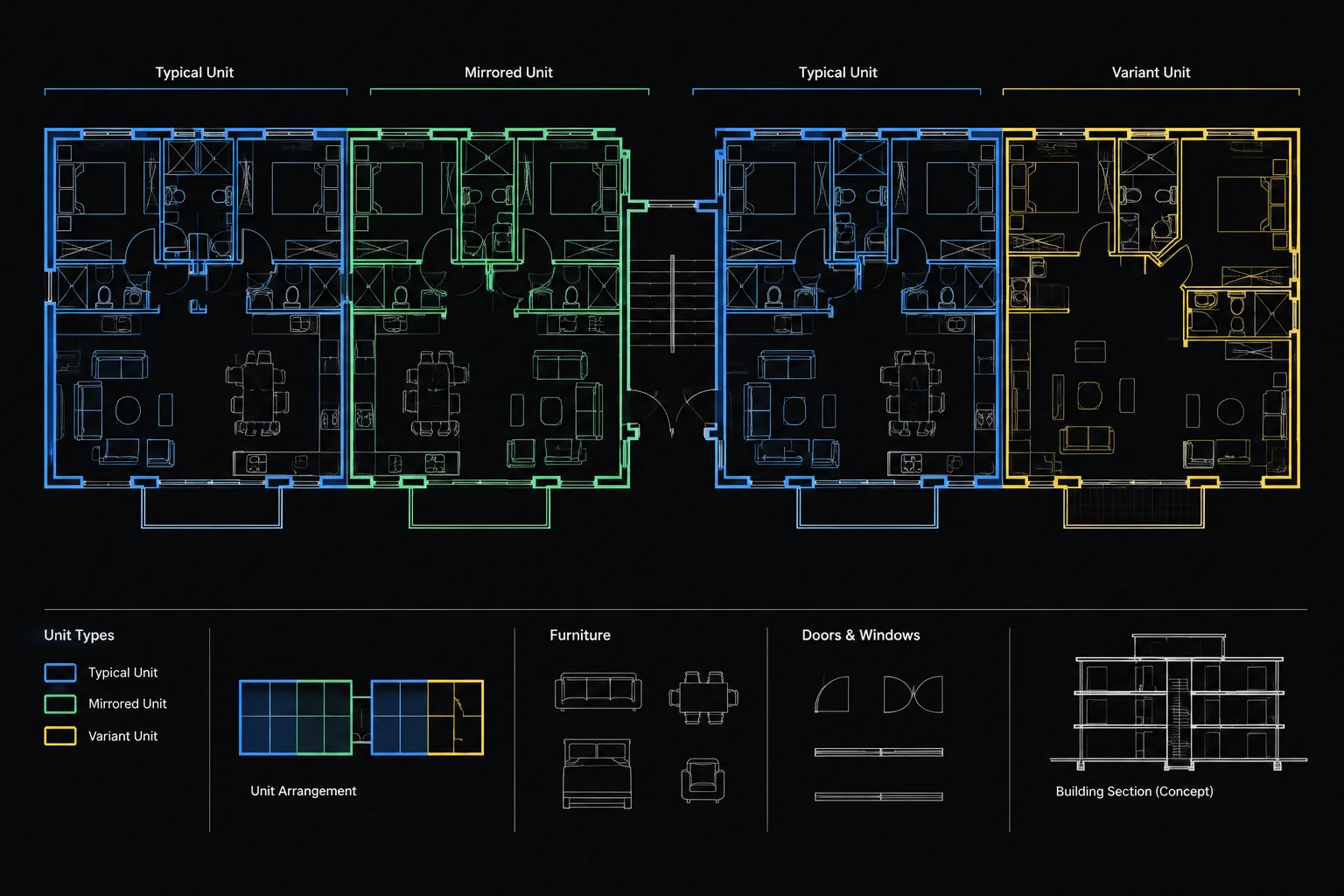
How to Manage Repeated Apartment and Hotel Room Plans in Architectural CAD
Learn how to manage repeated apartment and hotel room plans in CAD using prototypes, blocks, references, controlled variants, and clear QA.
Written by
-
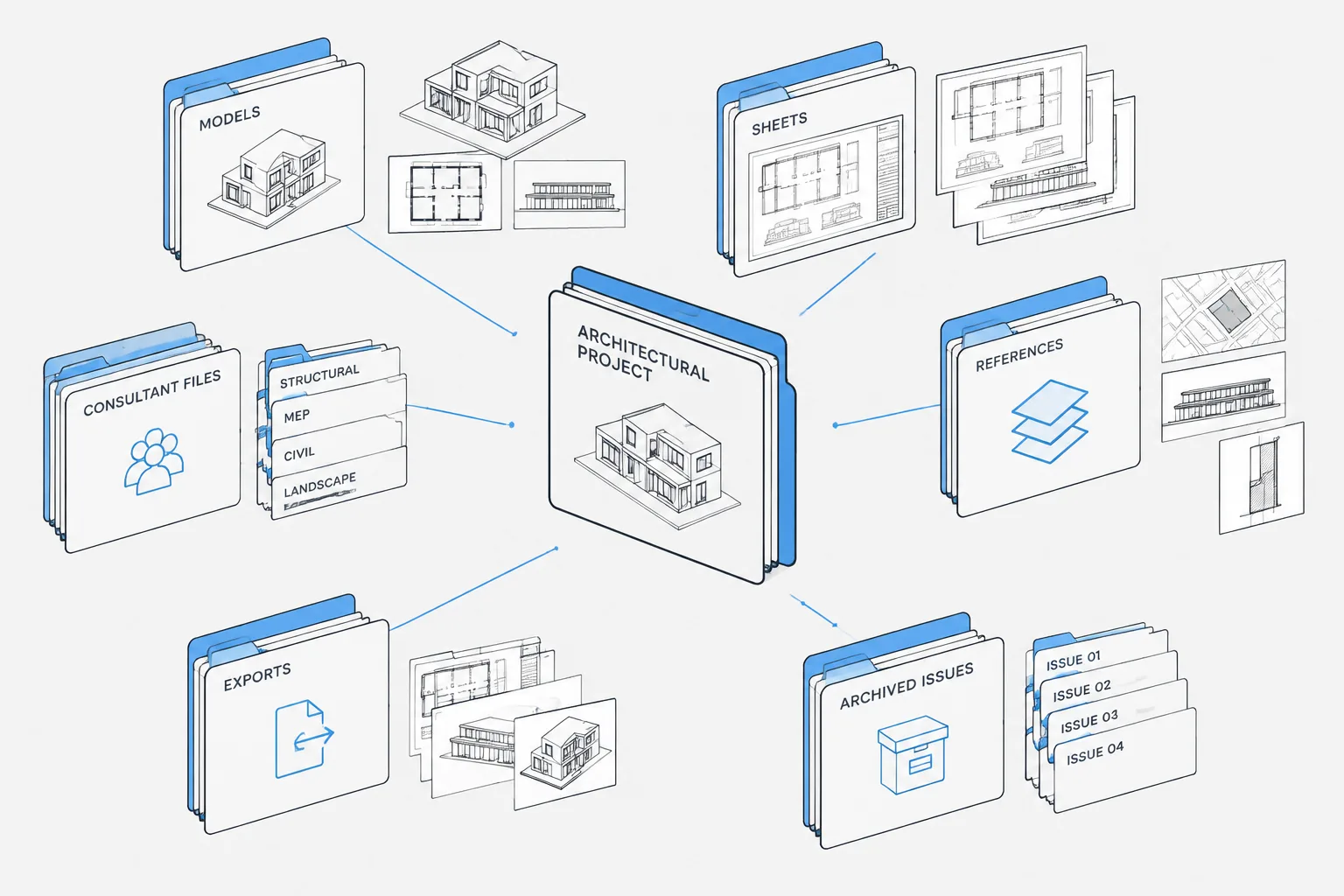
Architectural CAD File Naming and Folder Structure: A Practical Project Workflow
Organize architectural CAD file names, DWG folders, Xrefs, consultant backgrounds, active work, published issues, and archives with a practical workflow.
Written by
-
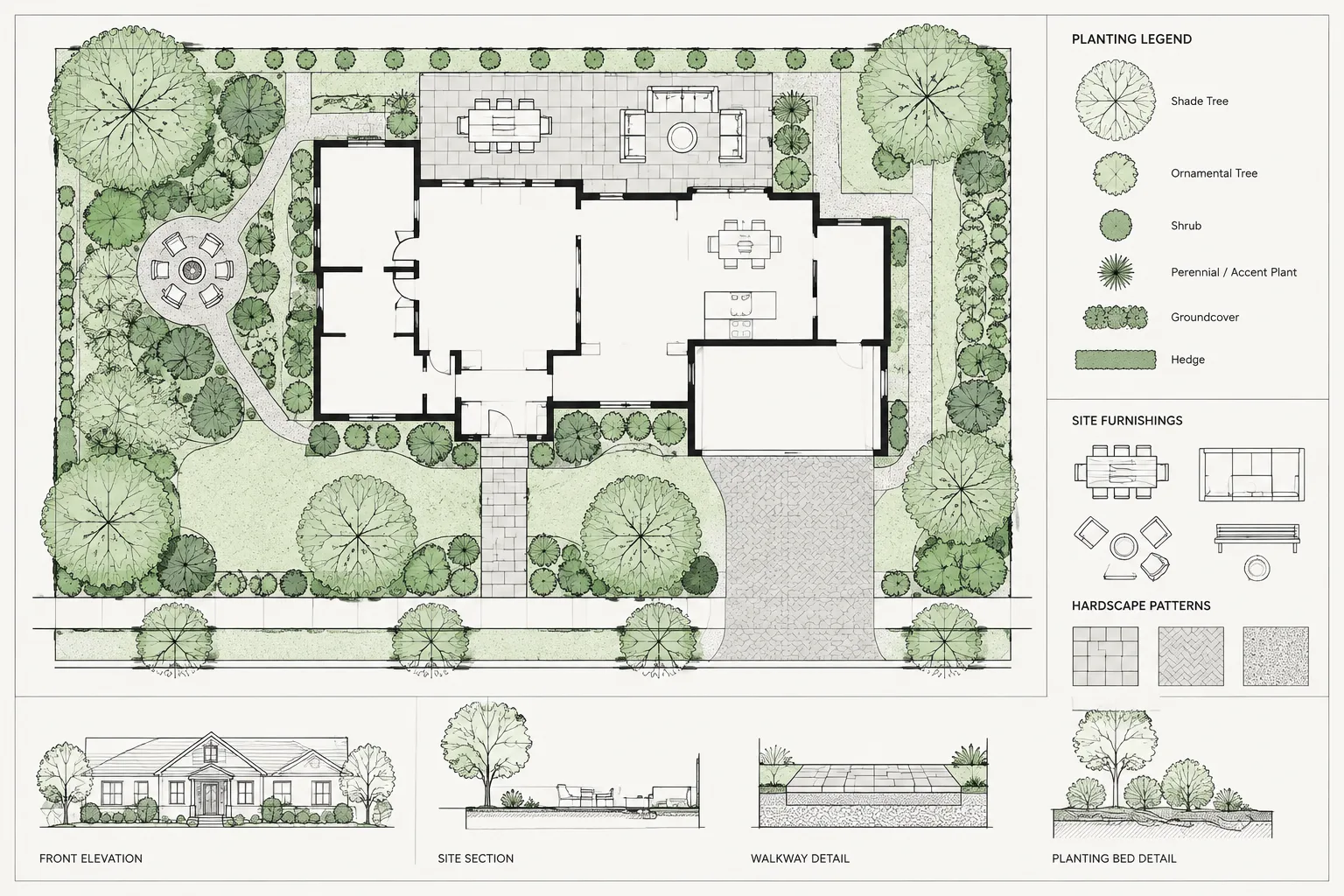
How to Draft and Coordinate a Landscape Plan in Architectural CAD
Learn a practical CAD workflow for coordinating landscape plans, references, layers, planting, hardscape, tags, schedules, and plotted sheet checks.
Written by
-
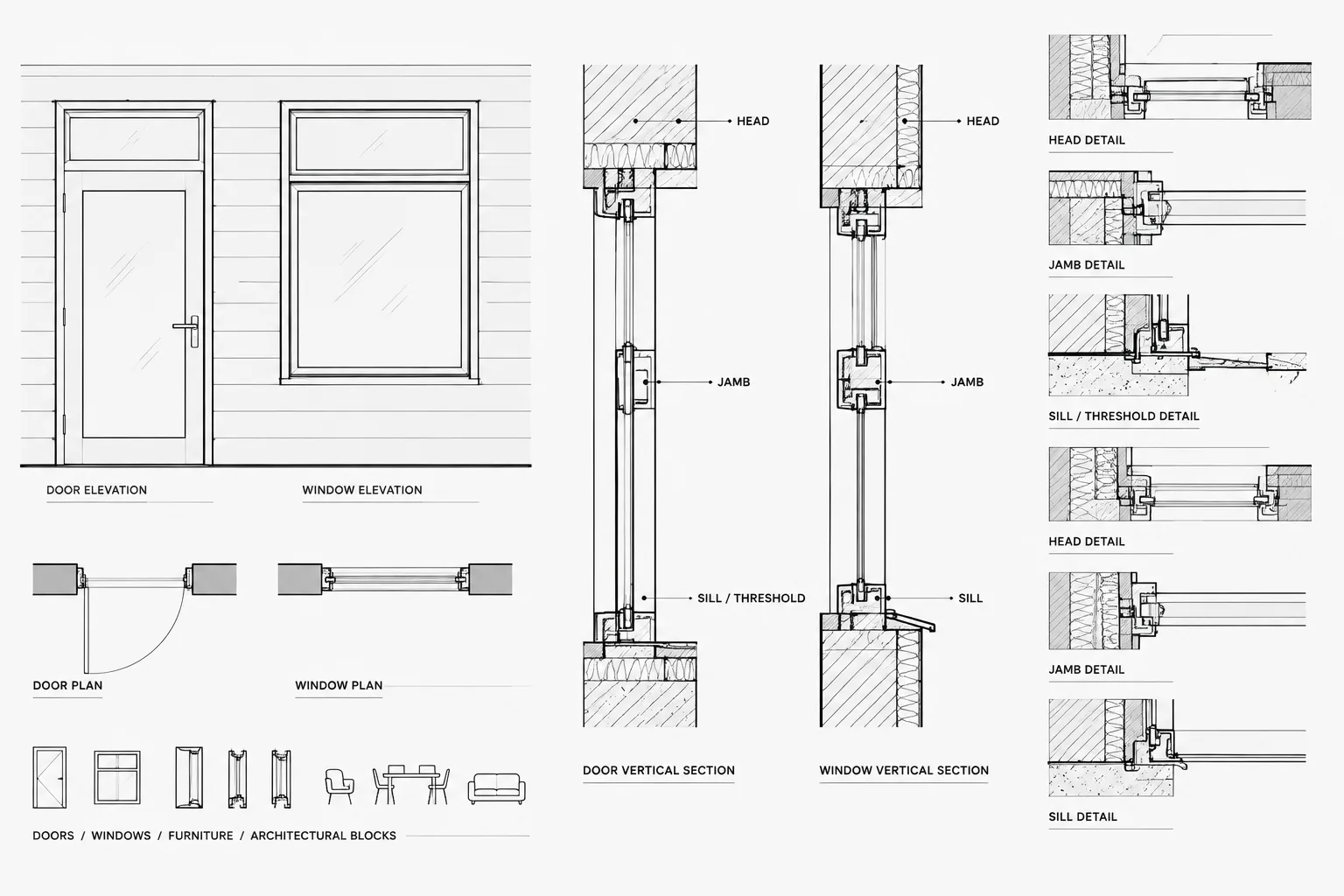
How to Draft Door and Window Head, Jamb, and Sill Details in CAD
Learn how to draft coordinated door and window head, jamb, sill, and threshold details in CAD using clear layers, references, and review steps.
Written by
-
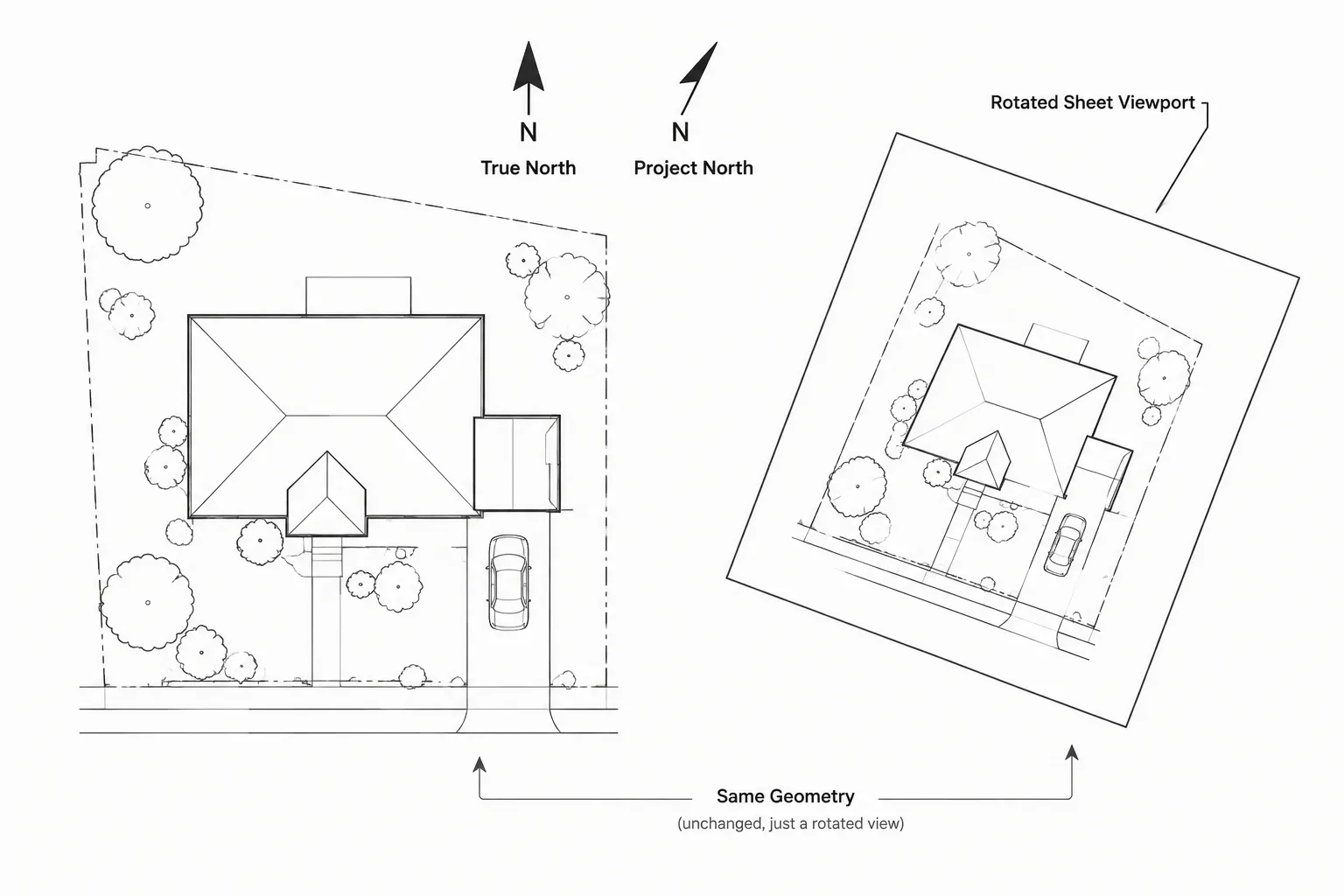
True North, Project North, and View Rotation in Architectural CAD
Learn how true north, project north, and view rotation work together in architectural CAD for reliable coordinates, Xrefs, and readable sheets.
Written by