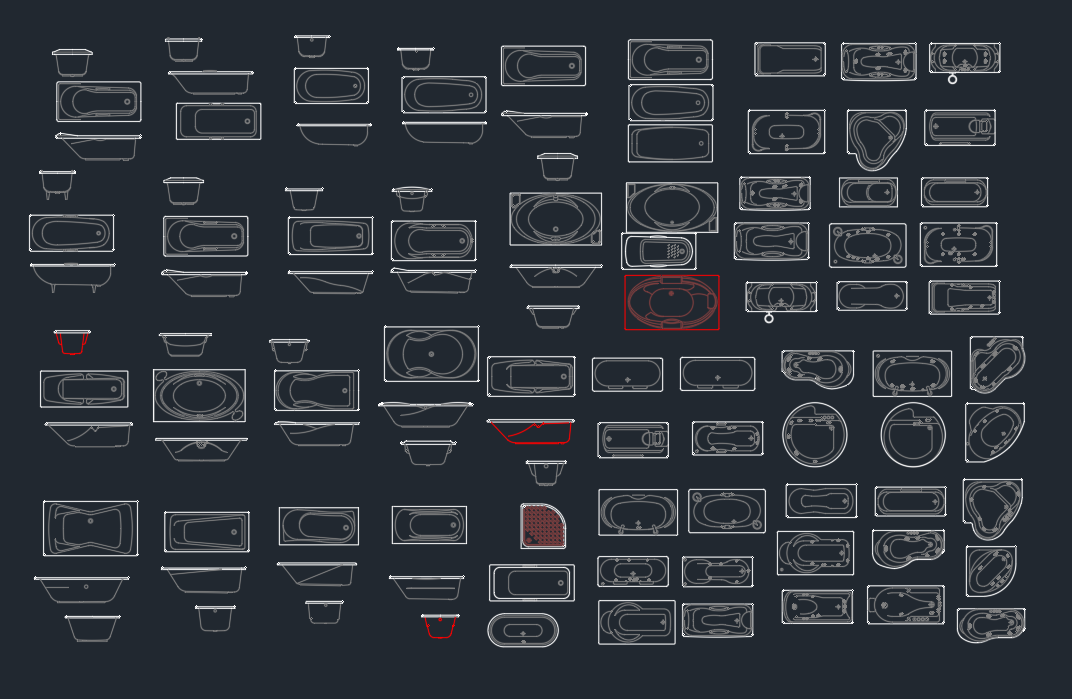
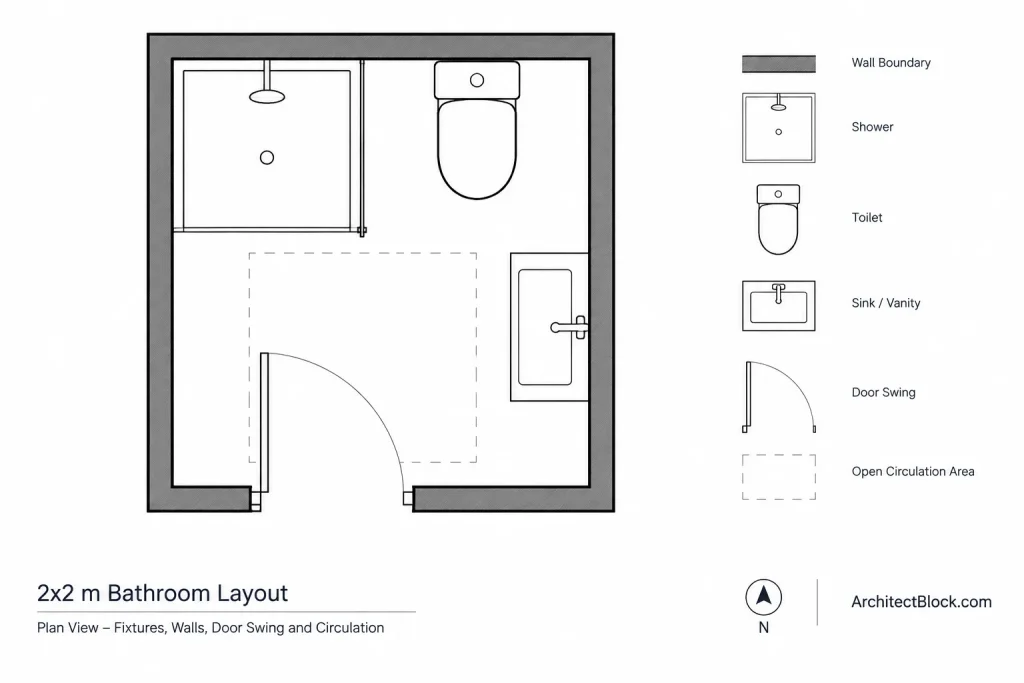
Planning a compact bathroom requires more than fitting fixtures inside the available walls. Door movement, fixture clearances, circulation, plumbing locations, and usable floor area all affect whether a layout works in practice. This bathroom ideas 2x2m resource provides a DWG arrangement that can serve as a drafting reference and a starting point for layout studies.
Use the drawing to examine the relationship between the bathroom fixtures and the surrounding space. Before adopting the arrangement, compare it with the actual room measurements, wall construction, door conditions, plumbing constraints, and applicable project requirements.
Discover practical ‘Bathroom Ideas Size 2x2m’ with this detailed DWG file CAD Block, perfect for architects, interior designers, and homeowners planning compact bathroom layouts. This CAD Block features a professionally designed bathroom arrangement optimized for a 2×2 meter space, including essential fixtures and smart space utilization. Easily modify and integrate the drawing into your own projects, as the DWG file is fully compatible with AutoCAD and other leading CAD software. Ideal for renovation projects, new builds, or design inspiration, this resource streamlines your workflow and ensures accurate, efficient bathroom planning.
Please log in or register to download this file.
How to Evaluate the 2x2m Bathroom Layout
Begin by identifying the walls, opening direction, and fixture footprints shown in the CAD drawing. Check whether the door can operate without conflicting with fixtures and whether the remaining floor area supports comfortable movement. A plan may look organized graphically while still requiring adjustment for construction conditions or user needs.
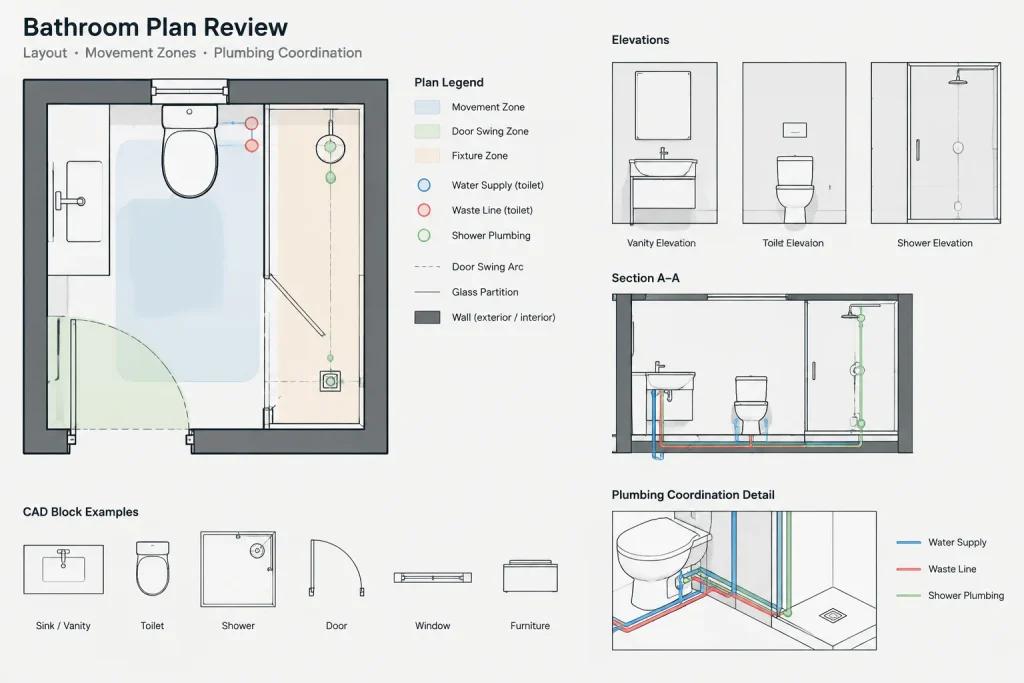
Fixture placement should also be reviewed in relation to water supply, drainage, ventilation, waterproofing, and access for installation or maintenance. These requirements may not all be represented in a general-purpose CAD block, so the DWG should be treated as a planning reference rather than a complete construction detail.
Practical CAD Workflow
- Confirm drawing units: Inspect the file settings and measure known geometry before scaling or inserting the content into another project.
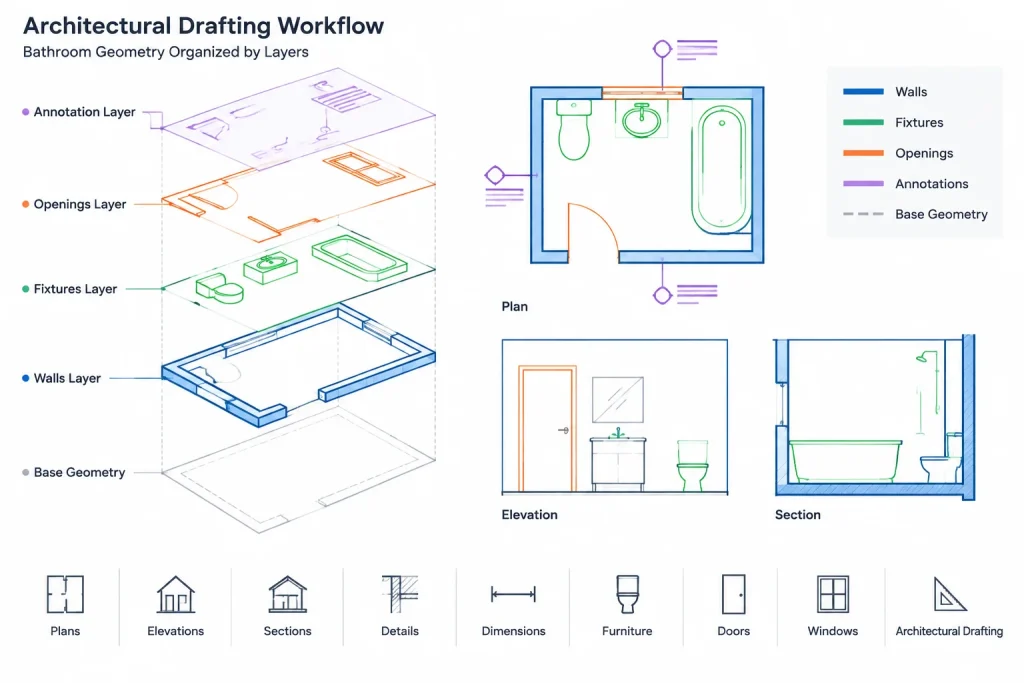
- Review layers: Separate walls, fixtures, openings, dimensions, and annotations according to the layer system used in the destination drawing.
- Check block behavior: Determine whether fixtures are blocks, grouped objects, or individual linework before editing them.
- Test circulation: Review door swings, approach space, and movement between fixtures rather than evaluating each object in isolation.
- Coordinate the plan: Compare the bathroom arrangement with adjacent rooms, structural elements, wall thicknesses, and plumbing routes.
- Add project-specific annotation: Apply dimensions, notes, symbols, and material information that match the standards of the current drawing set.
Useful Related Drawing Topics
This resource can be studied alongside bathroom CAD blocks, plumbing fixture symbols, door blocks, floor-plan dimensions, architectural annotations, and CAD layer organization. Those related topics help turn a basic fixture arrangement into a coordinated architectural plan.
Before Using the DWG in a Project
Verify every relevant condition against field measurements and the project documents. Local requirements, accessibility criteria, product specifications, and construction methods can affect fixture selection and placement. Final design decisions should be reviewed by the appropriate qualified professional.
Frequently Asked Questions
What does this bathroom DWG represent?
It represents a compact bathroom arrangement planned within a 2x2m space and includes essential fixture geometry for layout reference.
Can the layout be edited?
The source identifies the resource as a modifiable DWG. After opening it, inspect the layers, blocks, units, and object organization before making changes or transferring content to another drawing.
Should the plan be used directly for construction?
No general CAD resource should be assumed to be construction-ready. Confirm dimensions, wall conditions, fixture specifications, plumbing coordination, clearances, and applicable project requirements before use.
What should be checked when changing fixture positions?
Review door operation, circulation, fixture access, plumbing connections, drainage, wall construction, and coordination with nearby spaces. Moving one object can affect several parts of the plan.
How can the drawing be integrated into an existing floor plan?
Confirm the units first, then place the geometry on appropriate layers and align it with the project walls. Remove duplicate information and apply the destination drawing’s annotation and block conventions.