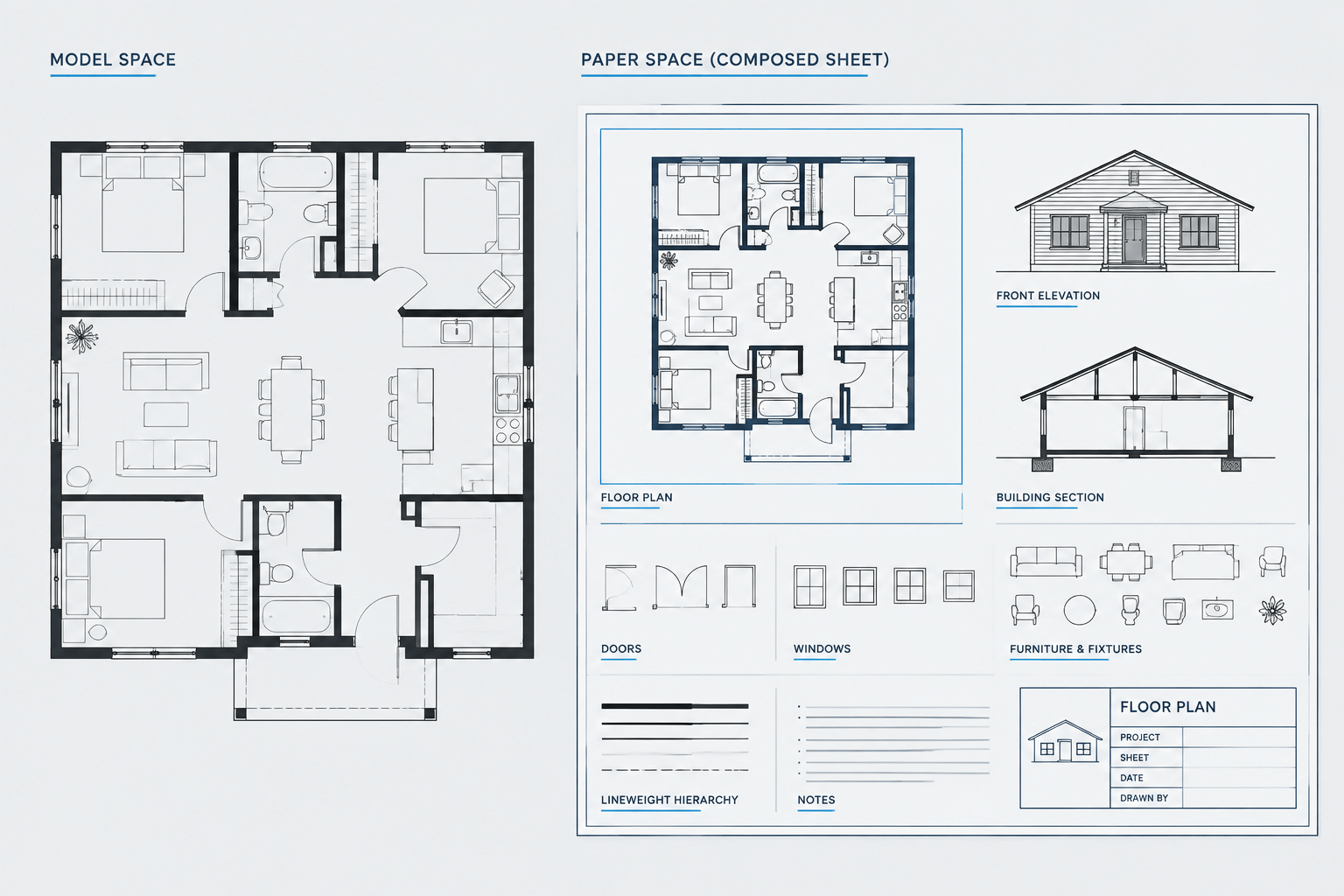
Tag: Model Space
-
Model Space vs. Paper Space in Architectural CAD: Where Drawing Content Belongs
Learn what belongs in model space vs paper space, how viewports separate geometry from sheets, and how to organize architectural CAD files.
Written by
-
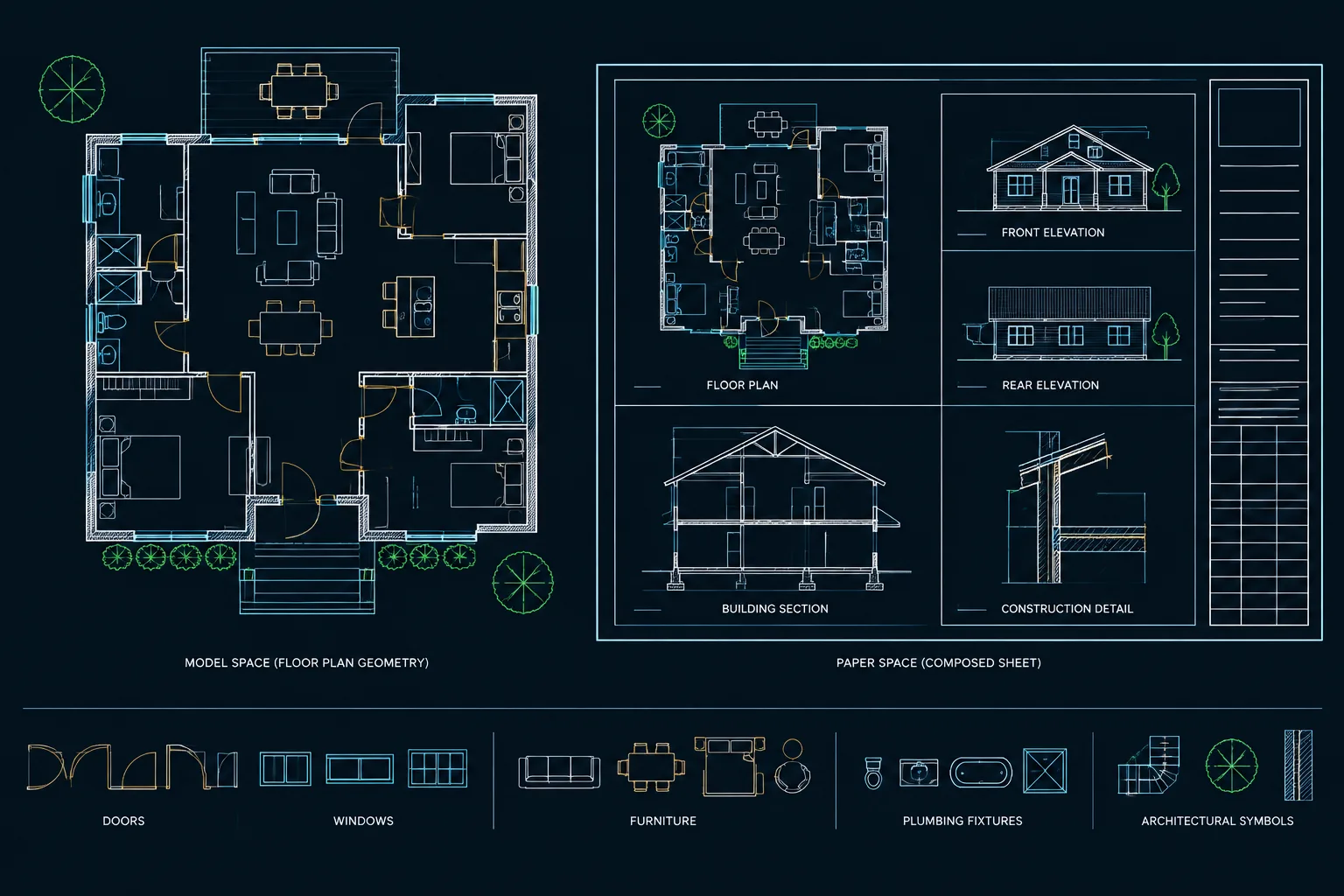
Draw Full Size in Model Space: A Reliable Architectural CAD Workflow
Learn why architects draw full size in model space, then control sheet appearance with viewports, units, annotation, and dependable CAD checks.
Written by
-
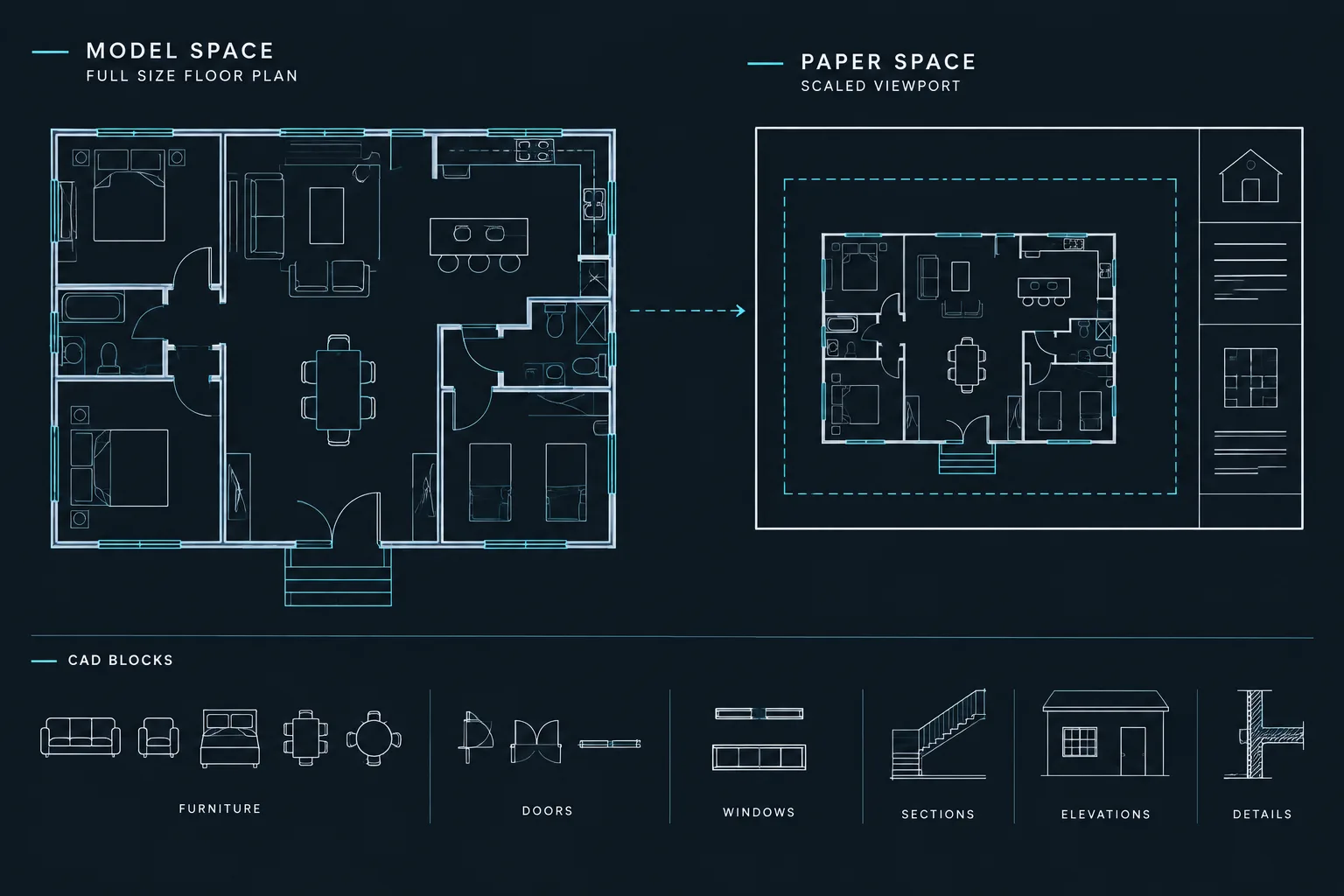
AutoCAD Drawing Units for Architecture: Setup, Verification, and File Coordination
Learn how to set, verify, and coordinate AutoCAD drawing units for architecture, including blocks, xrefs, model space, and plotting workflows.
Written by
-
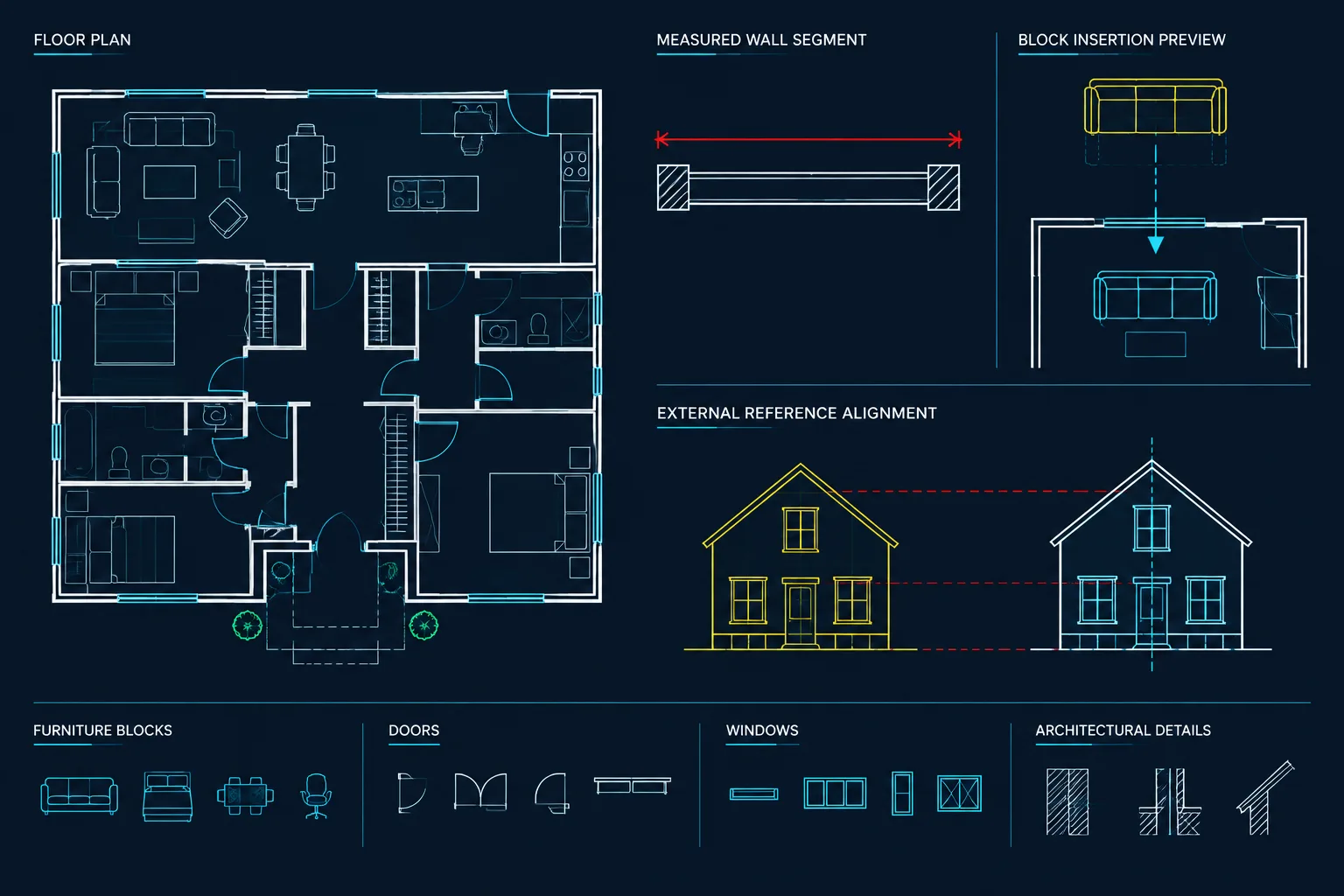
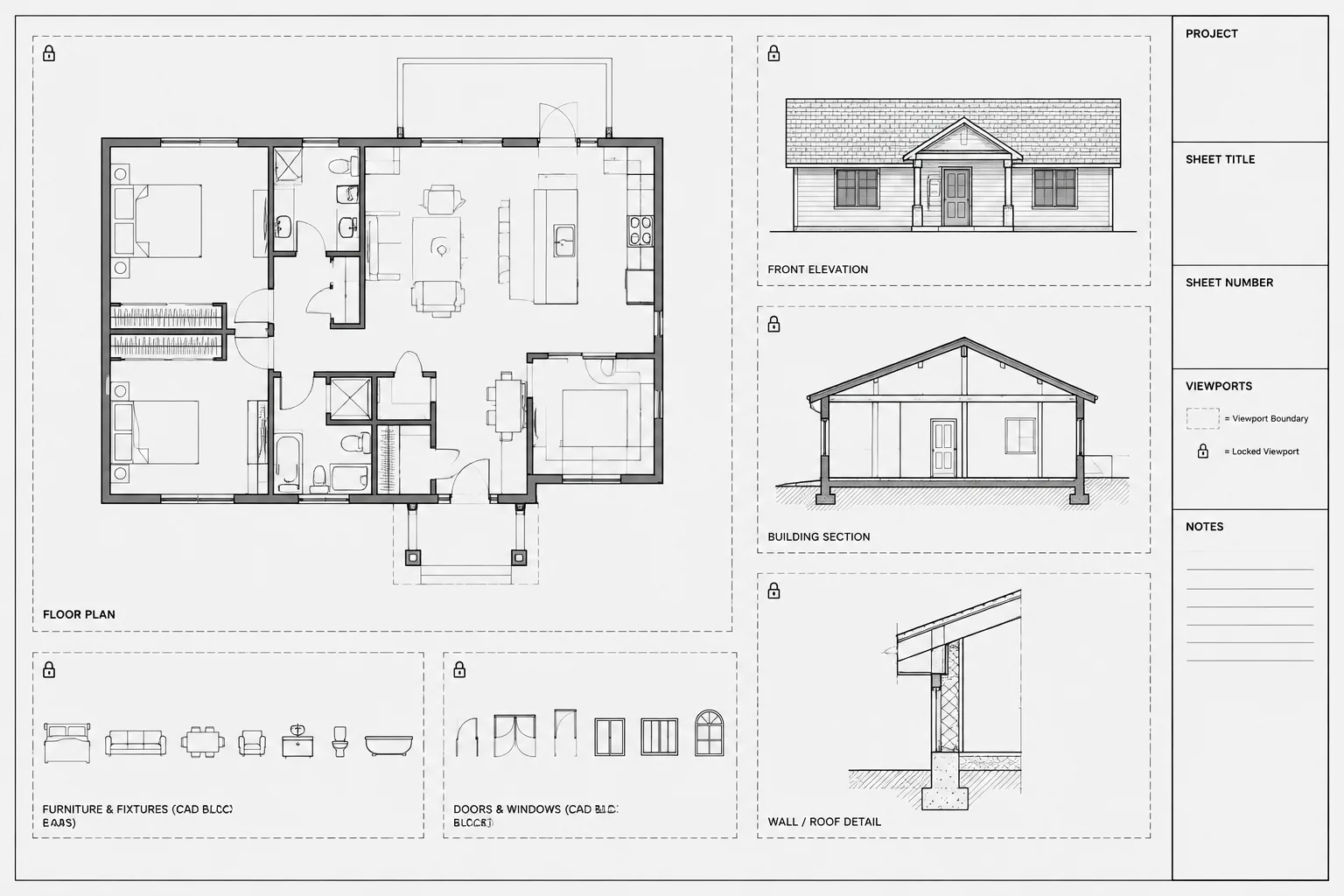
Paper Space Viewports in AutoCAD: Scale, Locking, and Sheet Coordination
Learn to manage paper space viewports in AutoCAD with reliable scale control, viewport locking, layer visibility, and sheet coordination.
Written by
-
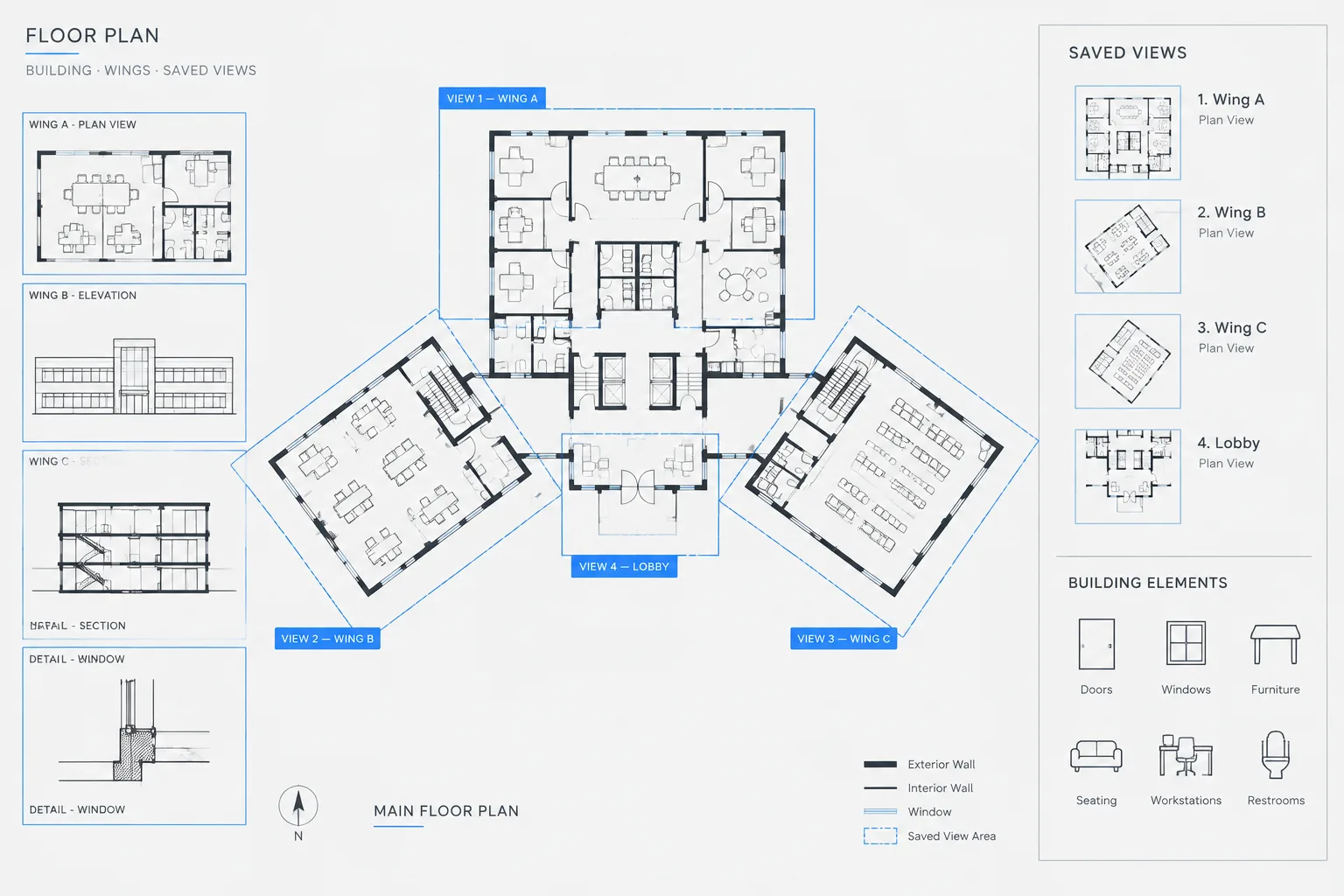
Named Views in Architectural CAD: A Practical Workflow for Navigating Large DWG Files
Learn how named views improve navigation, coordination, review, and viewport setup in large architectural CAD and DWG files without replacing sheet checks.
Written by
-
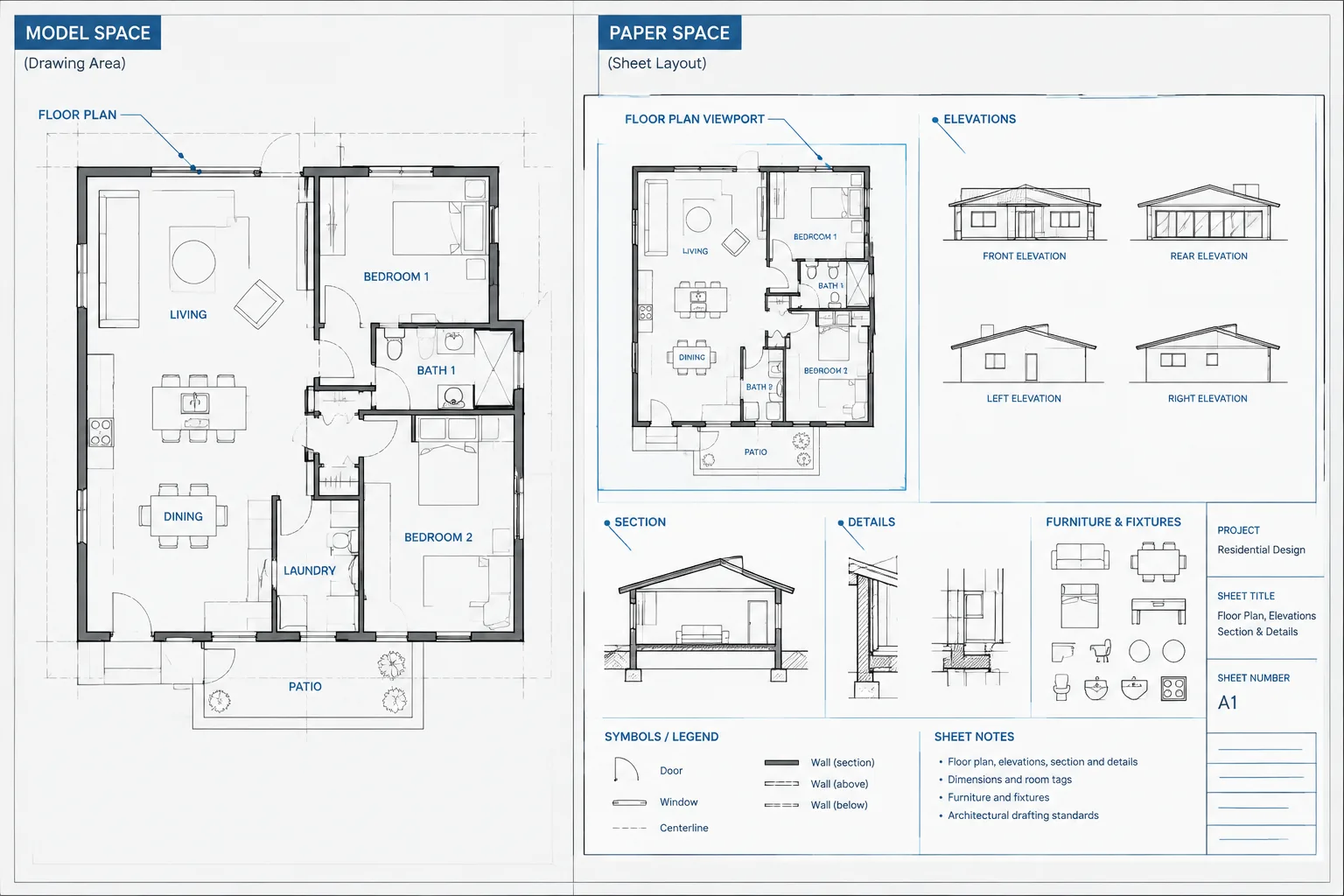
Where Should Architectural CAD Annotation Live? Model Space, Paper Space, and Hybrid Workflows
Compare model space, paper space, and hybrid workflows to place architectural CAD annotation consistently and keep sheets coordinated through revisions.
Written by
-
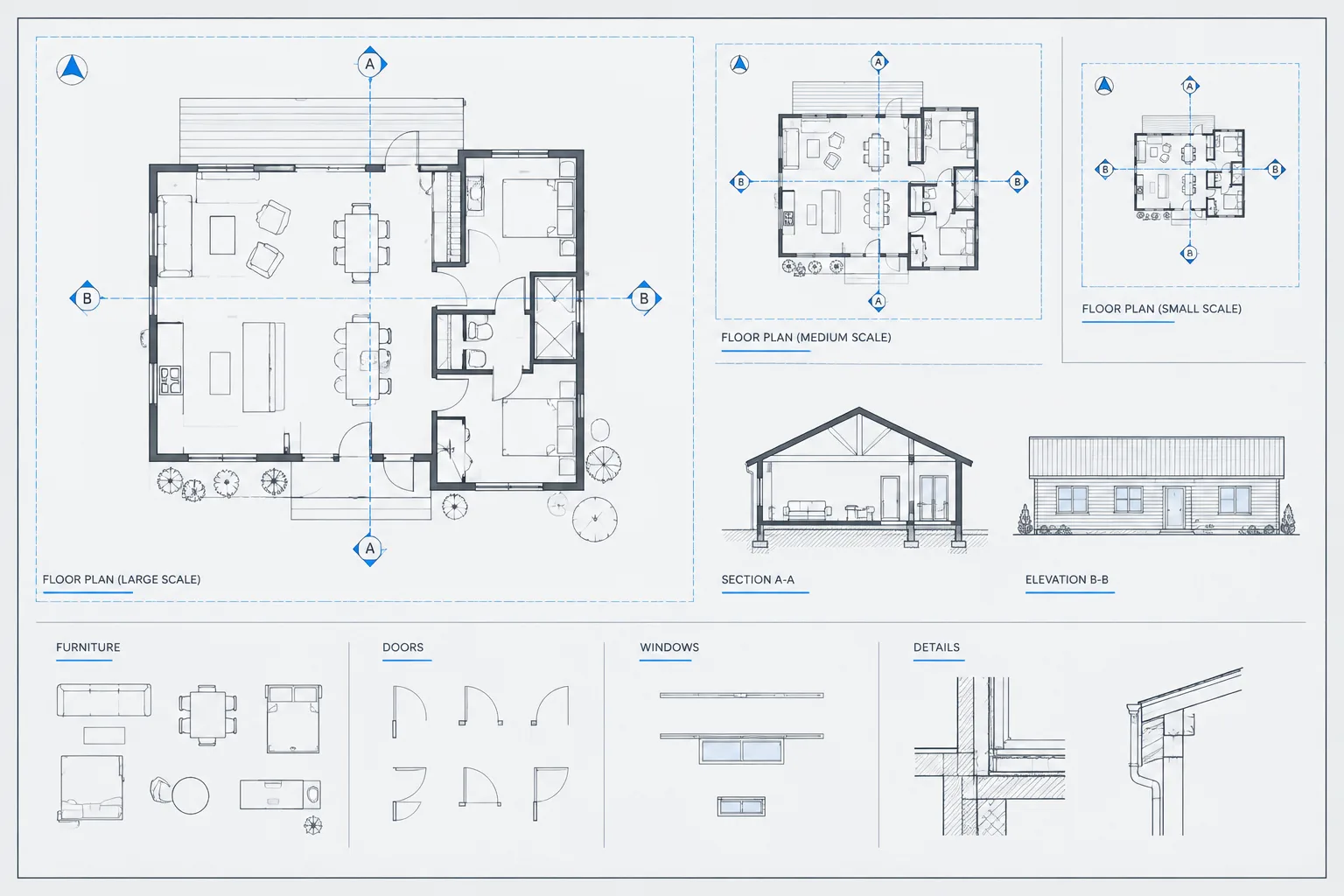
Annotative Scales in Architectural CAD: A Practical AutoCAD Workflow
Learn how to manage annotative scales in architectural CAD, coordinate viewport visibility, and keep notes and symbols readable across layouts.
Written by
-
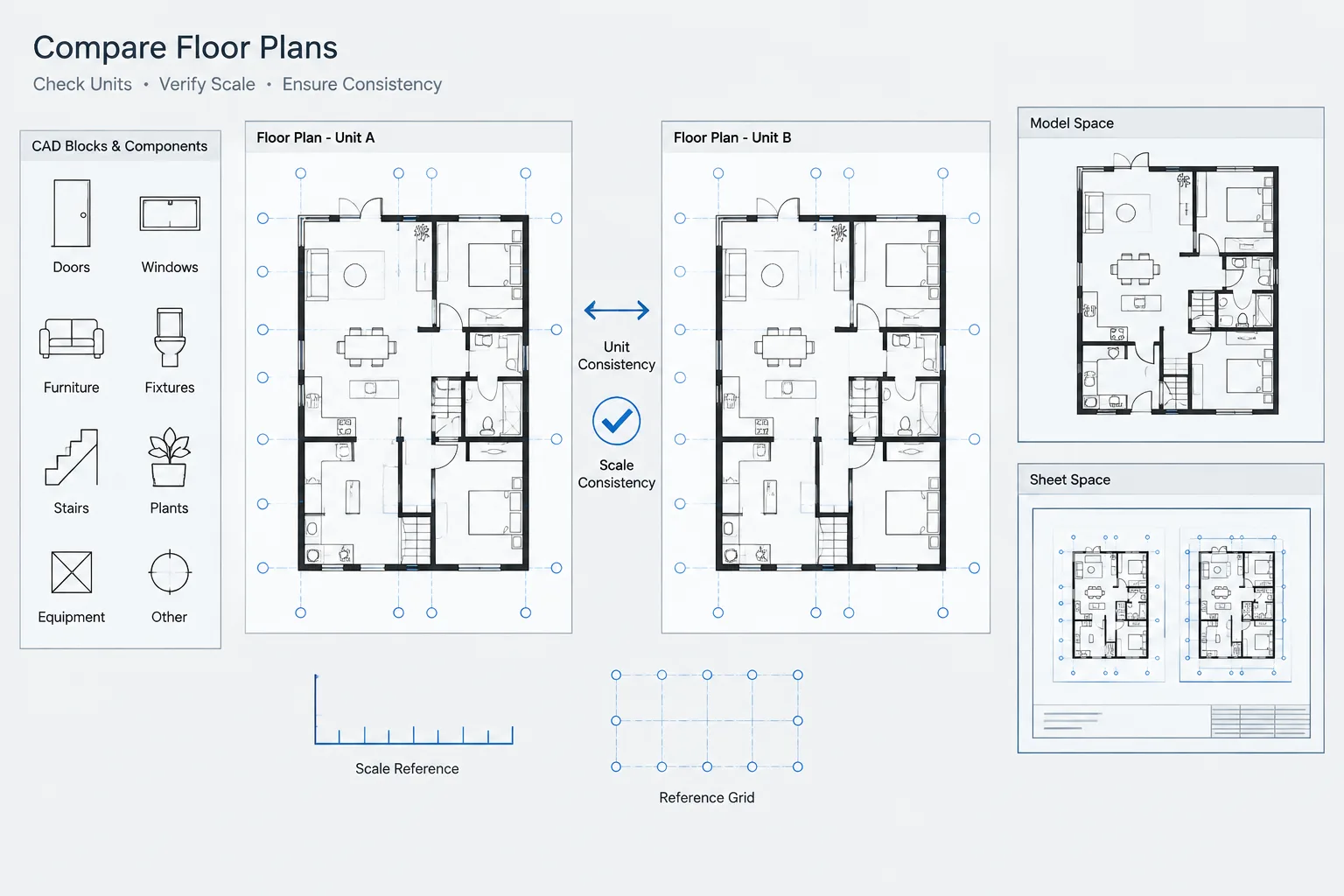
How to Verify Drawing Units and Scale in Architectural CAD Files
Learn how to verify DWG drawing units, model-space size, insertion behavior, viewport scale, and references before editing architectural CAD files.
Written by
-
Model Space vs. Paper Space: A Practical Architectural CAD Sheet Workflow
Learn model space vs. paper space for architectural CAD, including viewport control, annotation strategy, sheet setup, plotting, and quality checks.
Written by